
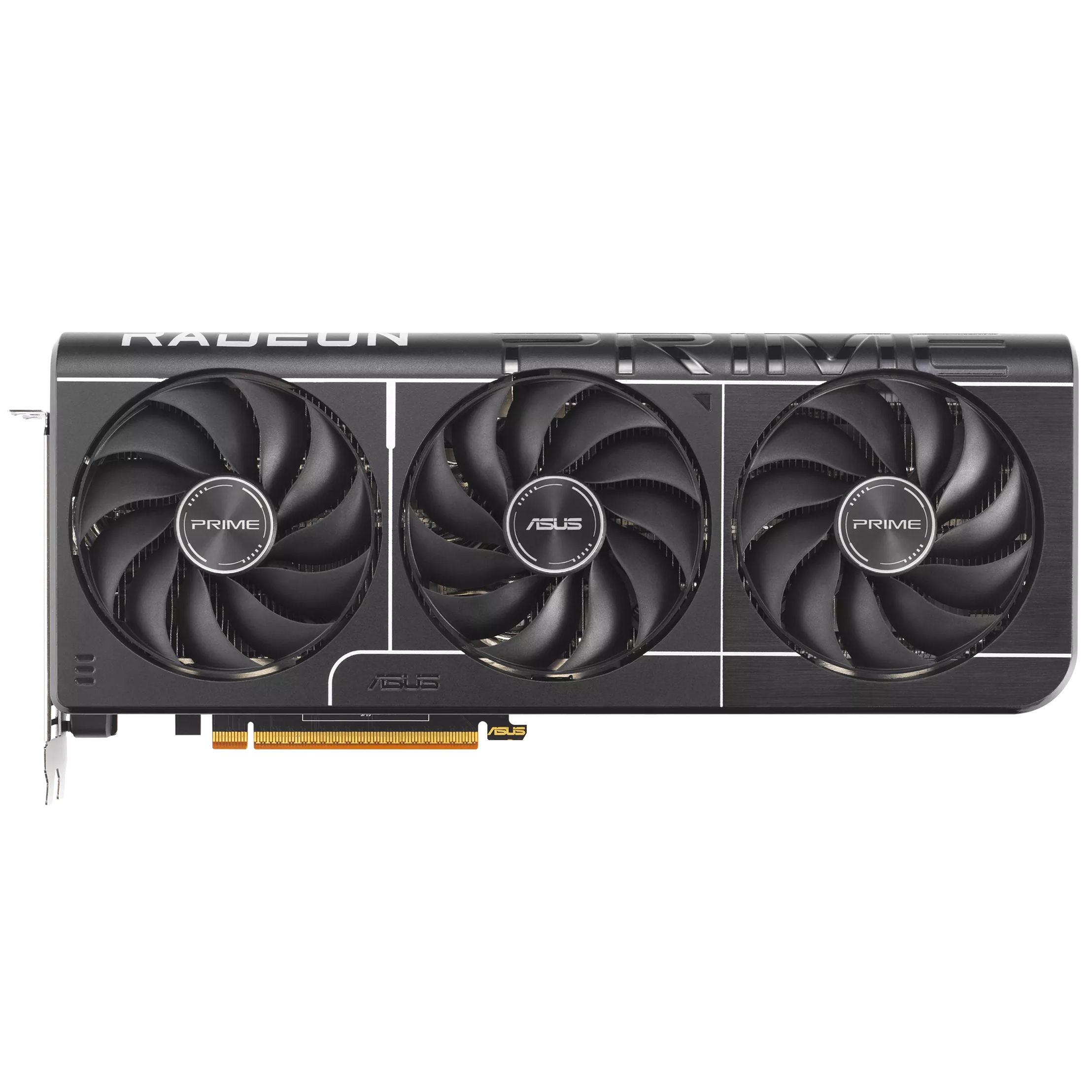
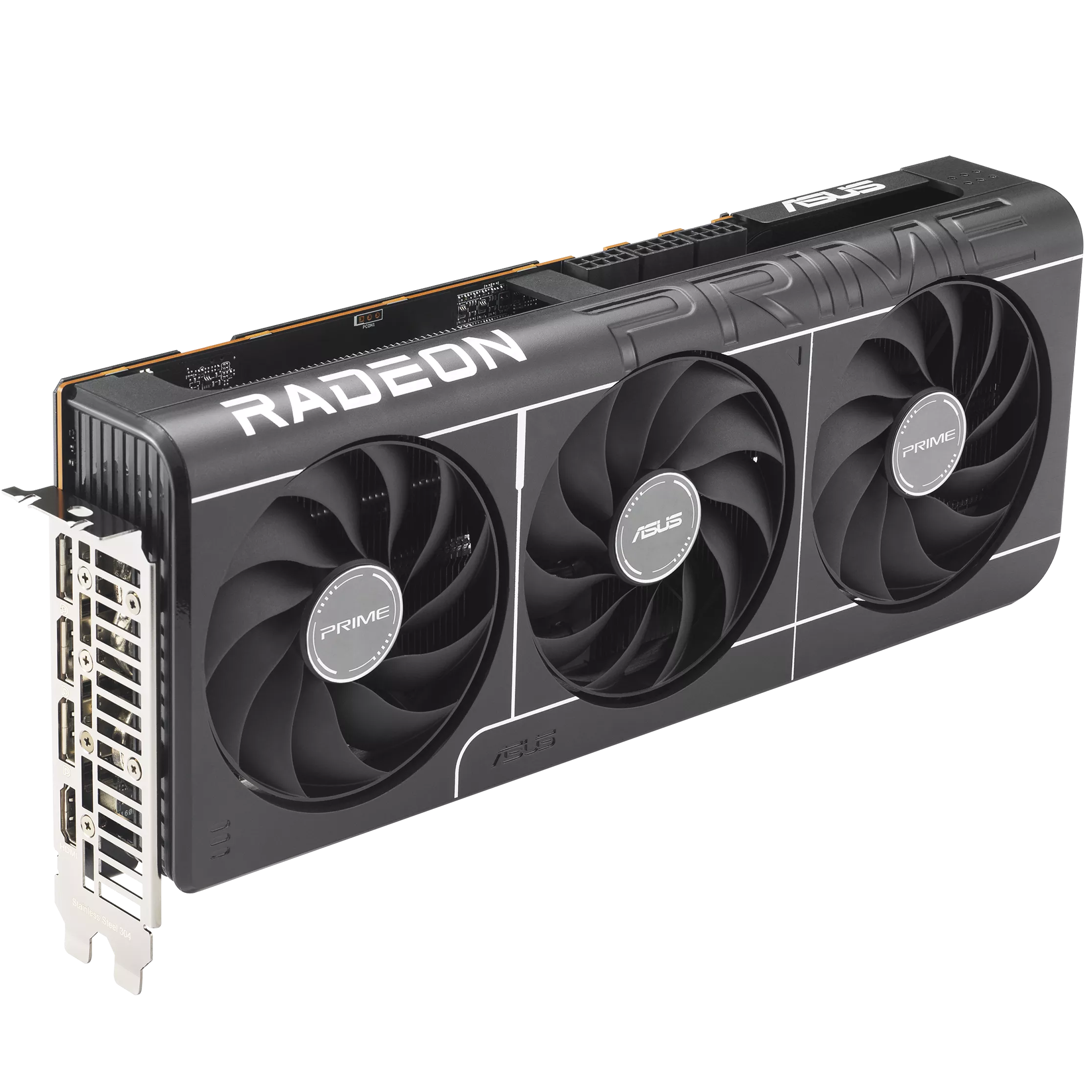
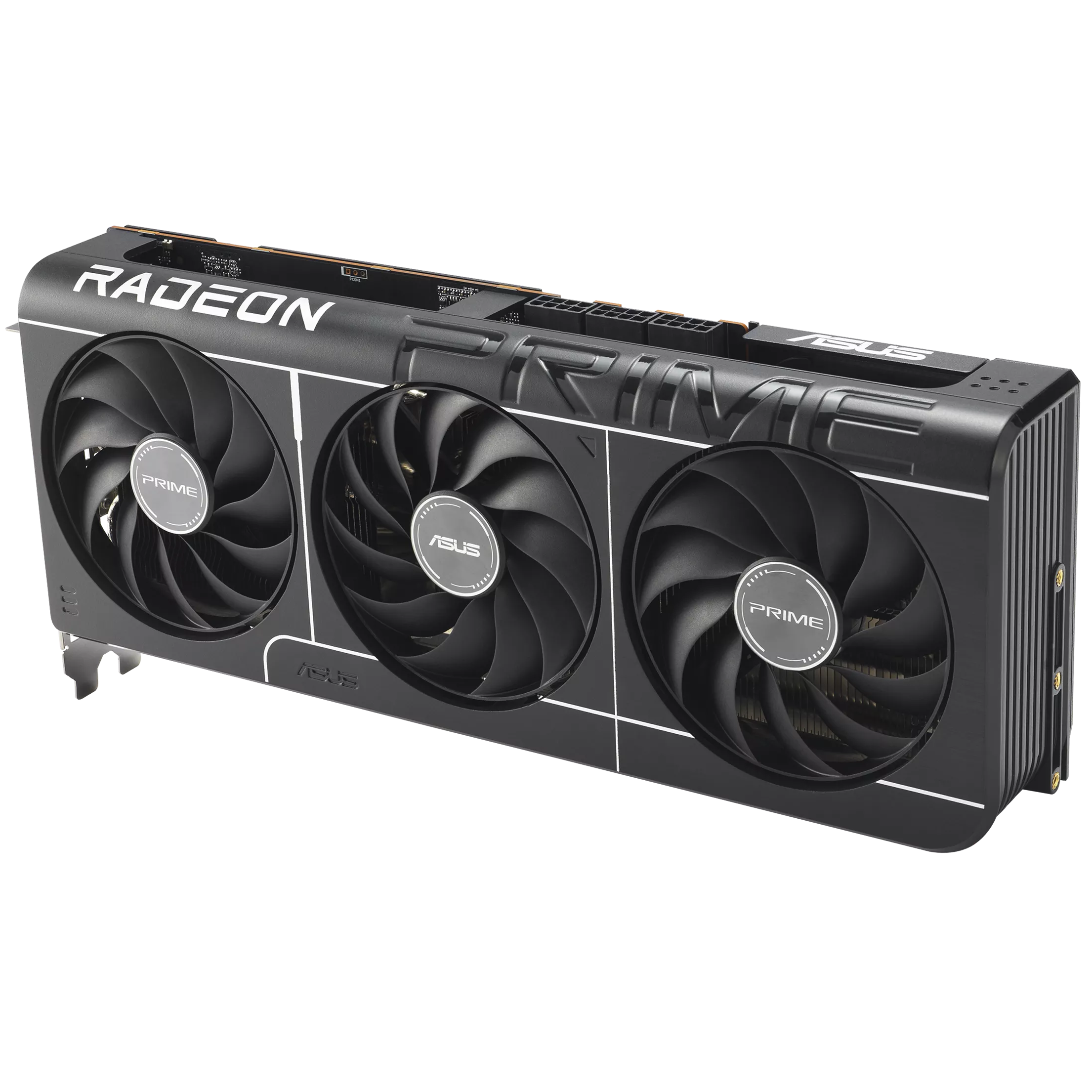
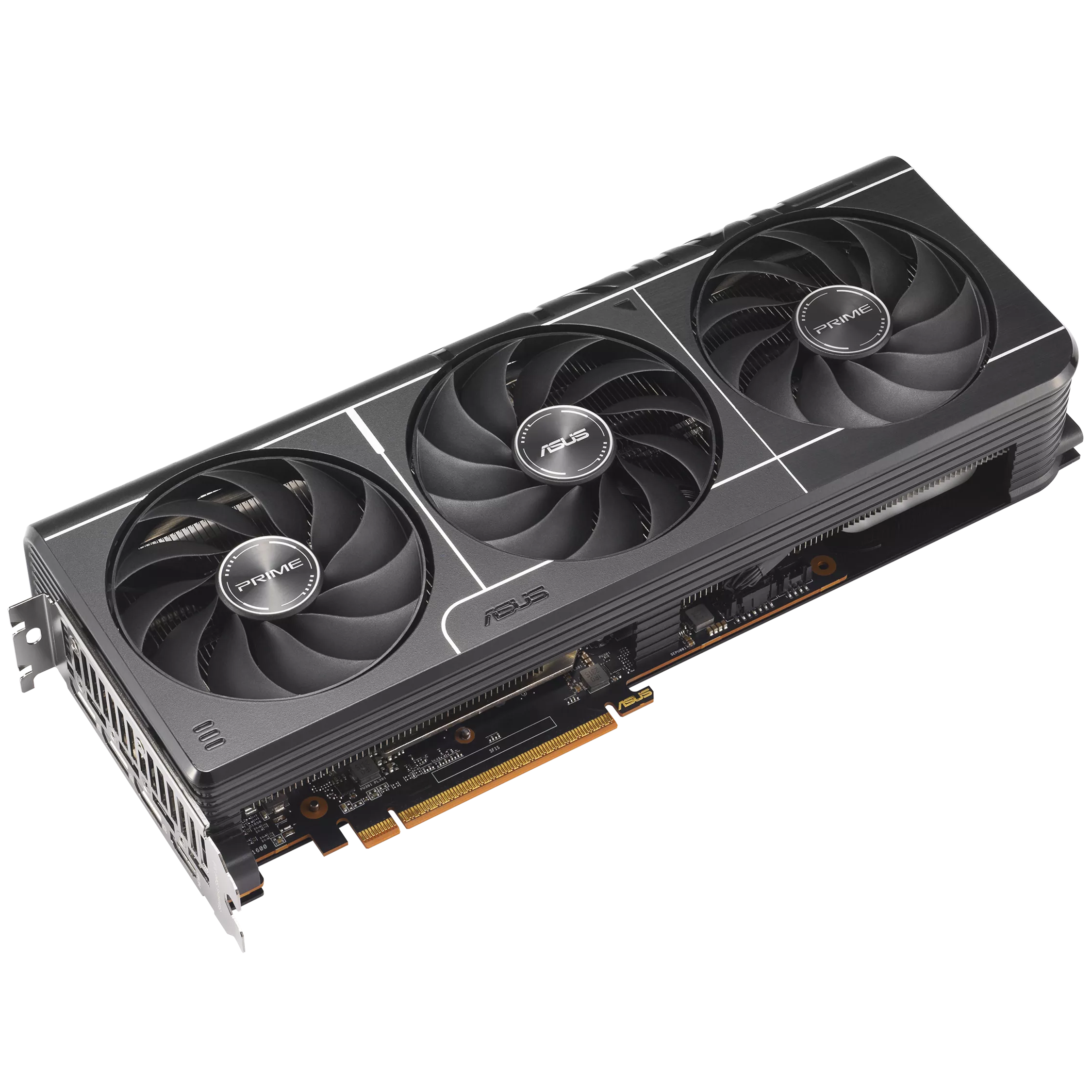

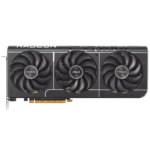
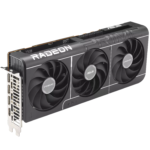
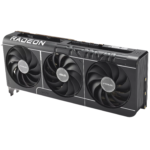
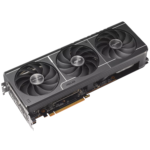
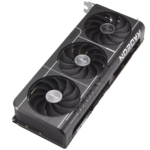
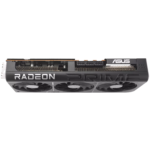
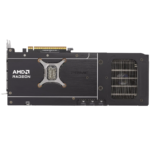
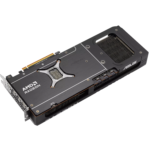
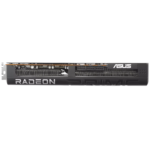
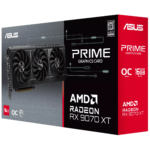
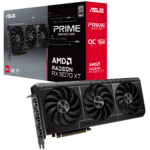
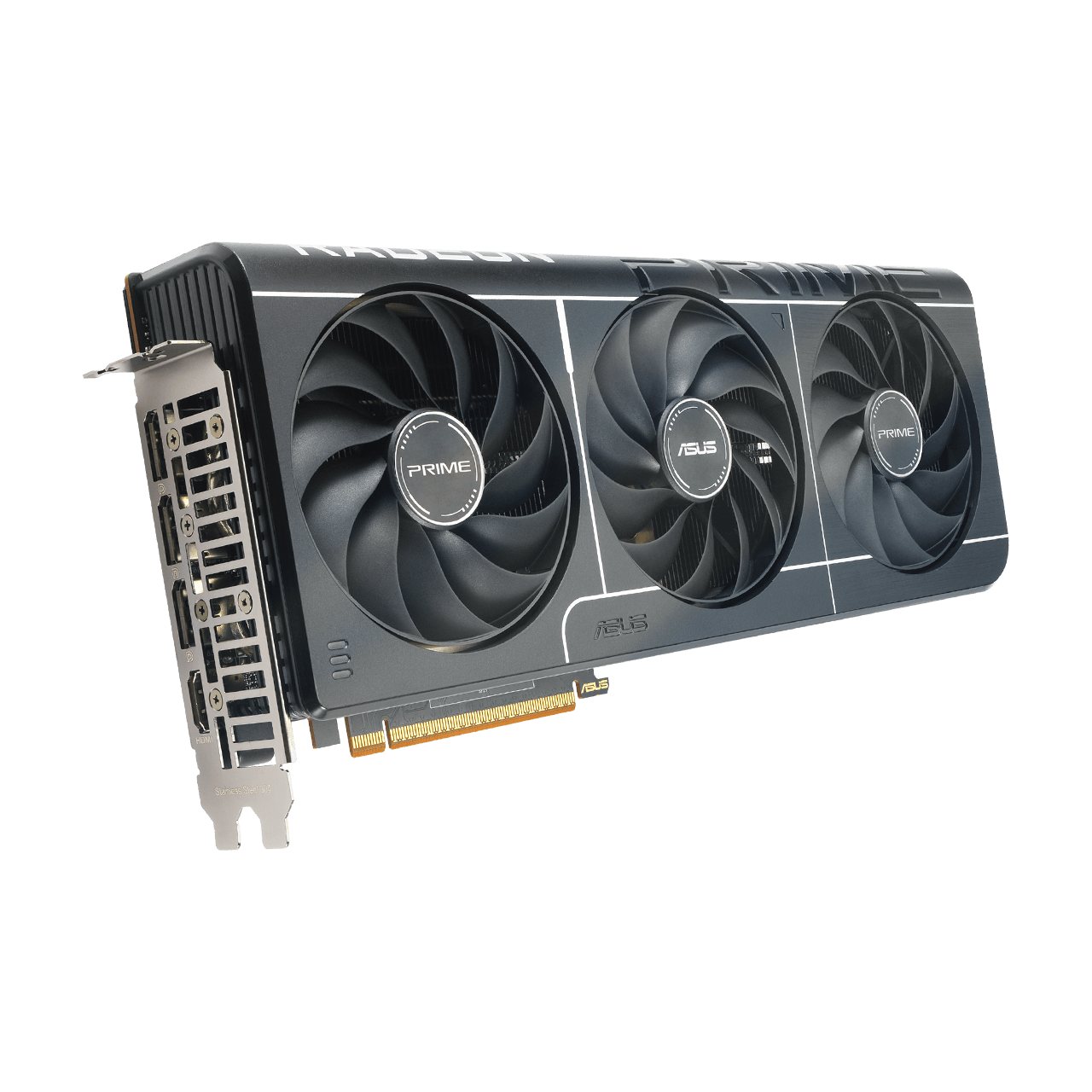
ASUS Prime Radeon™ RX 9070 XT 16GB GDDR6 OC Edition Graphic Card
₨ 350,000
- 16GB GDDR6 · Radeon RX 9070 XT
- 312 × 130 × 50mm · 2.5-slot
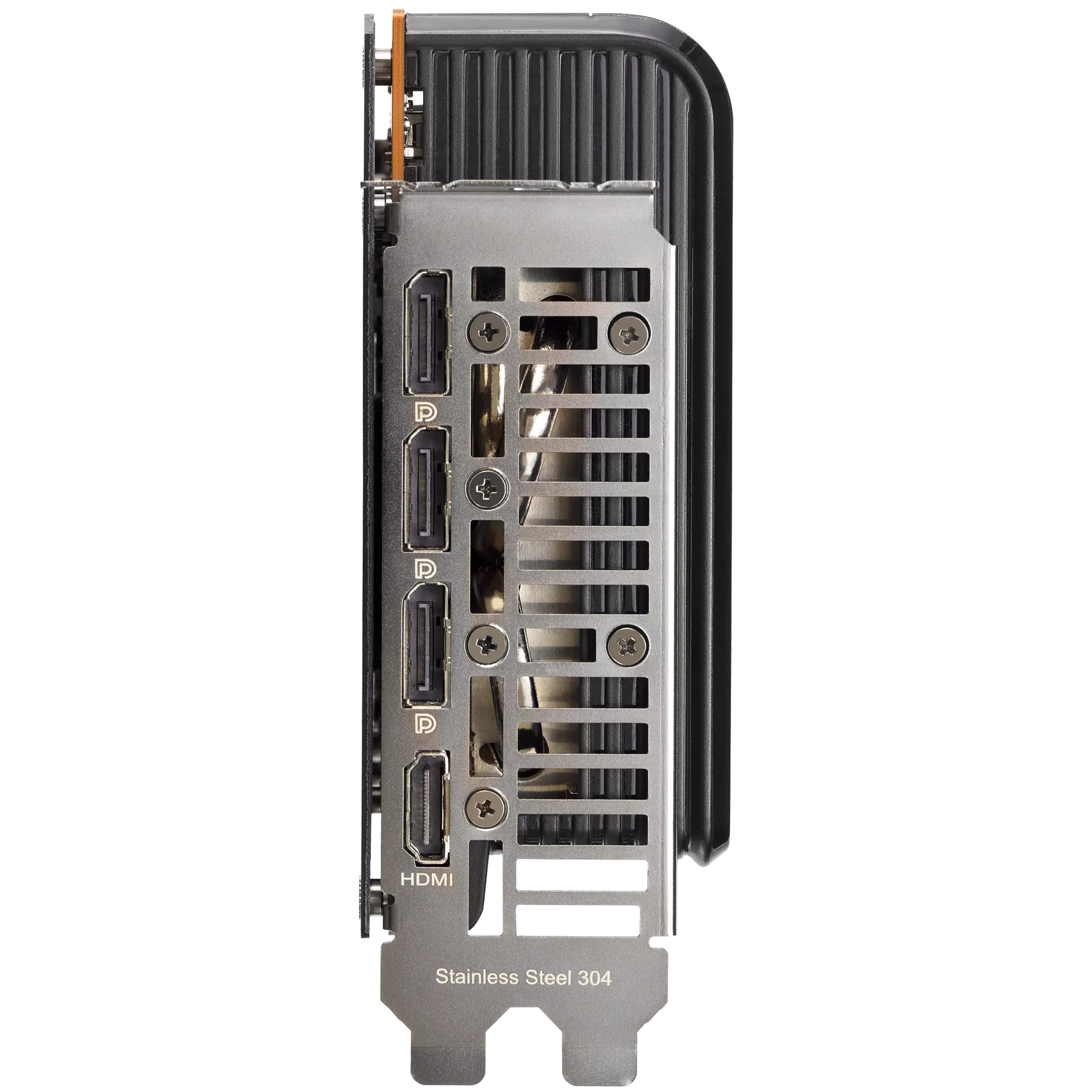
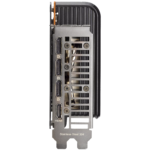
- 1 × HDMI 2.1b; 3 × DisplayPort 2.1a · up to 4 displays
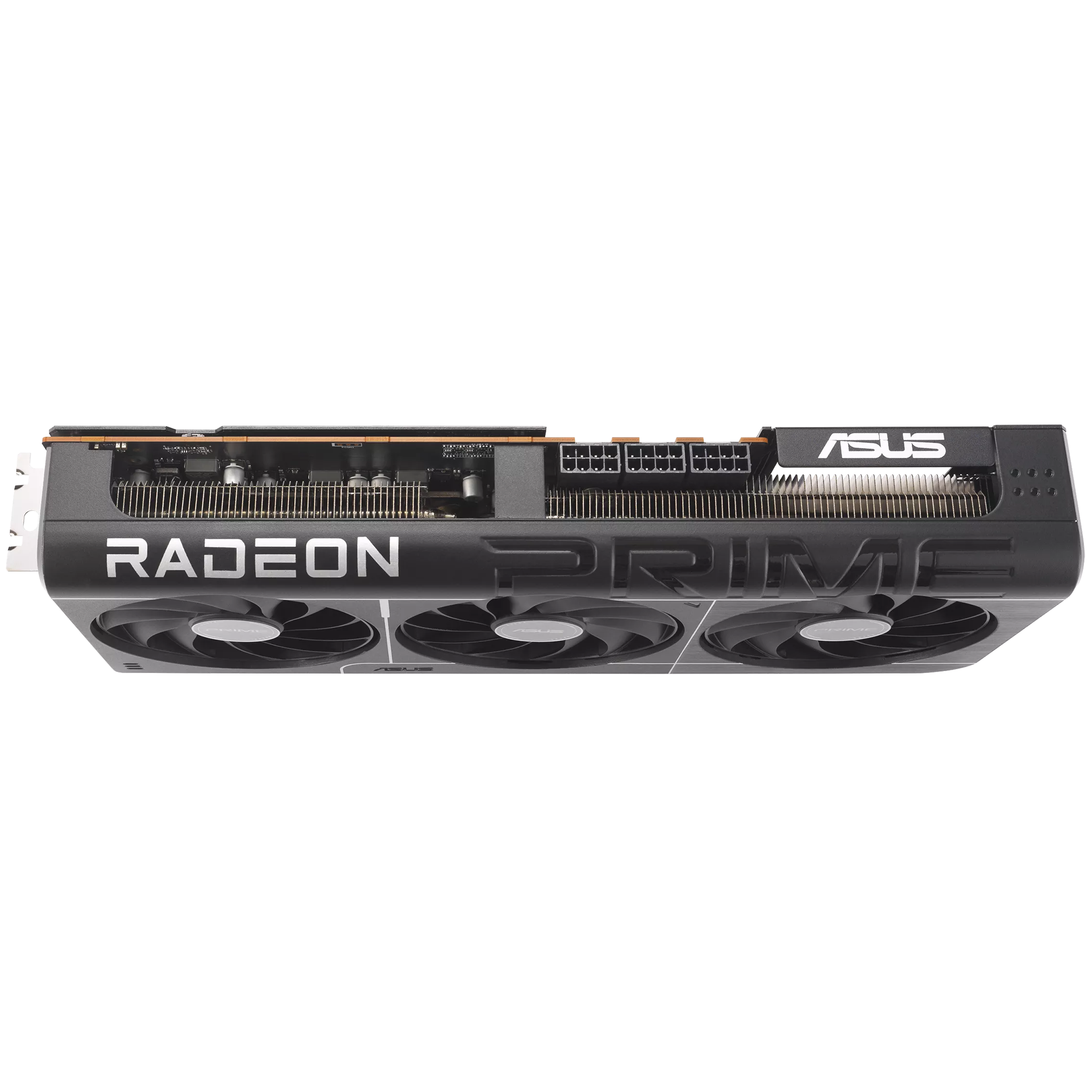
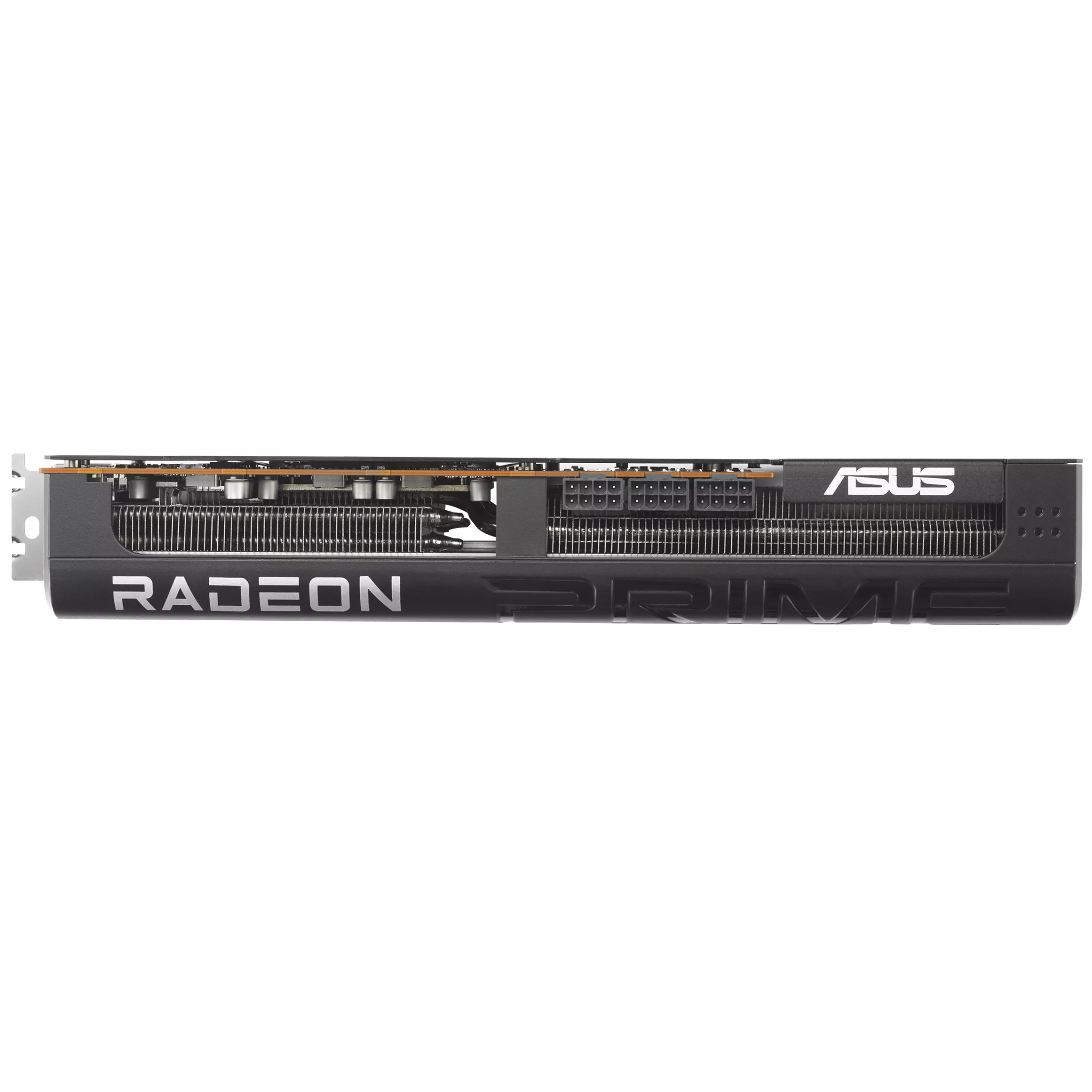
- 750W recommended system PSU · 3 x 8-pin
ASUS Prime · Radeon RX 9070 XT
Radeon RX 9070 XT.
16GB. PRIME cooling.
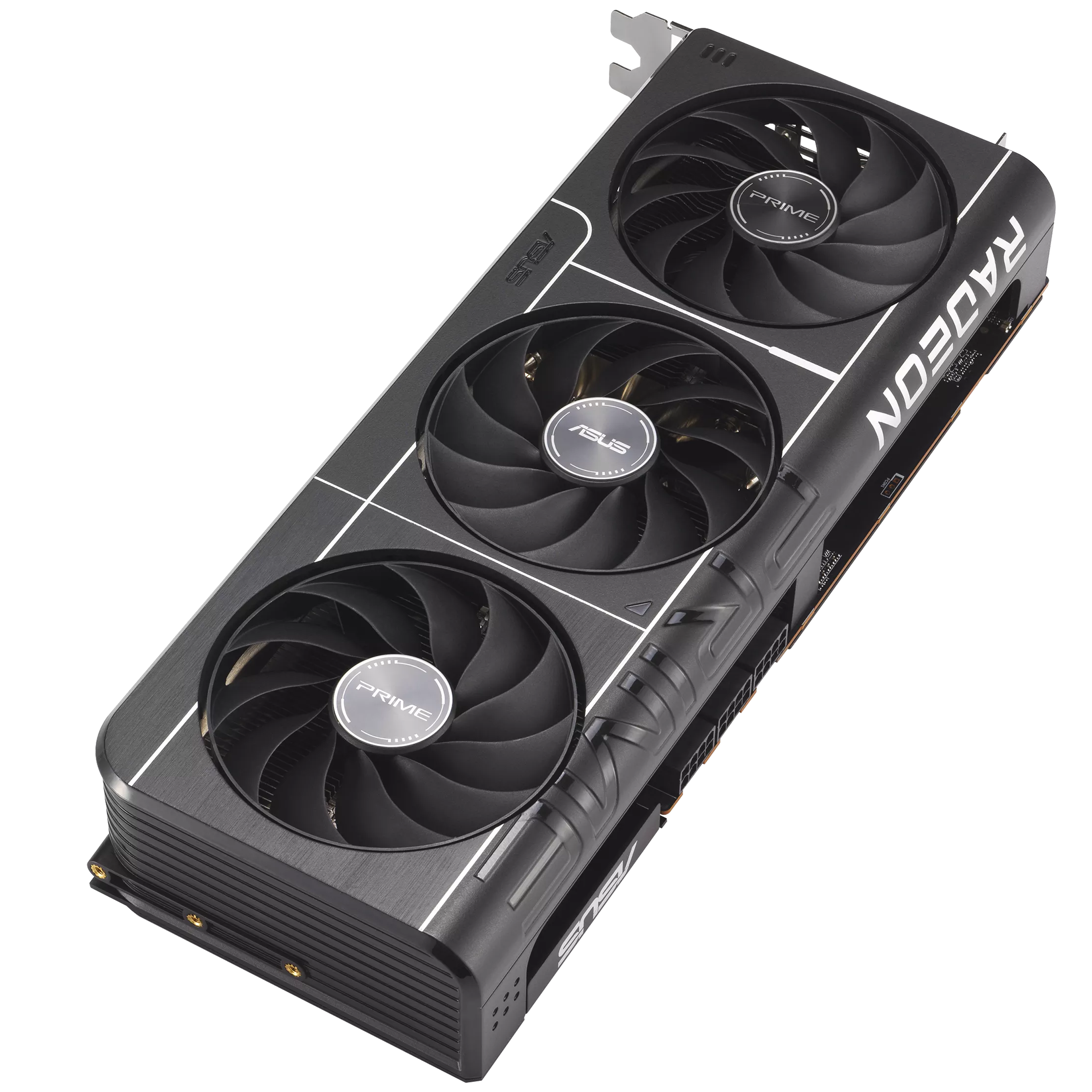
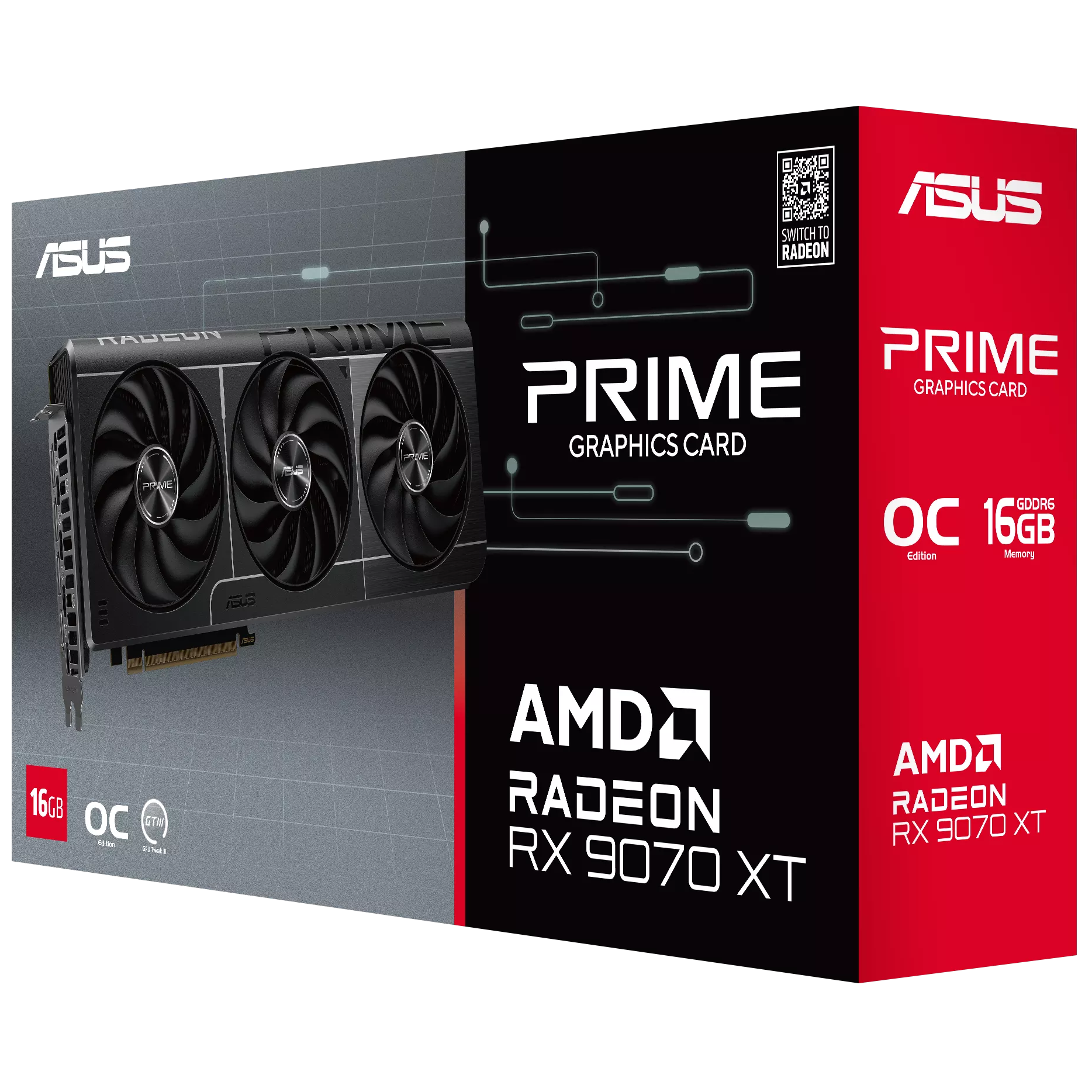
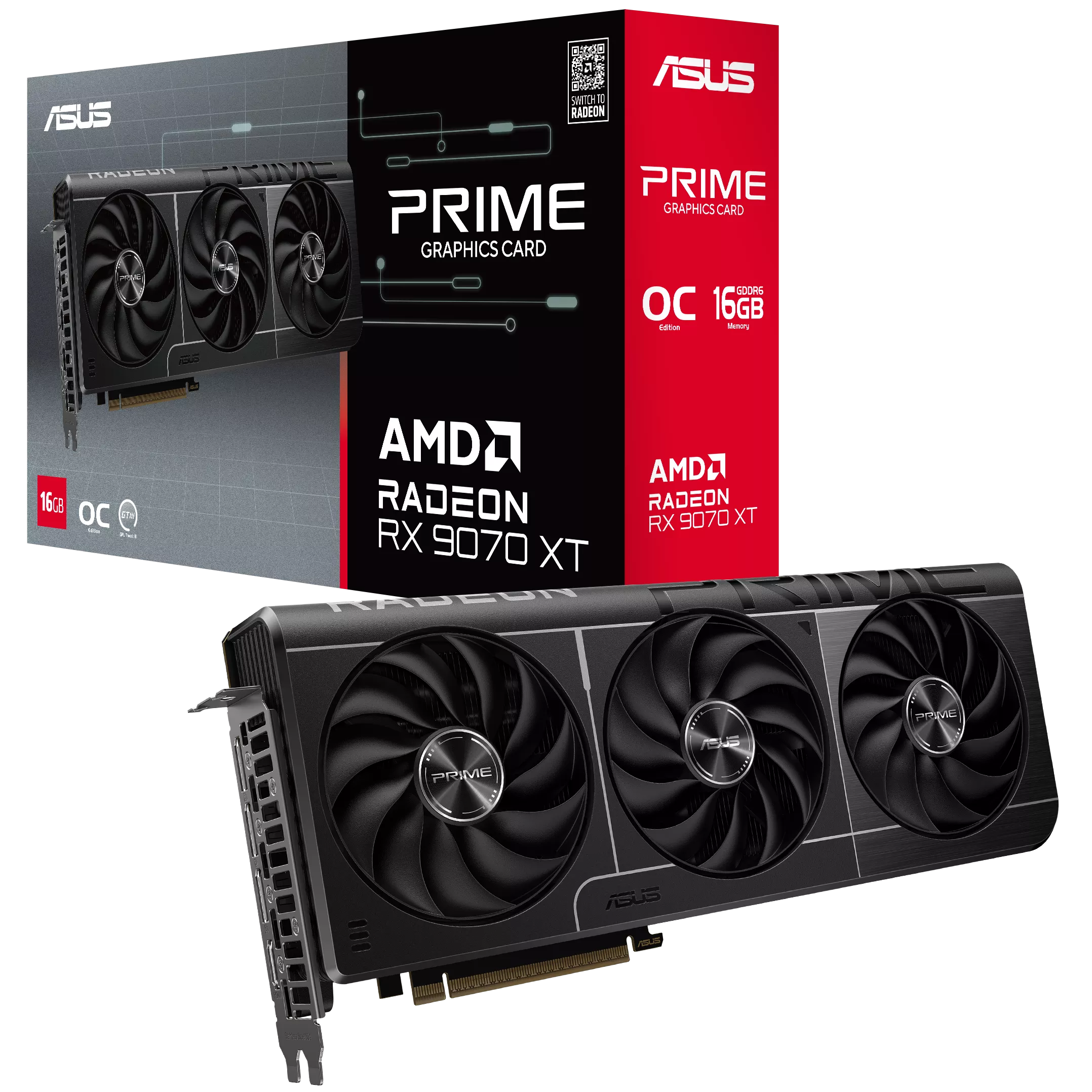
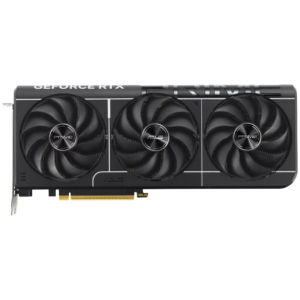
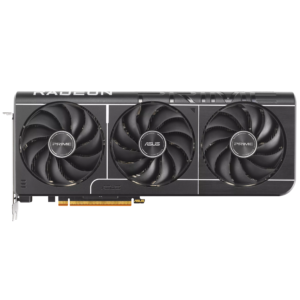
The ASUS Prime Radeon RX 9070 XT 16GB GDDR6 OC Edition Graphics Card combines 16GB GDDR6 with a three-fan cooling design. The exact manufacturer model is PRIME-RX9070XT-O16G.
The cooling layout, memory configuration and connection requirements below apply to this exact edition. Match them to the space, power supply and displays in your PC build.
- 16GB
- GDDR6
- 256-bit
- Memory interface
- 2.5-slot
- Slot design
Graphics platform
16GB GDDR6.
Radeon RX 9070 XT.
AMD RDNA 4 is paired with 16GB GDDR6, 20 Gbps memory and a 256-bit interface. Capacity is useful when checking application and game requirements, but it does not independently establish frame rate or resolution performance.
Published clock modes
ASUS lists up to 3010MHz boost / up to 2460MHz game in default mode. GPU Tweak III OC mode is listed at up to 3030MHz boost / up to 2480MHz game. These are mode-specific values; sustained clocks depend on the workload and thermal conditions.
Radeon rendering features
Supported games can use AMD FidelityFX Super Resolution and supported ray-tracing features. Available rendering options depend on the game, software and selected settings.
Choose the exact edition
PRIME-RX9070XT-O16G identifies this board. The cooler, dimensions and power connection are board-specific details; do not substitute a reference-card specification.
Thermal and board design
A three-fan assembly.
Prime cooling and construction.
The exact ASUS PRIME-RX9070XT-O16G edition uses a three-fan cooler. The verified features below explain how its fan assembly, heatsink and board construction work together. Keep the surrounding airflow path clear in the finished PC.
Axial-tech cooling fans
ASUS uses Axial-tech fans to direct airflow through the cooler. Fan geometry and the heatsink work together; case airflow remains part of the thermal system.
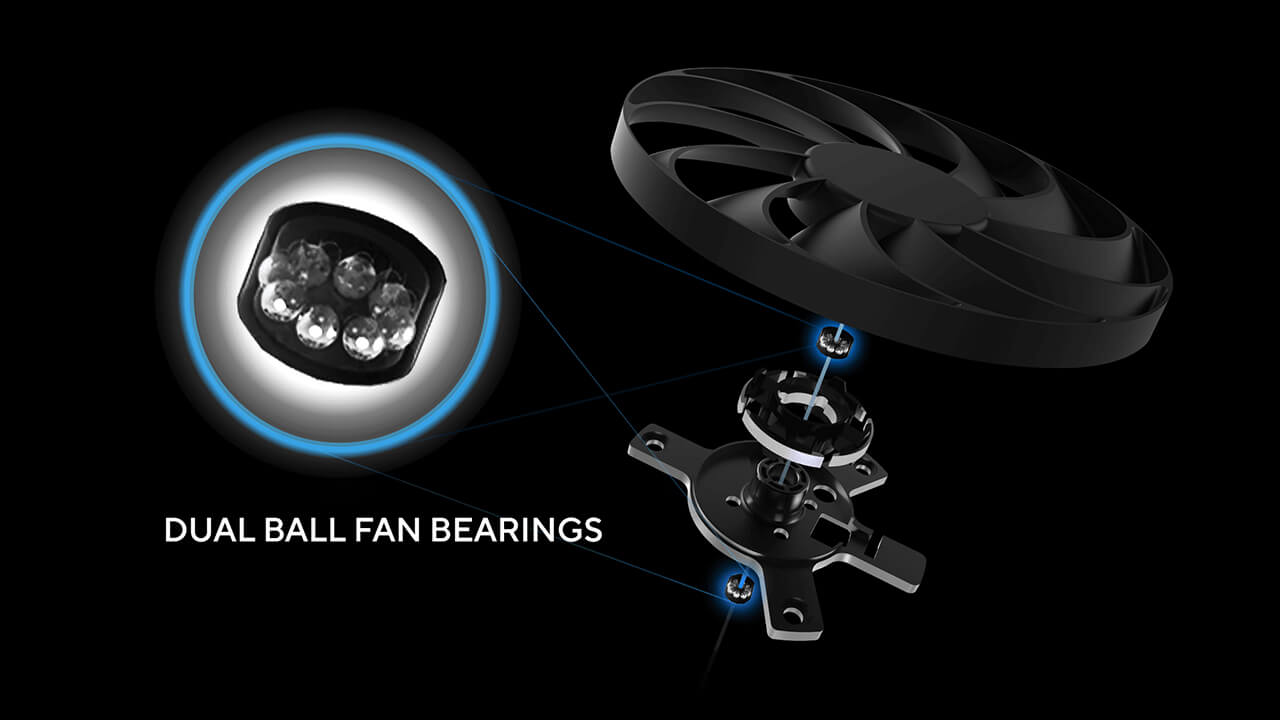
Dual-ball fan bearings
The manufacturer specifies dual-ball bearings in the fan assembly. Bearing design is a hardware feature, not a local warranty duration or a lifetime guarantee.
Temperature-controlled fan stop
ASUS 0dB technology can stop the fans during suitable low-temperature operation. The fans restart as cooling demand increases; gaming workloads and ambient conditions affect this behavior.
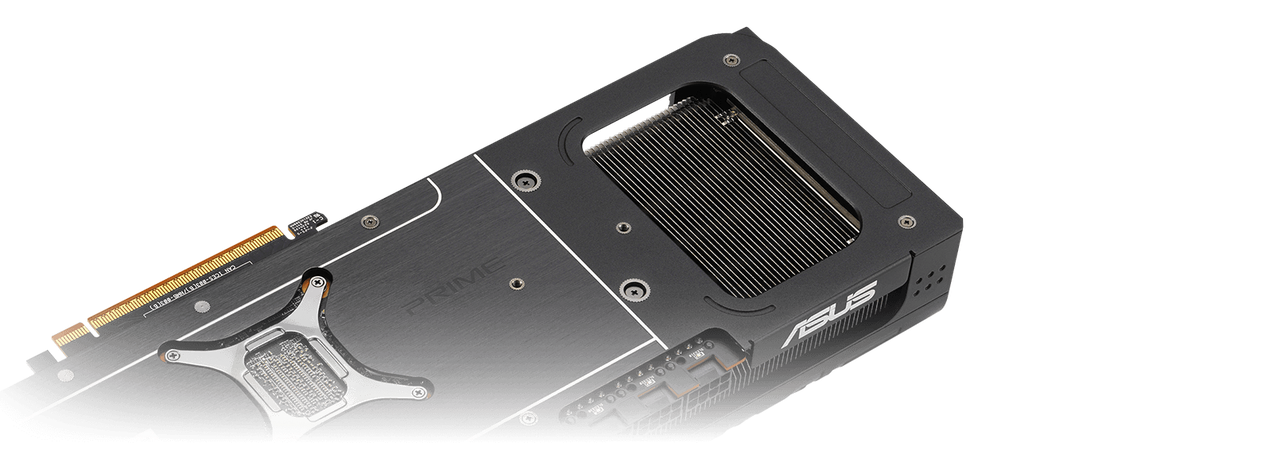
MaxContact heat-spreader contact
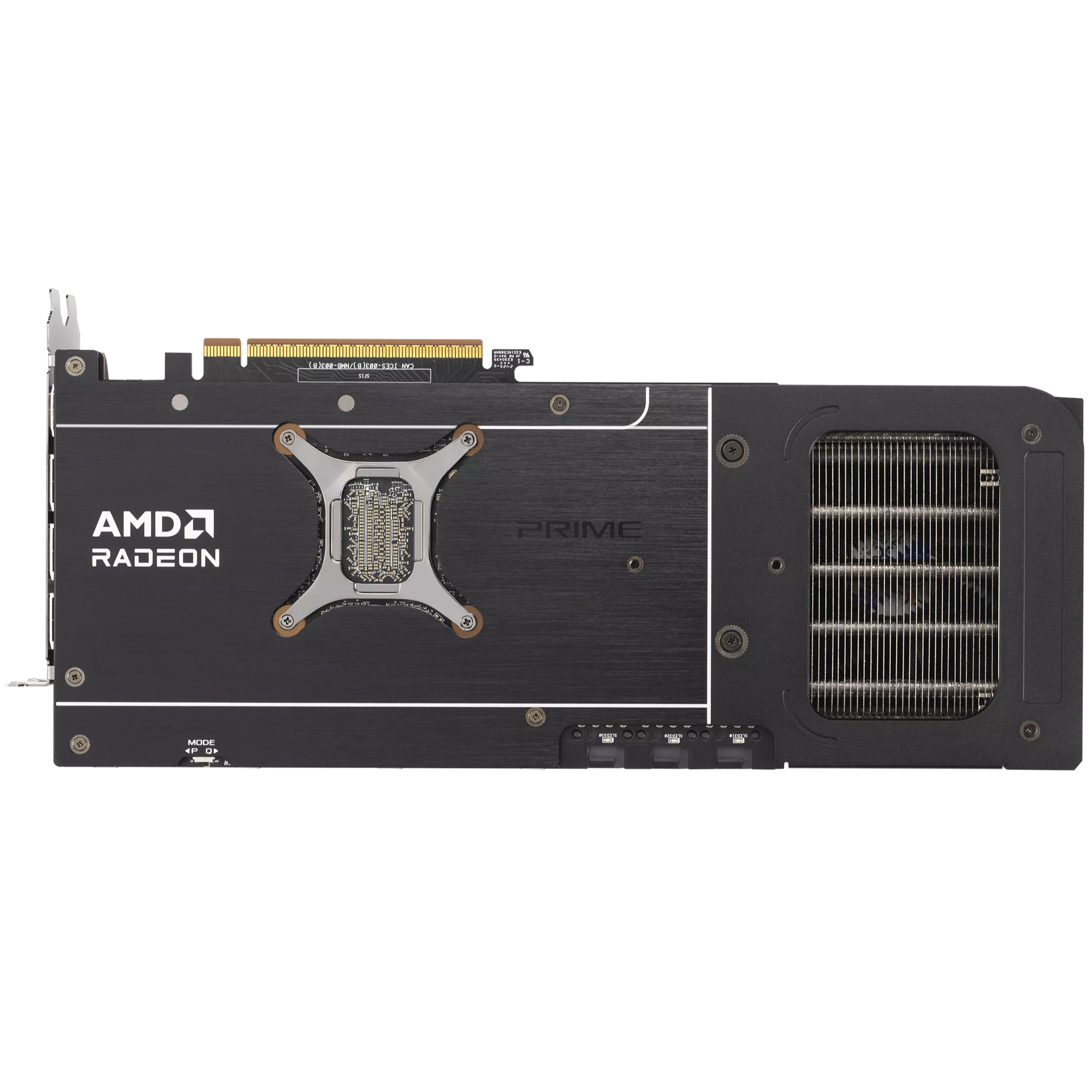
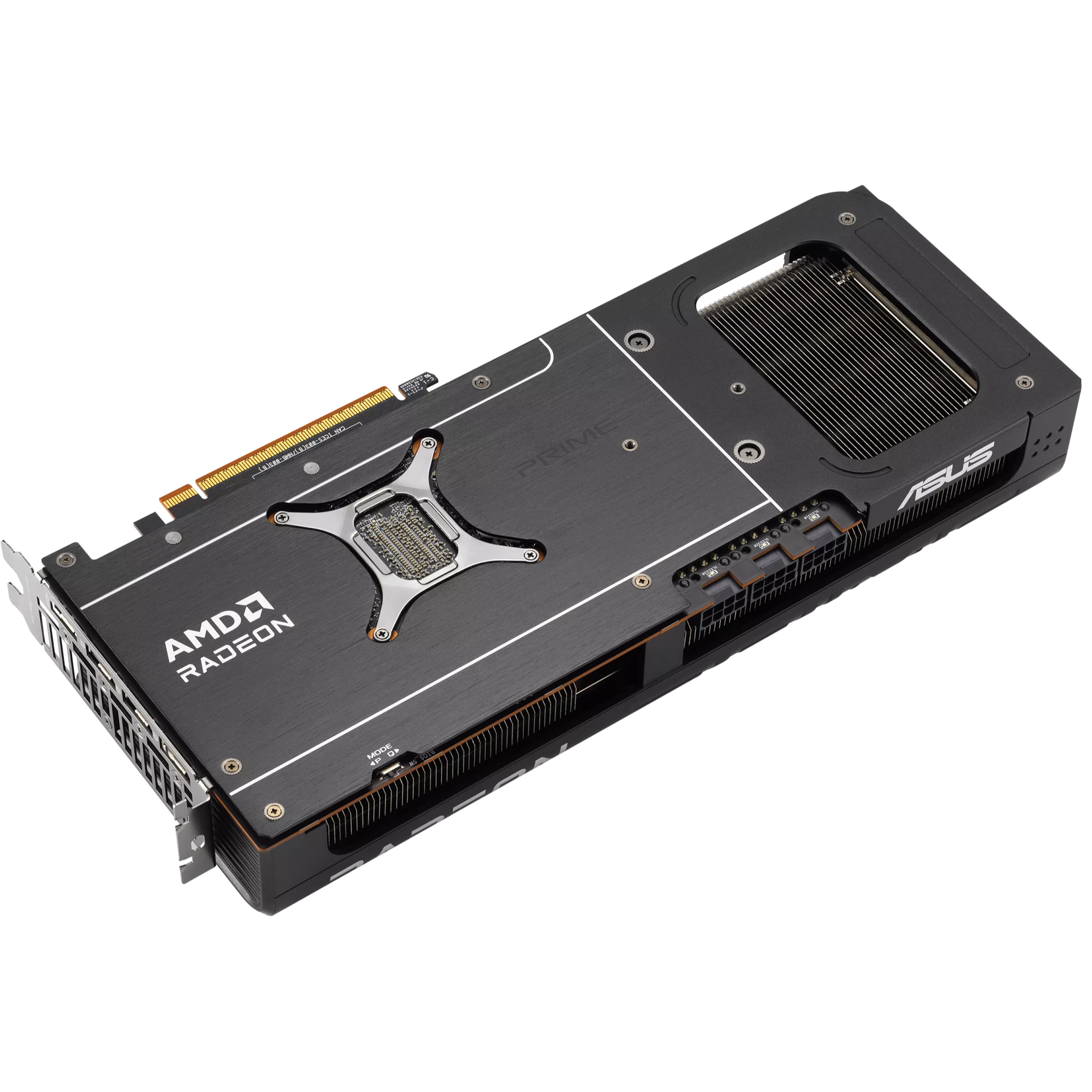
ASUS MaxContact is a manufacturing process used on the heat spreader to improve contact with the GPU. It complements the card’s thermal material and heatsink.
Phase-change GPU thermal material
The phase-change GPU thermal pad fills gaps between the GPU and thermal module as it changes with heat. No fixed temperature improvement or replacement interval is promised.
Automated assembly
ASUS Auto-Extreme manufacturing completes soldering in a single pass. The process is intended to reduce thermal strain during assembly.
Build compatibility
Space. Power.
The right display connections.
The PRIME-RX9070XT-O16G board has its own dimensions and connection layout. Check these before ordering; an RTX or Radeon family name alone is not a compatibility check.
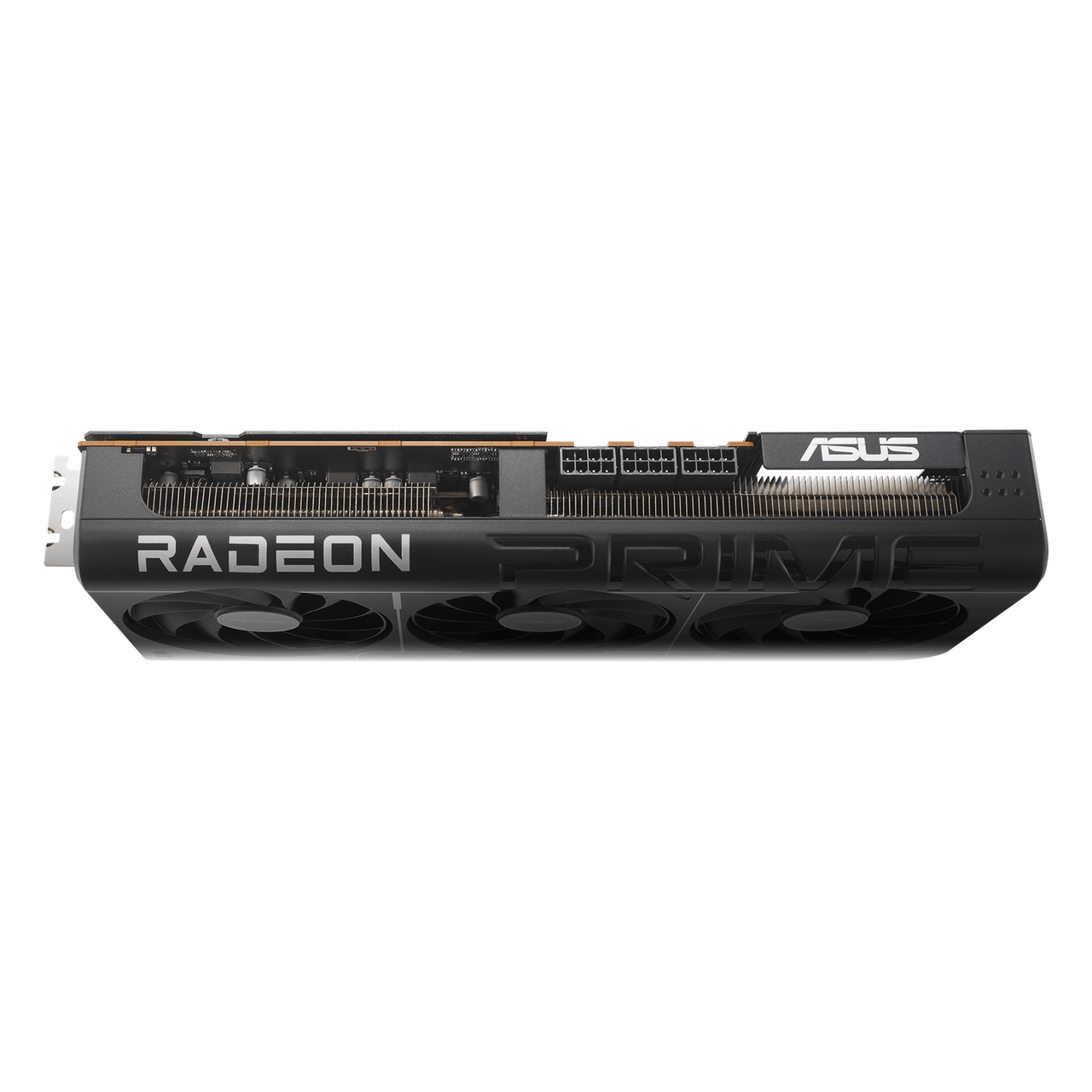
Measure usable clearance
Use the manufacturer’s 312 × 130 × 50mm dimensions and 2.5-slot design. Confirm available length with front fans/radiators installed, card thickness around adjacent slots and power-cable space at the side panel.
Match PSU and cabling
ASUS recommends a 750W system PSU. The ASUS recommendation is based on an overclocked GPU/CPU system configuration, rather than GPU consumption alone. The card power connection is 3 x 8-pin. Confirm the PSU and cable arrangement for your full configuration.
Up to 4 displays
1 × HDMI 2.1b; 3 × DisplayPort 2.1a. Monitor, cable, display mode and any DSC requirement determine available resolution and refresh rates. Maximum digital resolution is not a gaming-FPS promise.
Hardware control
Performance or Quiet.
A physical BIOS choice.
ASUS Dual BIOS provides Performance and Quiet modes. The physical switch and GPU Tweak III’s OC setting are separate controls. Follow the official model instructions when choosing a mode; neither guarantees a fixed noise level in every build.
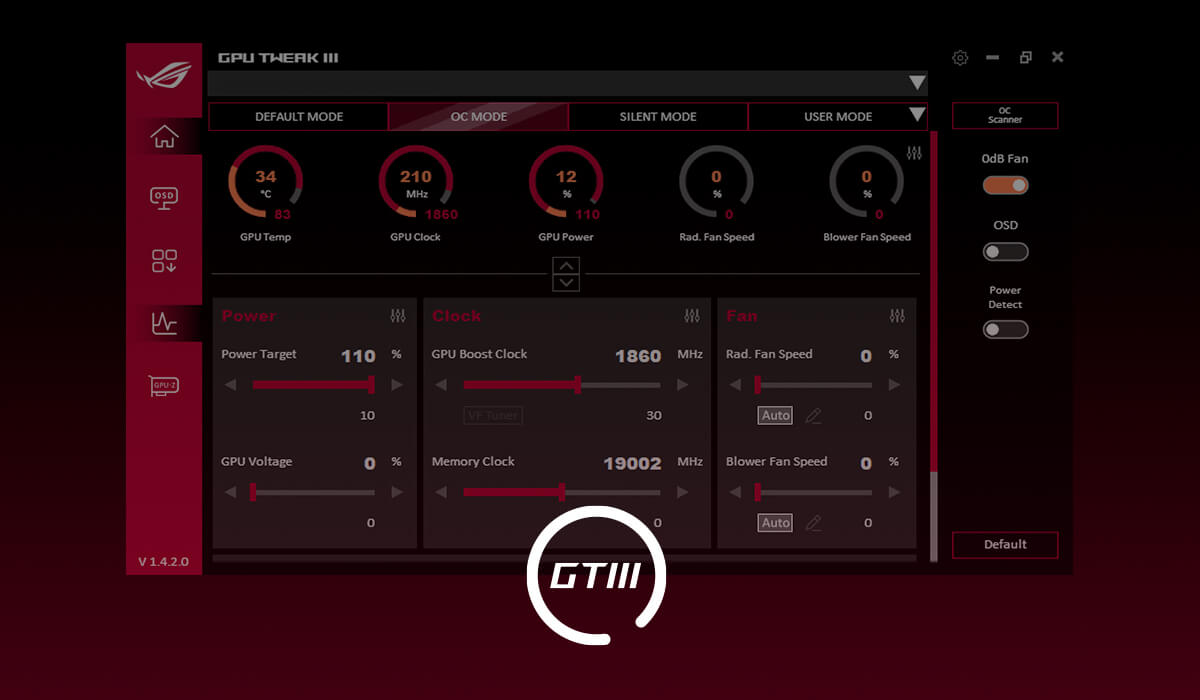
Monitoring and customization.
ASUS GPU Tweak III provides monitoring and supported tuning controls. Use the exact model’s support resources for the current software and graphics drivers.
Exact-model specifications.
- Exact edition
- PRIME-RX9070XT-O16G
- GPU
- Radeon RX 9070 XT
- Video memory
- 16GB GDDR6
- Memory speed / interface
- 20 Gbps / 256-bit
- Stream processors
- 4096
- Default clocks
- up to 3010MHz boost / up to 2460MHz game
- GPU Tweak III OC mode
- up to 3030MHz boost / up to 2480MHz game
- PCI Express interface
- PCI Express 5.0
- Display outputs
- 1 × HDMI 2.1b; 3 × DisplayPort 2.1a
- Maximum simultaneous displays
- 4
- Dimensions
- 312 × 130 × 50mm
- Slot design
- 2.5-slot
- Recommended system PSU
- 750W
- Card power connector
- 3 x 8-pin
- Maximum digital resolution
- 7680 × 4320; display capability, not gaming FPS
Questions about this edition.
Are Game Clock and Boost Clock the same thing?
No. ASUS describes Game Clock as the expected frequency for typical gaming applications, while Boost Clock is a maximum achievable in a bursty workload. The published values are “up to” figures; actual clock behavior varies with the application and thermal conditions.
What clearance does this Prime card need?
The published dimensions are 312 × 130 × 50mm, with a 2.5-slot design. Check usable space after front fans or radiators are installed, nearby expansion cards and cable routing. Card length alone is not a complete fit check.
What PSU connection should I prepare?
The official specification states 3 x 8-pin. The recommended 750W figure is for the system PSU, not a claim that the GPU consumes that entire amount. Confirm PSU compatibility and the manufacturer’s cable-installation guidance.
How many displays does this edition support?
The exact specification lists a maximum of 4 displays. Its output mix is 1 × HDMI 2.1b; 3 × DisplayPort 2.1a. Resolution and refresh-rate choices depend on the monitor, cable and supported display mode.
Why might the fans stop during desktop use?
The manufacturer describes temperature-dependent fan-stop operation. Active cooling resumes when needed. This is expected behavior under suitable conditions, not a guarantee of silent operation during games.
Manufacturer resources: ASUS model overview · Exact specifications.
Explore graphics cards at GameOn.pk.
Specifications and box contents may vary by region or manufacturer revision. Please check the linked manufacturer information and confirm any essential feature or included accessory with GameOn.pk before ordering.
| Brand | ASUS |
|---|---|
| Color | Black |
| Warranty | Official Warranty |
Only logged in customers who have purchased this product may leave a review.






Reviews
Clear filtersThere are no reviews yet.