
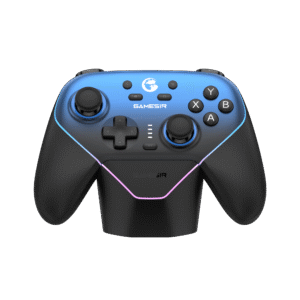
GameSir Super Nova Wireless Controller with Dock – Nightfall Blue
₨ 12,500
- Hall Effect sticks and triggers with trigger stops.
- Bluetooth, wireless dongle and wired connectivity.
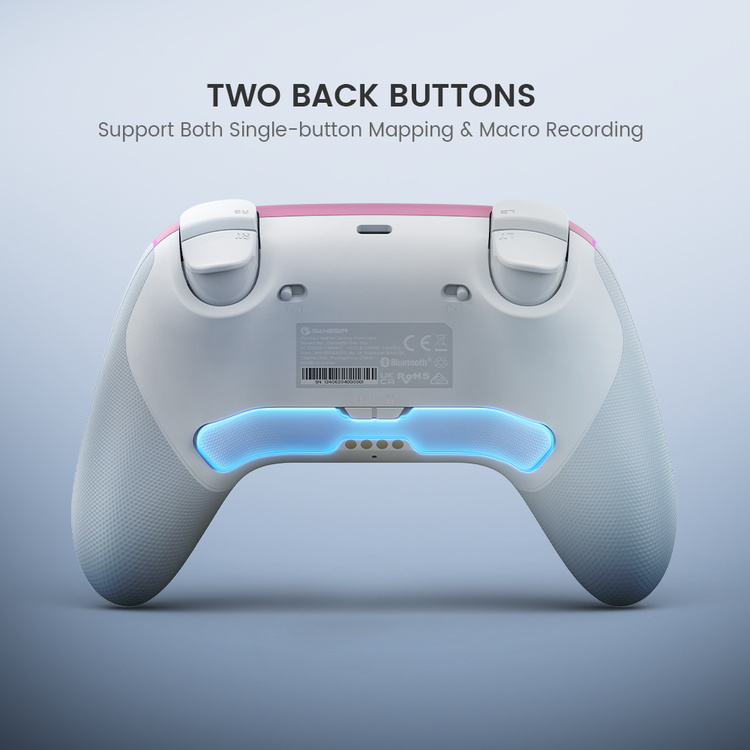
- Two rear buttons support mapping and macro recording.
- Brand Official warranty: 10 Months; battery: 3 Months where applicable.


GameSir Super Nova · Nightfall Blue
Quiet control.
Play your way.
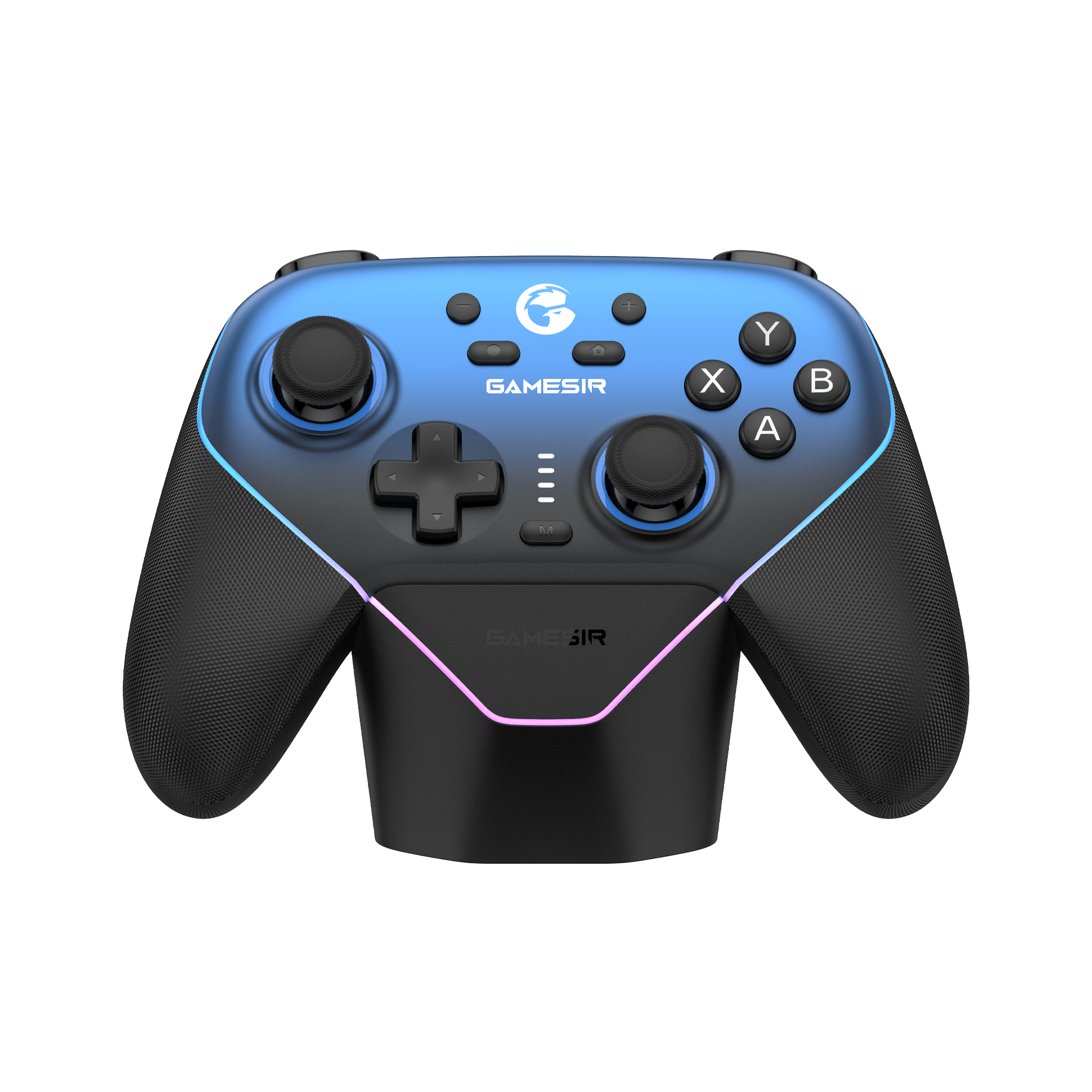
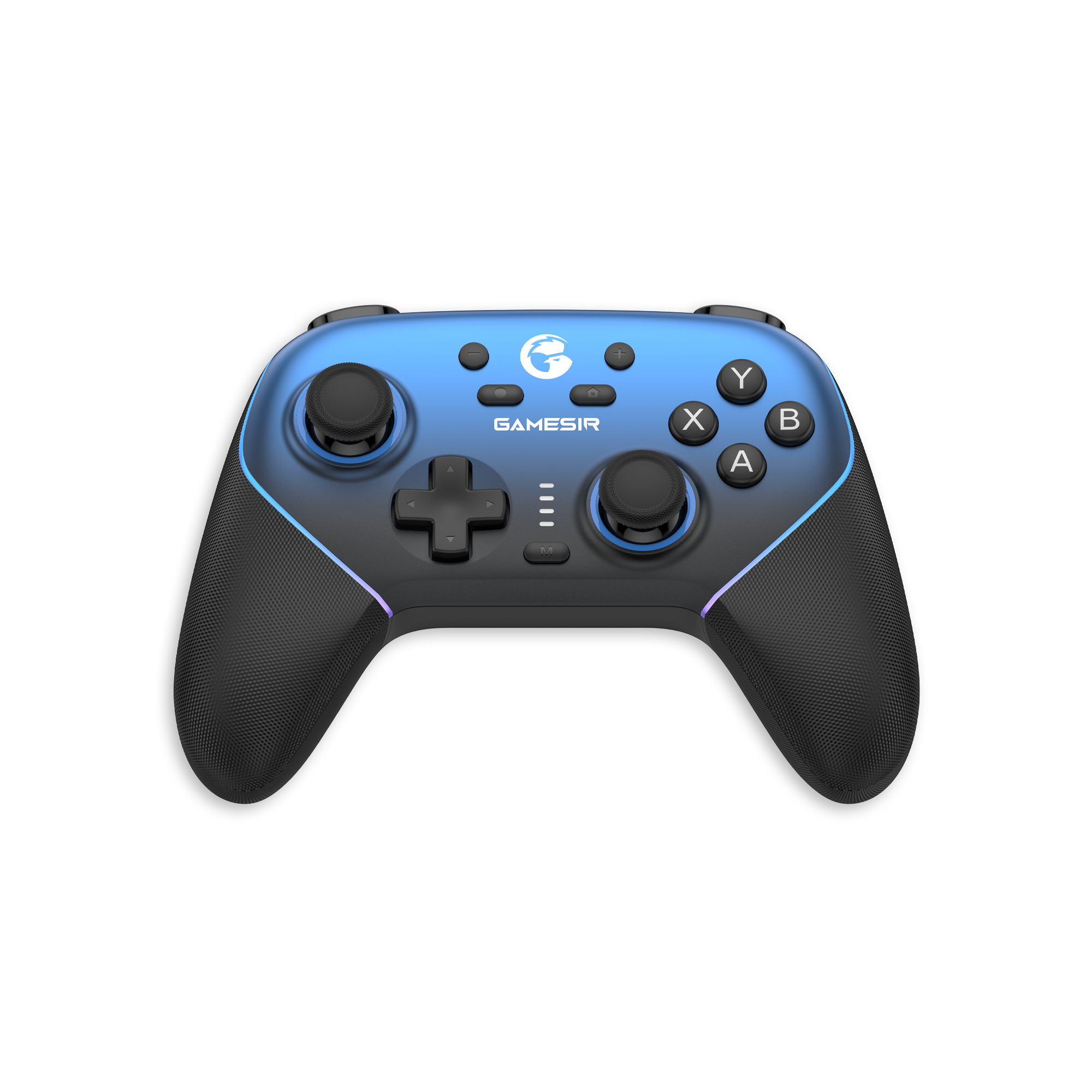
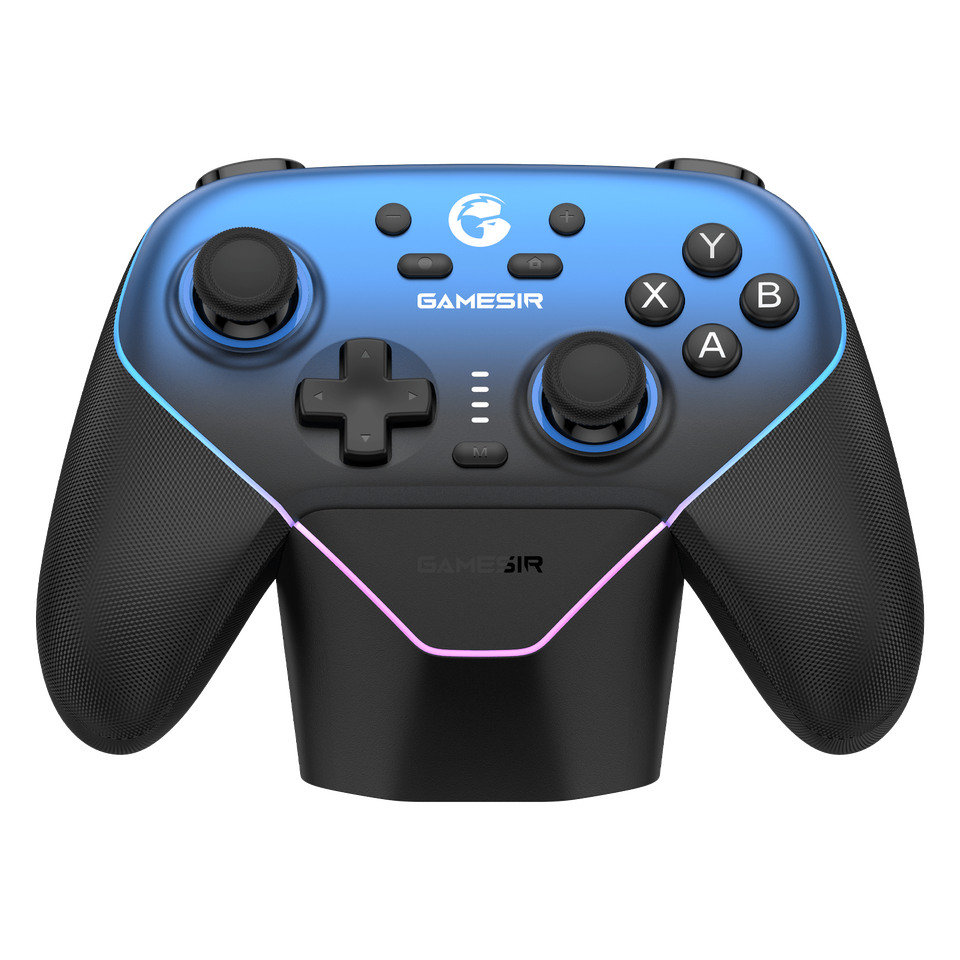
Hall Effect sticks and triggers, three connection options and a charging dock that keeps the controller ready between sessions. The GameSir Super Nova pairs a blue faceplate with black textured grips, combining membrane controls with a configurable RGB outline.
- Hall Effect
- Sticks & triggers
- 1000Hz
- Wired & USB dongle
- 1000mAh
- Battery capacity
01 · Stick control
Magnetic sensing at the heart of your movement.
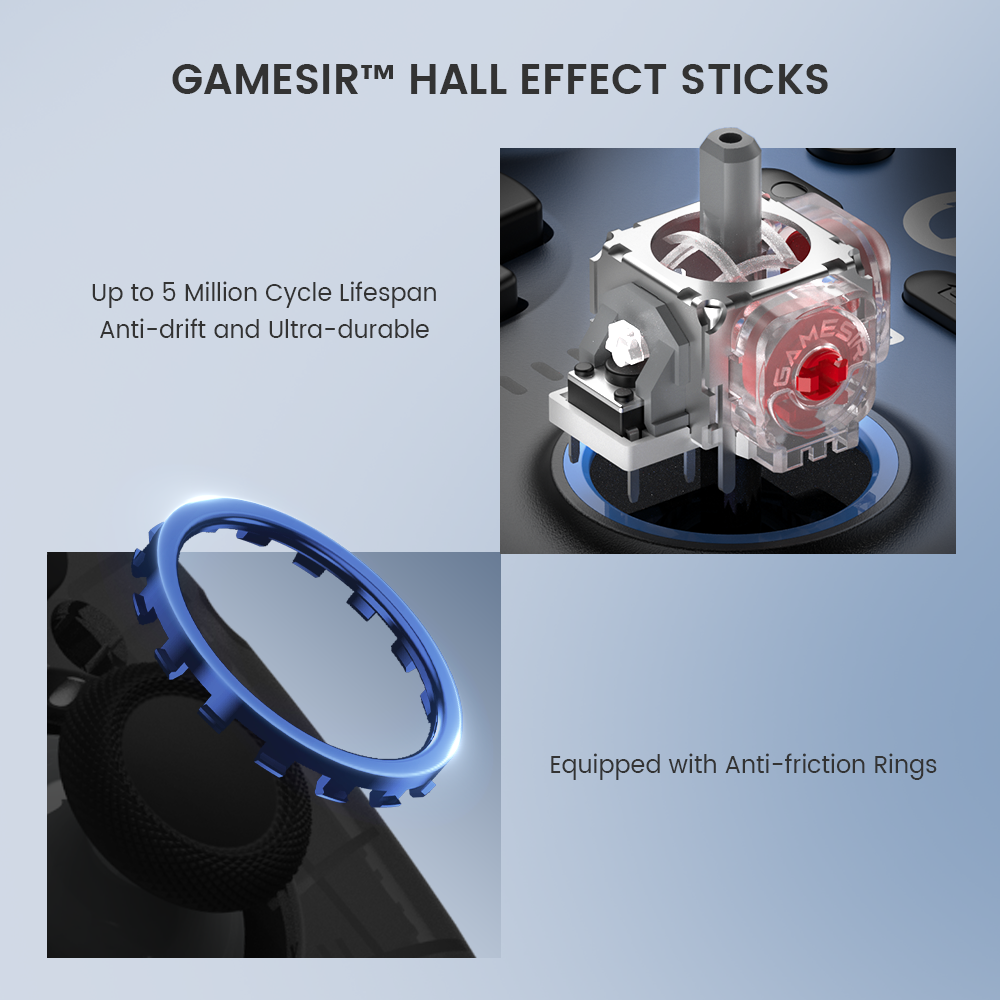
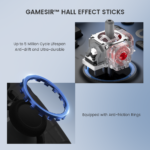
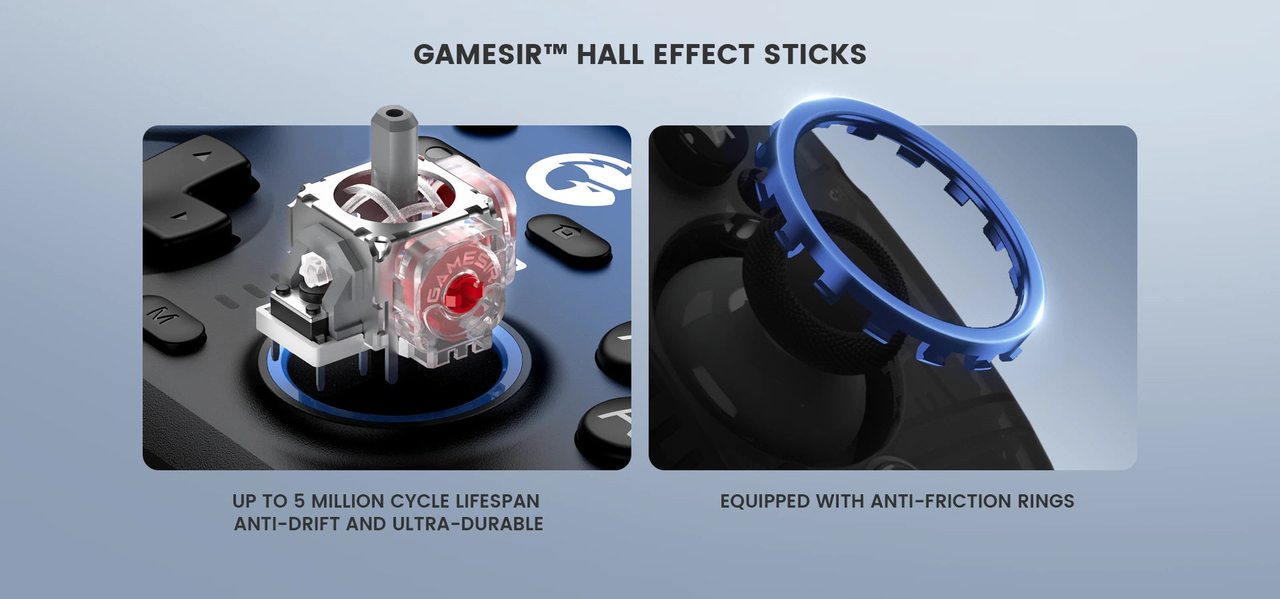
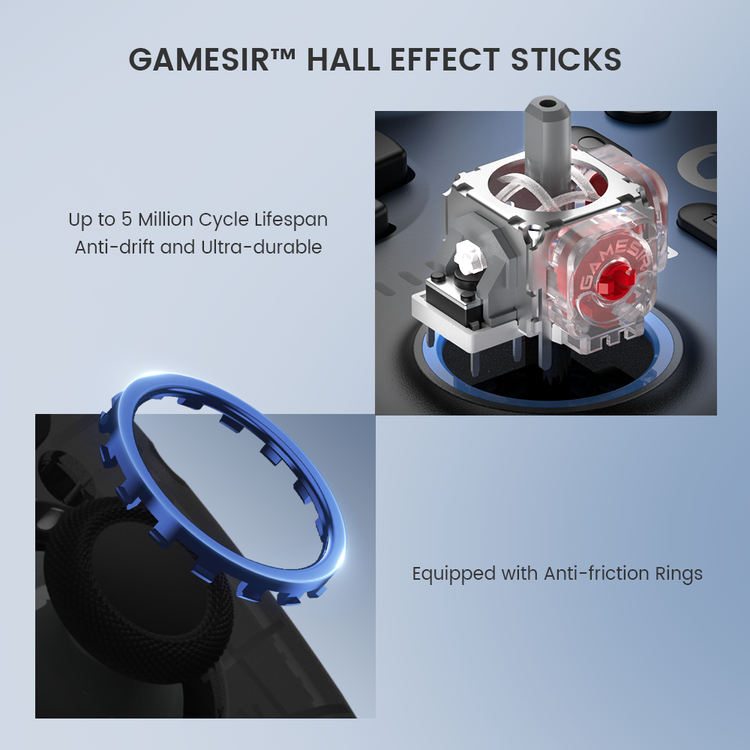
GameSir’s Hall Effect sticks use non-contact magnetic sensing, with anti-friction rings around the sticks. The design avoids the contact-based sensing mechanism used in conventional potentiometer sticks. Stick feel and dead-zone settings still matter when you fine-tune aiming or movement.
02 · Trigger feel
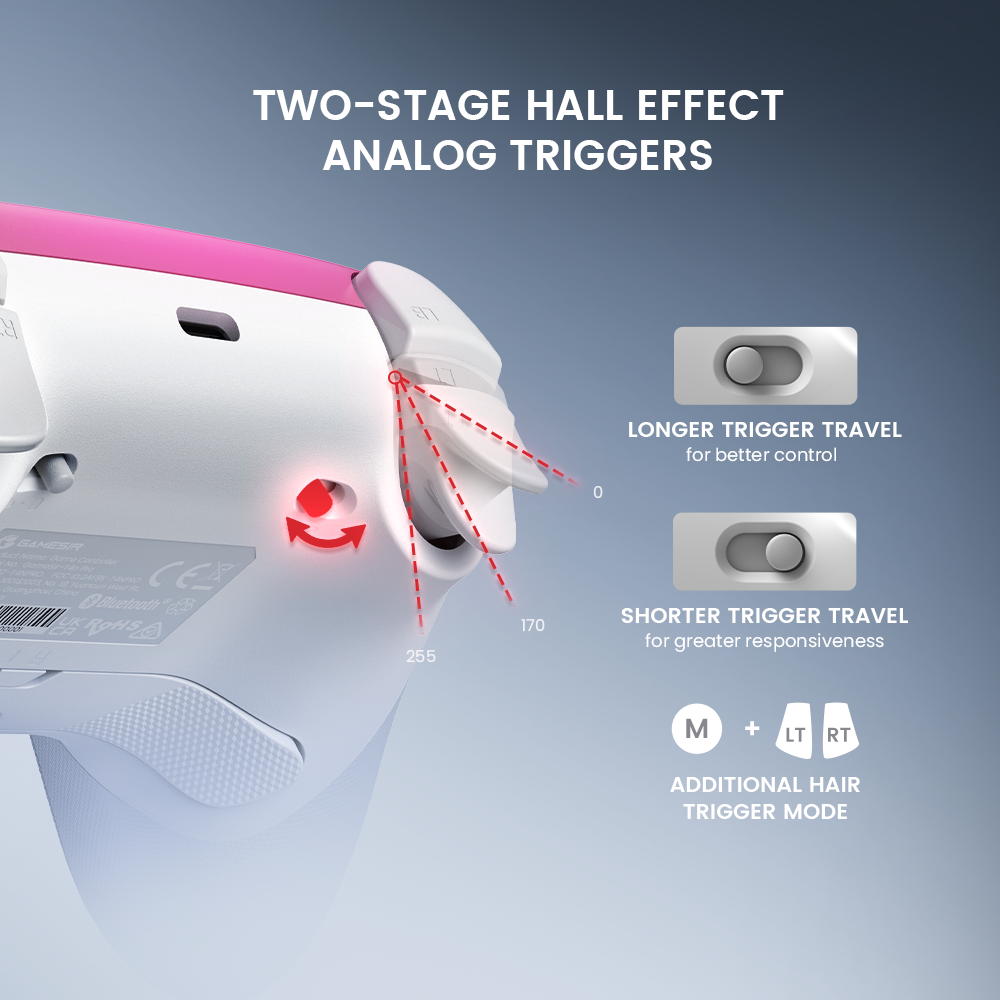
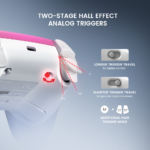
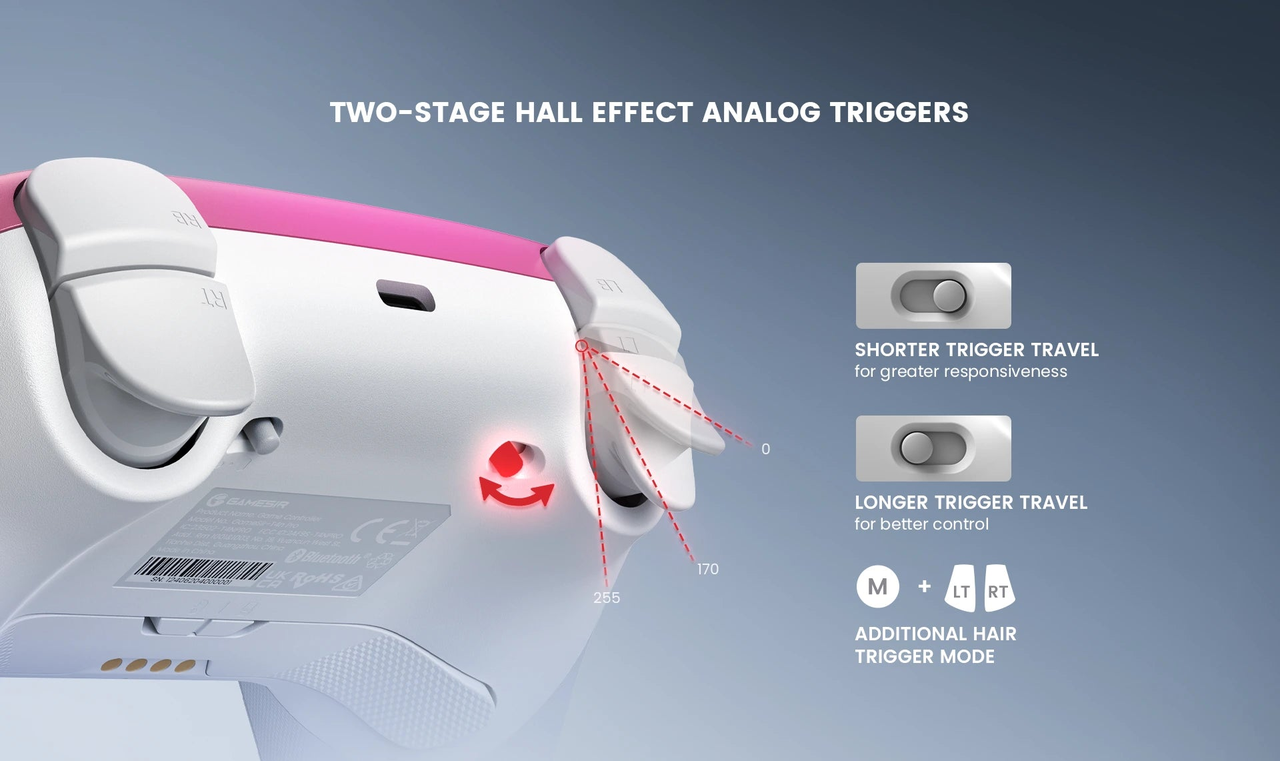
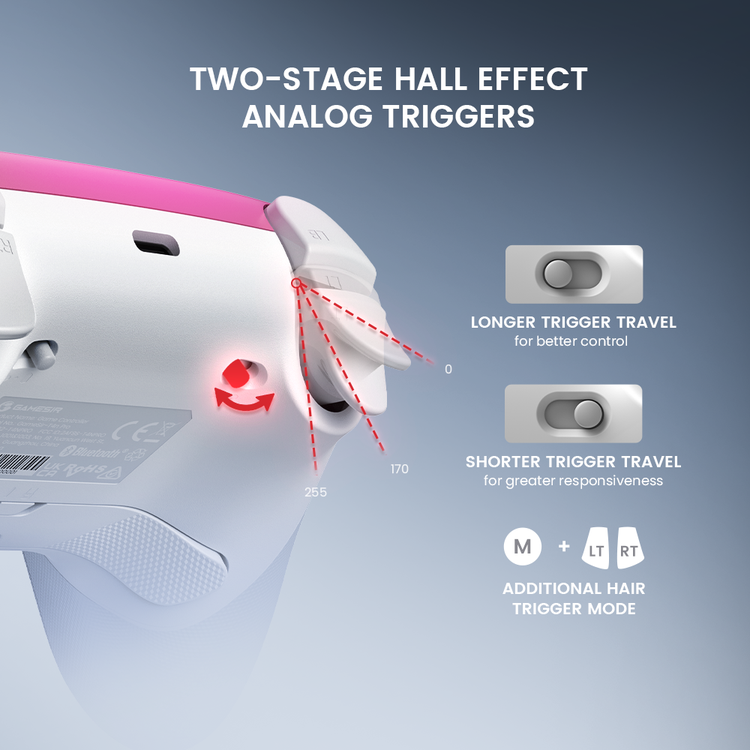
Long travel for measured inputs. Short travel when speed matters.
The Hall Effect triggers combine analogue input with physical travel stops. Use the longer pull when a game benefits from progressive input, or shorten the travel for a quicker pull. GameSir also documents a selectable hair-trigger mode; its behaviour depends on your chosen trigger configuration.
03 · Your devices
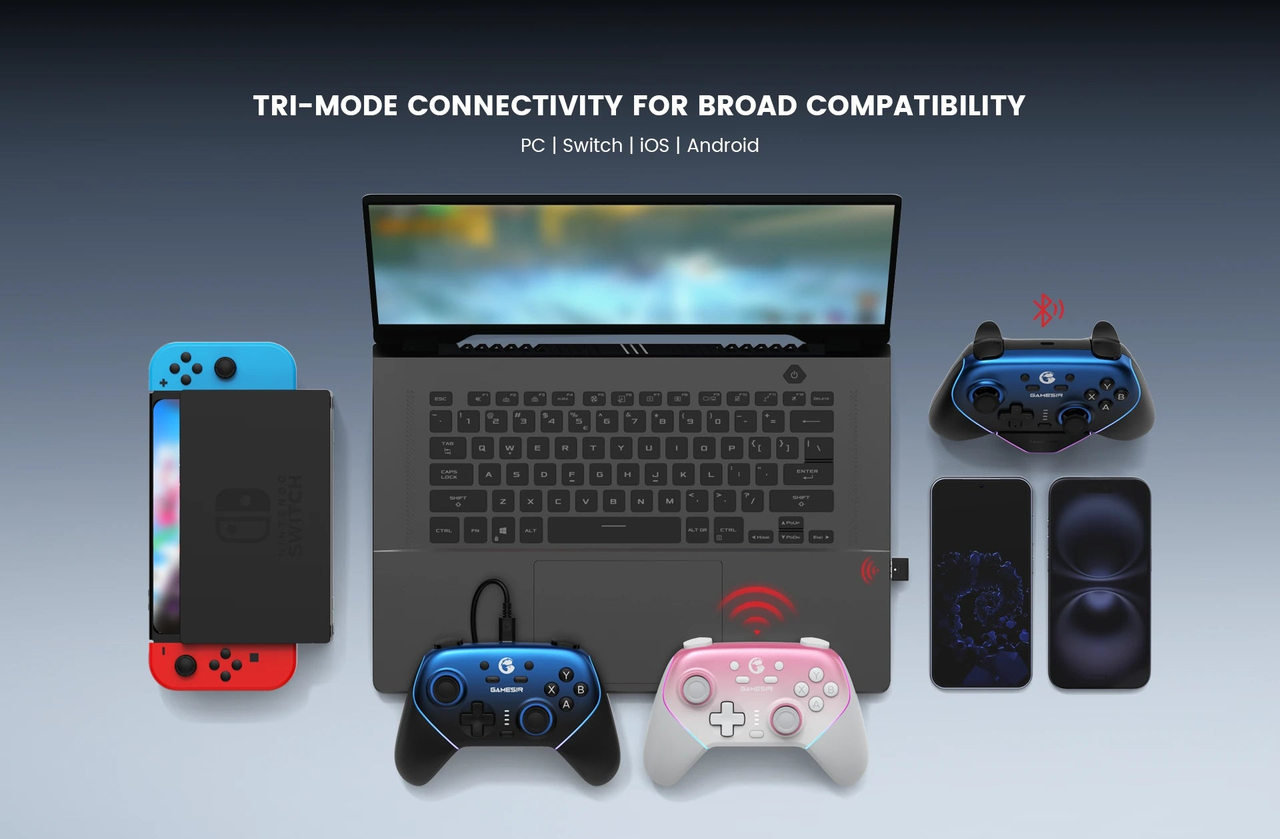
One controller. Three ways to connect.
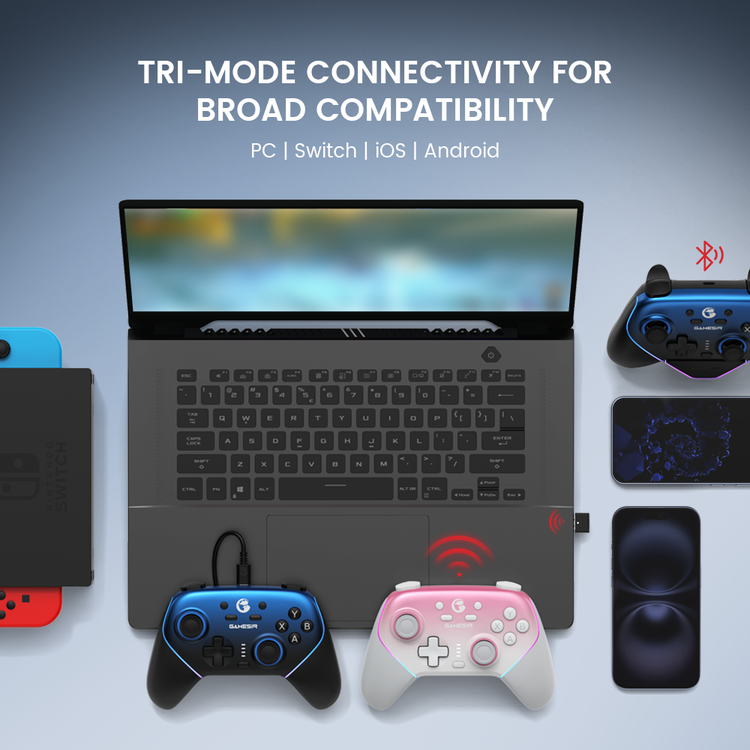
Choose Bluetooth, the included 2.4GHz USB receiver or a wired USB connection. The manufacturer lists PC, Nintendo Switch, Android and iOS. Connection mode and game support determine which functions are available; the same feature set should not be assumed on every platform.
Windows PC
Use the cable or original USB receiver for XInput gaming and GameSir Connect. Bluetooth is a separate input-mode choice.
Nintendo Switch
Bluetooth pairing and native Switch gyro support are documented. Select the Switch mode for compatible games.
Android
Bluetooth is an option for supported devices and games. Use the appropriate controller mode and check the game’s support.
iPhone / iPad
iOS is listed by GameSir. Native controller support in the game is important; universal touch-game mapping is not promised.
Xbox-style button positions do not establish Xbox-console compatibility. Xbox and PlayStation consoles are not listed among this model’s supported platforms.
04 · Input reporting
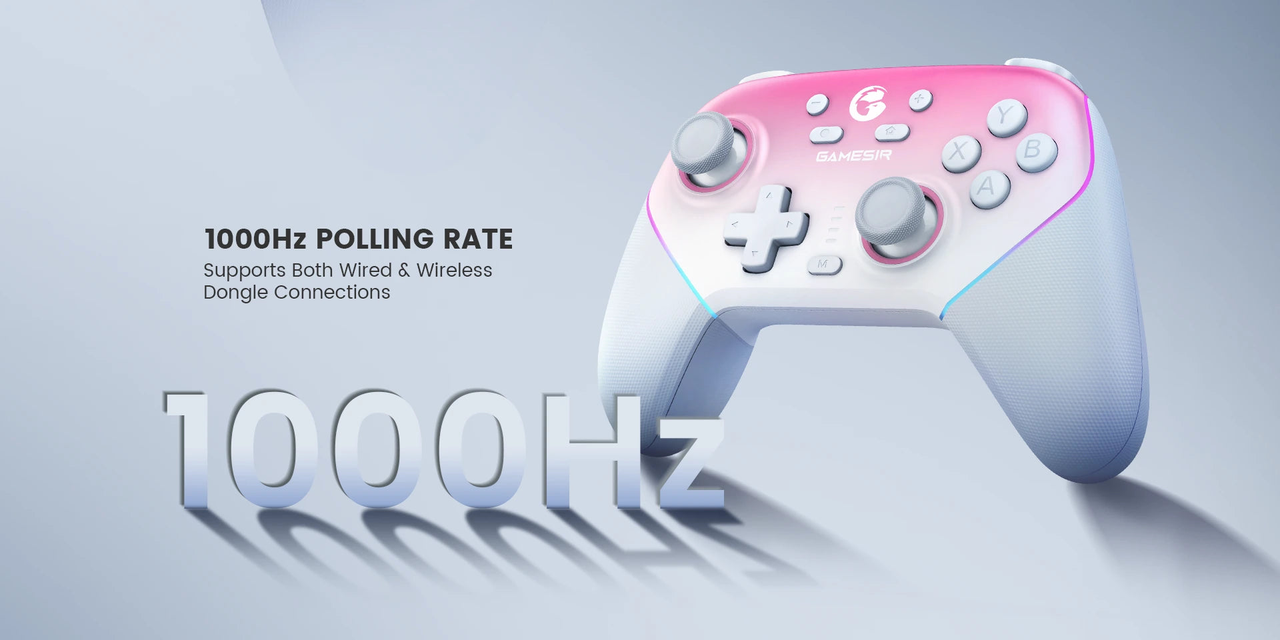
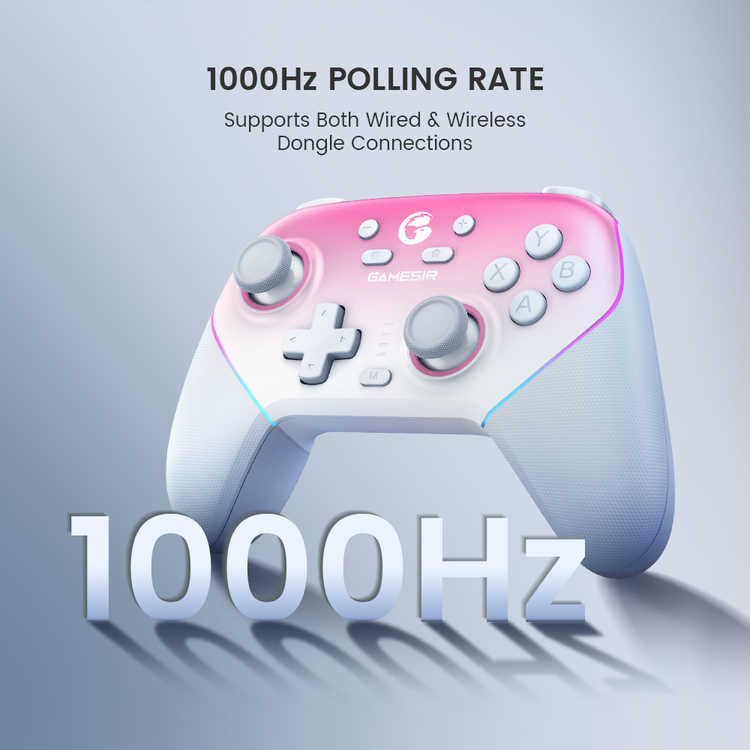
1000Hz through the cable or wireless receiver.
GameSir specifies 1000Hz polling for both wired and wireless-dongle connections. That is an input-reporting frequency, not a guarantee of 1ms total latency or a Bluetooth rating. Your system, firmware, USB connection and settings can affect measured results.
05 · Layout & access
Arrange the face buttons. Put useful actions on the back.
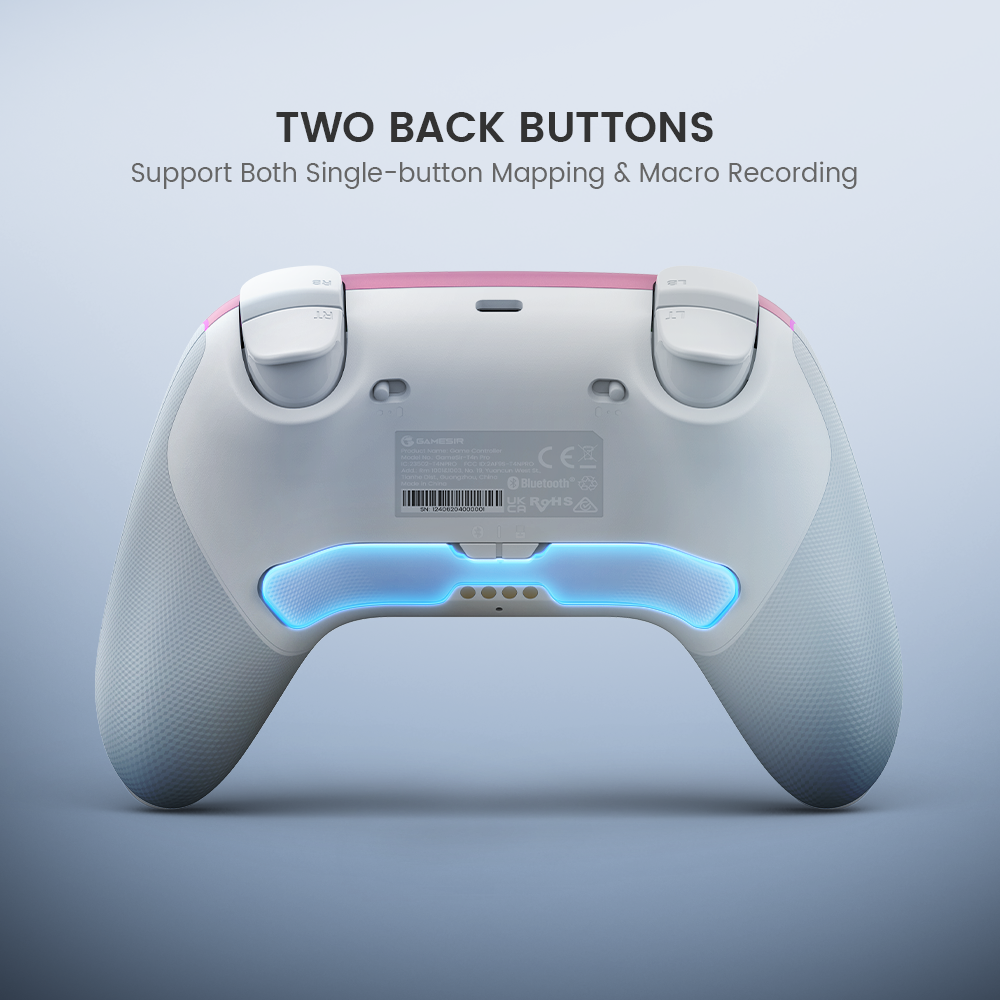
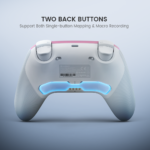
The magnetic faceplate and detachable ABXY buttons allow physical layout changes. Two rear buttons support single-button mapping and macro recording, giving frequently used inputs another position. Configure these inputs around the actions you use most.
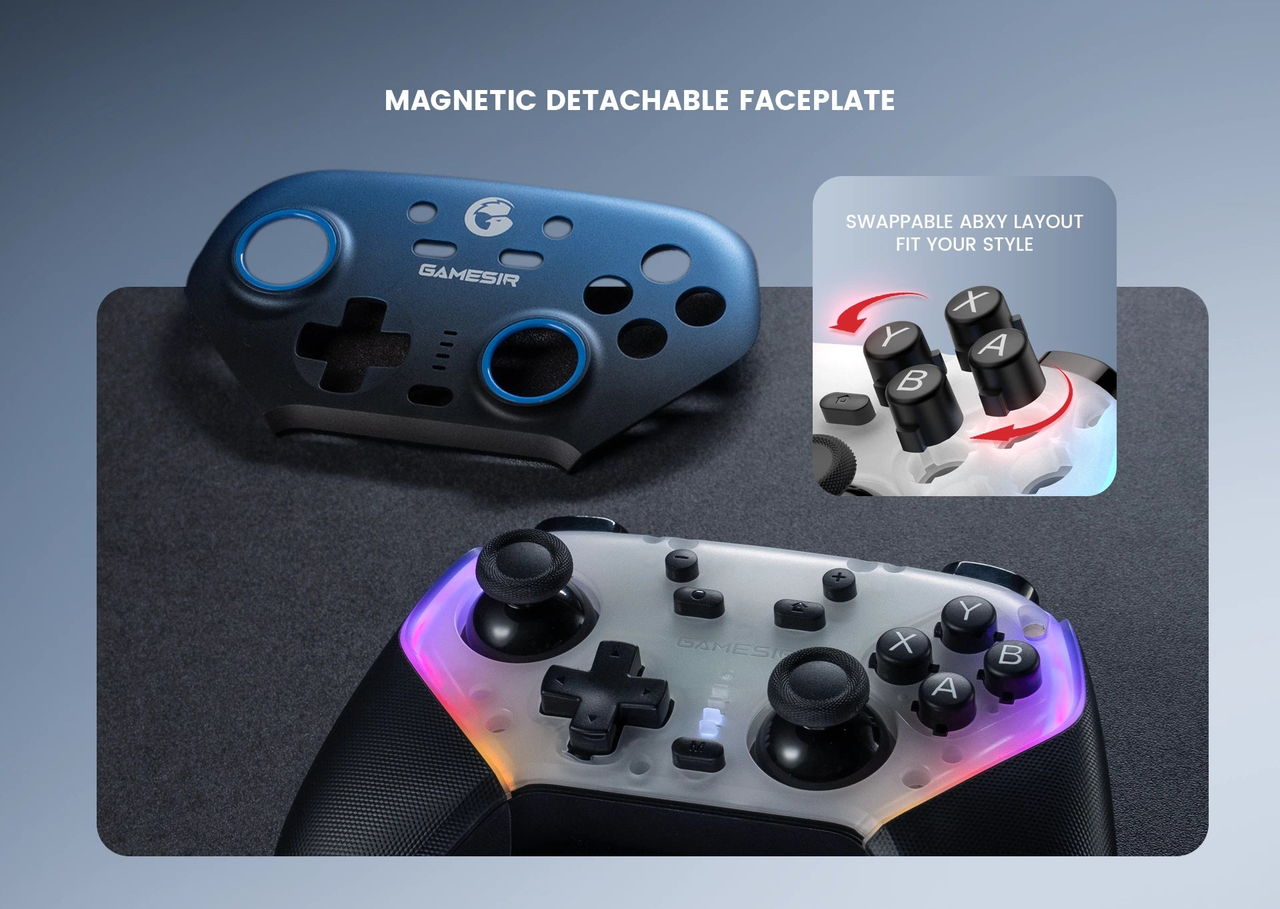
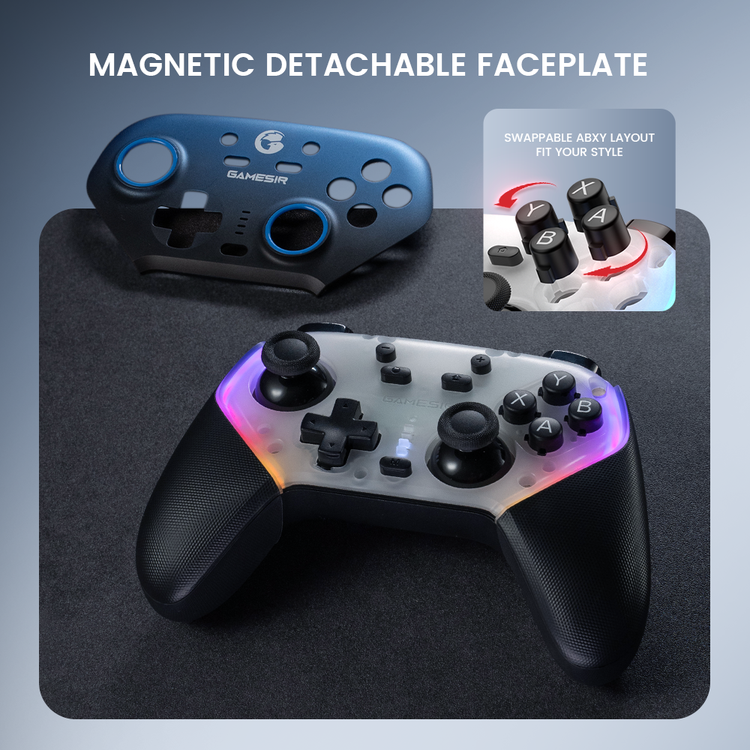
Physical layout and button values
Changing the labelled caps and changing the assigned button values are separate operations. Follow GameSir’s model manual so the labels match the layout you intend to use.
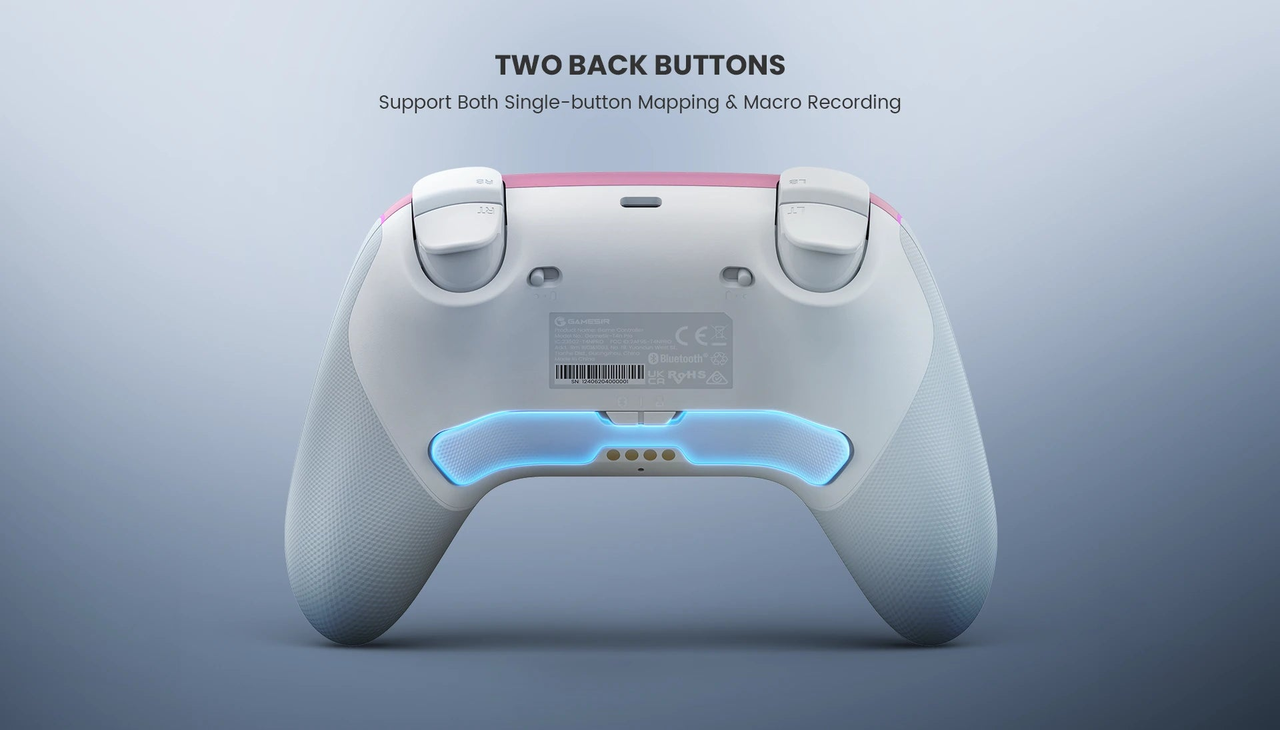
Two mappable rear buttons
Assign an existing button input or a recorded sequence to the rear controls. Choose mappings appropriate for the game and its rules.
06 · Feel & feedback
Membrane buttons, textured grips and adjustable lighting.
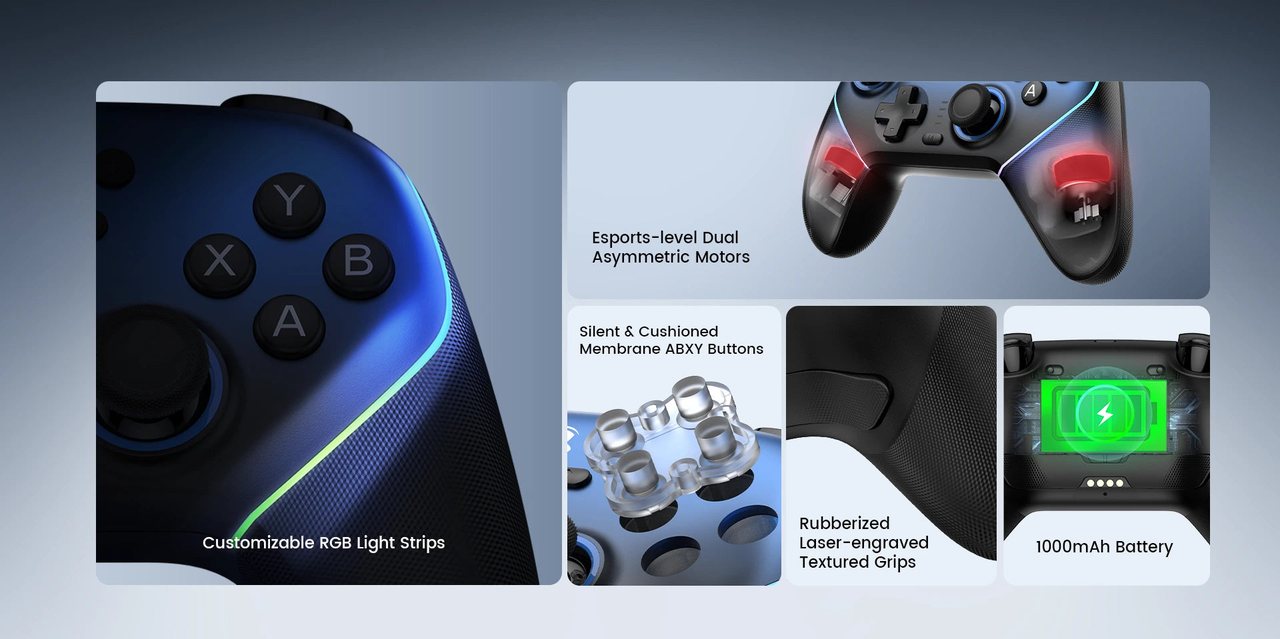
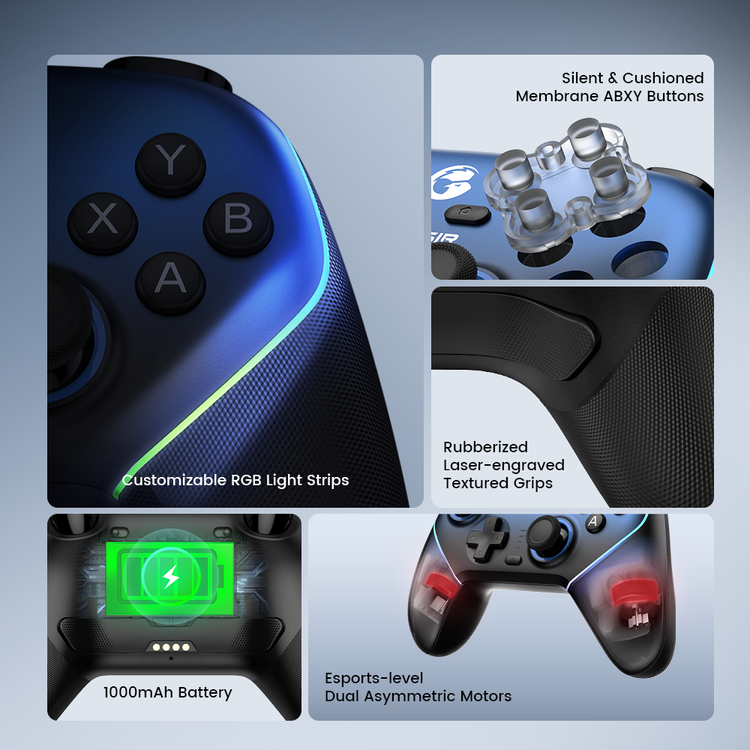
The ABXY buttons and D-pad use membrane construction. Rubber-coated textured grips, dual asymmetric rumble motors and customisable RGB lighting round out the controller’s physical features. The 1000mAh battery figure is capacity; GameSir does not provide a fixed runtime to repeat here.
07 · Switch motion
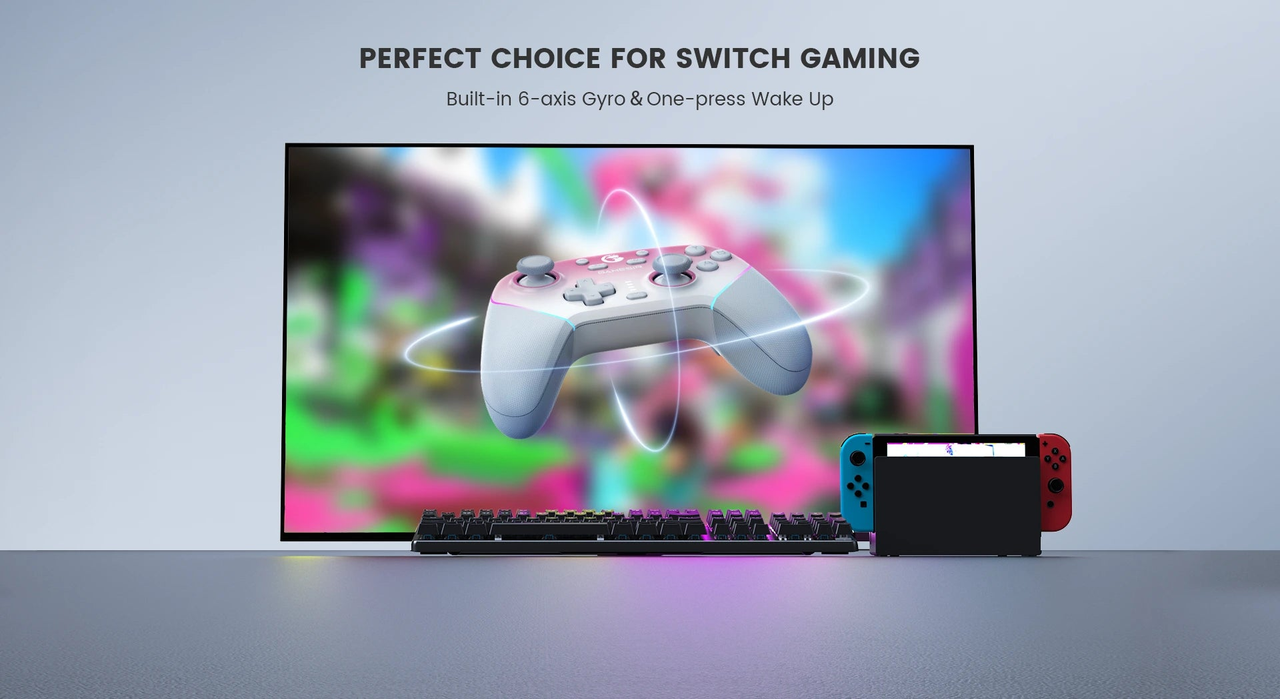
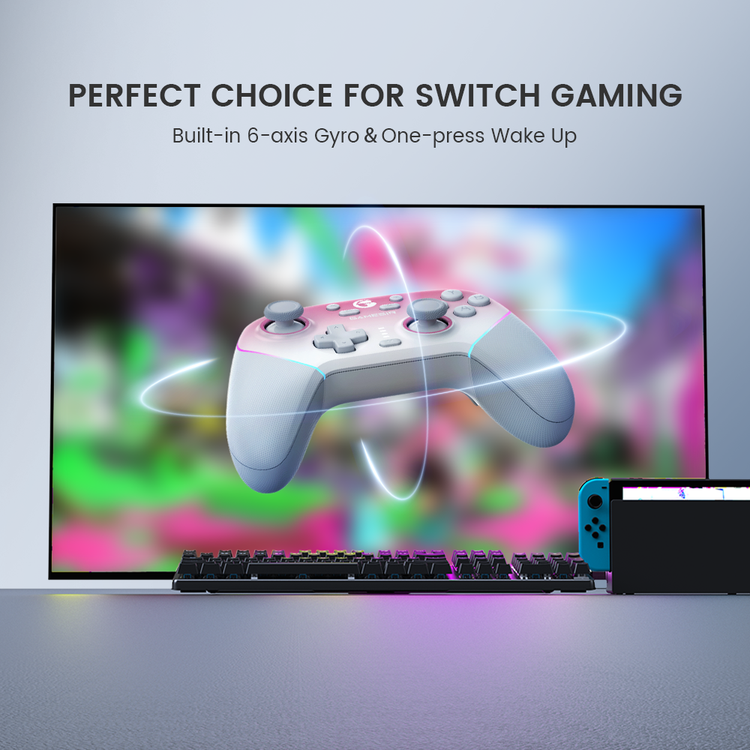
A six-axis gyro for supported Switch gameplay.
The built-in gyroscope is documented for native Switch motion control. It adds a motion-input option in games that support it. The manufacturer also advertises one-press Switch wake-up. Neither claim establishes universal gyro support in every PC or mobile game.
08 · Between sessions
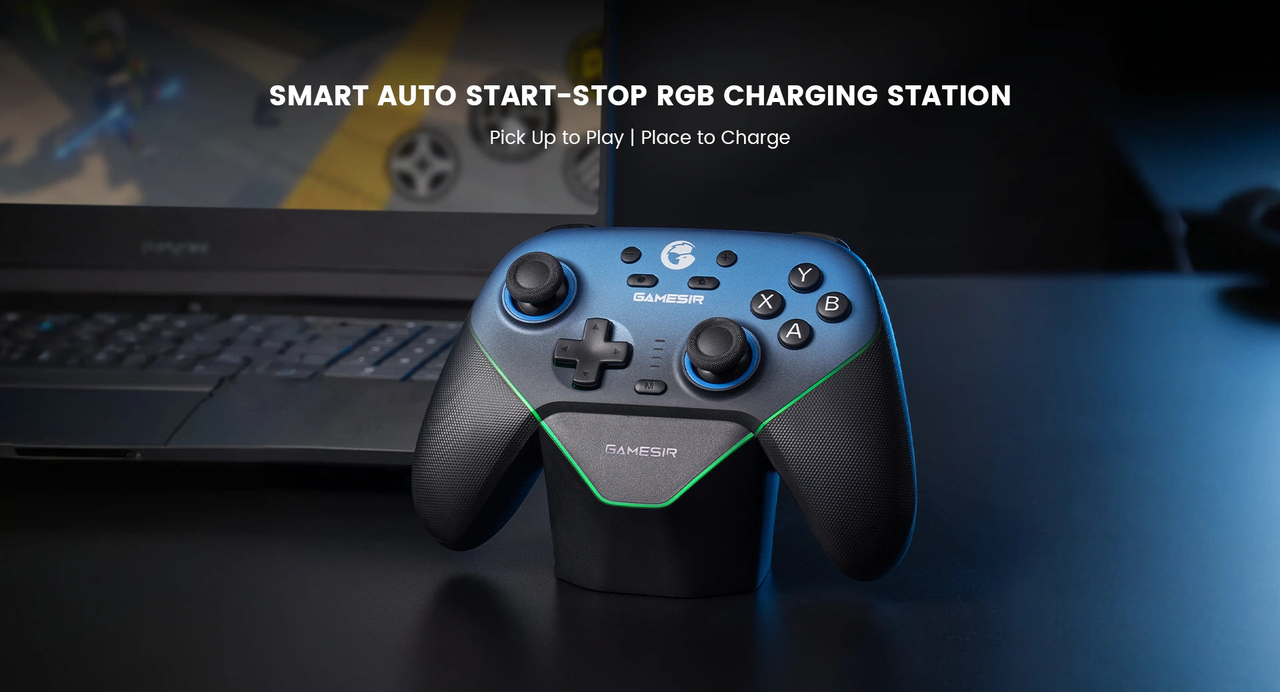
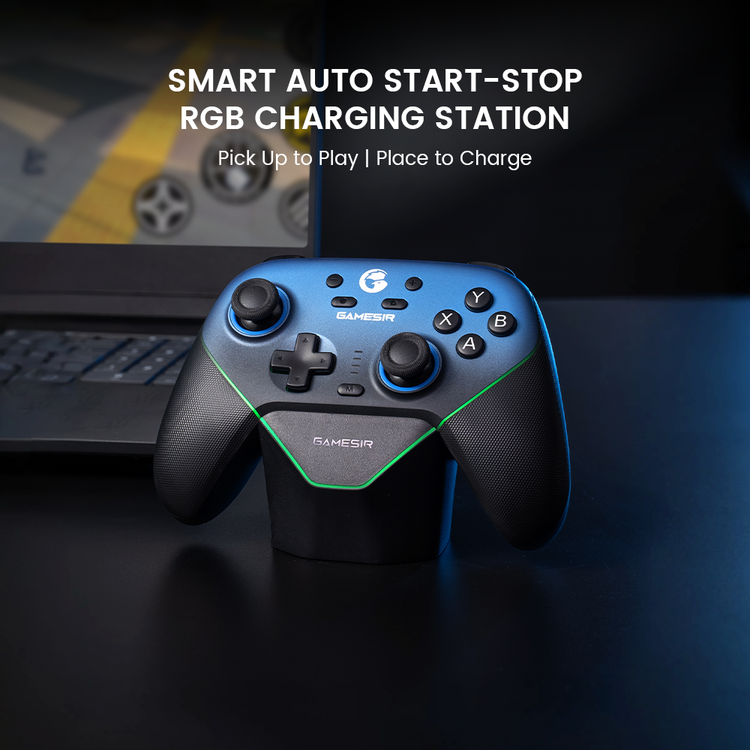
A place to put it. A way to keep it charged.
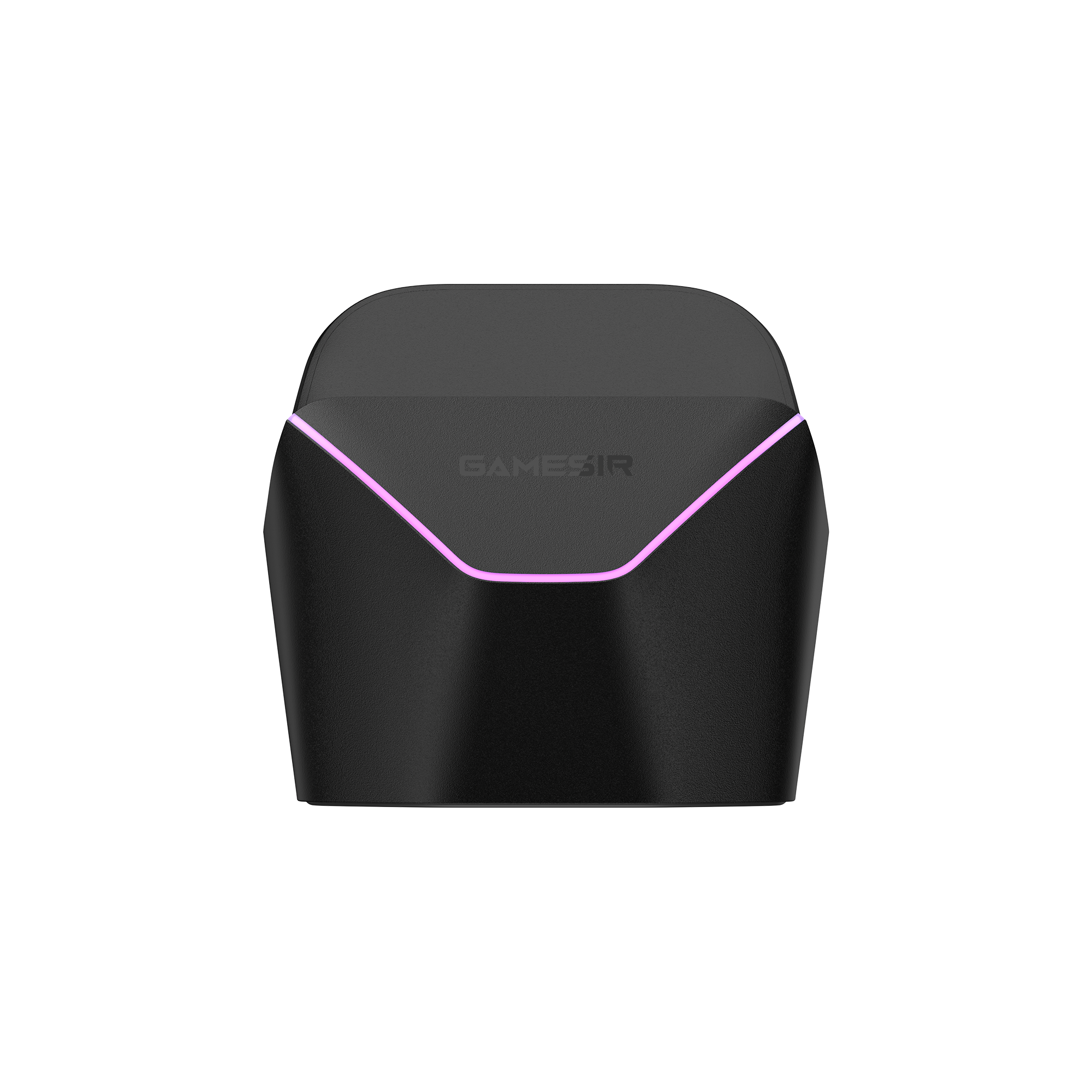
The included smart auto start-stop charging station gives the Super Nova a dedicated resting place. You can also charge through the controller’s USB-C port. For receiver play after lifting it from the dock, GameSir’s FAQ says the rear mode switch must be set to 2.4G rather than Off.
09 · Make it yours
Tune your controls with the right GameSir software.
GameSir Connect provides PC customisation for stick curves, trigger response, mappings, vibration and RGB. GameSir also lists the Super Nova in its mobile App compatibility list. Use the official downloads page for the current software and firmware guidance rather than an unrelated controller utility.
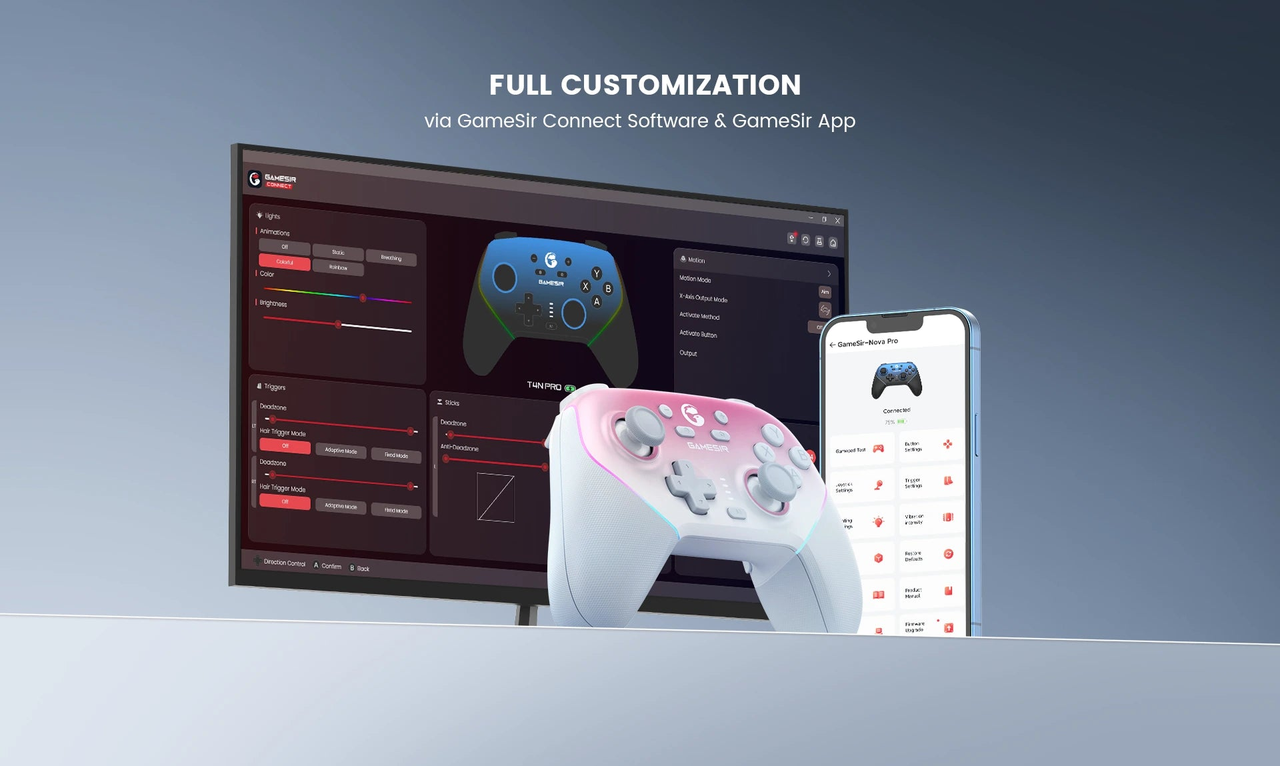
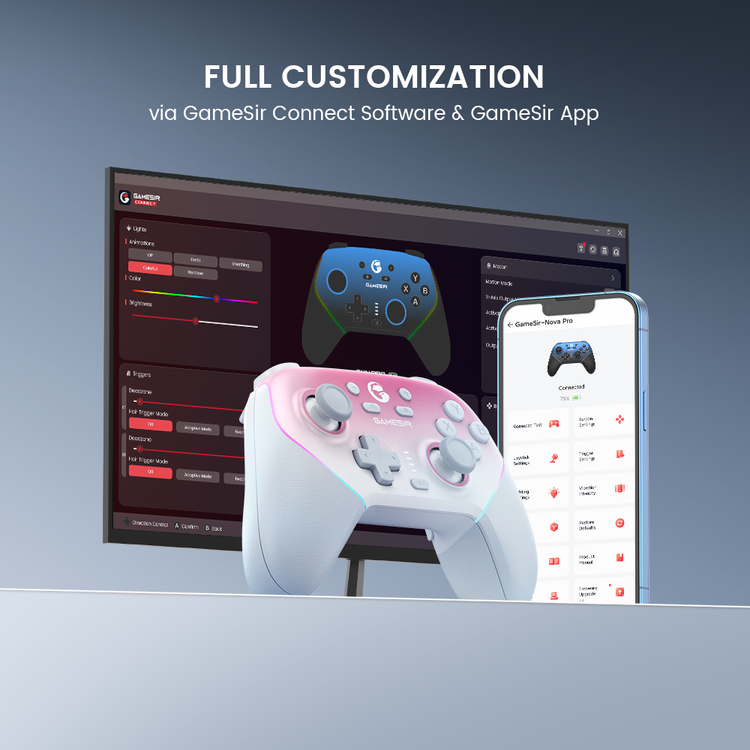
For GameSir Connect on PC, use XInput mode over the cable or original receiver. GameSir’s support guidance says a different input mode can prevent detection.
10 · Included hardware
The dock and receiver are part of the package.
The current official product page lists the controller, smart charging station, 2.4GHz USB dongle and 1.8m USB-C cable, with a user manual, card and sticker. Manufacturer feature artwork may show both colourways or other devices; those illustrations do not mean two controllers or those devices are supplied.
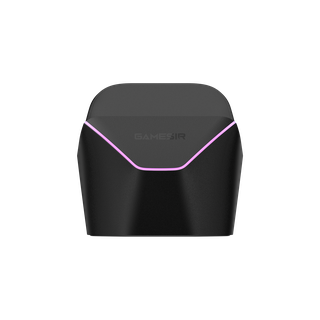
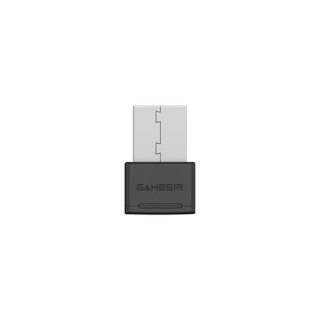
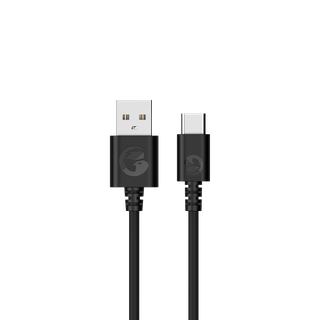
Prefer a lighter colourway? View the Super Nova in Whipped Pink.
11 · Technical reference
Super Nova specifications
- Model / colour
- GameSir Super Nova / Nightfall Blue
- Listed platforms
- PC, Nintendo Switch, Android, iOS
- Connections
- Bluetooth, wired USB, 2.4GHz USB dongle
- Sticks
- Hall Effect sensing; anti-friction rings
- Triggers
- Hall Effect analogue; physical travel stops
- ABXY / D-pad
- Membrane / membrane
- Rear controls
- 2 mappable buttons; macro recording
- Polling
- 1000Hz via wired and wireless-dongle connections
- Motion
- 6-axis gyroscope; native Switch support documented
- Vibration
- Dual asymmetric motors
- Battery
- 1000mAh
- Charging
- Included smart dock or controller USB-C port
- Lighting
- Customisable RGB strips
- Grips
- Rubber-coated, textured
- Controller dimensions
- 156 × 106 × 59 mm
- Controller weight
- 263 g, manufacturer-listed
- Software
- GameSir Connect / GameSir App
- Audio
- No controller audio support listed
12 · Before you choose
Super Nova questions that matter for your setup
Can I use Super Nova on an Xbox or PS5?
GameSir lists PC, Switch, Android and iOS for this model. Xbox and PlayStation consoles are not on that list, so the familiar ABXY layout should not be taken as console compatibility.
Does Bluetooth deliver the advertised 1000Hz?
The model FAQ specifies 1000Hz for wired and wireless-dongle connections. It does not apply that rating to Bluetooth. Polling frequency also does not equal total end-to-end input latency.
Why is it paired to my PC but not working in a game?
GameSir recommends the cable or original USB receiver for PC XInput use. Bluetooth uses different input modes and may need a game’s supported controller handling. For GameSir Connect, check that the controller is in XInput mode; the official support guide identifies the green indicator for this mode.
Can I swap the physical ABXY labels for Switch-style positions?
Yes. GameSir documents detachable ABXY buttons and a removable faceplate. It also documents switching button values. Follow the model manual for both steps instead of assuming changing the caps alone changes the input layout.
Do the gyro and vibration work in every game?
The gyro is documented for native Switch motion control, while the controller has dual rumble motors. A game and connection mode must support the relevant function. Universal gyro or rumble behaviour across all PC and mobile games is not promised.
Can I plug a headset into the controller?
The current official specifications list audio support as “No.” Plan to connect your headset to your gaming device or another supported audio connection.
Does the dock replace the USB receiver?
No. They serve different purposes: the station charges the controller, while the USB dongle provides the receiver connection. GameSir says the receiver can be plugged into the charging dock’s USB port or directly into the computer.
Will it work with any mobile game?
Check the game’s native controller support. GameSir’s iOS guidance says to pair the controller and launch a compatible game directly; its App can still provide configuration and firmware functions, but universal iOS touch mapping is not supported.
GameOn.pk warranty
Brand Official coverage.
Product warranty: 10 Months. Battery warranty: 3 Months.
Manufacturer resources: Super Nova specifications & box contents · Model manual & setup · Official software.
Specifications and box contents may vary by region or manufacturer revision. Please check the linked manufacturer information and confirm any essential feature or included accessory with GameOn.pk before ordering.
| Brand | GameSir |
|---|---|
| Color | Nightfall Blue |
| Warranty | Brand Official |
Only logged in customers who have purchased this product may leave a review.
Related products






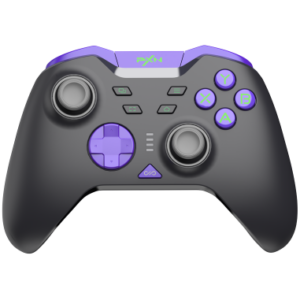

PXN-X9 Gaming Controller / Adapter with Multi-Platform Support and Enhanced Input Compatibility

Limited-time offer



Reviews
Clear filtersThere are no reviews yet.