
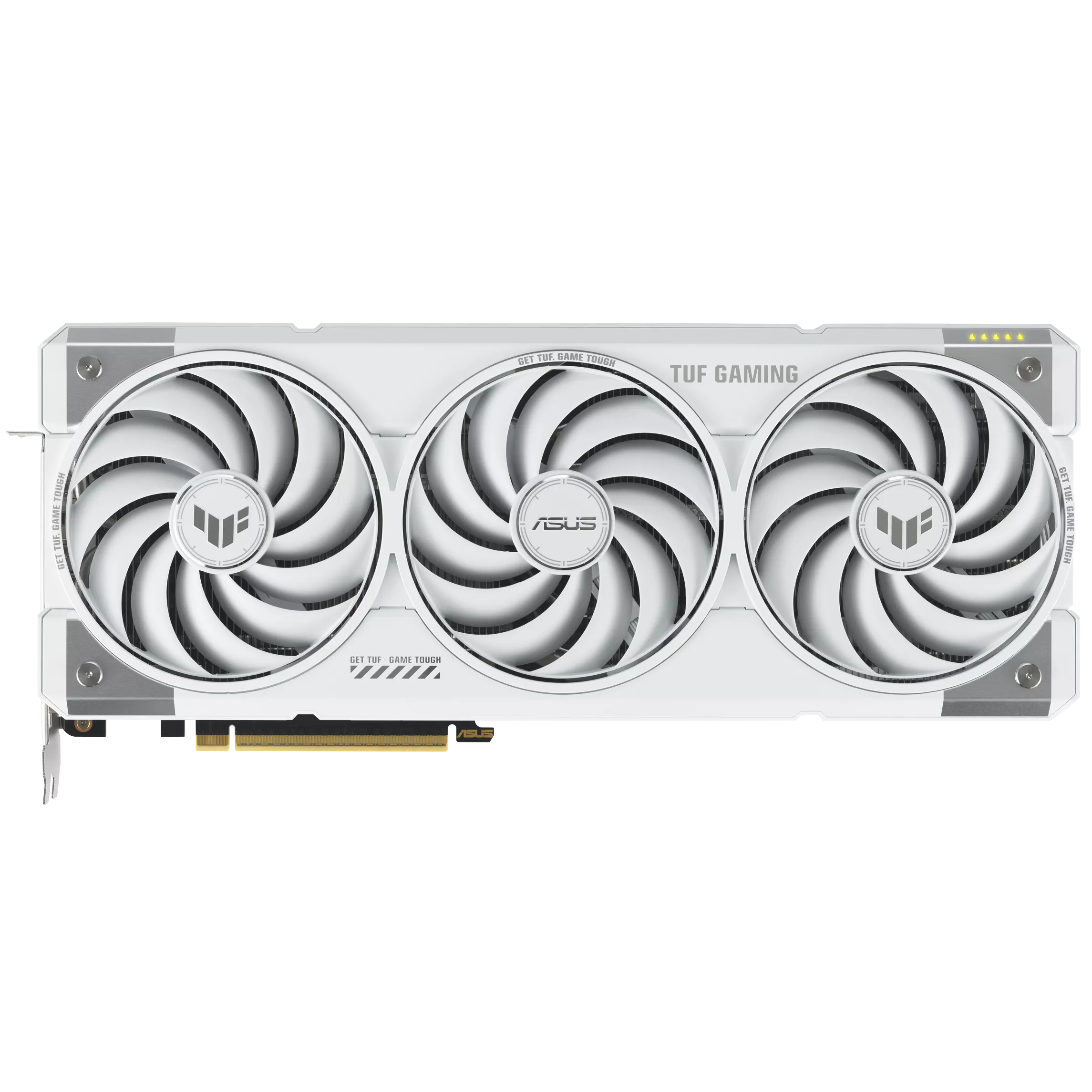
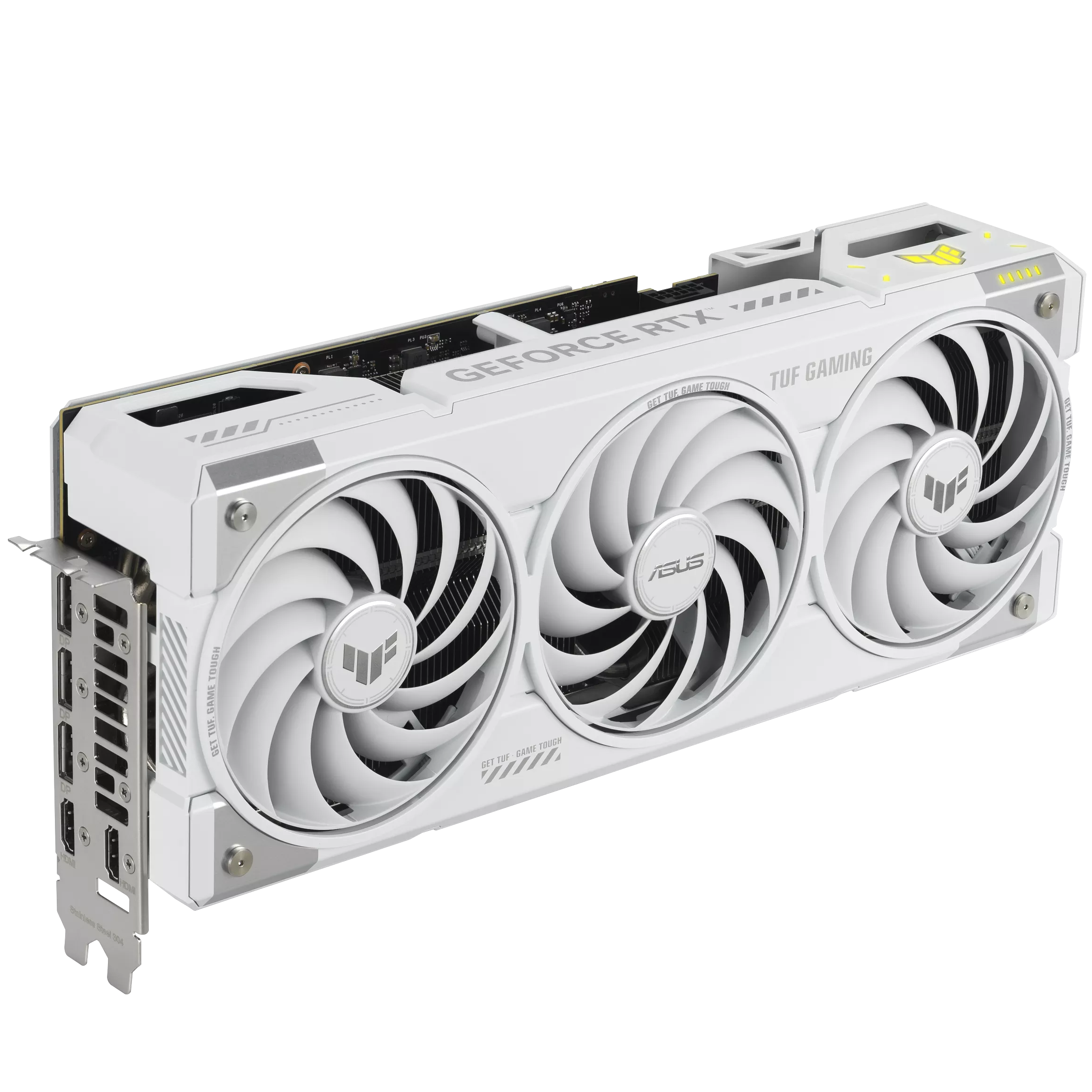
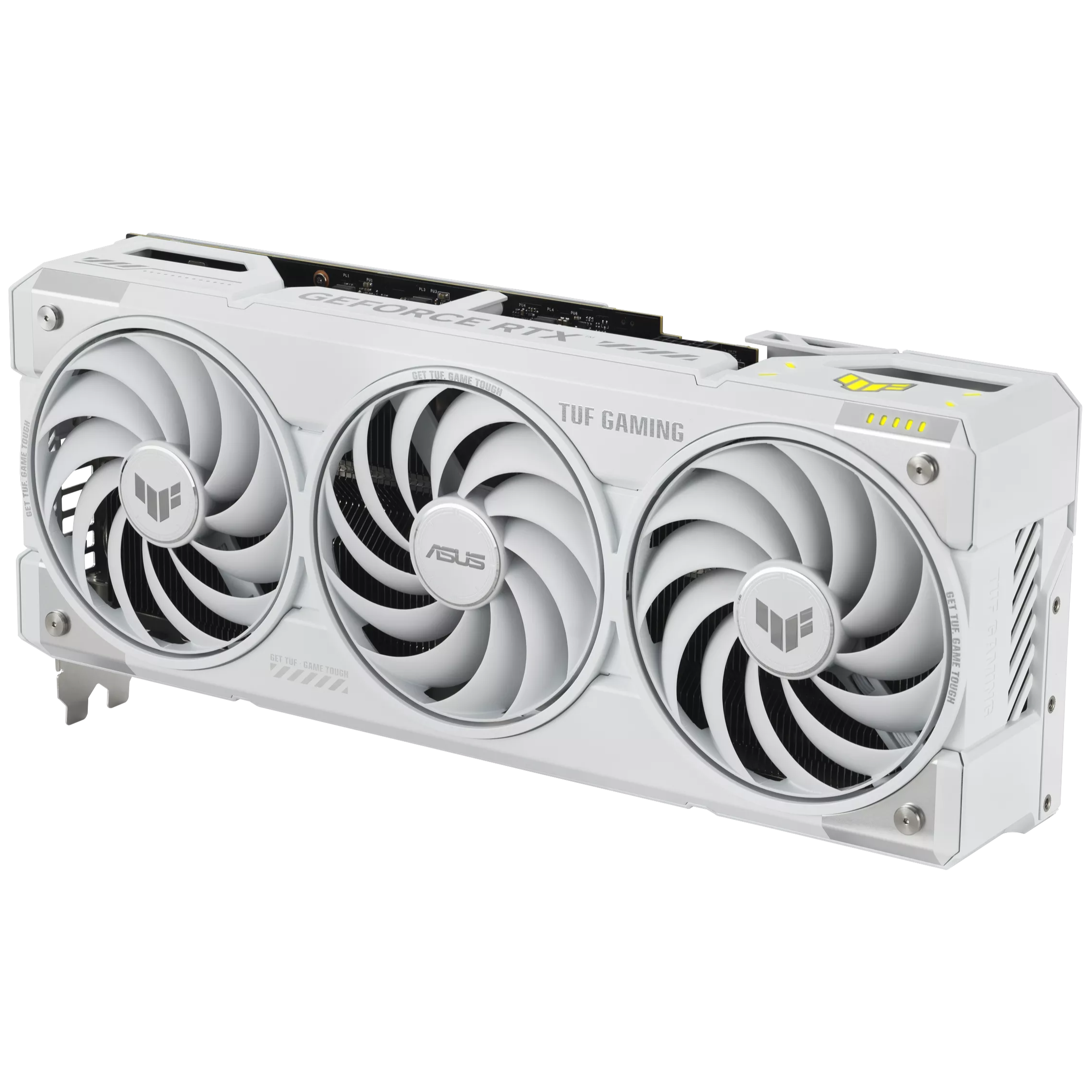
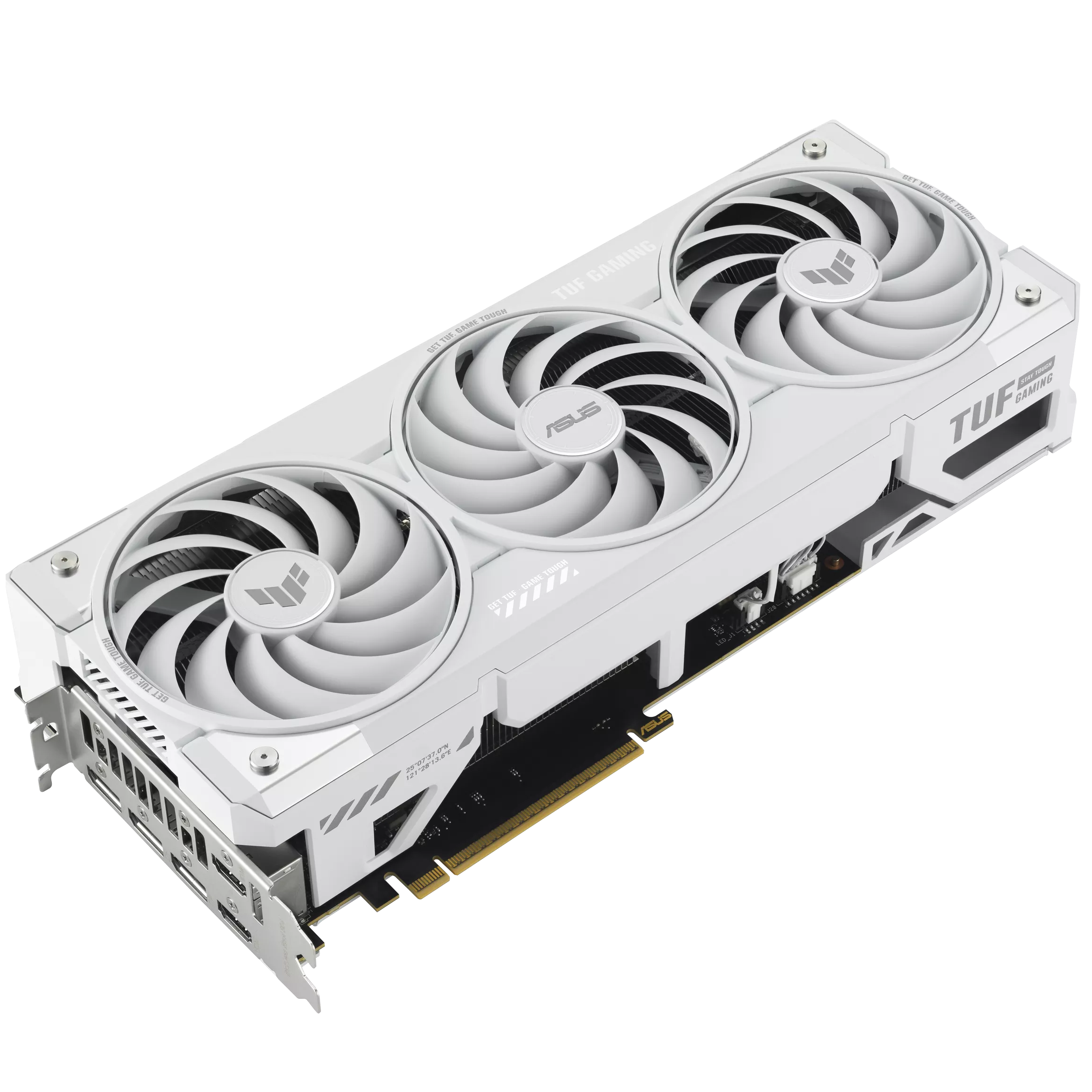
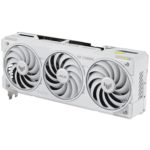
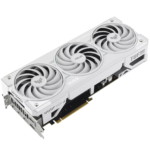
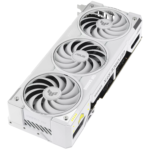
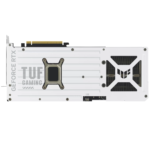
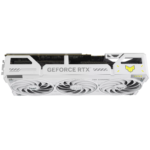
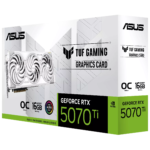
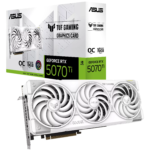
ASUS TUF Gaming · RTX 5070 Ti White OC Edition
Blackwell power.
TUF cooling.
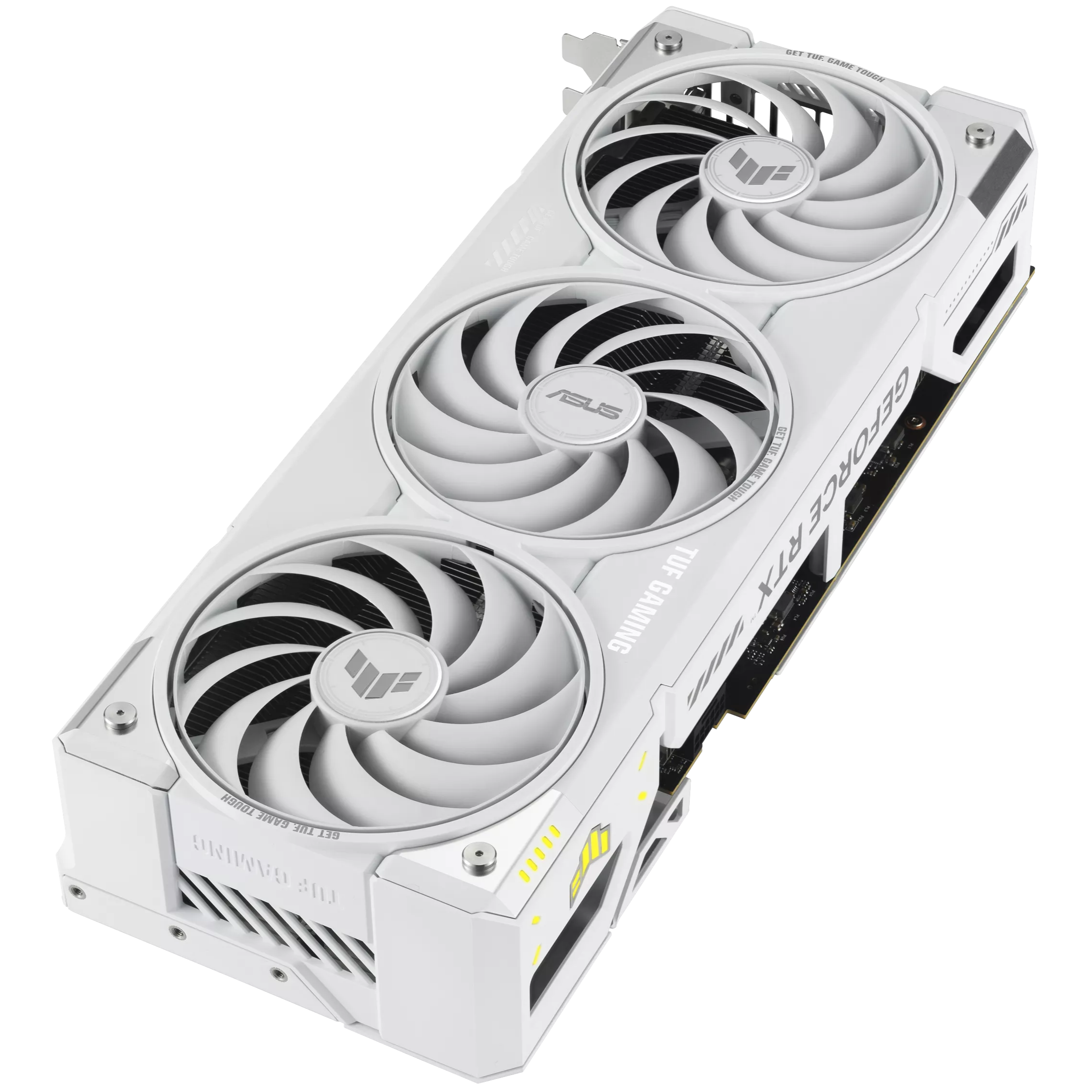
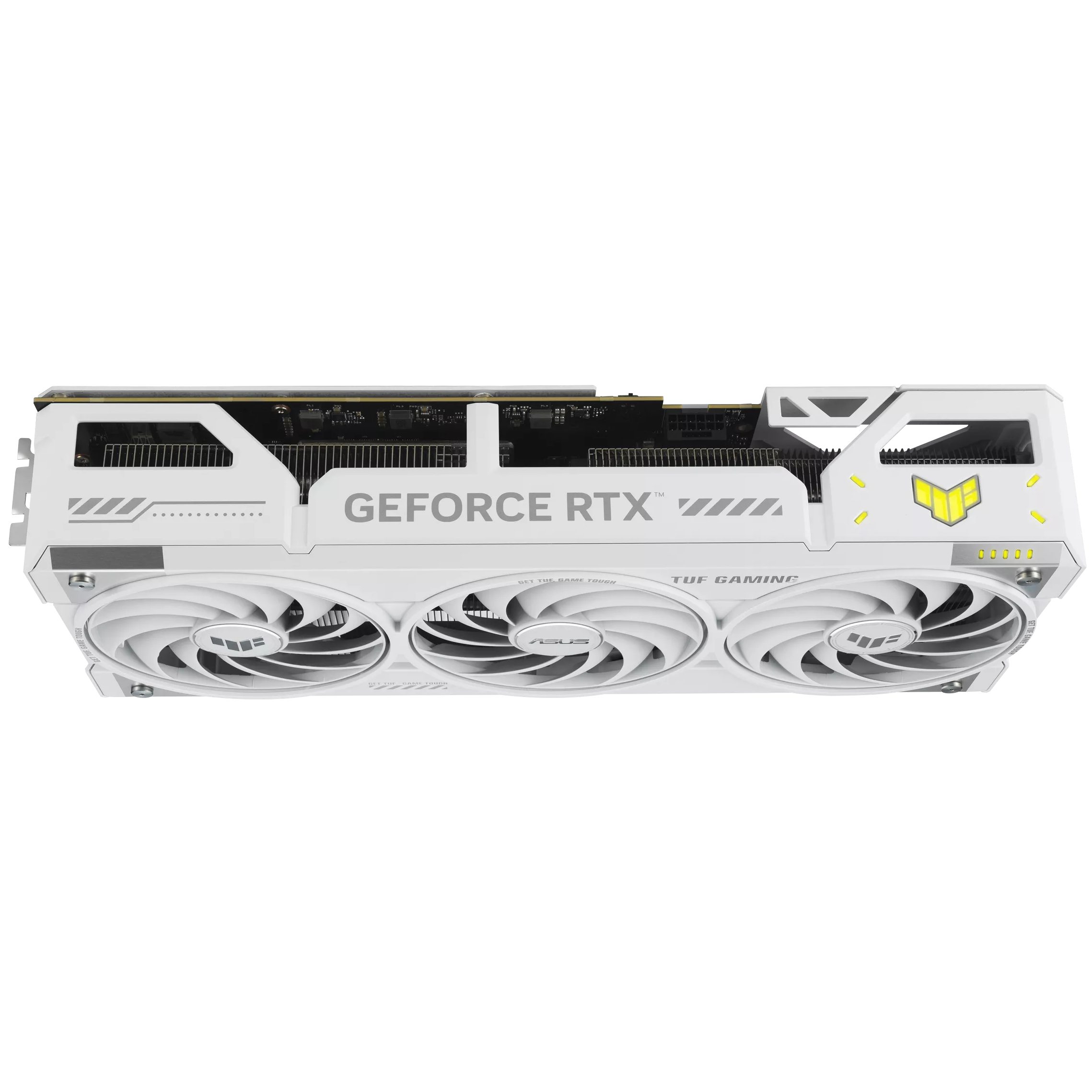
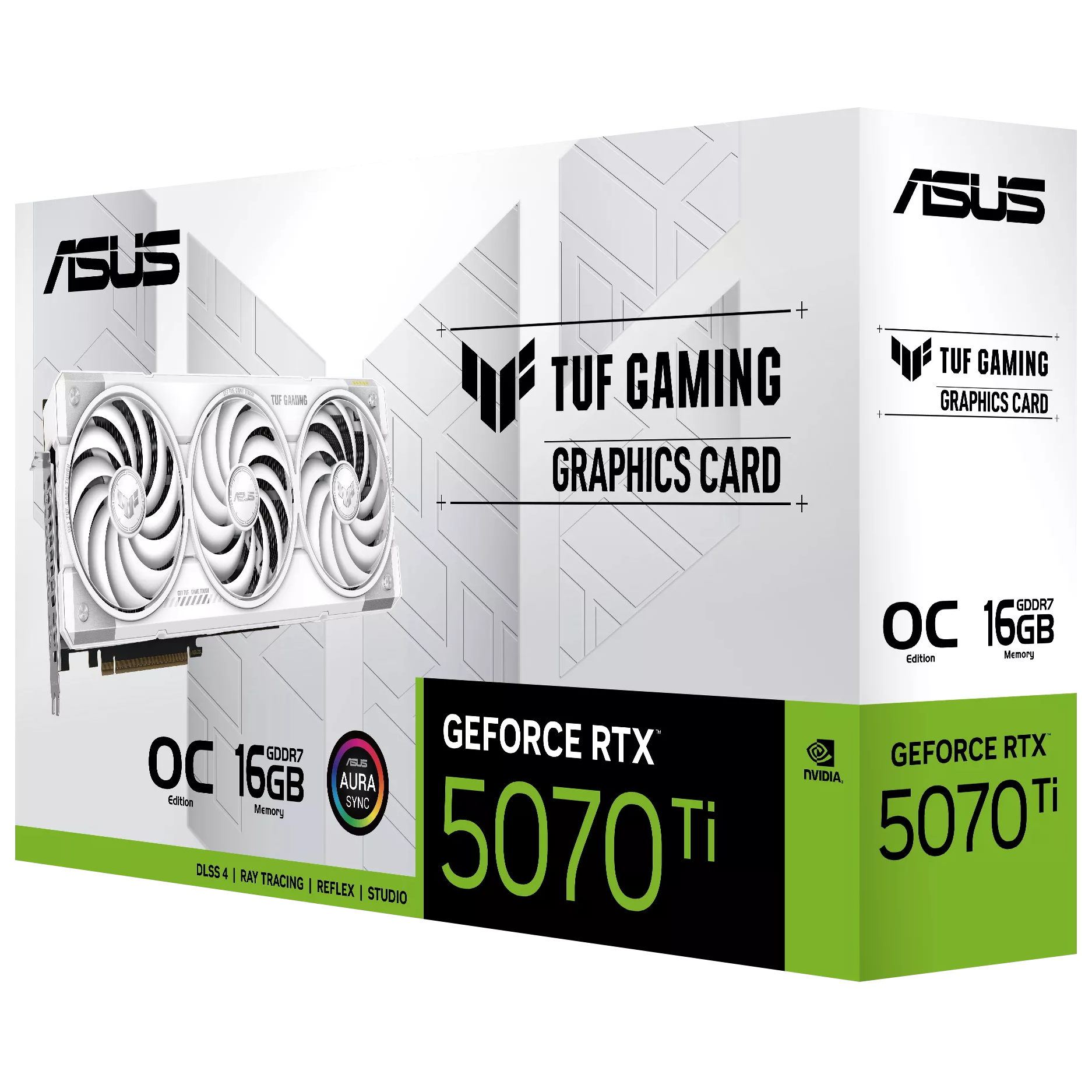
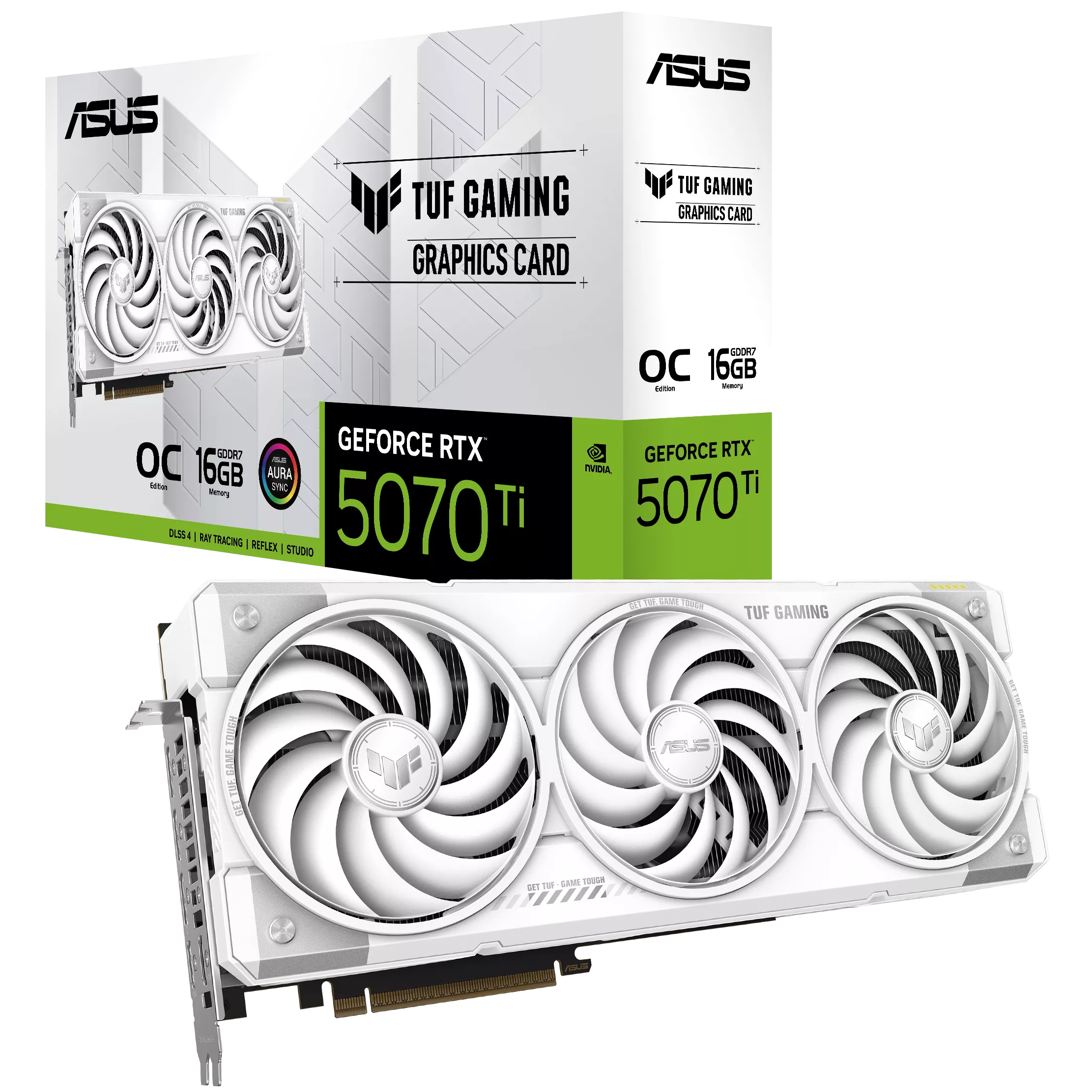
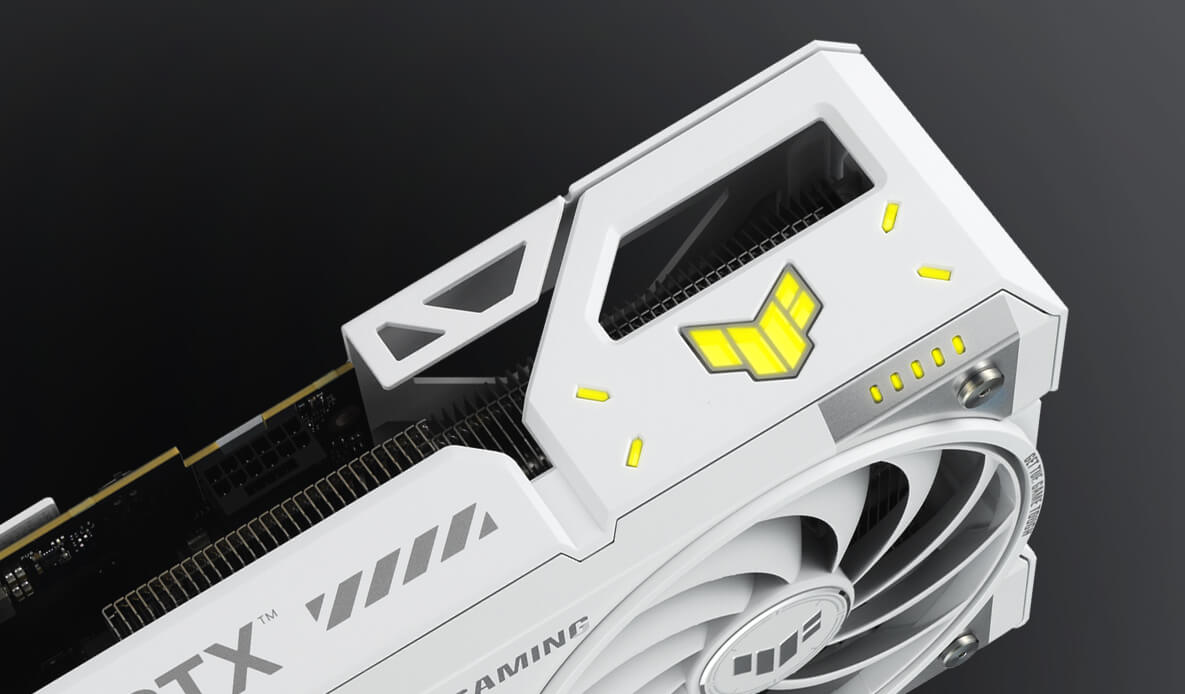
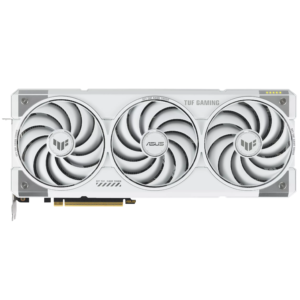
The ASUS TUF Gaming GeForce RTX 5070 Ti OC Edition pairs 16GB of GDDR7 memory with a triple-fan cooling assembly, a reinforced metal enclosure and configurable ARGB lighting. This is the white TUF-RTX5070TI-O16G-WHITE-GAMING model.
Its hardware is designed around NVIDIA Blackwell graphics technology and ASUS thermal engineering. Before choosing it, check the card’s dimensions, power connection and display requirements against your build.
- 16GB
- GDDR7 memory
- 256-bit
- Memory interface
- 3.125-slot
- Physical design
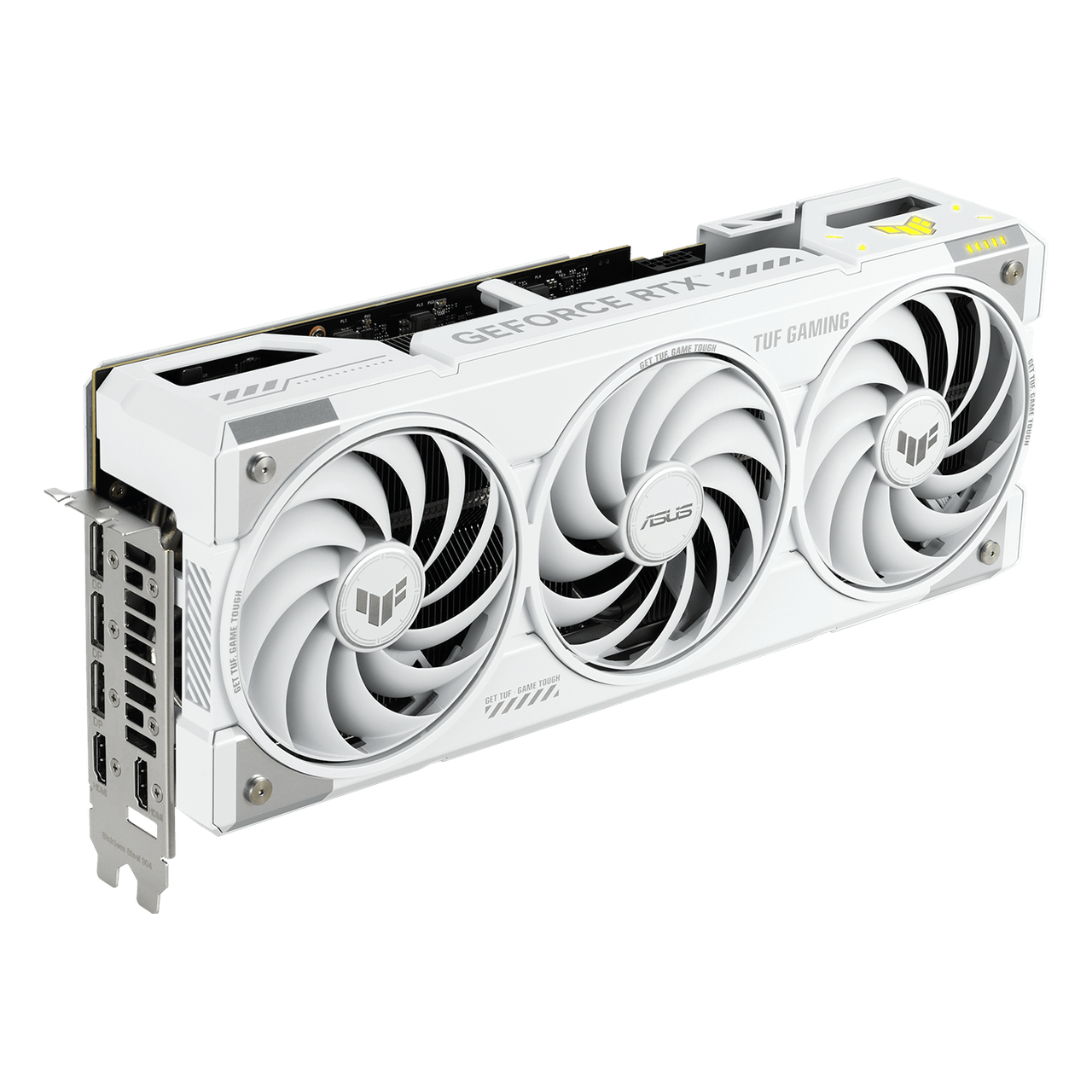
The graphics platform
16GB GDDR7.
A factory-overclocked RTX 5070 Ti.
NVIDIA’s Blackwell architecture brings fifth-generation Tensor cores and fourth-generation ray-tracing cores. ASUS specifies 8,960 CUDA cores, 28Gbps memory and a 256-bit memory interface for this card. Memory capacity and speed are hardware specifications; actual gaming performance also depends on the game, resolution, settings and the rest of your PC.
Two published clock settings
ASUS lists a 2588MHz default boost clock and 2610MHz in OC mode. These are the figures for this ASUS OC edition, rather than reference-card clocks. The OC setting is separate from the physical Performance/Quiet BIOS switch.
DLSS and ray-traced graphics
Supported games can use NVIDIA DLSS features, including Super Resolution, Ray Reconstruction and Multi Frame Generation. Ray-tracing features also depend on the title and selected settings. These technologies do not establish a guaranteed frame rate or universal support in every game.
Tools for creative workflows
NVIDIA Studio drivers, NVIDIA Broadcast and GPU-accelerated creative applications extend the card’s use beyond gaming. Choose the driver and application settings appropriate to your workflow. ASUS links both Game Ready and Studio driver resources for this model.
Thermal engineering
Three fans.
A considered thermal path.
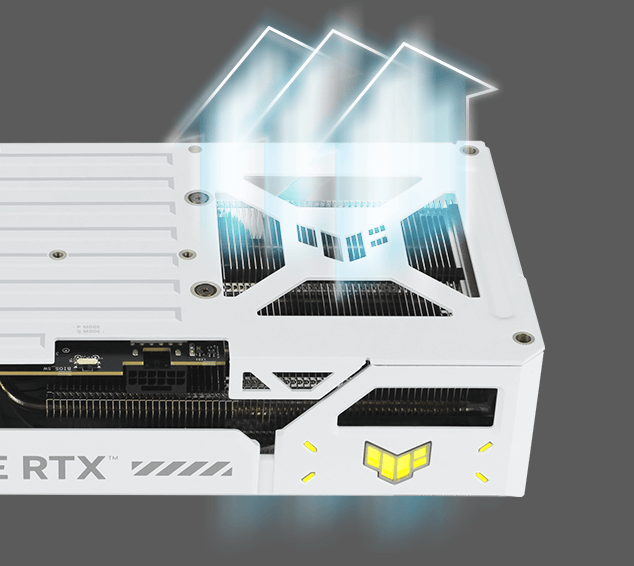
The cooler combines ASUS MaxContact heat-spreader engineering, a phase-change GPU thermal pad, Axial-tech fans and a vented metal enclosure. Each part addresses a different stage of moving heat away from the GPU. Case airflow and ambient conditions remain important to the finished system.
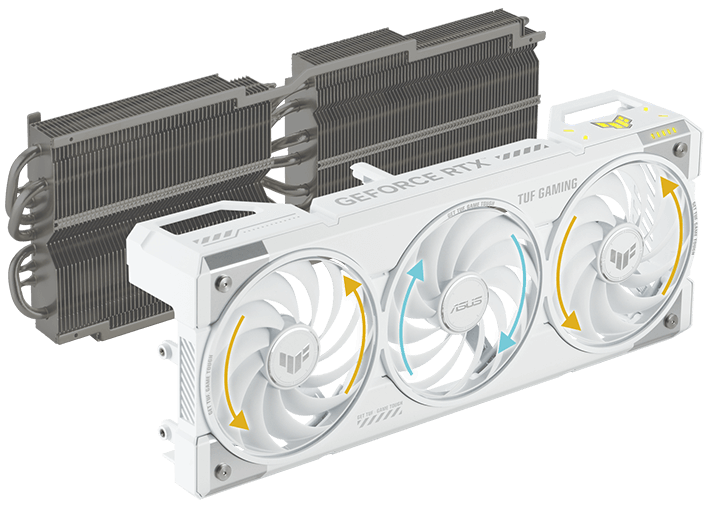
Axial-tech airflow
The three fans use dual-ball bearings. ASUS describes the outer fans rotating counterclockwise to help manage turbulence and air dispersion. The fan design works alongside the heatsink rather than replacing the need for unobstructed case airflow.
Fans can stop during light use
The manufacturer describes fan-stop operation below 50°C and restart above 55°C. This allows quieter light-load operation when thermal conditions permit. It is not a promise that the card will remain silent during gaming.
Phase-change thermal material
The thermal pad is designed to soften with heat and fill gaps between the GPU and thermal module. ASUS combines it with MaxContact and the heatsink assembly; no fixed temperature improvement or lifespan guarantee is claimed here.
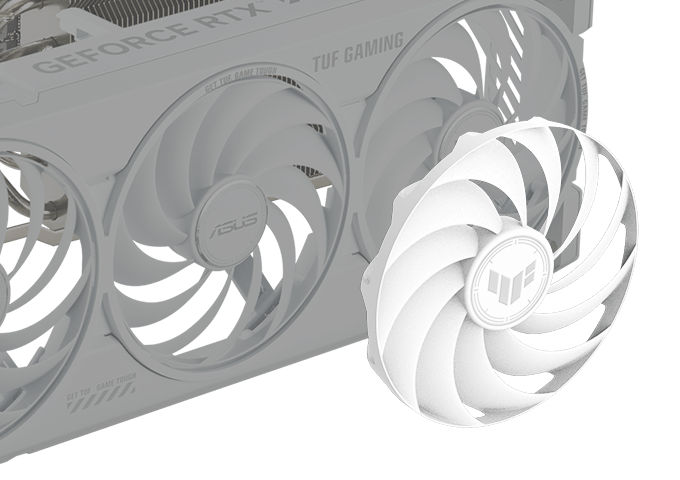
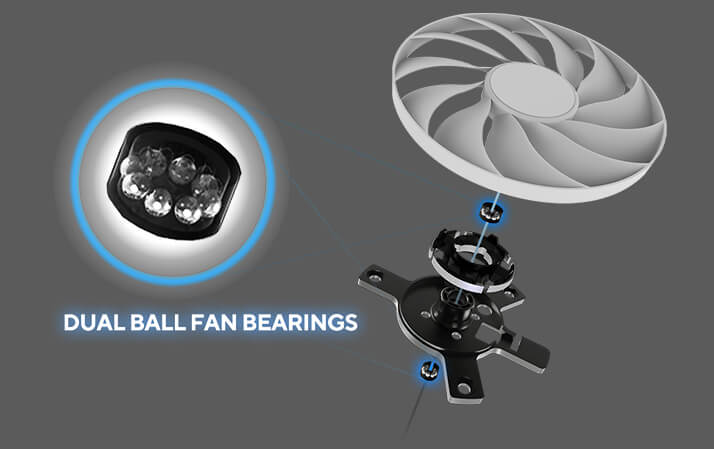
The TUF construction
Reinforcement around the board.
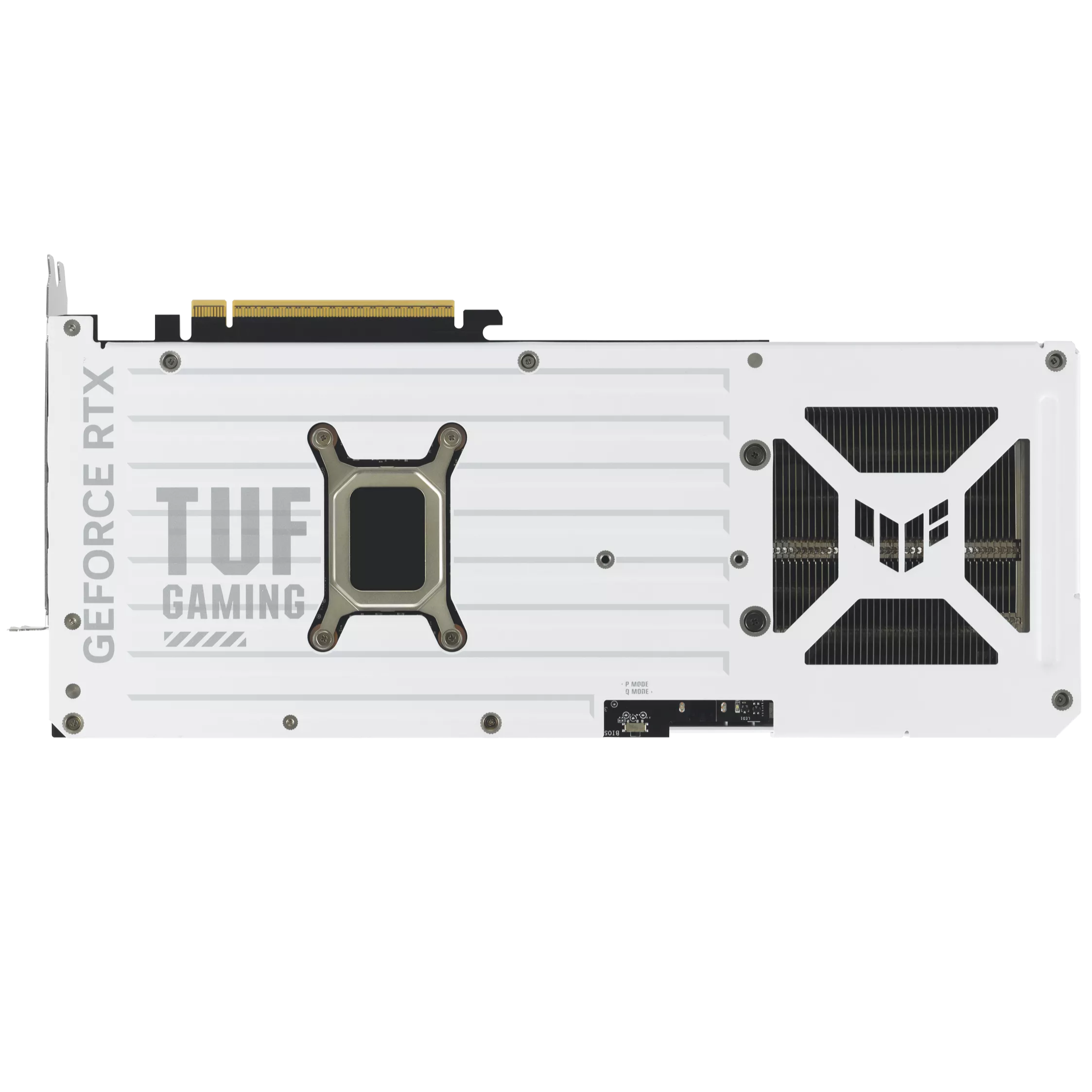
A diecast shroud and aluminium backplate reinforce the card, with vents incorporated into the enclosure. The supporting construction is complemented by protective measures on the PCB and around the GPU.
Protective PCB coating
ASUS applies a conformal coating to help protect against short circuits associated with moisture, dust or debris. This protection does not make the card waterproof or suitable for exposure to liquids.
TUF power components
The board uses TUF chokes, MOSFETs and 5K black metallic capacitors. These components form part of the power-delivery design.
GPU Guard and automated assembly
GPU Guard reinforcement and a GPU mounting bracket support the GPU area. ASUS also describes Auto-Extreme manufacturing, with soldering completed in a single pass to reduce thermal strain during assembly.
Before it goes into your PC
Check the space.
Check the power.
Check the displays.
Compatibility involves more than choosing an RTX model. Use the exact ASUS card dimensions and system-power recommendation below, then check your case, motherboard layout, PSU cabling and monitors.
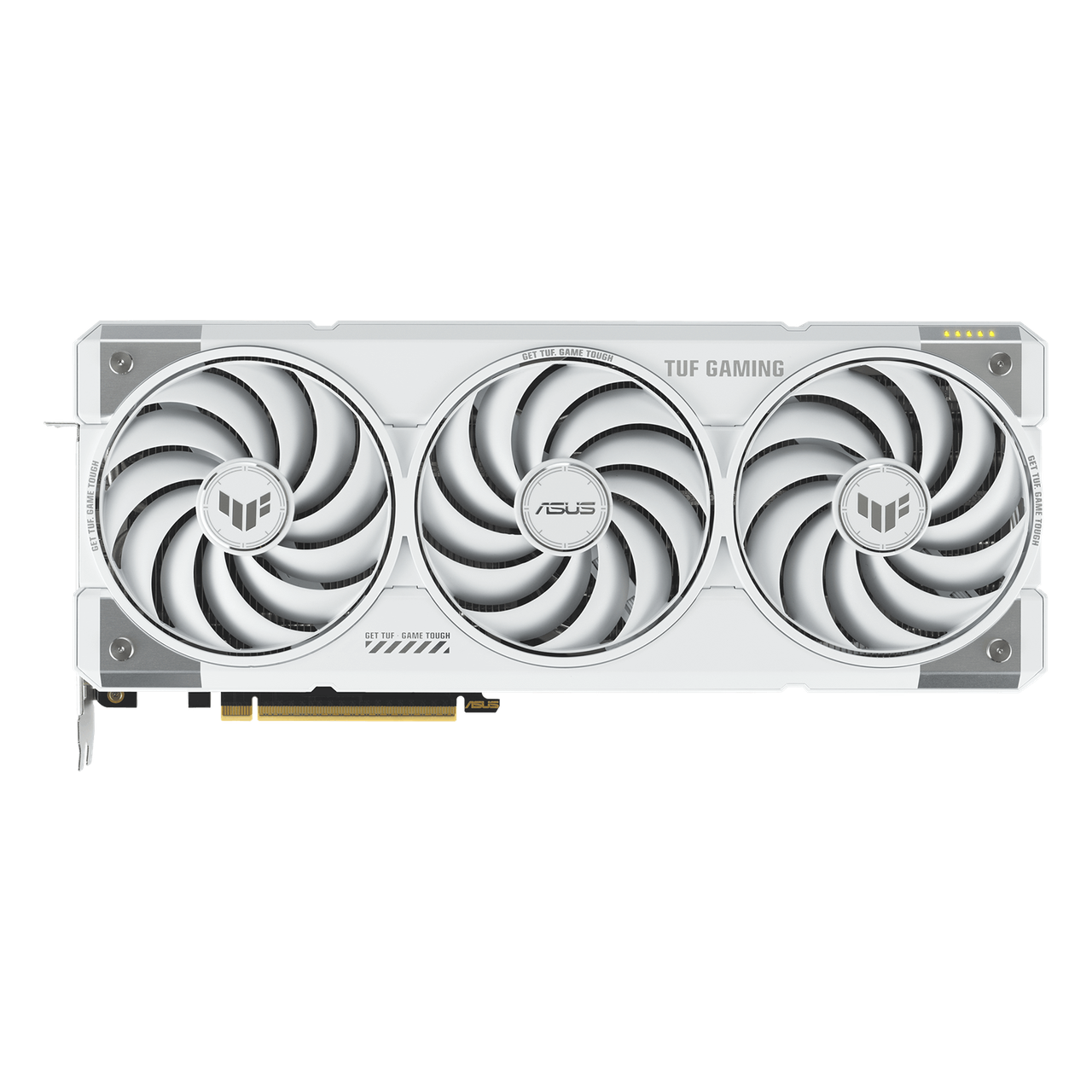
329 × 140 × 62.5mm
ASUS lists a 3.125-slot design. Check usable GPU clearance with front fans or radiators installed, nearby expansion slots and room for the power cable. Card dimensions alone do not establish that a particular case will fit it.
850W recommended system PSU
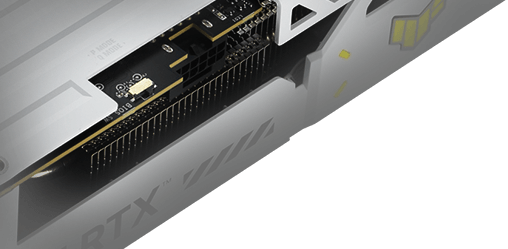
The card uses one 16-pin power connector. ASUS’s 850W recommendation is based on an overclocked GPU/CPU system configuration; it is not the card’s power consumption. Confirm the PSU and correct cable arrangement for your full system.
Use ASUS’s linked 16-pin connector guide and your PSU’s instructions for installation and cable routing.
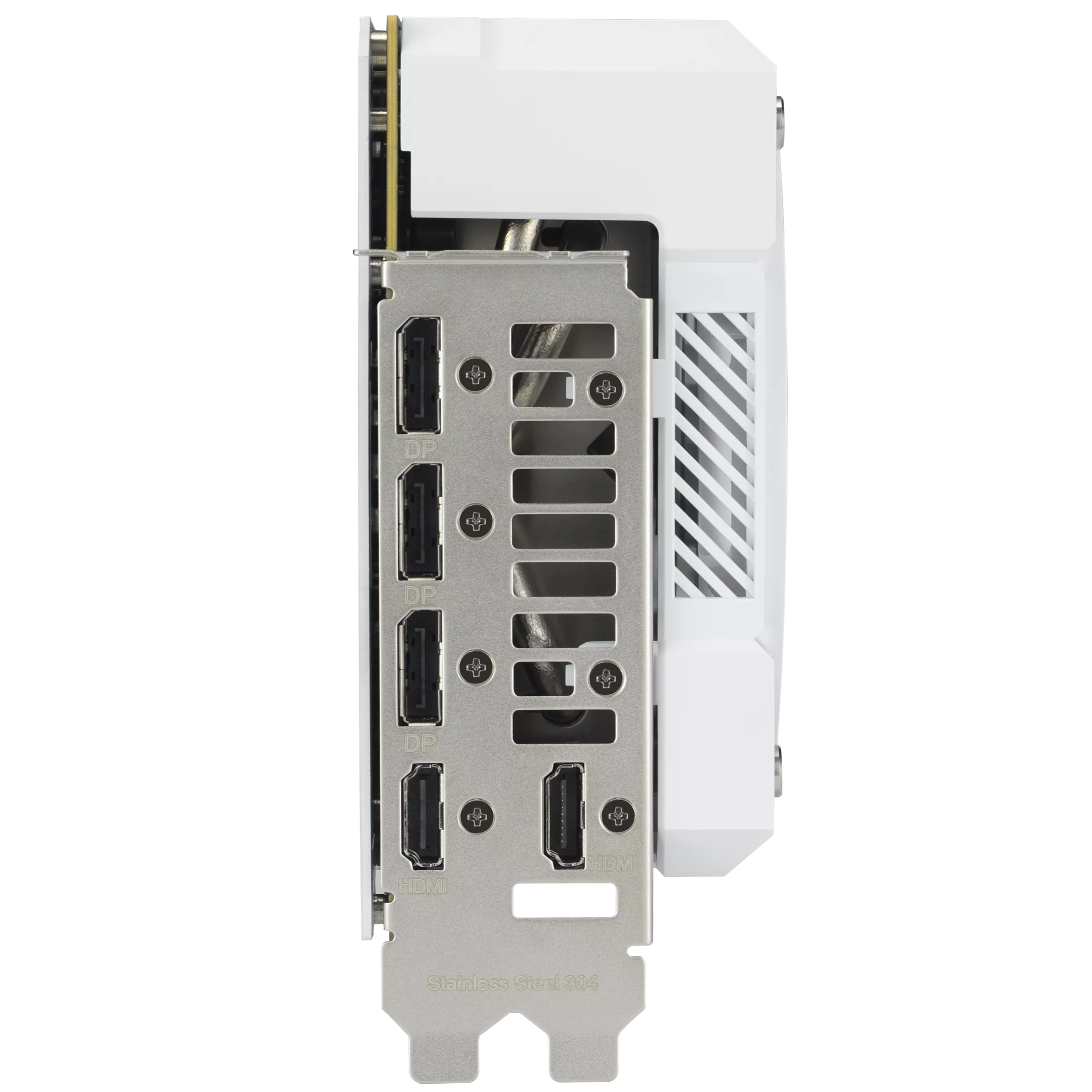
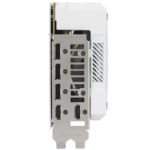
Five outputs. Up to four displays.
The card provides two HDMI 2.1b and three DisplayPort 2.1b connections. ASUS specifies a maximum of four simultaneous displays. Resolution, refresh rate and available features depend on the monitor, cable and chosen configuration.
Hardware controls
Performance or Quiet.
A physical BIOS choice.
Dual BIOS provides a hardware switch for Performance and Quiet modes. Use the model’s official instructions for selecting the appropriate mode. The BIOS choice and the software OC clock setting are separate controls.
The switch offers a choice of operating profiles; it does not guarantee a particular noise level or gaming result in every build.
Control and appearance
Monitor the card.
Coordinate the lighting.
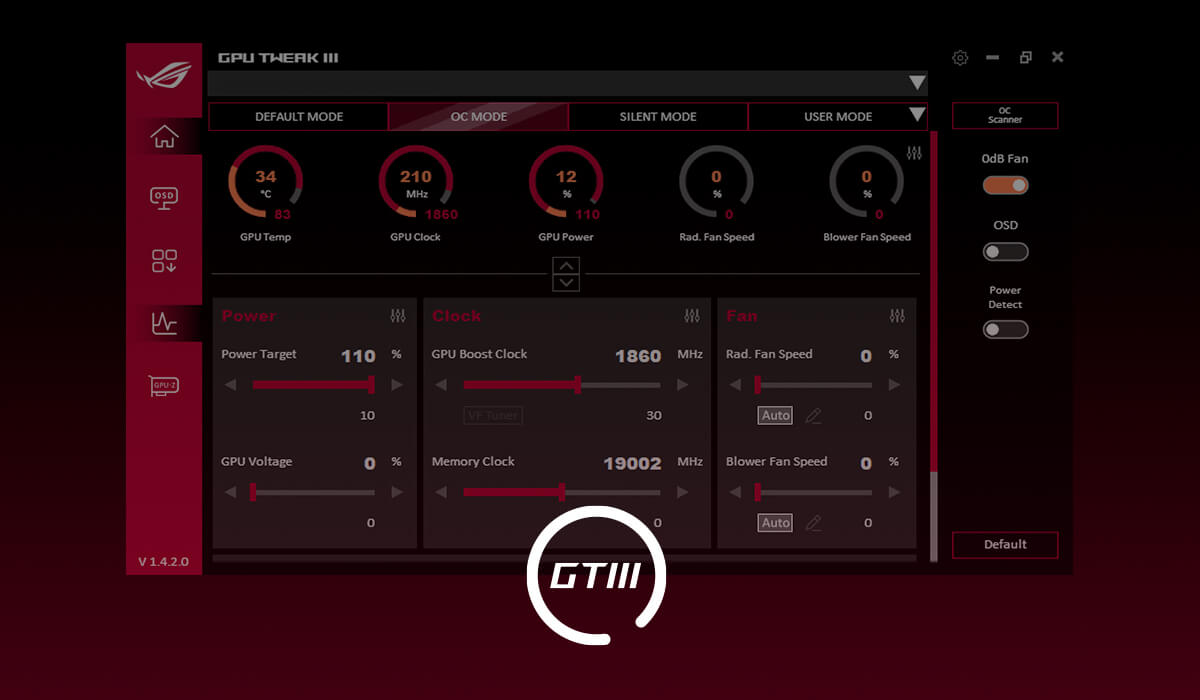
ASUS GPU Tweak III provides monitoring and supported tuning controls. Aura-compatible ARGB lighting on the shroud lets you coordinate the card with compatible components. Software, firmware and available functions can change; use the official support resources for current downloads.
Exact model reference
TUF-RTX5070TI-O16G-WHITE-GAMING specifications.
- GPU
- NVIDIA GeForce RTX 5070 Ti
- Architecture
- NVIDIA Blackwell
- Video memory
- 16GB GDDR7
- Memory speed / interface
- 28Gbps / 256-bit
- CUDA cores
- 8,960
- Default boost clock
- 2588MHz
- OC mode clock
- 2610MHz
- Bus standard
- PCI Express 5.0
- HDMI outputs
- 2 × native HDMI 2.1b
- DisplayPort outputs
- 3 × native DisplayPort 2.1b
- Simultaneous displays
- Up to 4
- Maximum digital resolution
- 7680 × 4320; not a gaming-performance guarantee
- HDCP
- 2.3
- OpenGL
- 4.6
- Dimensions
- 329 × 140 × 62.5mm
- Slot design
- 3.125-slot
- Recommended system PSU
- 850W; see ASUS system-configuration note
- Card power connector
- 1 × 16-pin
- BIOS switch
- Performance / Quiet
- Lighting
- Aura Sync ARGB
- Multi-GPU link
- NVLink / CrossFire not supported
- ASUS tuning software
- GPU Tweak III
Questions for this card
What to confirm before choosing it.
Will it fit a compact case?
Check the exact 329 × 140 × 62.5mm dimensions and 3.125-slot design against the case’s usable clearance. Front cooling hardware, adjacent slots and power-cable routing can change the available space. A case’s advertised GPU-length limit alone is not enough to confirm fit.
Does the 850W figure mean the GPU draws 850 watts?
No. It is ASUS’s recommended system PSU capacity, based on an overclocked GPU/CPU configuration. It is not a board-power figure. The appropriate PSU also depends on your CPU, other components and power-cable compatibility.
What power socket is on the card?
ASUS specifies one 16-pin connector. Confirm a compatible PSU cable or the correct adapter arrangement before installing it. If you need an adapter, confirm the supplied package contents before ordering.
Can I connect five monitors at once?
ASUS lists five physical outputs, but a maximum of four simultaneous displays. The two HDMI 2.1b and three DisplayPort 2.1b ports give connection choices within that limit.
How do the two clock figures differ?
The official specification lists 2588MHz as the default boost clock and 2610MHz for OC mode. These are mode-specific ASUS specifications, not guaranteed sustained clocks in every workload. The physical Performance/Quiet BIOS switch is a separate control.
Does the maximum resolution promise smooth 8K gaming?
No. The specified 7680 × 4320 maximum digital resolution describes display capability. Gaming frame rate depends on the game, settings, rendering features and your system; it cannot be inferred from that resolution figure.
Will the fans always spin?
ASUS describes fan-stop operation below 50°C and restart above 55°C. Whether the fans stop depends on thermal conditions and operation. Quiet BIOS mode does not mean guaranteed fanless gaming.
Will every game support DLSS Multi Frame Generation?
No. The game and software configuration must support the feature. Use the game’s supported settings and current official NVIDIA guidance rather than assuming the same rendering options are available in every title.
Manufacturer resources: ASUS model overview · Exact specifications · 16-pin connector guide · NVIDIA RTX 5070 family features.
Comparing alternatives? Browse graphics cards at GameOn.pk.
Comparing editions? See ASUS TUF Gaming GeForce RTX 5070 Ti 16GB GDDR7 OC Edition Graphic Cards for its own finish and specifications.
Specifications and box contents may vary by region or manufacturer revision. Please check the linked manufacturer information and confirm any essential feature or included accessory with GameOn.pk before ordering.
| Brand | ASUS |
|---|---|
| Color | White |
| Warranty | Official Warranty |
Only logged in customers who have purchased this product may leave a review.






Reviews
Clear filtersThere are no reviews yet.