


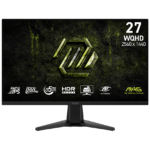

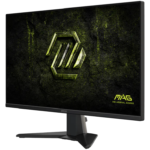

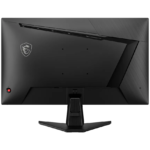

MSI MAG 275QF E20 27″ QHD 200Hz Rapid IPS Gaming Monitor
₨ 63,000
- 2560 × 1440 native resolution
- Up to 200Hz
- Rapid IPS panel
- DisplayPort: QHD up to 200Hz; HDMI: QHD up to 144Hz.
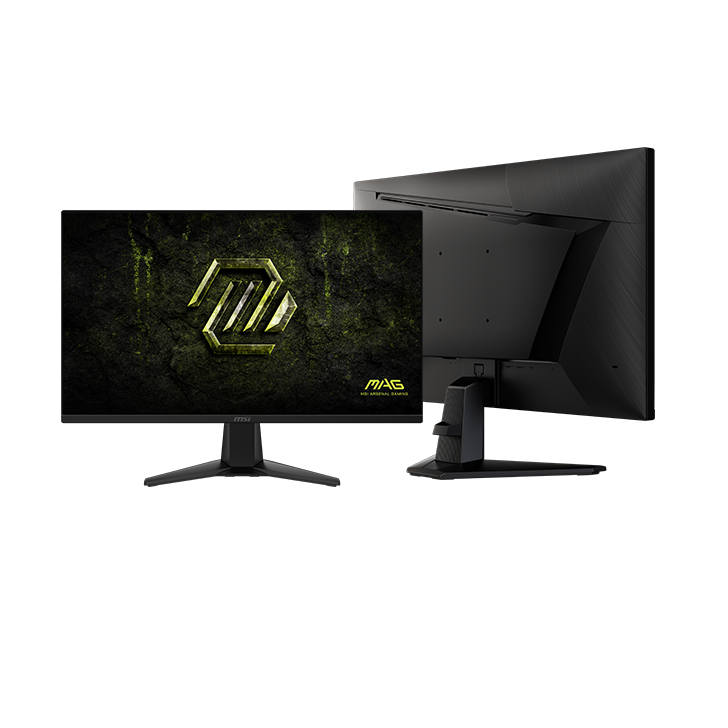
MAG 275QF E20 · 27-inch Rapid IPS
Step up to QHD.
Keep the pace at 200Hz.
The MSI MAG 275QF E20 combines a 2560 × 1440 picture with a 200Hz ceiling on a flat 27-inch screen. It is a useful step up from Full HD if you want finer detail for games and everyday work while keeping high-refresh PC gaming in view.
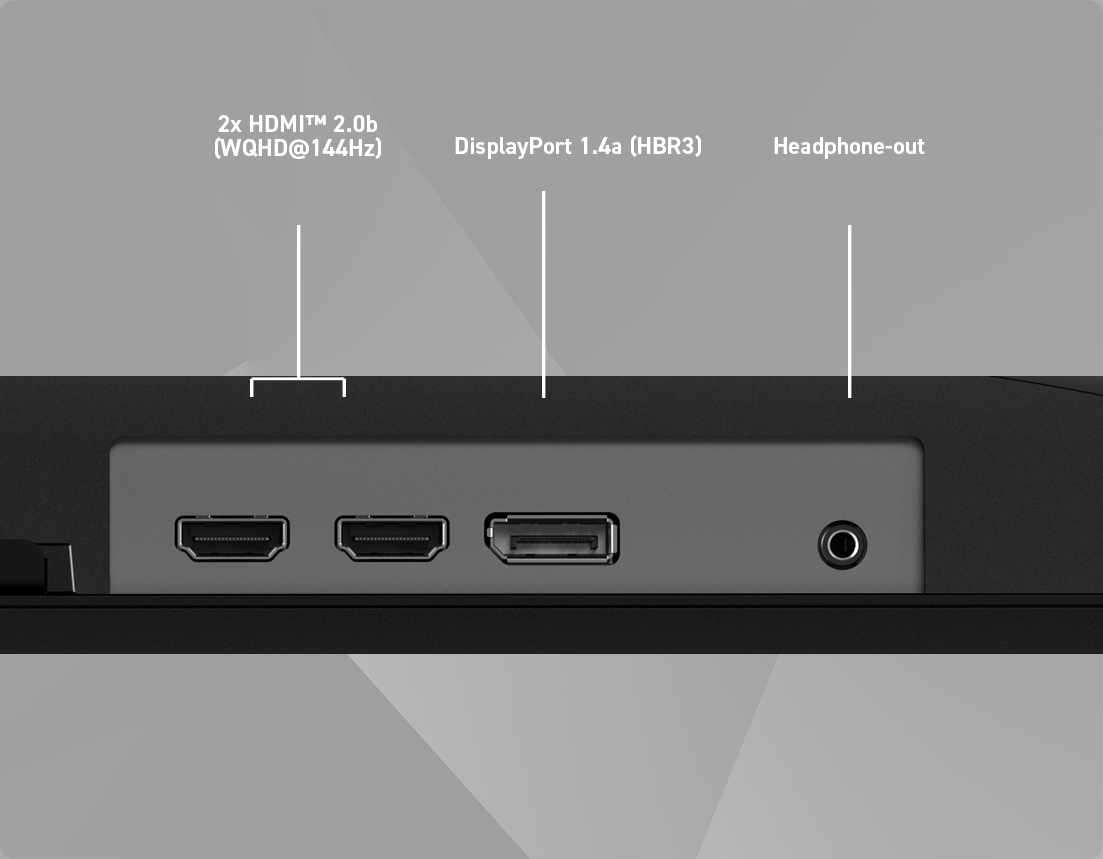
Plan the connection before the purchase: DisplayPort delivers its full QHD 200Hz mode; HDMI reaches QHD at up to 144Hz.
- 27″ QHD
- 2560 × 1440 resolution
- 200Hz
- Through DisplayPort
- Rapid IPS
- Flat, anti-glare screen
The connection makes a difference
Which input gets you 200Hz?
Choose a compatible DisplayPort output for the monitor’s highest refresh rate at native resolution. The two HDMI inputs remain useful for additional devices, but they have a lower published limit.
DisplayPort 1.4a
Up to 2560 × 1440
1 input
HDMI 2.0b
Up to 2560 × 1440
2 inputs
These are monitor input limits. The output on your PC, any adapter and the selected display mode must also support the timing. They do not establish console-specific refresh or VRR support.
Detail you can use
More room for fine detail at 27 inches.
QHD adds pixels without changing the familiar 16:9 shape. Compared with 1920 × 1080, its 2560 × 1440 resolution provides approximately 78% more pixels. That gives games, text and desktop applications more image detail to work with at the same physical screen size.
Your graphics card also has more pixels to render. Consider the performance you can reach at 1440p in the games you actually play, rather than treating 200Hz as a promise of 200 frames per second.
Pixels at native QHD resolution.
Full HD contains approximately 2.07 million.
Motion support, correctly described.
MSI lists NVIDIA G-SYNC Compatible and AMD FreeSync Premium support. With a compatible setup, variable refresh helps match display updates to changing game frame rates.
The advertised 0.5ms GtG minimum is a pixel-transition specification. It is not an average response measurement or total input lag, and it does not guarantee that every transition completes in 0.5ms.
Judge the QHD resolution, input choice and refresh ceiling together. A response-time number alone does not describe the whole gaming experience.
Picture controls for different games
Bring out shadow detail when you need it.
AI Vision and AI Crosshair
AI Vision adjusts darker areas, brightness and colour saturation. AI Crosshair changes the aiming marker’s colour against the background. These are optional viewing aids: try them for visibility-focused play, then return to a more neutral picture if you prefer the game’s original look.
What “HDR Ready” tells you
MSI lists HDR Ready support, alongside 300 cd/m² SDR brightness. HDR Ready is not a VESA DisplayHDR certification, and the SDR figure is not an HDR peak-brightness claim. Treat this as a QHD high-refresh IPS purchase rather than choosing it solely for an HDR label.
MAG 275QF E20 at a glance
- Screen / panel
- 27 inches · flat Rapid IPS · 16:9
- Native resolution
- 2560 × 1440 (QHD / WQHD)
- Refresh limit
- DP: 200Hz · HDMI: 144Hz at QHD
- Response rating
- 0.5ms GtG minimum
- SDR brightness
- 300 cd/m²
- Typical contrast
- 1200:1
- Colour depth
- 8-bit + FRC (10-bit display support)
- Surface
- Anti-glare
- Video connections
- 2 × HDMI 2.0b; 1 × DP 1.4a
- Audio connection
- Headphone output
Desk and device questions
Can I adjust the screen height on the supplied stand?
The supplied stand supports tilt from −5° to +20°, but MSI lists no height, swivel or pivot adjustment. For a more adjustable setup, use a suitable monitor arm with a 100 × 100 mm VESA mount and confirm the arm’s load and size limits.
Can this replace a USB-C laptop dock?
No. There are no USB ports or KVM function. A laptop needs a compatible HDMI or DisplayPort video connection, directly or through a suitable adapter, and its own charging arrangement.
Will sound play directly from the monitor?
No built-in speakers are listed in MSI’s datasheet. Use the headphone output with suitable audio equipment, or connect your headset or speakers to the computer.
Manufacturer information: MSI specifications · Product features · Official datasheet.
Specifications and box contents may vary by region or manufacturer revision. Please check the linked manufacturer information and confirm any essential feature or included accessory with GameOn.pk before ordering.
| Brand | MSI |
|---|---|
| Color | Black |
| Warranty | Official Warranty |
Only logged in customers who have purchased this product may leave a review.
Related products




Redragon Amber GM27H10C 27″ FHD 165Hz VA Curved Gaming Monitor

Limited-time offer


Reviews
Clear filtersThere are no reviews yet.