
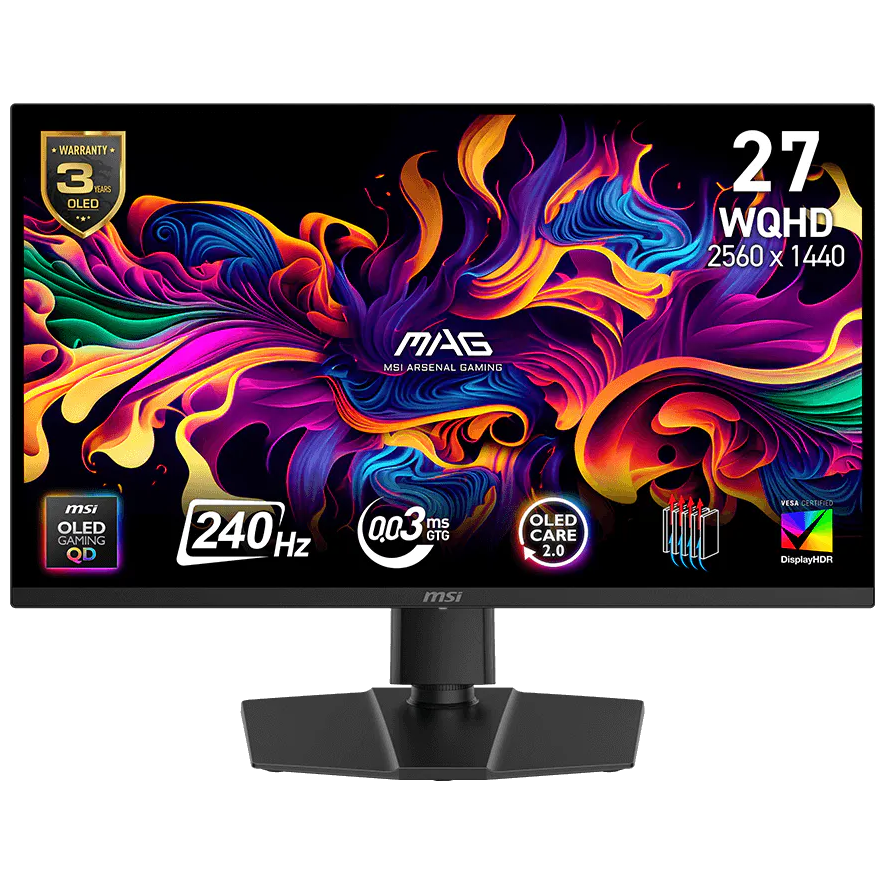
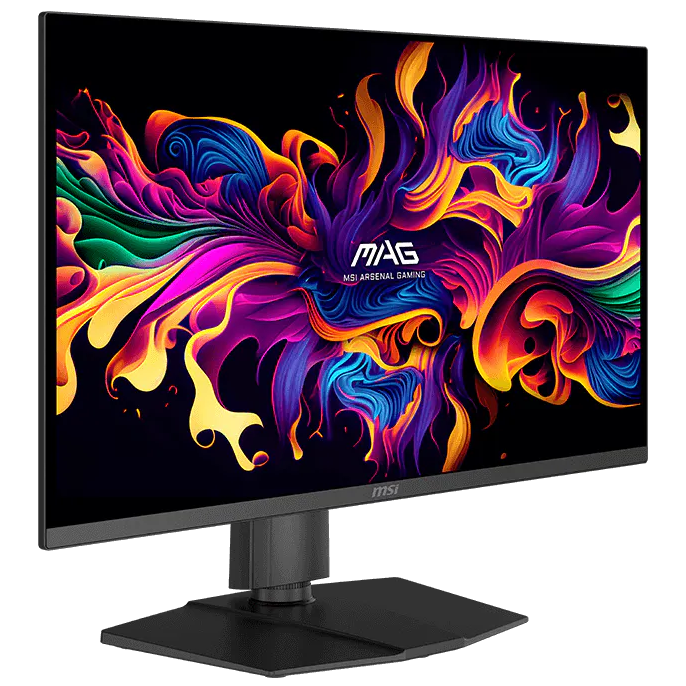


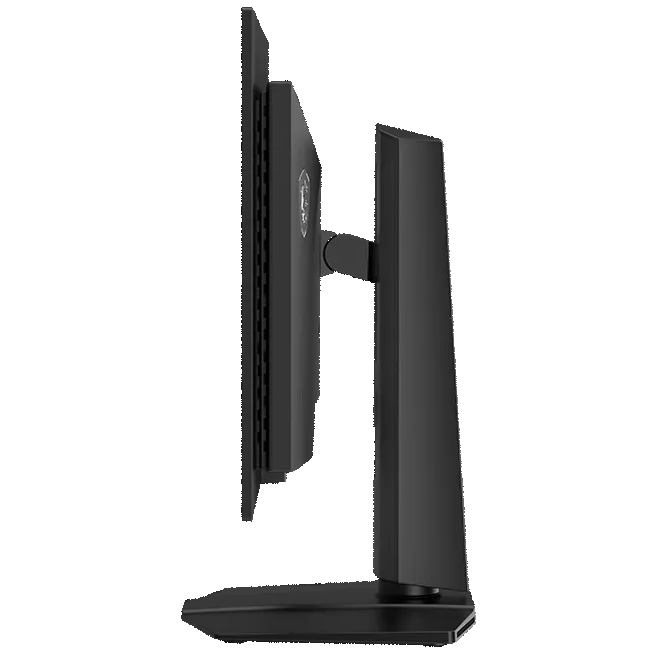
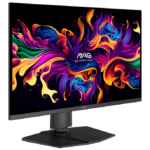


MSI MAG 273QP QD-OLED X24 26.5″ QHD 240Hz Gaming Monitor
₨ 225,000
- 2560 × 1440 native resolution
- Up to 240Hz
- QD-OLED panel
- HDMI and DisplayPort: QHD up to 240Hz.
Out of stock
This product is currently sold out.
No worries! Enter your email, and we'll let you know as soon as it's back in stock.
Self-emissive pixels, in a manageable screen size
QHD at 240Hz, with the contrast of QD-OLED.
The MAG 273QP QD-OLED X24 pairs a 26.5-inch panel with 2560 × 1440 resolution. OLED controls light at pixel level rather than through a conventional backlight. Its VESA DisplayHDR True Black 400 rating describes HDR performance separately from the 240Hz refresh ceiling.
- QHD
- 2560 × 1440
- 240Hz
- Maximum refresh ceiling
- QD-OLED
- Display format
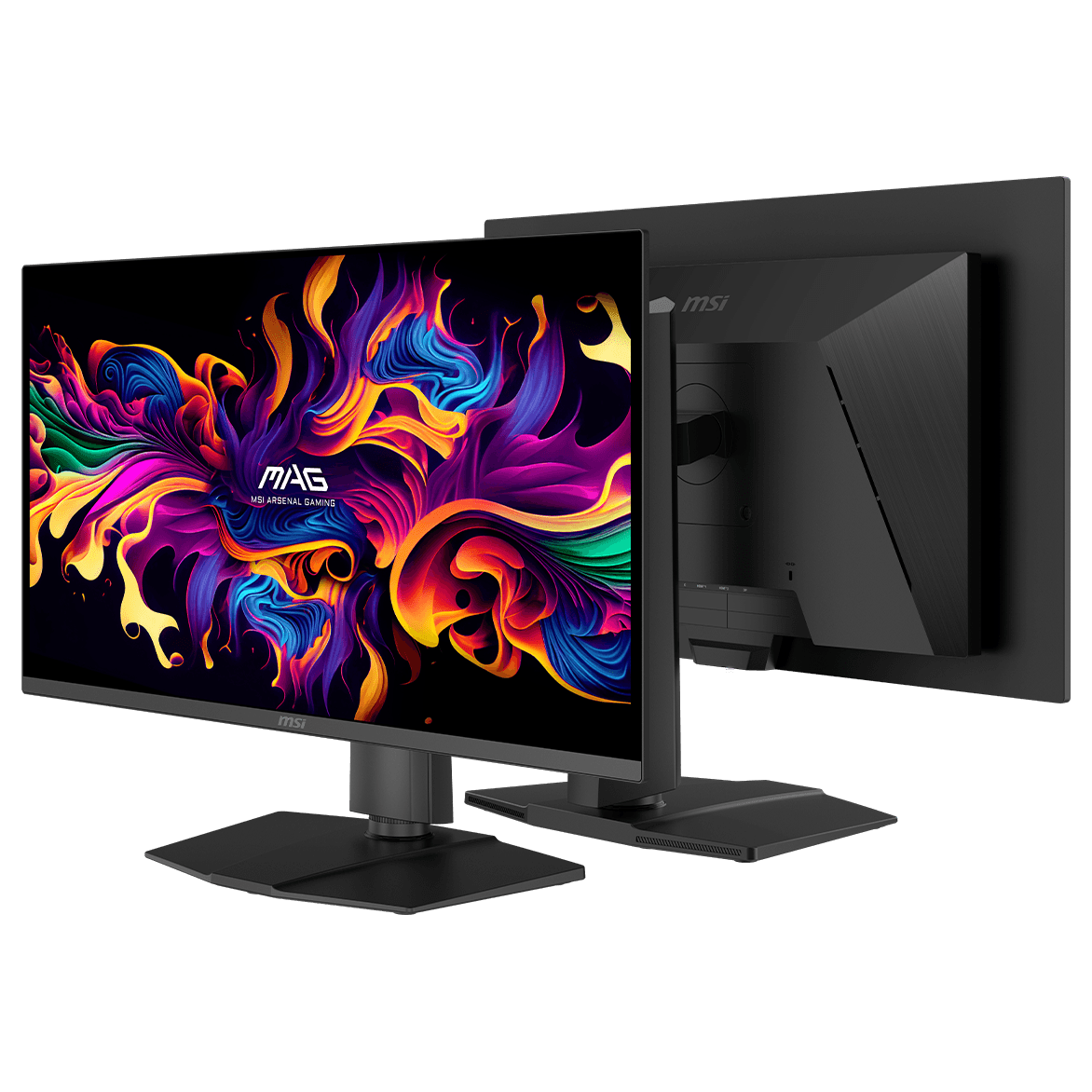
Keep the 240Hz path straightforward
Both HDMI and DisplayPort are specified for QHD up to 240Hz. Two HDMI 2.1 inputs and a DisplayPort 1.4a input accommodate multiple video sources. FreeSync Premium Pro and G-SYNC Compatible support require a compatible system and enabled settings.
OLED Care 2.0 belongs in the daily routine
MSI’s care tools include pixel shifting, panel protection and static-element detection. Let the monitor perform its maintenance and avoid leaving an unchanged desktop displayed unnecessarily. These tools help manage image-retention risk; they do not make burn-in impossible.
MAG 273QP QD-OLED X24 specifications
- Viewable screen
- 26.5 inches
- Native resolution
- 2560 × 1440 (QHD)
- Maximum refresh
- Up to 240Hz
- Panel
- QD-OLED
- Connections
- 2 × HDMI 2.1; 1 × DisplayPort 1.4a
- Response rating
- 0.03ms GtG
- Variable refresh
- NVIDIA G-SYNC Compatible; AMD FreeSync Premium Pro
- HDR specification
- VESA DisplayHDR True Black 400
- VESA pattern
- 100 × 100 mm
MAG 273QP QD-OLED X24 buying questions
Can a console use the entire 240Hz ceiling?
The 240Hz figure is a monitor capability, not a console output promise. MSI advertises a separate console mode up to 120Hz; the console, game and selected resolution still determine the available mode.
Can this monitor charge a laptop over USB-C?
Its listed video inputs are HDMI and DisplayPort, with no USB-C video or power-delivery input. Plan separate laptop charging and an appropriate video connection.
Manufacturer information: MSI model reference.
Specifications and box contents may vary by region or manufacturer revision. Please check the linked manufacturer information and confirm any essential feature or included accessory with GameOn.pk before ordering.
| Brand | MSI |
|---|---|
| Color | Black |
| Warranty | Official Warranty |
Only logged in customers who have purchased this product may leave a review.
Related products




Redragon Amber GM27H10C 27″ FHD 165Hz VA Curved Gaming Monitor

Limited-time offer


Reviews
Clear filtersThere are no reviews yet.