
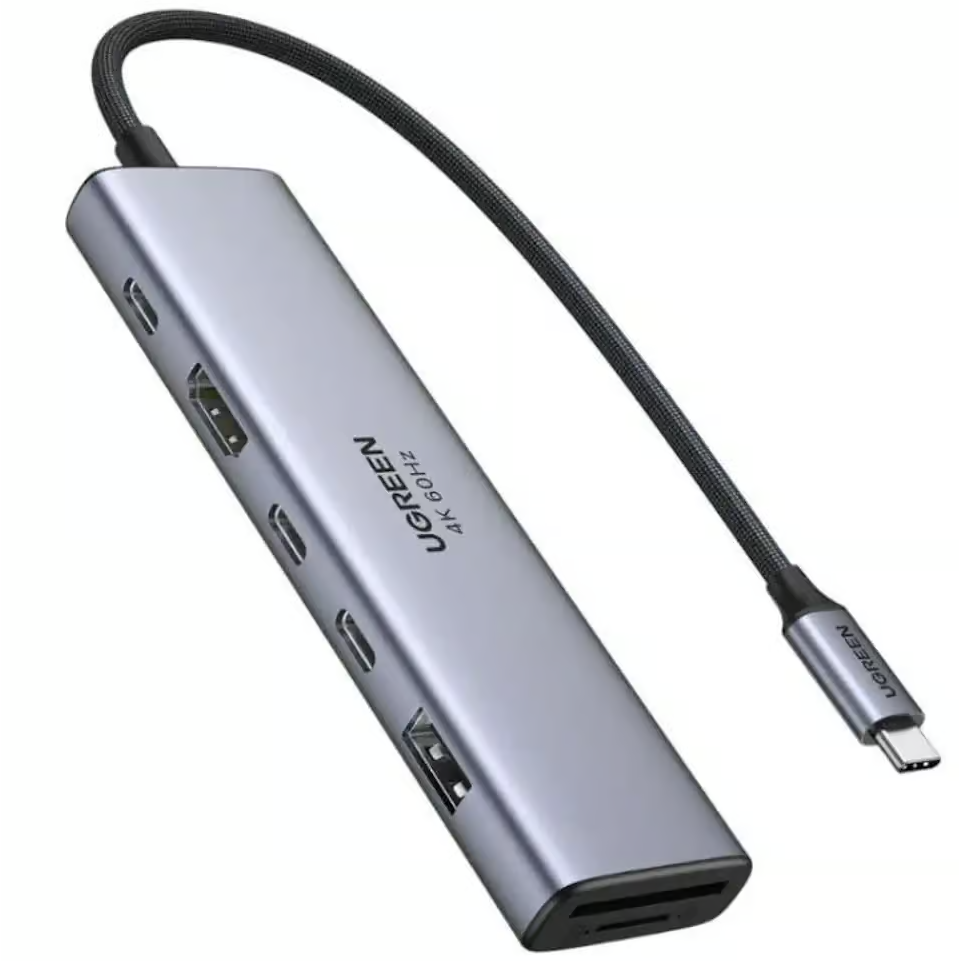
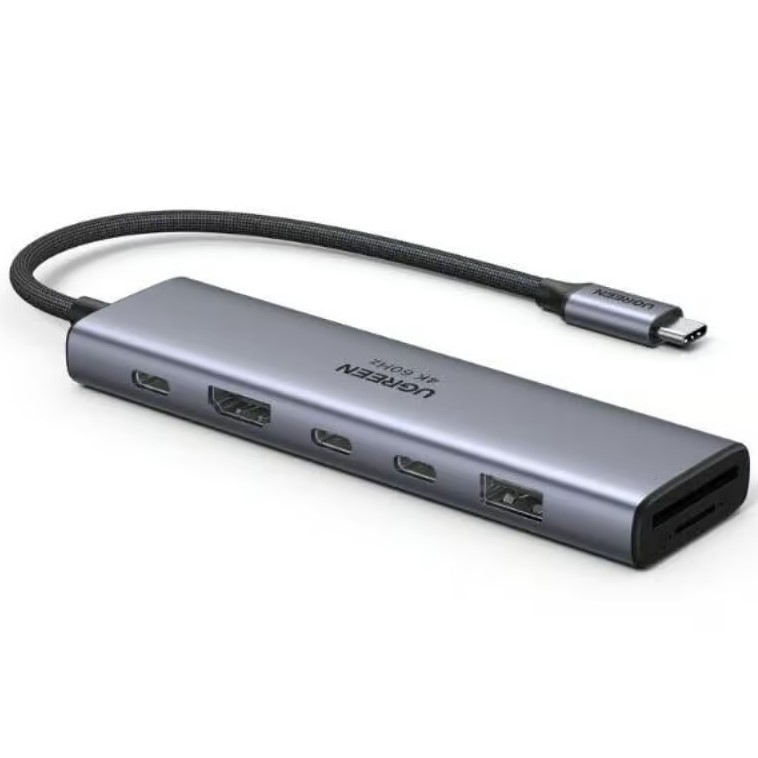
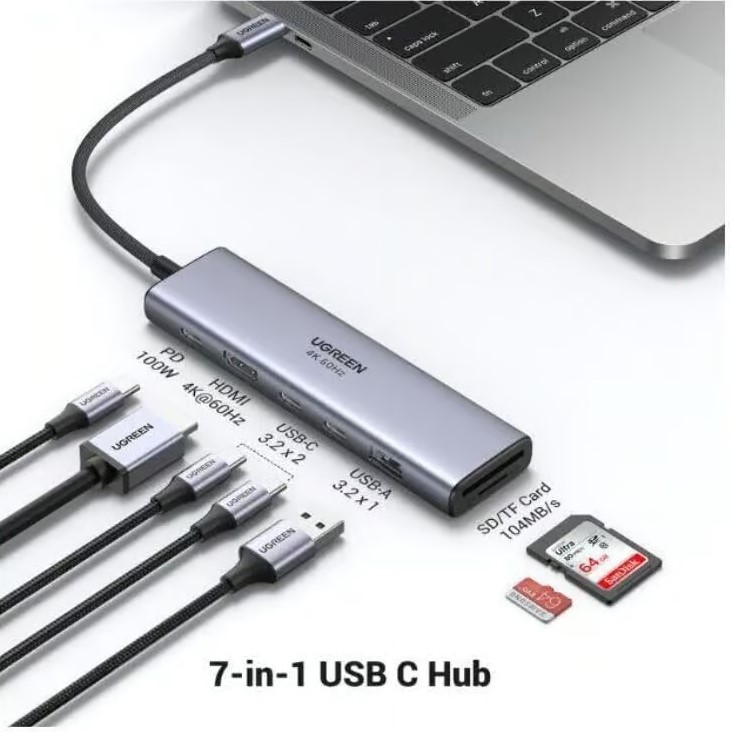



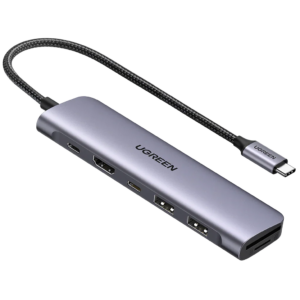
UGREEN 45521 7 in 1 USB-C Hub 4K HDMI Multiport Adapter with 100W PD, 2 USB-C 3.0, USB-A 3.2 and SD/TF Card Reader
₨ 7,500
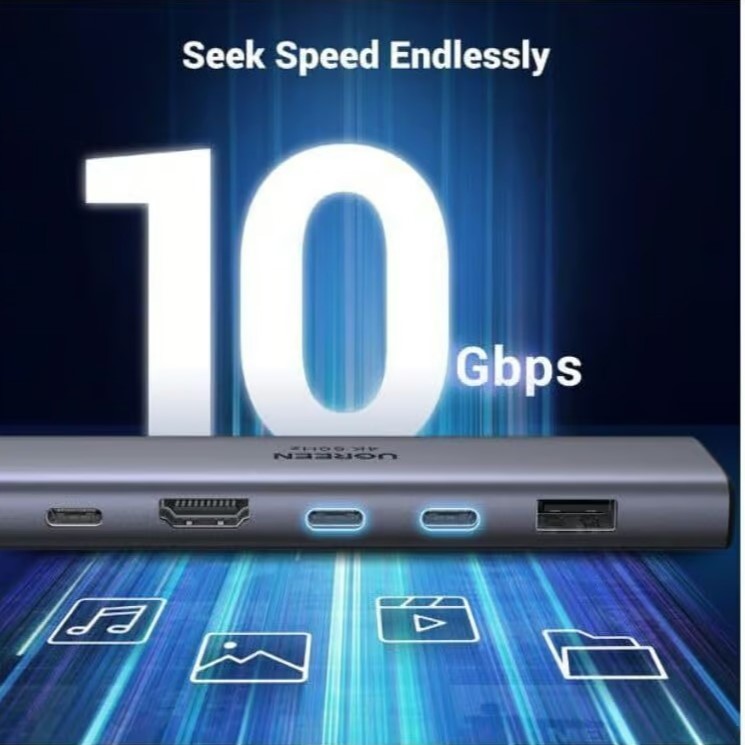
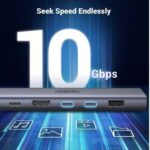
- High-Speed Data Transfer: Experience lightning-fast data transfer with speeds of up to 10 Gbps, perfect for moving large files such as photos, videos, and documents quickly and efficiently.
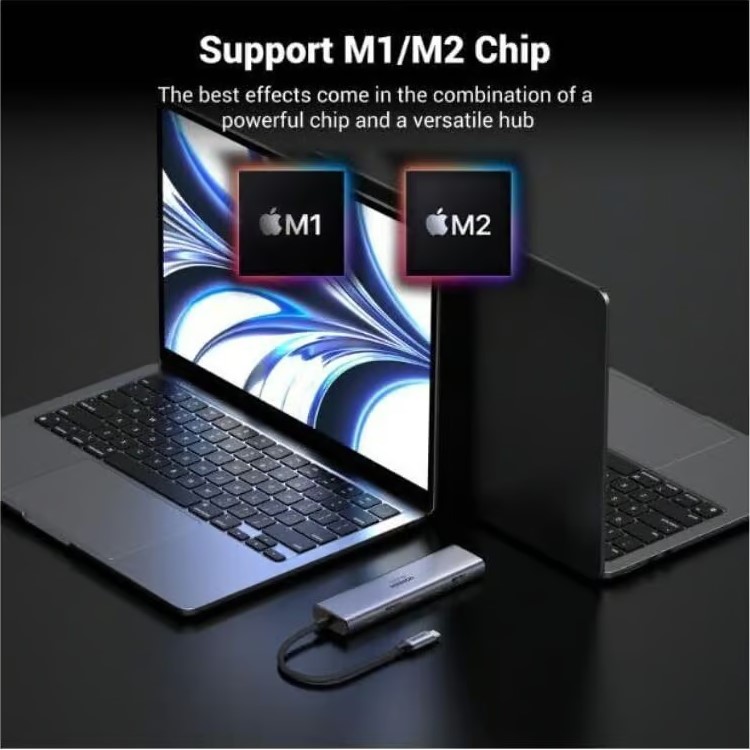
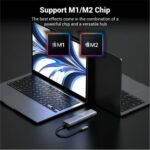
- Full Compatibility with M1/M2 Chips: Designed to work seamlessly with Apple’s M1 and M2 chips, the UGREEN 7-in-1 USB-C Hub delivers optimal performance
- Compact and Portable: This lightweight, portable hub is easy to carry wherever you go. Its sleek, compact design fits effortlessly into your bag, making it a perfect companion for business trips, work-from-home setups, or travel.
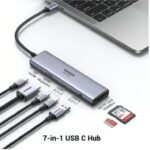
- Versatile Connectivity: With HDMI, USB-A, USB-C, and SD/TF card reader ports, this 7-in-1 USB-C Hub allows you to connect multiple devices simultaneously, eliminating the need for several adapters.
- 4K HDMI Output at 60Hz: Enjoy crystal-clear visuals with 4K HDMI output at 60Hz. This hub supports high-definition video and is ideal for streaming, presentations, or extending your desktop to an additional display with stunning clarity and smooth motion.
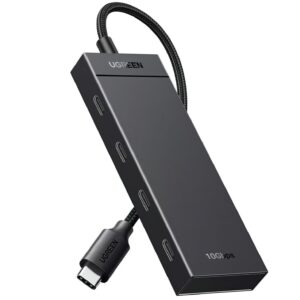
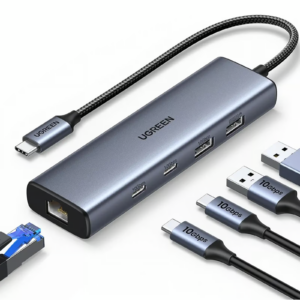
Expand a compatible USB-C laptop, tablet or computer with one 4K HDMI display output, three high-speed USB data ports, separate SD and microSD card readers, and USB-C Power Delivery pass-through in a compact aluminum hub. 7-in-1 Expansion, 4K@60Hz HDMI, Up to 10Gbps, SD + microSD, 100W PD Input.
Seven Essential Connections
Display, Data, Memory Cards and Charging through One USB-C Port
CM511 combines the connections commonly required by mobile professionals, photographers, content creators and hybrid workers in one compact adapter.
- 1× HDMI 2.0
Connect one compatible monitor, television or projector at resolutions up to 4K@60Hz. - 2× USB-C 3.2
High-speed data ports for compatible USB-C SSDs, drives, card readers and peripherals. - 1× USB-A 3.2
Connect compatible flash drives, external storage, keyboards, mice and USB-A accessories. - 1× SD Reader
Access compatible full-size SD, SDHC and SDXC memory cards. - 1× microSD / TF Reader
Read compatible microSD, microSDHC and microSDXC cards without a separate adapter. - 1× USB-C PD Input
Connect a compatible USB-C charger to power the host device while the hub remains connected.
USB 3.2 Performance
Transfer Compatible Data at up to 10Gbps
Use the two USB-C data ports and USB-A data port with compatible high-speed SSDs, drive enclosures, flash drives, card readers and professional accessories.
For 10Gbps Operation
- The host USB-C port must support USB 10Gbps.
- The peripheral must support USB 10Gbps.
- The peripheral cable must support the required speed.
- The connected storage must be sufficiently fast.
- Actual throughput is lower than the theoretical link rate.
Shared Host Connection
USB Devices Share the Available Upstream Bandwidth
All connected USB devices communicate through the hub’s single attached USB-C host cable. Simultaneous transfers divide the bandwidth available from the host computer.
Actual Performance Depends On
- The host USB-C controller and port specification
- The number of simultaneously active devices
- External-drive and storage performance
- File size and operating-system overhead
- Power available to the connected peripherals
HDMI 2.0 Display Output
Connect One External Display at up to 4K@60Hz
Connect a compatible HDMI monitor, television or projector for presentations, productivity, entertainment and creative work. Supported resolution and refresh rate depend on the host device, operating system, display and HDMI cable.
- 4K@60Hz
Smooth Ultra HD output with a compatible source, monitor and HDMI cable. - HDR10
Passes compatible HDR10 video when the source, application, content and display support HDR. - HDCP 2.2
Supports compatible protected video playback across a compliant source, software and display chain.
USB-C Video Requirement
The Host Port Must Support DisplayPort Alt Mode
A USB-C connector does not automatically provide video. HDMI output requires a host USB-C or Thunderbolt port capable of carrying a DisplayPort video signal.
Before Connecting a Display
- Confirm DisplayPort Alt Mode or Thunderbolt video support.
- Use a suitable HDMI 2.0 cable for 4K@60Hz.
- Confirm that the monitor supports the selected mode.
- Update the graphics driver and operating system.
- Enable the required display mode in system settings.
Flexible Display Modes
Mirror or Extend Your Workspace
- Mirror Mode
Display the same presentation, video or application on the host and external screen. - Extended Desktop
Use the connected HDMI display as an additional workspace where supported by the host. - Single HDMI Display
The hub provides one HDMI output and directly supports one external display.
Dual Memory-Card Access
Transfer Photos and Videos from SD and microSD Cards
Separate SD and microSD/TF slots support compatible camera, drone, action-camera, dash-camera and mobile-device memory cards. Both card slots can be accessed together with a supported host system.
- Full-Size SD
Supports compatible SD, SDHC and SDXC memory cards. - microSD / TF
Supports compatible microSD, microSDHC and microSDXC memory cards. - Simultaneous Access
Read compatible SD and microSD cards at the same time without swapping slots.
Card-Reader Performance
Transfer Speed Depends on the Card and Host
Memory-card performance depends on the card standard, rated read/write speed, file system, host USB connection and whether both slots are active simultaneously.
For Better Card Performance
- Use a high-speed SD 3.0-compatible card.
- Connect the hub to a high-speed USB-C host port.
- Use cards from reliable manufacturers.
- Safely eject cards before removing them.
- Avoid interrupting power during file transfers.
USB-C Power Delivery
Up to 100W Power Input with Approximately 95W for the Host
Connect a compatible USB-C Power Delivery charger to the dedicated PD input to charge the host laptop or tablet while using the hub’s display, data and card-reader functions.
Full-Power Requirements
- A compatible USB-C PD charger rated up to 100W
- A suitable 5A E-Marker USB-C charging cable
- A host device supporting USB-C Power Delivery input
- The charger connected to the dedicated PD port
- Charging power accepted according to the host’s limit
Broad USB-C Compatibility
For Compatible MacBook, Windows, Chromebook, Tablet and USB-C Systems
Data, charging and display functionality depend on the capabilities of the connected USB-C host port. A compatible Thunderbolt 3 or Thunderbolt 4 port can operate the hub as a standard USB-C device.
- MacBook & Mac
Compatible with supported MacBook Air, MacBook Pro, iMac and Mac mini USB-C or Thunderbolt ports. - Windows Laptops
Suitable for compatible Dell, HP, Lenovo, ASUS, Acer, Microsoft Surface and other USB-C systems. - Chromebooks
Works with compatible ChromeOS devices supporting USB accessories and external displays. - USB-C Tablets
Supports compatible iPad, Surface and Android tablets according to their USB host and video capabilities. - Desktop Computers
Connects to compatible desktop USB-C or Thunderbolt ports providing data and display support. - Thunderbolt Hosts
Works as a USB-C hub when connected to a compatible Thunderbolt 3 or Thunderbolt 4 host port.
Downstream USB-C Functions
The Two USB-C Expansion Ports Are Intended for Data
Connect compatible USB-C storage and peripherals through these ports. Monitor output and high-wattage charging are handled separately through HDMI and the dedicated PD input.
USB-C Data Ports
- Support compatible USB peripheral data
- Provide normal USB bus power to peripherals
- Are not HDMI or DisplayPort outputs
- Are not downstream Thunderbolt ports
- Are not 100W charging outputs
- Do not replace the dedicated PD input
| Brand | UGREEN |
|---|---|
| Color | Space Grey |
| Warranty | Official Warranty |
Only logged in customers who have purchased this product may leave a review.






Reviews
Clear filtersThere are no reviews yet.