
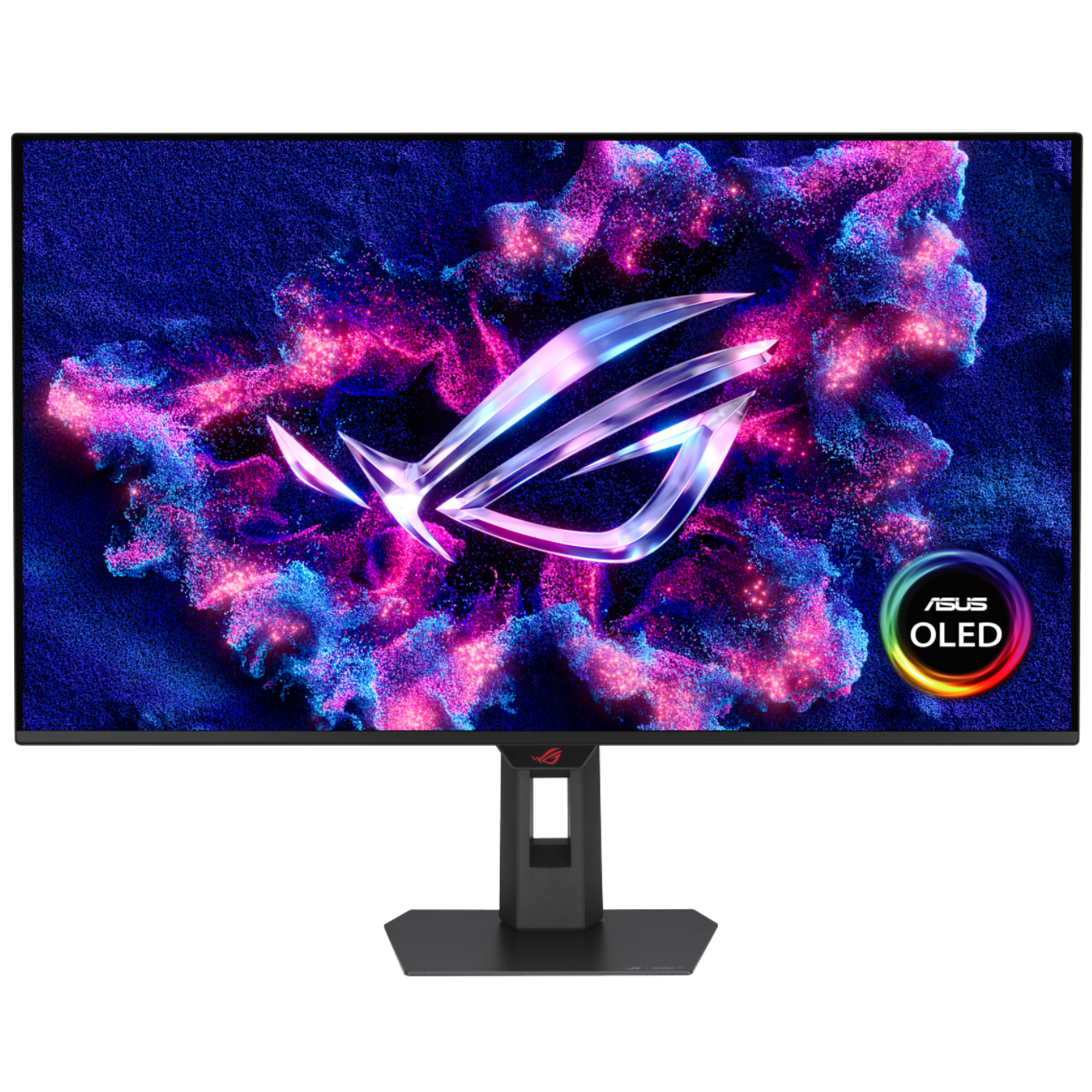
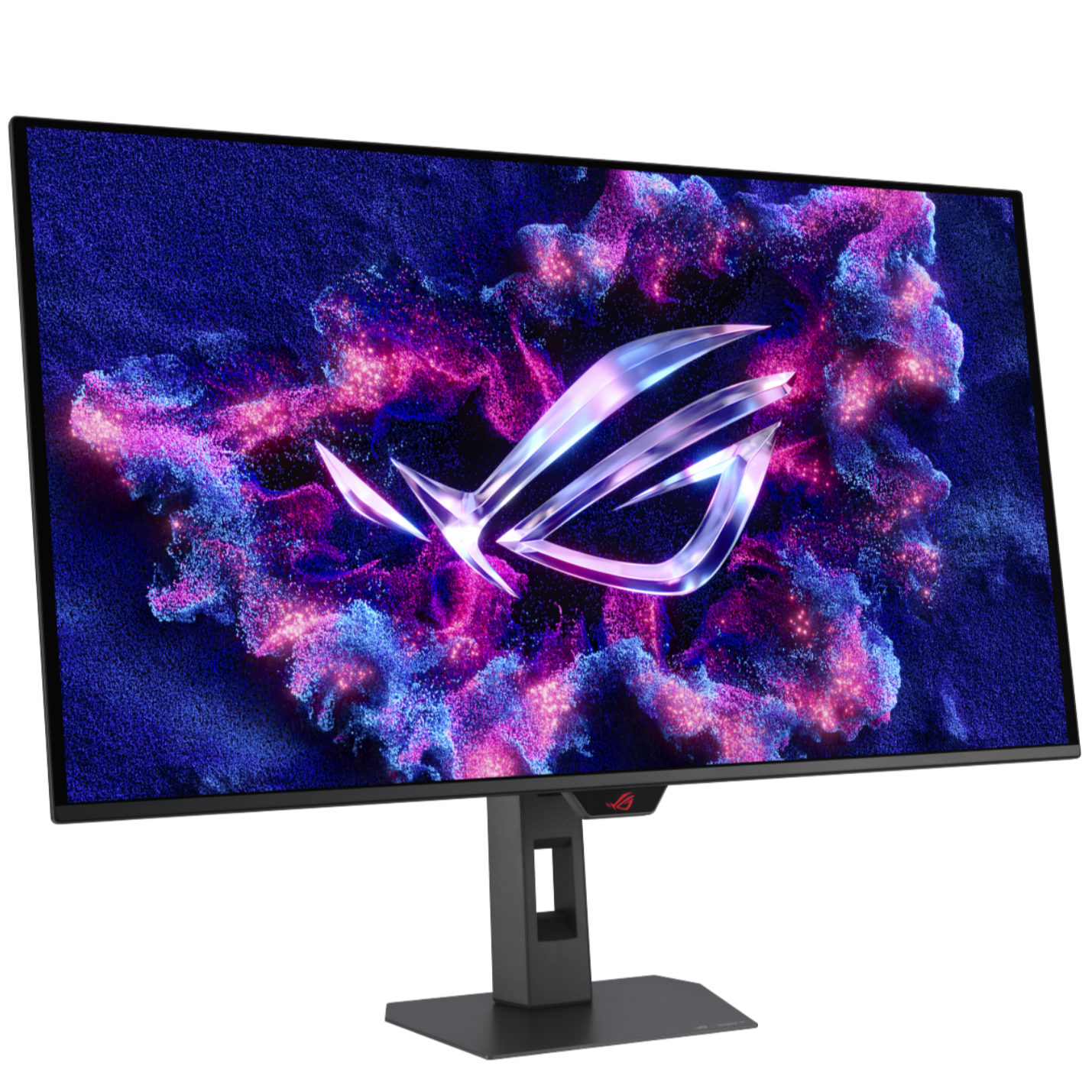
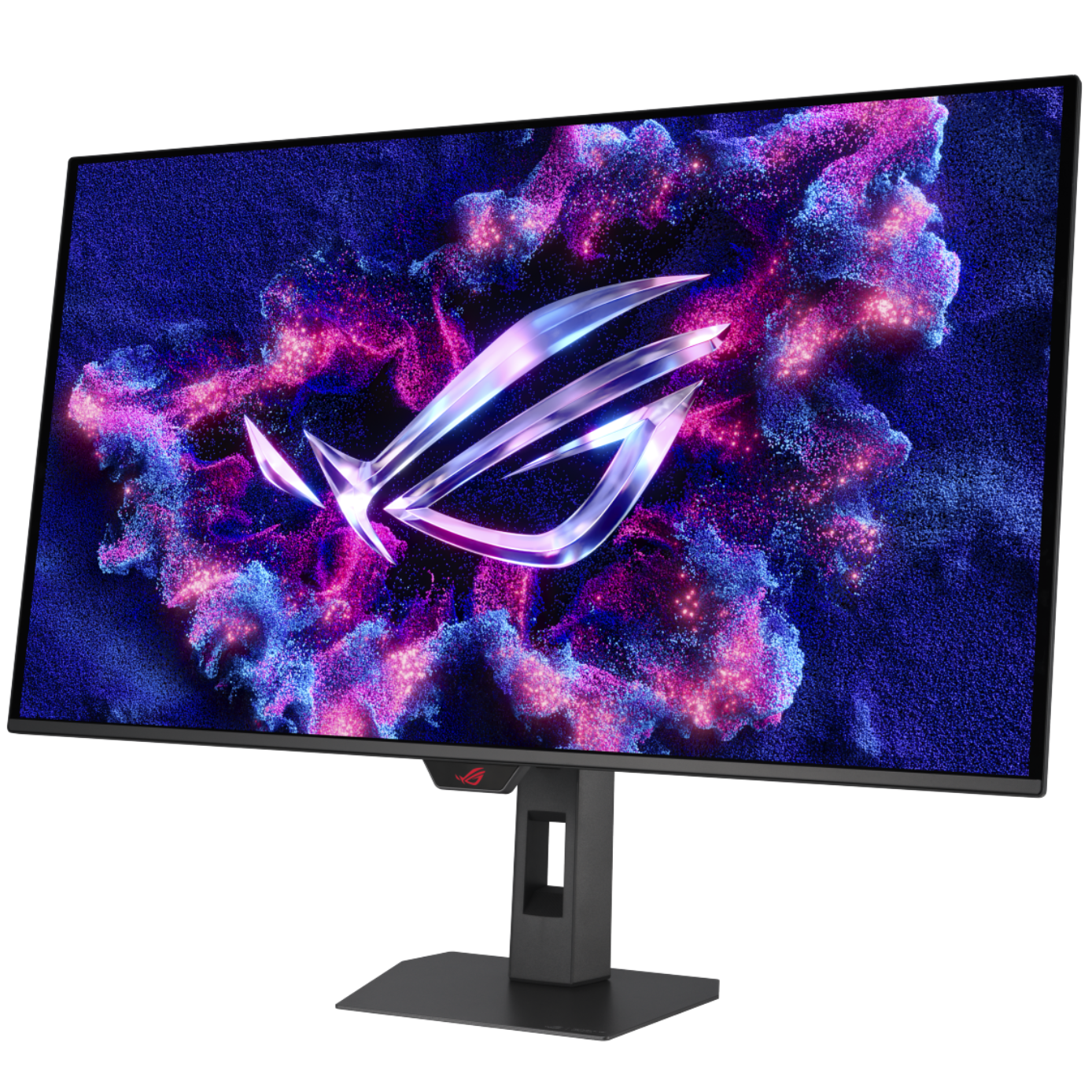
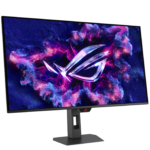
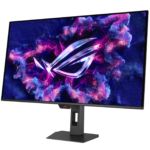
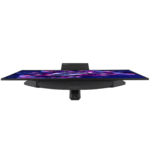
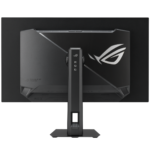
ASUS ROG Strix OLED 32″ OLED XG32UQDMS ( QD – OLED Panel, Res: 3840 X 2160, 240Hz, 0.03ms GTG ) 4K Gaming Monitor
₨ 335,000
ROG Strix OLED XG32UQDMS gaming monitor – 32-inch (31.5 inch viewable) 4K (3840 x 2160) QD-OLED panel, 240 Hz, 0.03 ms (GTG), G-SYNC® compatible, custom heatsink, Neo Proximity Sensor, uniform brightness, 99% DCI-P3, OLED Care Pro, ASUS DisplayWidget Center
- 32-inch 4K (3840 x 2160) QD-OLED gaming monitor with 240 Hz refresh rate and 0.03 ms (GTG) response time for immersive gaming
- ASUS OLED Care Pro functions with Neo Proximity Sensor that precisely detects when the user is away, switching to a black screen to reduce the risk of burn-in
- VESA DisplayHDR™ 400 True Black compliance, 99% DCI-P3 gamut, true 10-bit color, and Delta E < 2 color difference for astonishing HDR performance
- Optional uniform brightness setting ensures consistent luminance levels
- DisplayWidget Center allows users to access OLED Care functions, as well as adjust monitor settings with a mouse
- ROG Gaming A.I technology with AI-powered features to enhance users’ gaming experience.
One For All
The ROG Strix OLED XG32UQDMS boasts a 32-inch 4K QD-OLED panel that delivers astounding visuals at a buttery-smooth 240 Hz. Powered by third-generation QD-OLED technology, the XG32UQDMS delivers vibrant colors, the deepest black hues, and the brightest highlights. Plus, the 0.03 ms response time ensures blur-free action, even in intense gameplay. With the addition of the Neo Proximity Sensor in the new ROG OLED Care Pro suite, the monitor transitions to a black screen when no user is detected, guarding against burn-in.
Supersmooth Visuals
Designed for discerning gamers and professional creators, it offers a refresh rate of 240Hz and 0.03ms gray-to-gray (GTG) response time for supersharp and fluid visuals.
Screen Protection
New ASUS OLED Care Pro technology provides a full set of customizable monitor settings to protect the OLED panel and ensure longevity. Plus, it includes the new Neo Proximity Sensor that detects your distance from the monitor and transitions to a black image when you’re away to safeguard the panel from burn-in. All settings can be easily managed via DisplayWidget Center.
Neo Proximity Sensor
The built-in Neo Proximity Sensor precisely detects your distance from the monitor. When you step away, the monitor transitions to a black image to protect against panel burn-in, and instantly restores onscreen content when you return. Detection distance can be customized to suit personal preference, ensuring maximum convenience and protection.
*Please ensure that the monitor sensor is properly angled and cleaned by using the included microfiber cloth before activating the detection function.
Pixel cleaning
Recalibrates the screen when the monitor has been active for several hours―a process that takes just a few minutes and activates automatically when the monitor is turned off*
*Do not unplug the power cord during this time as it will interrupt the pixel-cleaning process.
Screen Move
Pixel locations are slightly shifted periodically to help prevent burn-in, and users can choose between several movement levels.
Boundary detection
Dynamically detects the boundary of the black bars and reduces the brightness and also slightly shifts the pixel of the near borders.
Screen Saver
Automatically dims the screen after two minutes of inactivity.
Logo brightness adjustment
Automatically detects static onscreen logos and reduces their brightness to correct for potential picture-quality issue.
Taskbar detection
Dynamically detects the taskbar and reduces brightness around it to avoid burn-in.
Outer dimming control
Automatically identifies and adjusts the brightest areas of the screen to reduce the risk of burn-in.
Global dimming control
Dynamically adjusts the overall brightness of the display to reduce the risk of burn-in.
Target mode
Dims the entire screen, except for a selected pinned window, which maintains its current brightness setting.
Built to Last
Worry-free OLED Monitor
ROG OLED monitors are engineered to deliver stunning visuals for years to come. An innovative custom heatsink and a unique internal airflow improve cooling and reduce the risk of burn-in.
Your Monitor, Your Way
The XG32UQDMS monitor is a versatile powerhouse designed to excel in gaming, streaming, and content creation. Its high refresh rate, low response time, and vivid colors deliver a seamless, immersive experience. The wide viewing angles and built-in tripod socket make it perfect for streaming, while its exceptional color accuracy and wide color gamut ensure professional-grade content creation.
DisplayWidget Center
Take your monitor to the next level with DisplayWidget Center, a powerful monitor management software designed to help you optimize, personalize, and fully utilize your display via a mouse — so there’s no need to access the OSD menu. Additionally, DisplayWidget Center notifies you of the latest firmware updates and includes a direct update option. You can also import or export display configurations for sharing.
Uniform brightness
When activated, the ROG-exclusive Uniform Brightness* setting within the OSD menu decreases peak brightness to keep levels consistent for better viewing—even when changing the size of bright white windows. It also makes marathon gaming sessions much more comfortable on the eyes.
Aspect Ratio Control
For competitive gamers who are more familiar with lower resolution, the XG32UQDMS can display a 4:3 aspect image in 1280 x 960 or 1024 x 768 resolutions. Alternatively, users can play on a 24.5-inch (24.5” simulation) at 240Hz refresh rate. You can enjoy both ends between AAA game title or FPS competitive games at any time.
Smooth And Responsive
The monitor features AMD FreeSync™ Premium Pro technology and NVIDIA® G-SYNC® compatibility*, ensuring supersmooth, tear-free visuals with low latency.
Rich Connectivity
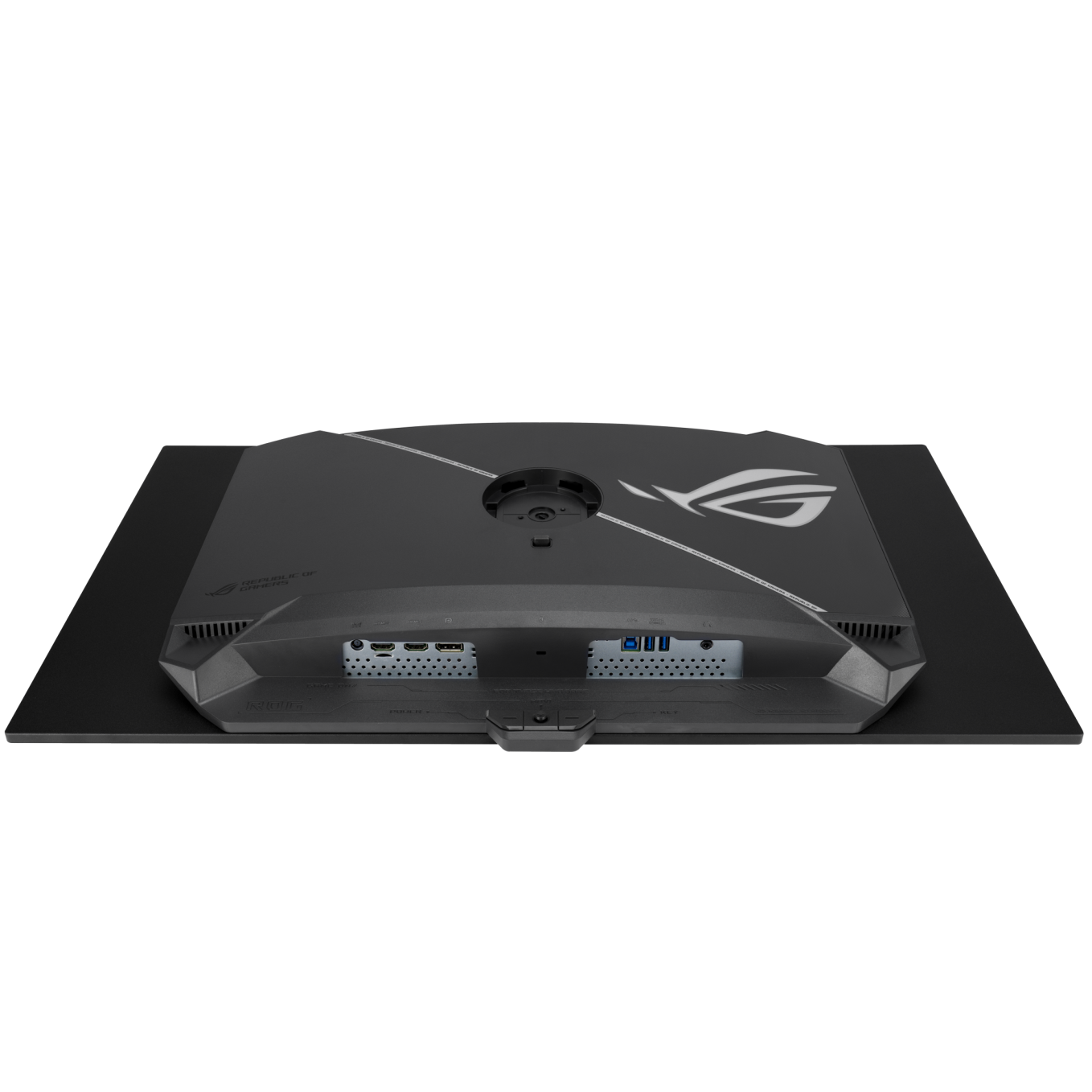
Extensive connectivity options such as DisplayPort™ 1.4 with Display Stream Compression (DSC), two HDMI® 2.1 and USB hub for a wide array of multimedia devices.
Enhance Gaming with 4K on Consoles and the ROG Ally X Handheld*
Enjoy truly immersive 4K** gaming with sharper imagery and clearer text on PlayStation 5, Xbox Series X, Nintendo Switch 2 and ROG Ally X. In addition, Auto Low Latency Mode kicks in automatically for ultra-responsive control the moment gameplay starts.
- HDMI 2.1 VRR 4K@120Hz: Ultra-smooth visuals on PS5 and Xbox Series X
- USB-C: Seamless video and power delivery to ROG Ally X handheld
- Auto Low Latency Mode: Instant control and unparalleled responsiveness
Tech Specs
Model
- ROG Strix OLED XG32UQDMS
Display
- Panel Size (inch) : 31.5
- Aspect Ratio : 16:9
- Color Space (DCI-P3) : 99%
- Panel Type : QD-OLED
- Resolution : 3840×2160
- Display Viewing Area (HxV) : 699.48 x 394.73 mm
- Display Surface : Anti-Reflection
- Pixel Pitch : 0.182mm
- Brightness (Typ.) : 250cd/㎡
- Brightness (HDR, Peak) * : 1,000 cd/㎡
- Contrast Ratio (Typ.) : 1,500,000:1
- Viewing Angle (CR≧10) : 178°/ 178°
- Response Time : 0.03ms(GTG)
- Color Accuracy: △E< 2
- Display Colors : 1073.7M (10 bit)
- Flicker free : Yes
- HDR (High Dynamic Range) Support : HDR10
- Refresh Rate (max) : 240Hz
- ASUS OLED Care : Yes
Features
- GamePlus: Yes
- Game Visual: Yes
- VRR Technology: Yes (Adaptive-Sync)
- Extreme Low Motion Blur: Yes
- DisplayWidget: Yes, DisplayWidget Center
- GameFast Input technology: Yes
- Shadow Boost: Yes
- Aspect Control: Yes
- A.I. Assistant Technology: AI Visual
- A.I. Assistant Technology: Dynamic Crosshair
- A.I. Assistant Technology: Dynamic Shadow Boost
- Color Calibration E-report: Yes, via DisplayWidget Center
I/O Ports
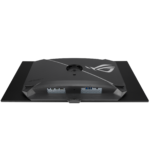
- DisplayPort 1.4 DSC x 1
- HDMI (v2.1) x 2 (FRL)
- Earphone jack : Yes
- USB Hub : 2x USB 3.2 Gen 1 Type-A
Audio
- Speaker: No
Signal Frequency
Digital Signal Frequency :
- HDMI: 30~255 KHz (H) / 24~240 Hz (V)
- DisplayPort: 510~510 KHz (H) / 48~240Hz (V)
Power Consumption
- Power Consumption : <50W
- Power Saving Mode : <0.5W
- Power Off Mode : <0.3W
- Voltage : 100-240V, 50/60Hz
Mechanical Design
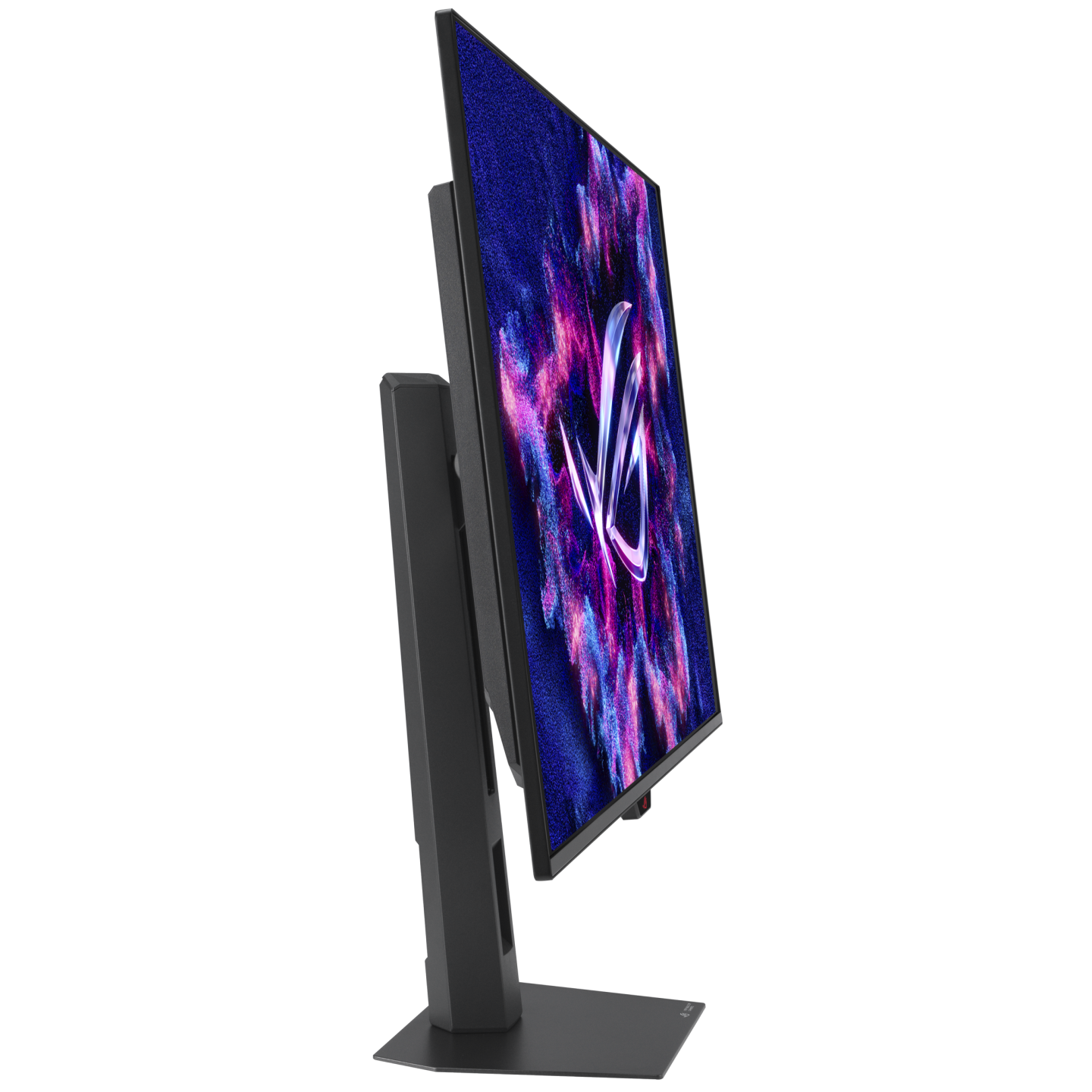
- 1/4″ Tripod Socket : Yes
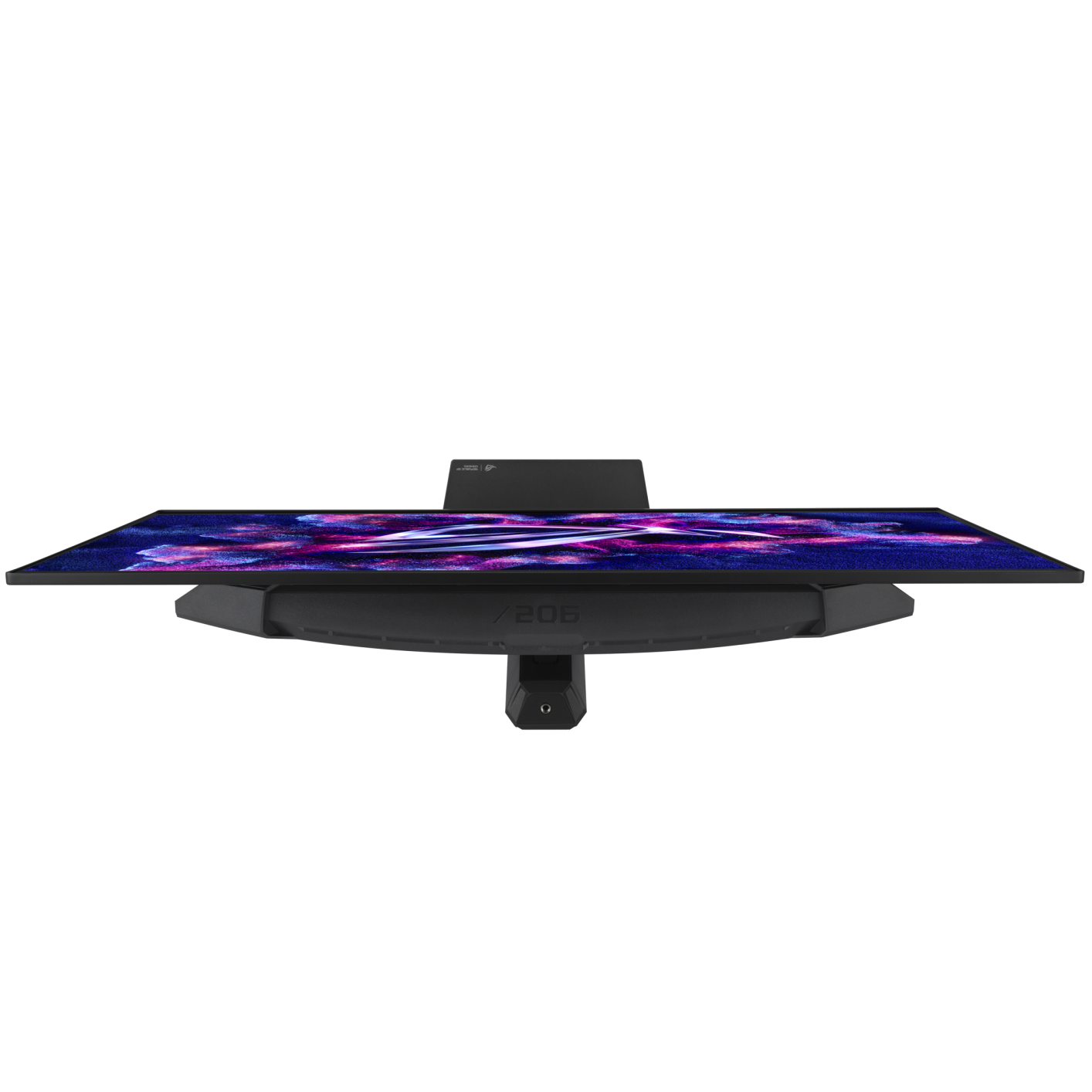
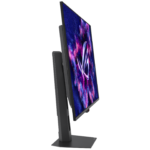
- Tilt : Yes (+20° ~ -5°)
- Swivel : Yes (+25° ~ -25°)
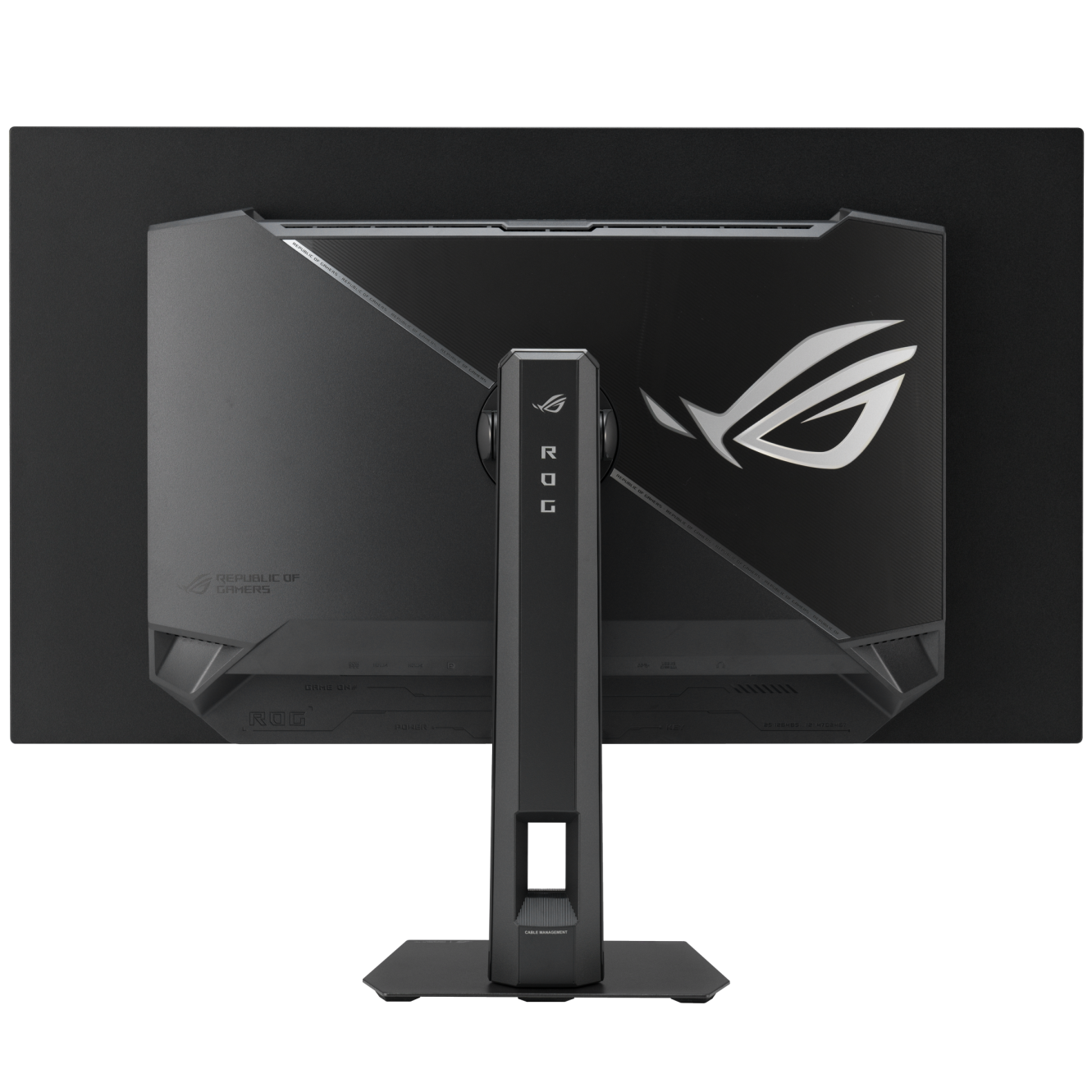
- Height Adjustment : 0~110mm
- VESA Wall Mounting : 100x100mm
- Proximity Sensor : Neo Proximity Sensor
- Kensington Lock : Yes
Dimensions
- Phys. Dimension with stand (W x H x D) : 71.8 x 56.2 x 18.8 cm (28.27″ x 22.13″ x 7.40″)
- Phys. Dimension without Stand (W x H x D) : 71.8 x 43.1 x 7.4 cm (28.27″ x 16.97″ x 2.91″)
- Box Dimension (W x H x D) : 87.0 x 51.0 x 18.8 cm (34.25″ x 20.08″ x 7.40″)
Weight
- Net Weight with Stand : 6.6 kg (14.55 lbs)
- Net Weight without Stand : 4.5 kg (9.92 lbs)
- Gross Weight : 9.8 kg (21.61 lbs)
Accessories
- DisplayPort cable
- Microfiber cloth
- Power adapter
- Power cord
- Quick start guide
- ROG pouch
- ROG sticker
- USB 3.2 cable
- VESA mount kit
- Warranty Card
Certificate
- TÜV Flicker-free
- TÜV Low Blue Light (Hardware Solution)
- VESA AdaptiveSync Display 240Hz
- VESA DisplayHDR 400 True Black
- AMD FreeSync Premium Pro
- G-SYNC Compatible
- FSC MIX
Note
*Peak brightness may vary due to color pre-calibration
| Brand | ASUS |
|---|---|
| Color | Black |
| Warranty | Official Warranty |
Only logged in customers who have purchased this product may leave a review.
Related products





Redragon AMBER 27″ Curve Gaming Monitor – GM27H10C

Limited-time offer

Redragon MIRROR 27″ IPS FHD 200Hz Gaming Monitor – GM27X5
Limited-time offer

Reviews
Clear filtersThere are no reviews yet.