
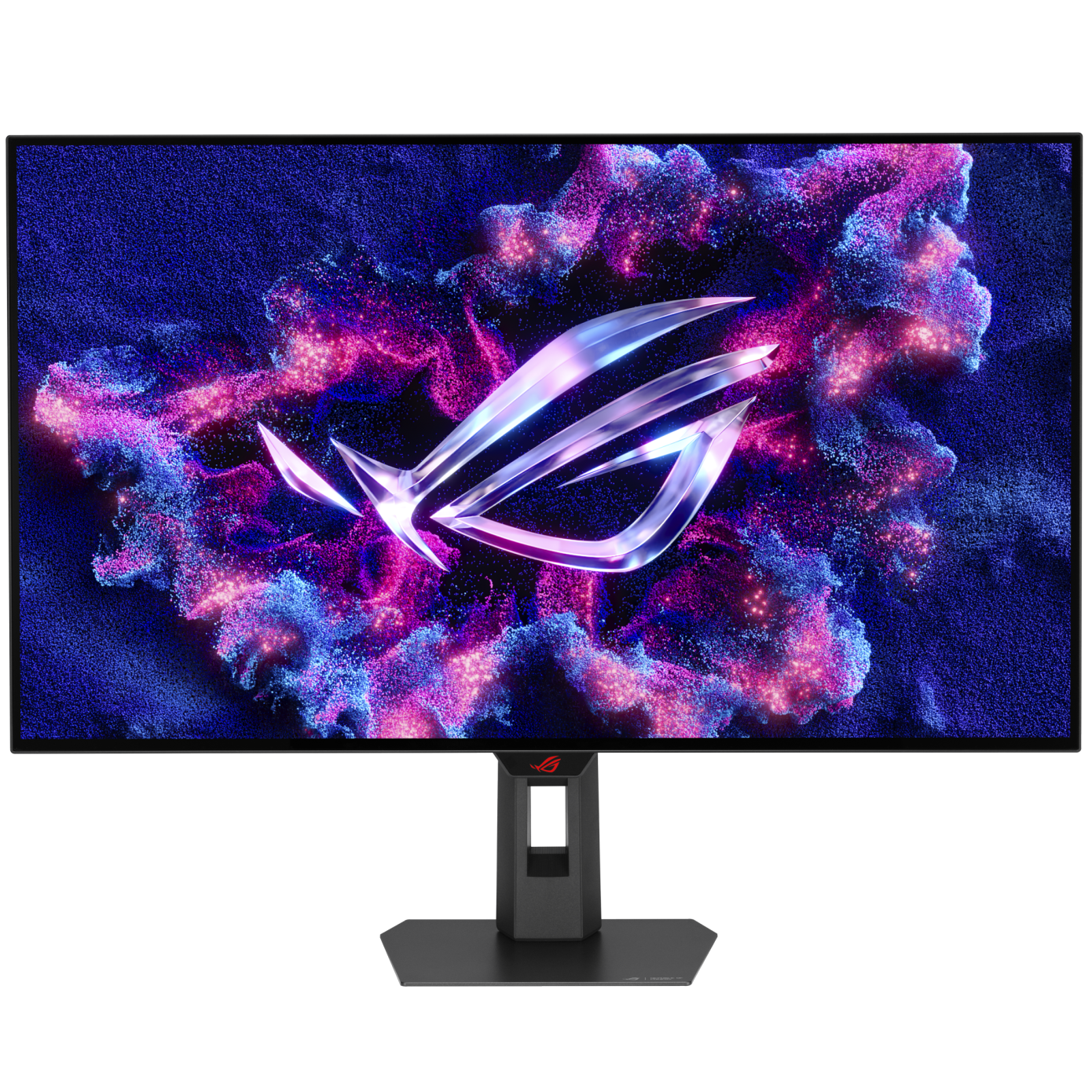
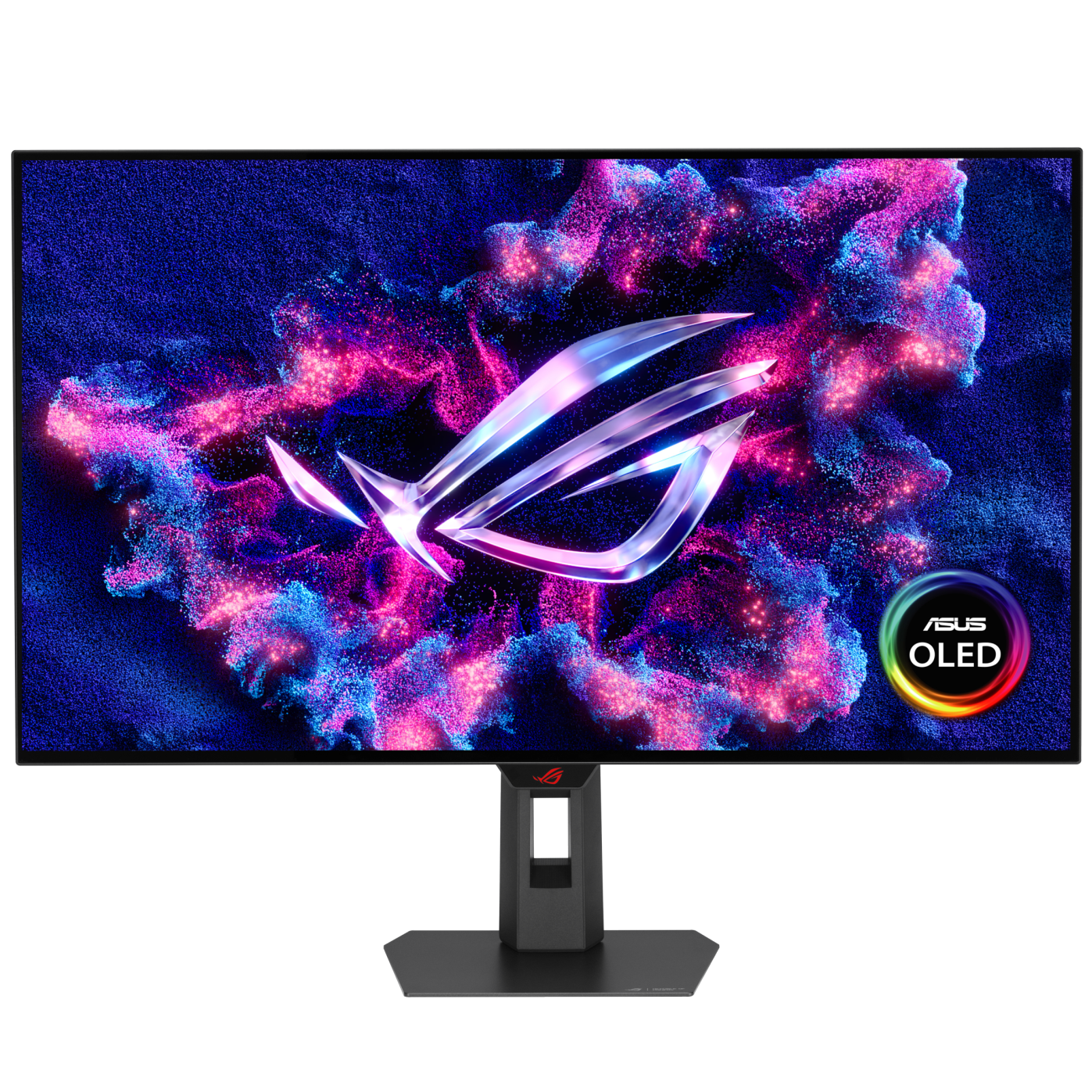
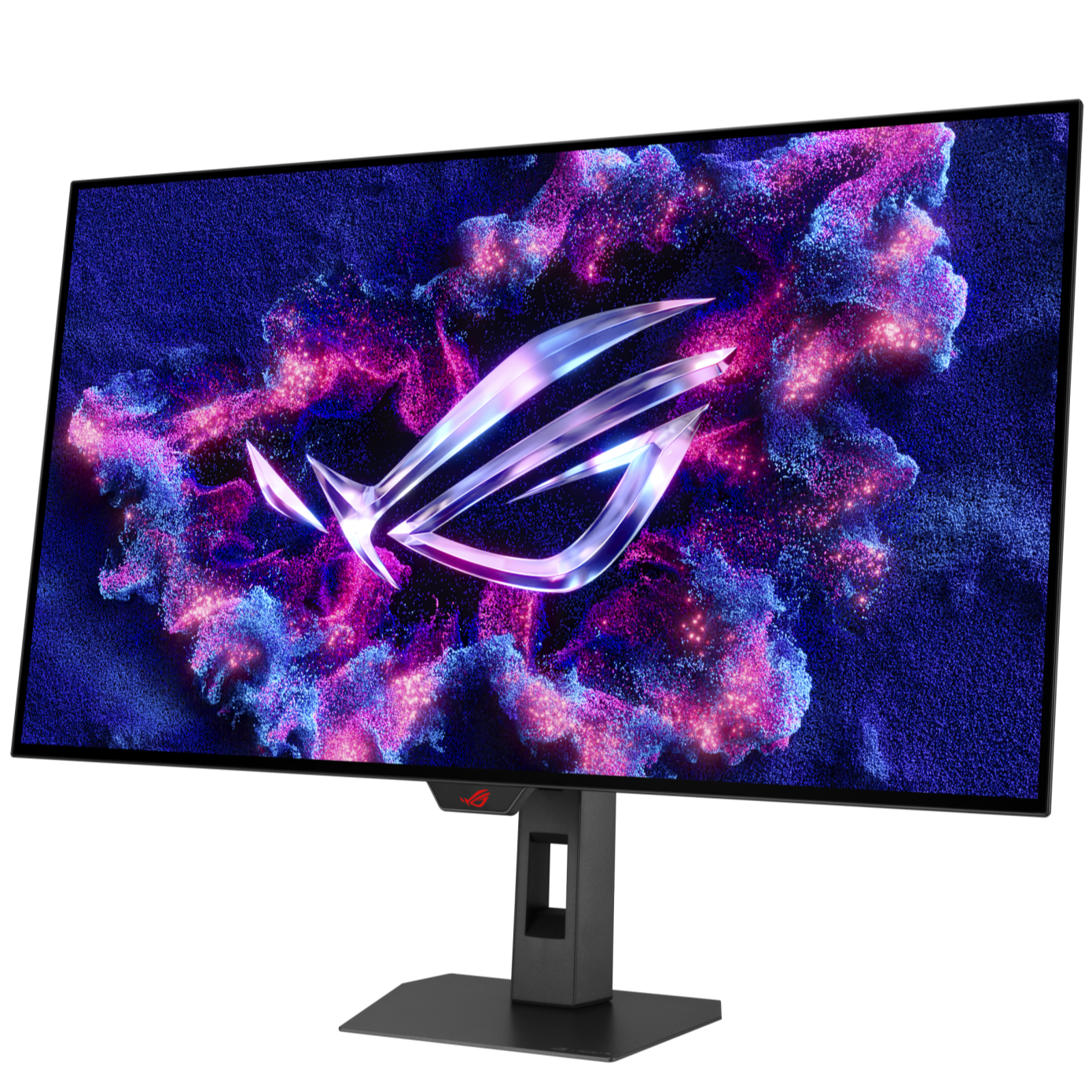
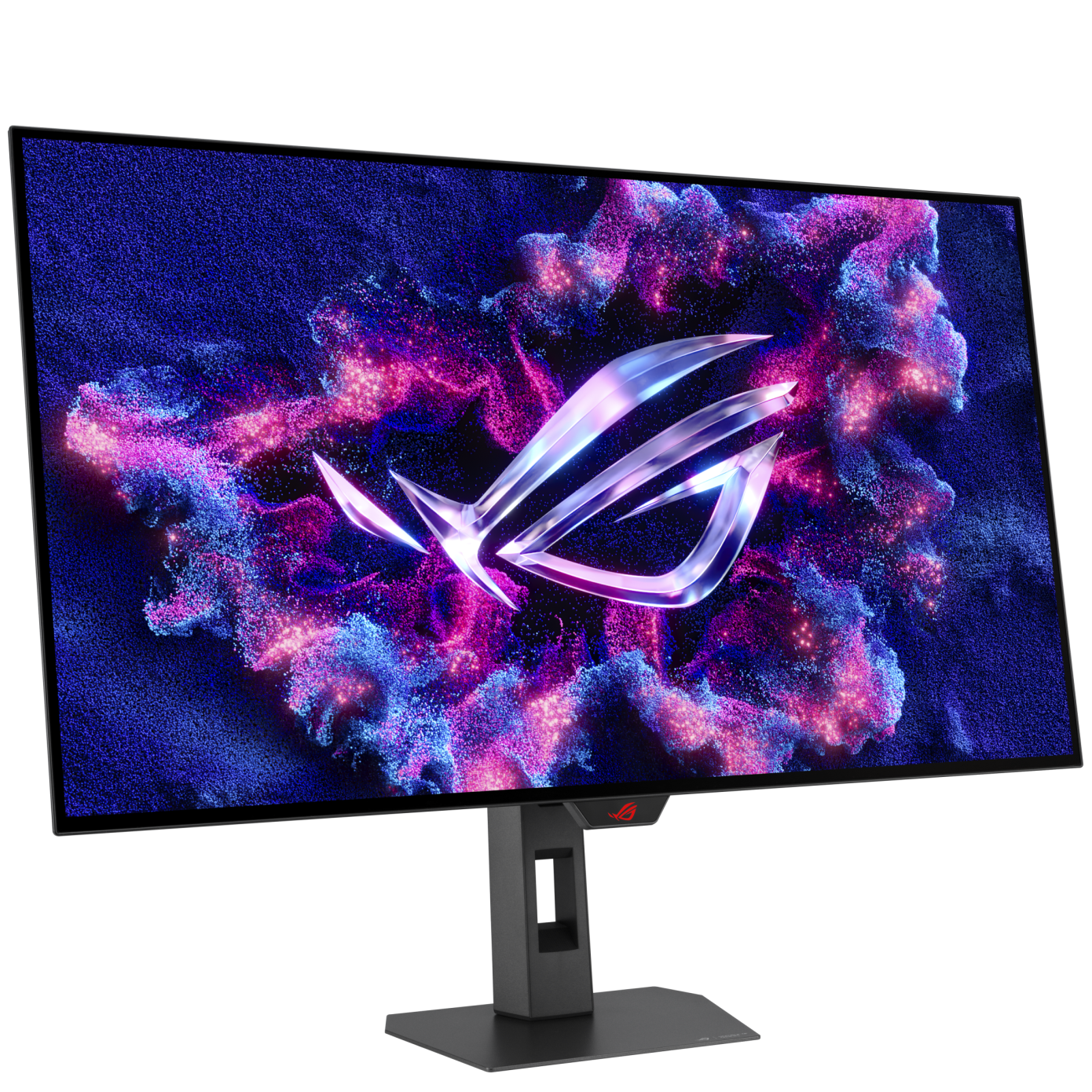
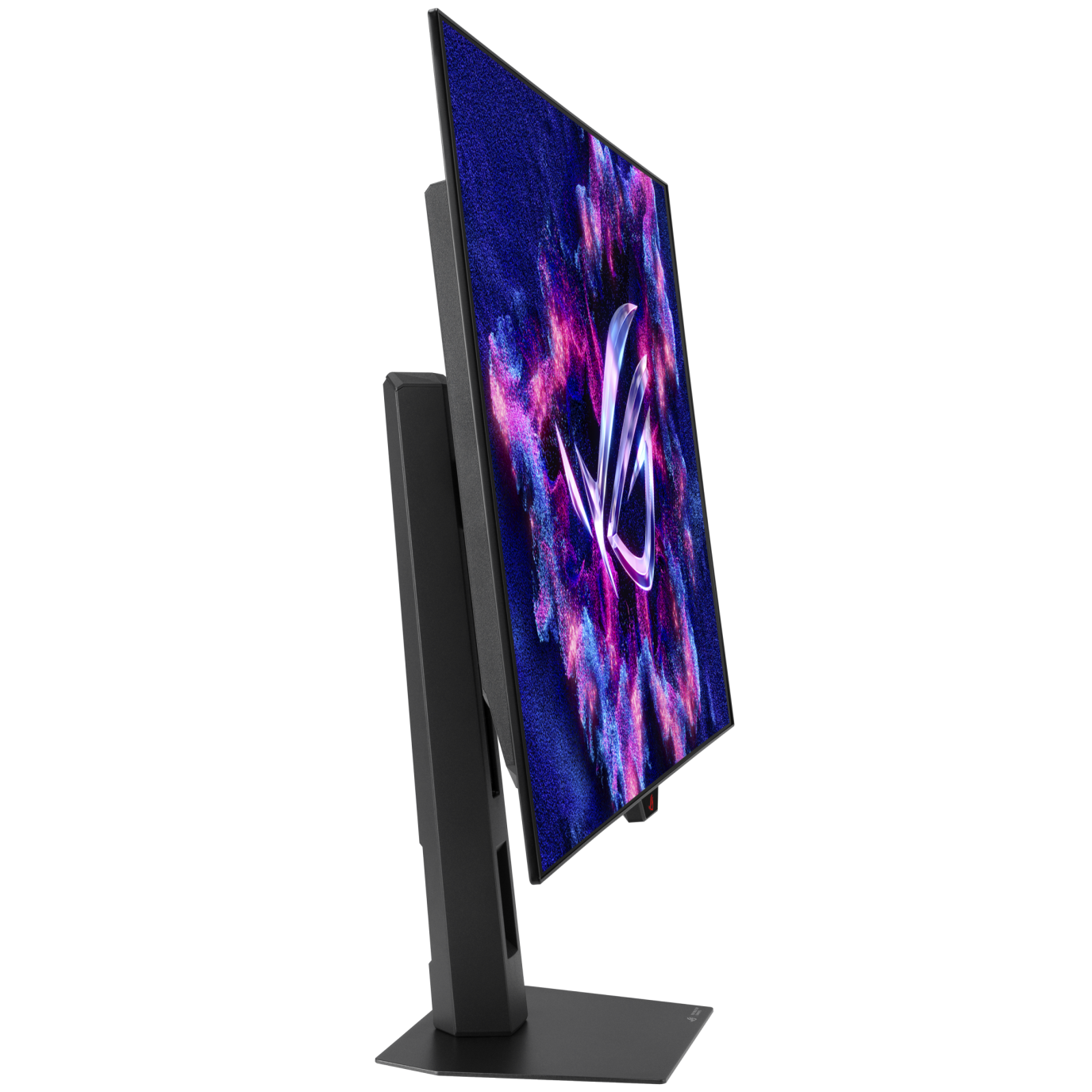
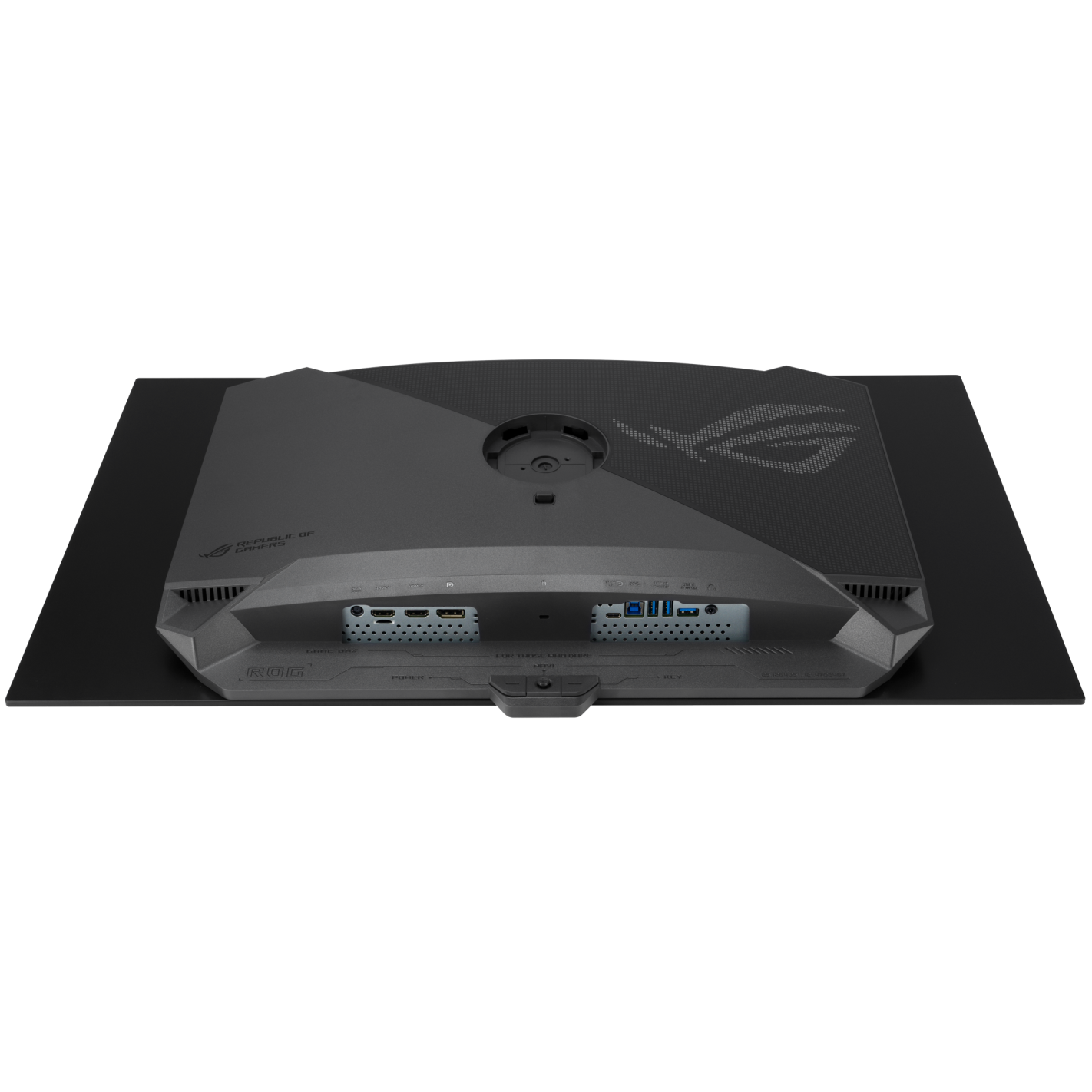
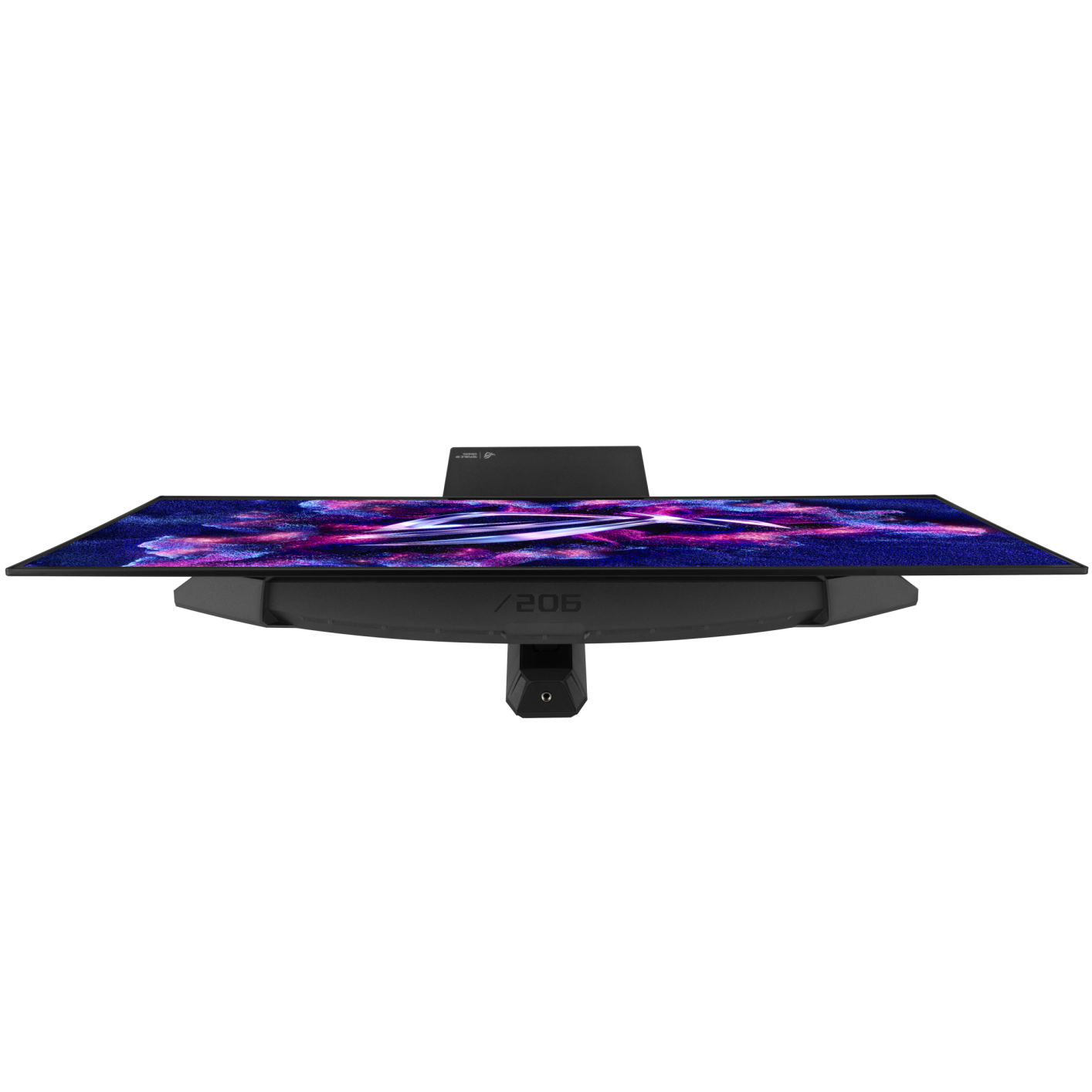
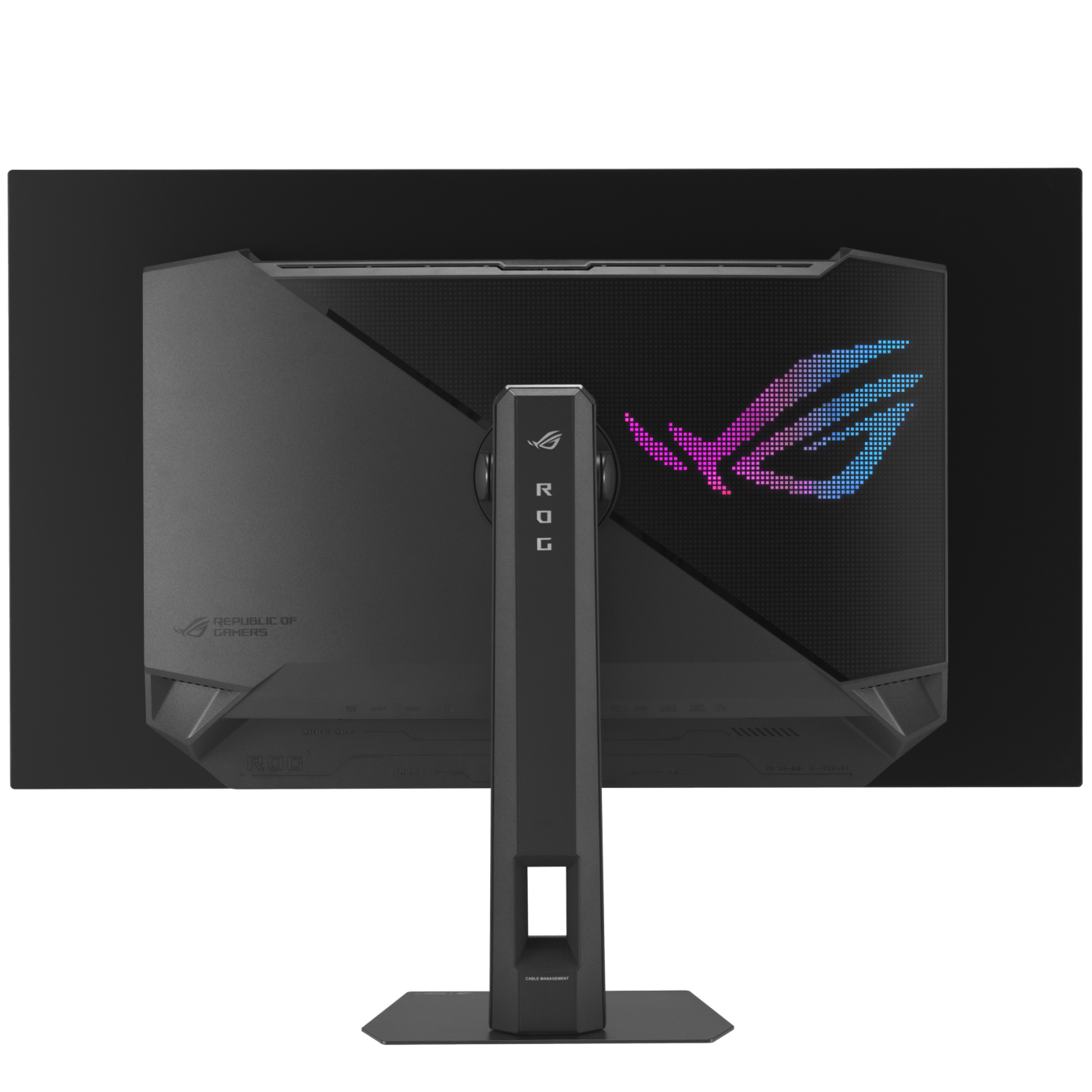
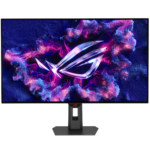
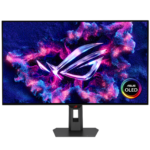
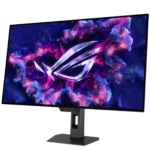
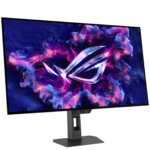
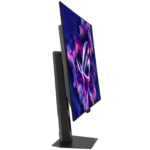
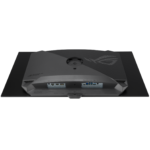
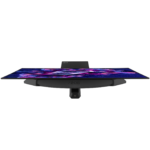
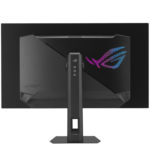
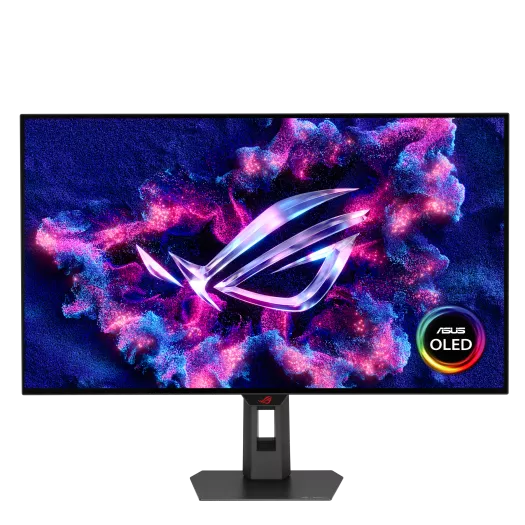
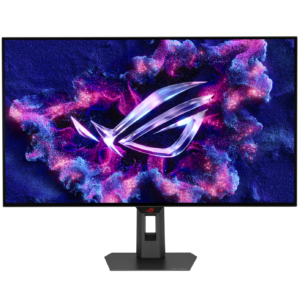
ASUS ROG Strix XG32UCWMG 31.5″ 4K 240Hz / FHD 480Hz WOLED Dual-Mode Gaming Monitor
₨ 378,000
- 4K UHD (3840 × 2160) up to 240Hz OR FHD (1920 × 1080) up to 480Hz
- WOLED panel
- USB-C power delivery: up to 15W
ROG Strix OLED · Dual mode
4K detail.
A different gear for competitive play.
The ASUS ROG Strix XG32UCWMG brings two display modes to a single 31.5-inch WOLED screen. Stay at 4K for detailed game worlds, then switch to Full HD when your priority is its higher refresh ceiling.
It makes particular sense for a desk used for both visually demanding games and high-frame-rate multiplayer—provided your PC can take advantage of the mode you choose.
- 4K / 240Hz
- Native-resolution mode
- FHD / 480Hz
- Alternative speed mode
- WOLED
- TrueBlack Glossy surface
Choose the mode to suit the game
Two modes. A clear resolution trade-off.
For detail and larger game worlds
Keep the native detail.
Choose this for fine textures, small interface elements and high-resolution desktop use. Rendering at 4K asks more of your graphics hardware, so game settings still matter when targeting high frame rates.
For high-frame-rate competition
Prioritise refresh rate.
The hotkey switches to a lower-resolution mode. Full HD has one quarter of 4K’s pixel count; on the same screen, that means less fine detail. The benefit depends on the frame rate your system can actually deliver.
The maximum is not 4K at 480Hz. Resolution and refresh rate change together. These are alternative modes, not specifications that can be combined.
The picture, beyond the refresh rate
Glossy WOLED, with True Black HDR.
The self-emissive panel controls light at pixel level, while the TrueBlack Glossy finish gives this model a different surface treatment from matte monitors. Think about where windows and desk lights will sit: a glossy finish still warrants careful placement.
ASUS specifies 99% DCI-P3, true 10-bit colour and VESA DisplayHDR True Black 400. The 0.03ms GtG figure is a manufacturer pixel-response rating; it is not a measurement of your complete system’s input lag.
Panel care is part of ownership.
OLED Care Pro includes pixel cleaning and the Neo Proximity Sensor, which changes the screen to a black image when you step away. These features help manage static-image exposure; they do not eliminate burn-in risk.
Let maintenance cycles complete and follow ASUS’s care guidance, particularly if you spend long sessions with fixed taskbars or application layouts.
For a mixed gaming and work desk, consider your daily screen habits alongside the appeal of OLED contrast.
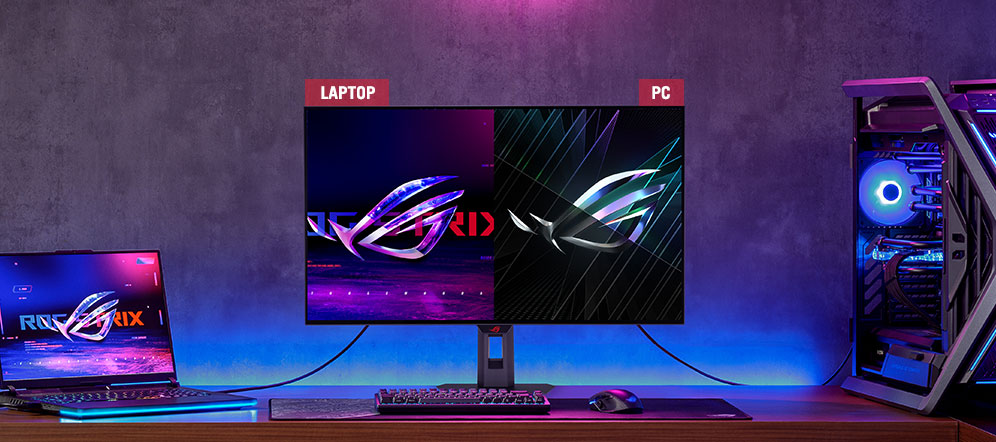
A PC and a laptop, on one desk
Share peripherals.
Check the charging limit.
Auto KVM lets two connected computers share a keyboard and mouse through the monitor. You still need the appropriate video and USB data connections; an HDMI cable alone does not carry keyboard or mouse data.
USB-C supports DisplayPort Alt Mode and up to 15W power delivery. That is a useful distinction before buying for a laptop: compare it with the laptop’s power requirement and plan to keep its charger connected if it needs more.
XG32UCWMG specifications
- Viewable screen
- 31.5 inches · flat · 16:9
- Panel / finish
- WOLED · TrueBlack Glossy
- Native resolution
- 3840 × 2160
- Alternative mode
- 1920 × 1080, up to 480Hz
- Native-mode refresh
- Up to 240Hz
- Response rating
- 0.03ms GtG, manufacturer rating
- Adaptive refresh
- FreeSync Premium Pro; G-SYNC Compatible
- HDR certification
- VESA DisplayHDR True Black 400
- USB hub
- 3 × USB 3.2 Gen 1 Type-A
- VESA mount
- 100 × 100 mm
Before it joins your setup
Can I use a smaller play area for competitive games?
Yes. ASUS lists aspect-control modes that emulate 24.5-inch and 27-inch display areas. These make the active image smaller on the same physical panel; they do not change the monitor’s size.
Does this monitor have built-in speakers?
No. Use headphones, external speakers or your computer’s audio output. The monitor includes an earphone connection.
Is its OLED care routine a burn-in warranty?
No. Panel-care features and warranty coverage are separate. Confirm the specific GameOn.pk warranty terms before ordering; the features themselves do not establish a local burn-in coverage period.
Manufacturer information: ASUS product features · Full specifications.
Specifications and box contents may vary by region or manufacturer revision. Please check the linked manufacturer information and confirm any essential feature or included accessory with GameOn.pk before ordering.
| Brand | ASUS |
|---|---|
| Color | Black |
| Warranty | Official Warranty |
Only logged in customers who have purchased this product may leave a review.







Reviews
Clear filtersThere are no reviews yet.