
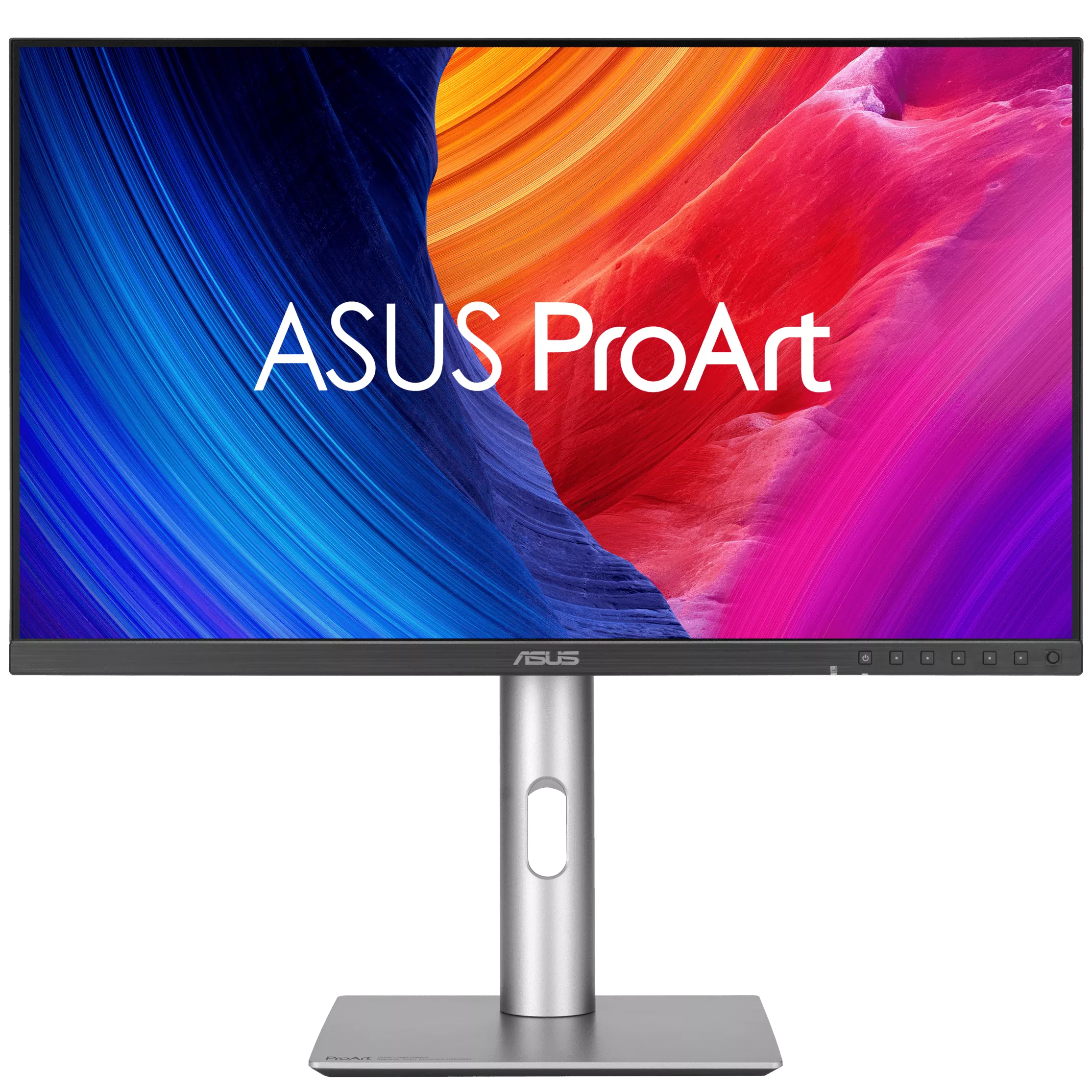
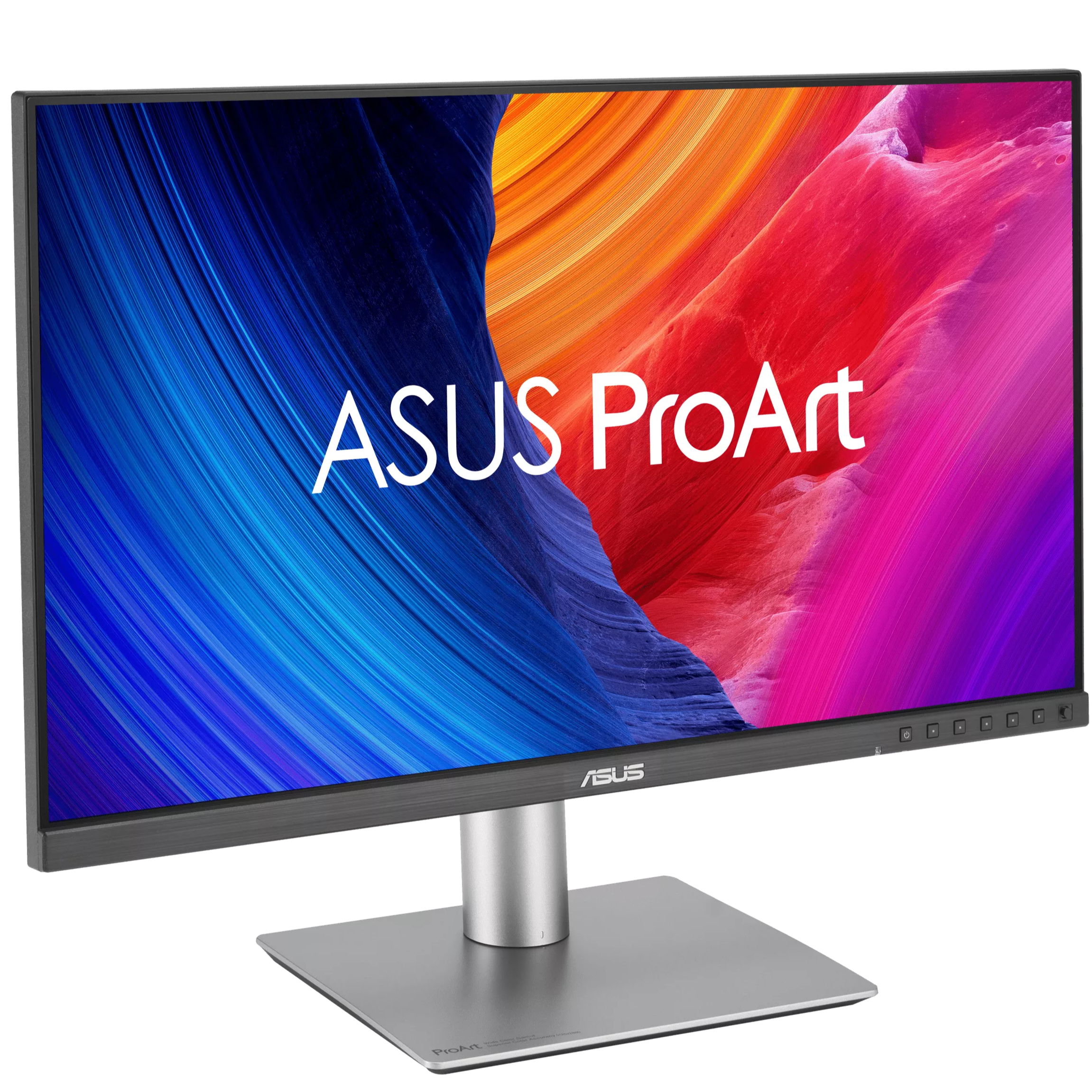
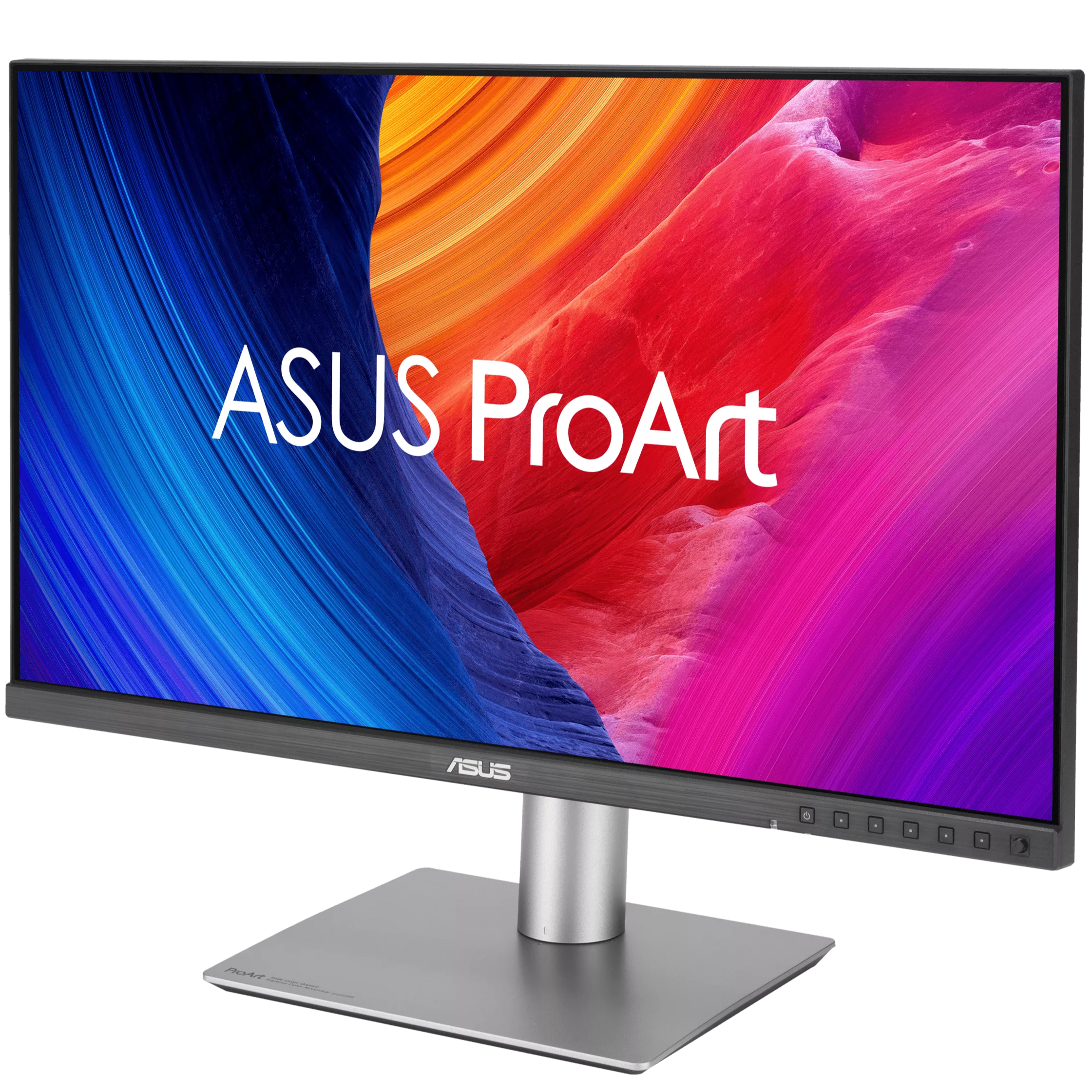
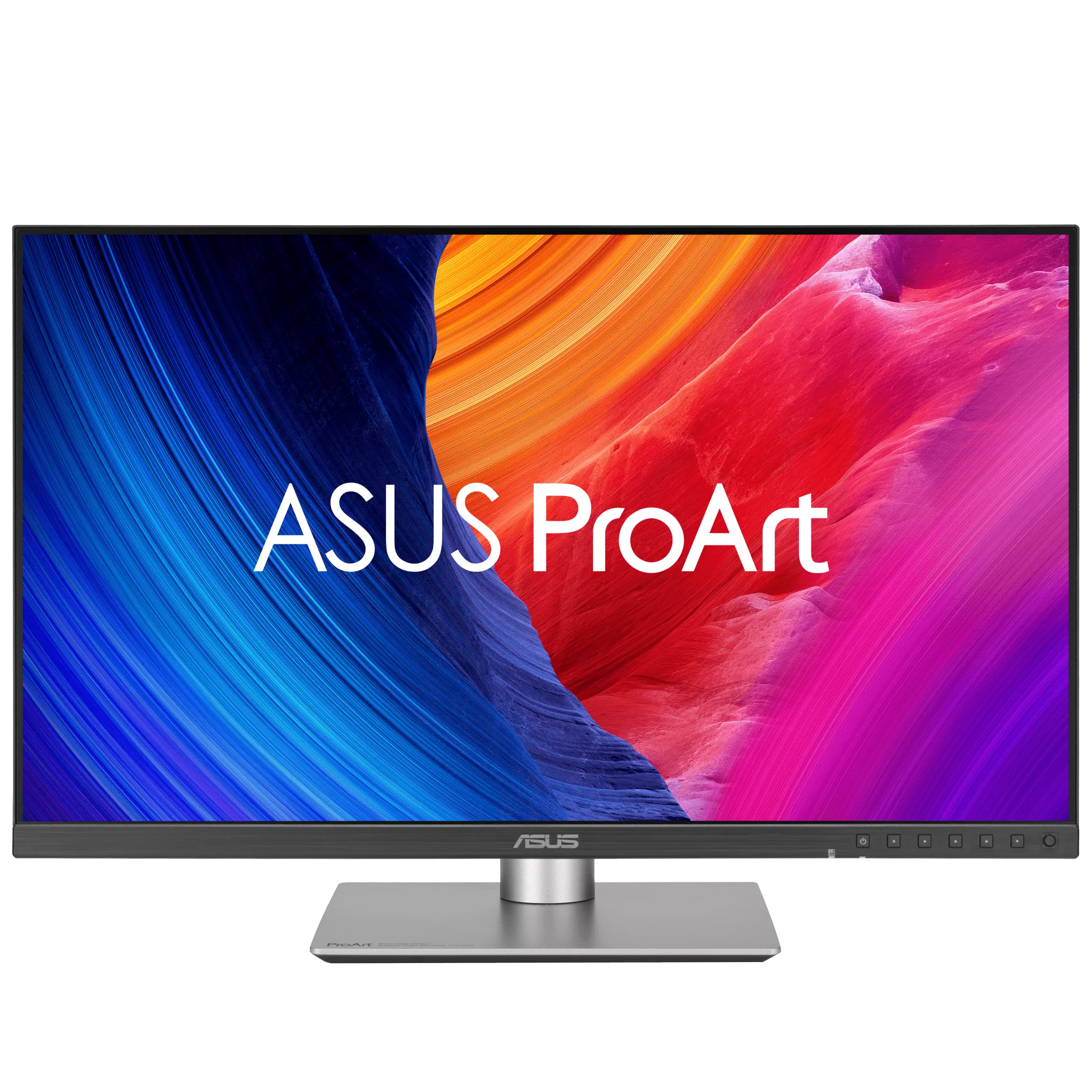
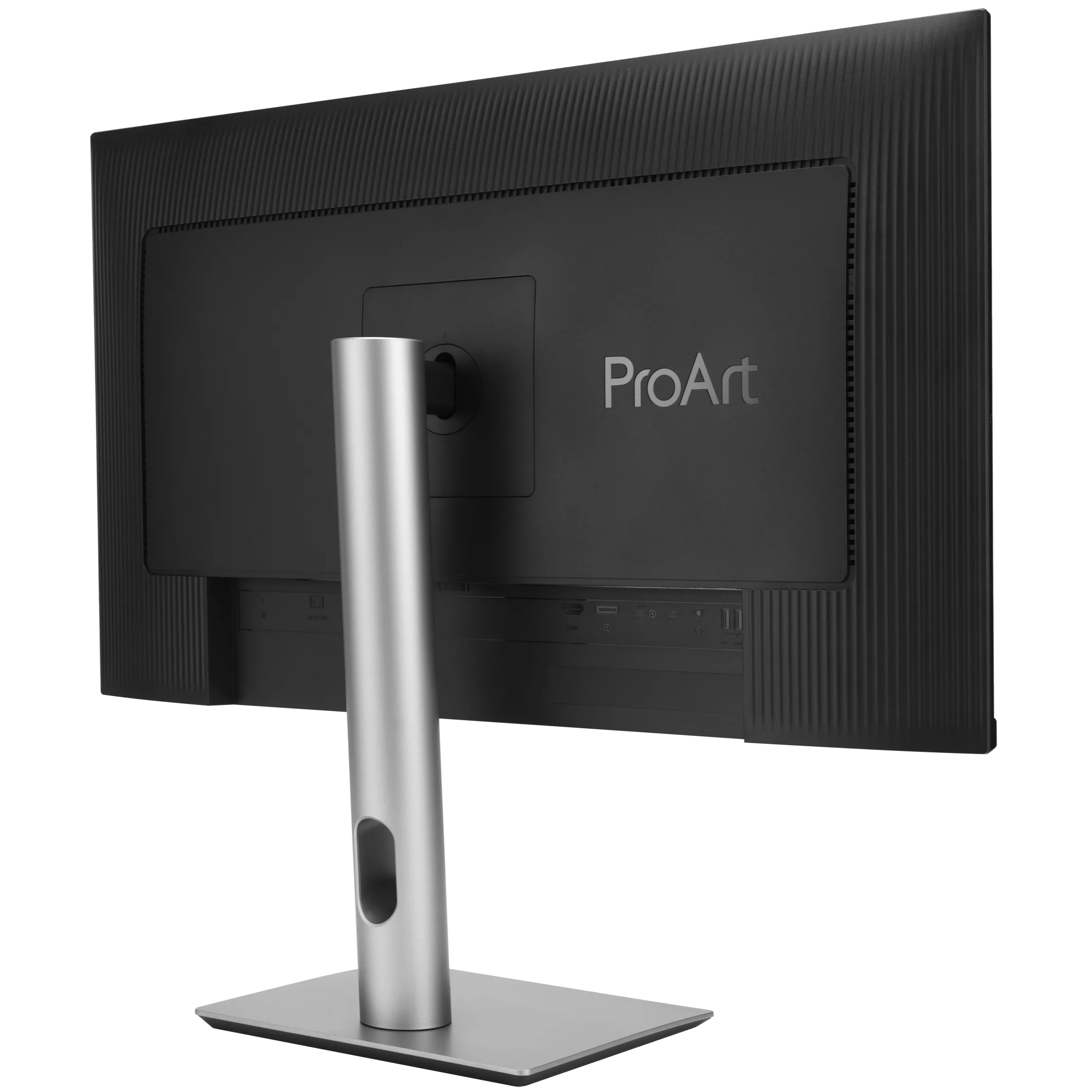
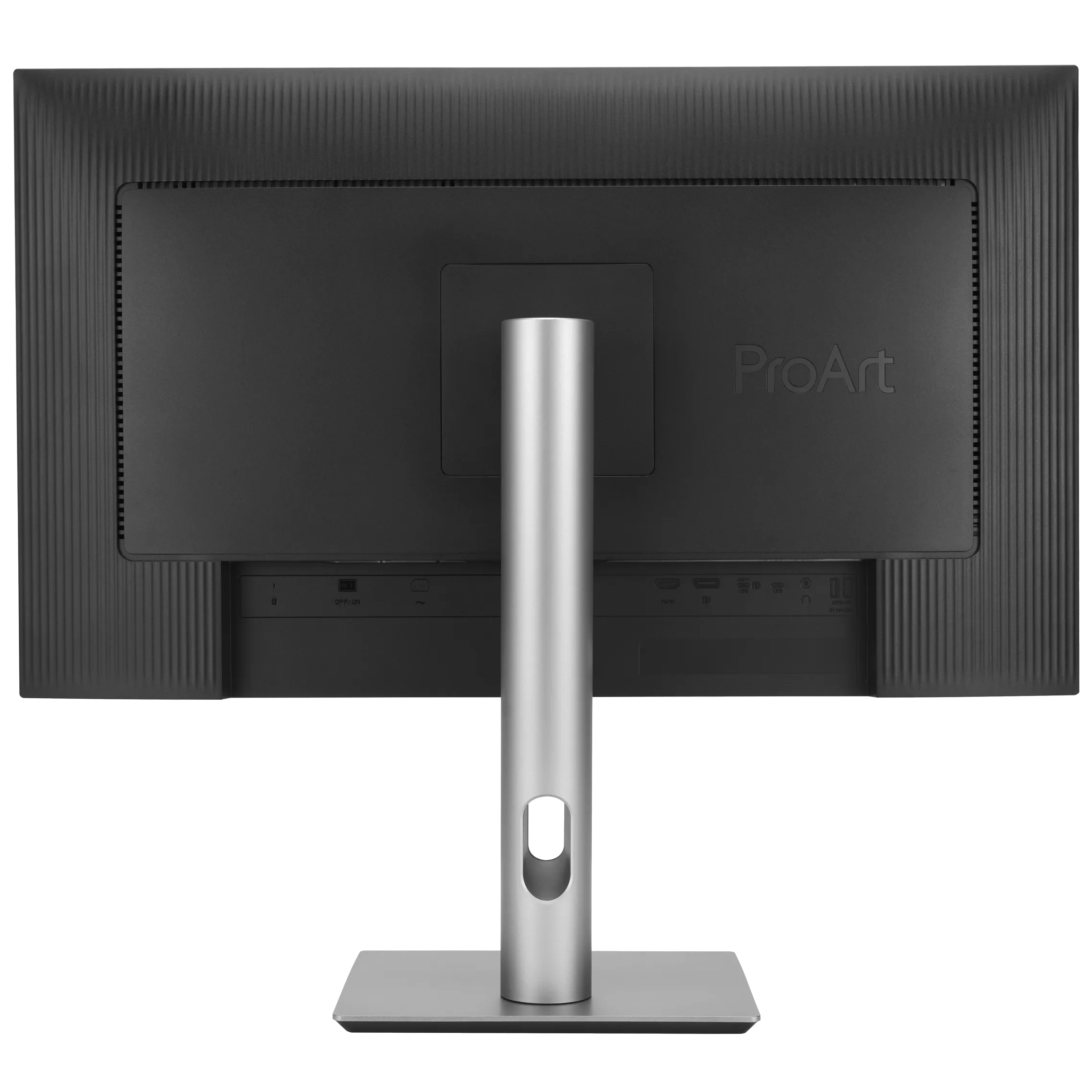




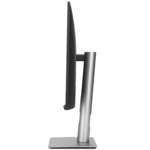

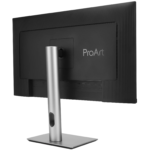
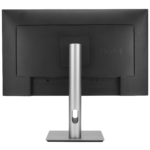
ASUS ProArt 27″ PA27JCV ( IPS Panel, Res: 5120 X 2880, 60Hz, 5ms GTG ) 5K Gaming Monitor
₨ 325,000
ASUS ProArt Display 5K PA27JCV Professional Monitor – 27-inch, IPS, 5K (5120 x 2880), 99% DCI-P3, LuxPixel™ AGLR, Light Sync, Color Accuracy ΔE < 2, Calman Verified, USB-C PD 96W, VESA DisplayHDR 500 and VESA MediaSync, Auto KVM, Ergonomic Stand, Green Sustainability
- 27-inch 5K (5120 x 2880) LuxPixel™ AGLR display with IPS 178° wide viewing angle panel
- International color standard 99% DCI-P3 and 100% sRGB wide color gamut
- Calman Verified with factory calibrated for excellent Delta E < 2 color accuracy
- Extensive connectivity including DisplayPort over USB-C with 96W Power Delivery, DisplayPort, HDMI and USB hub
- Light Sync solution support Ambient Light Sensor and Backlight Sensor for reliable color performance from the start
- Built-in Auto KVM allows for effortless switching between two connected laptops or PCs with a single keyboard and mouse
- Ergonomic design with tilt, swivel, pivot and height adjustments for a comfortable viewing experience
Green Sustainability: paper packaging and energy-efficient environmental standards
Redefining Your 5k Dream
ProArt Display PA27JCV is a 27-inch 5K HDR monitor designed for professional content creators. This Calman Verified display boasts a wide gamut with 99% DCI-P3, 100% sRGB and 95% Adobe RGB coverage, and it’s factory calibrated to Delta E<2 for exceptional color accuracy. Built-in Auto KVM allows for convenient, effortless switching between two connected laptops or PCs using a single keyboard and mouse. To ensure brightness and color temperature accuracy, ambient light and backlight sensors automatically adjust visual settings. Plus, a USB-C® port offers DisplayPort™ support and enables superfast data transfers and 96-watt power delivery via a single cable.
Exceptional 5K HDR Visuals
The 5K HDR (5120 x 2880) panel of PA27JCV boasts a pixel density of 218 PPI, more than 2.5 times the PPI offered by a 27-inch FHD display, ensuring a Retina Display-quality experience. With the high-PPI display, text is sharp and easy to read, while enhanced visual clarity offers significant advantages for creators engaged in detailed projects.
An Expansive Workspace
PA27JCV provides 77% more workspace than a 4K monitor of the same size. The larger canvas allows creators to effortlessly navigate through creative content.
The Perfect Monitor When Working on MacBook
ProArt Display PA27JCV combines professional-grade performance with sleek design and Mac-tested compatibility. Offering vibrant colors and versatile connectivity, 5K PA27JCV is ideal for Mac users seeking exceptional color accuracy and unmatched productivity.
Seamless Monitor Management
ASUS DisplayWidget Center is software that provides an intuitive interface to adjust monitor settings, including brightness, contrast, and color temperature. Whether a monitor is used for everyday viewing or for professional creative work, users can effortlessly find the optimal display settings for enhanced viewing experiences.
Consistent Color Across Multiple Devices
ProArt Preset modes offer multiple color gamut options. The new M Model – P3 Color Preset mode is specifically designed to match the color performance between macOS devices and 5K PA27JCV. This ensures seamless color consistency across screens, making the mode ideal for color-critical tasks like photo editing, video production, and graphic design.
| P3 Preset Mode | Recommended Usage |
|---|---|
| DCI-P3 | Precise P3 implementation for professional, color-critical tasks |
| Display-P3 | Wide color gamut for vibrant, accurate colors in consumer devices |
| M Model-P3 | Mode designed to ensure color consistency between macOS devices(MacBook and MacBook Pro)and ProArt Displays |
Streamline Your Workflow with ProArt CaliContrO
The versatile ProArt CaliContrO MCA02 three-in-one colorimeter works with ASUS-exclusive apps for hardware and software calibration. It also supports the generation of ICC profiles for conventional monitors and laptop screens, enabling comprehensive color management across a wide range of devices. On-Screen Display (OSD) control via MCA02 enables quick adjustments when connected to a compatible monitor, with vibration feedback for enhanced usability. Built-in ASUS Dial features offers instant and precise control for Adobe apps and other applications by enabling customized shortcuts.
Unleash Creativity with AI
The rise of generative AI enables creators to spark inspiration more quickly, bringing infinite creative possibilities to professional creators. The wide color gamut, high resolution, and professional color accuracy of ProArt Displays provide the best visual experience, enjoy a smooth creative experience, and speed up the overall workflow.
Turn Imagination into Reality Fast (Photoshop)
Discover the power of generative AI with tools for Text to Image and Generative Fill. Simplify the creative process, effortlessly create, adjust, and enhance visuals.
Seamless Perfection, Quick Video Edits (Premiere Pro)
Generative AI tools streamline complex tasks and boost editing speed. Use features like Object Add/Remove and Generative Extend for quick, precise adjustments.
Bring Your World into 3D (Substance 3D Sampler & Stager)
Image-to-Texture transforms generative AI for 3D artists, allowing fast creation of photorealistic textures from image. It enhances creativity while integrating smoothly into workflows.
Enjoy True-to-Life Color
PA27JCV boasts 99% DCI-P3 , 100% sRGB and 95% Adobe RGB color coverage. In addition, 10-bit color depth enables it to showcase more than 1.07 million onscreen colors, bringing out the finest details in photos.
True Color, Out of the Box
Color professionals rely on color-accurate displays to ensure that their creations look exactly as intended. Each ProArt display is individually-calibrated in the factory to achieve Calman verified and ΔE <2 color accuracy.
Precise, Clear Imagery with LuxPixel™
LuxPixel™ technology is an anti-glare, low-reflection (AGLR) coating that provides a paper-like screen effect. Unlike traditional matte panels which often show softer images, LuxPixel™ technology minimizes reflections to ensure the user only sees accurate colors and sharp details.
Photorealistic Colors
This monitor is equipped with ASUS Light Sync technology, featuring two sensors designed to ensure remarkably bright visuals and accurate color temperature.
A backlight sensor automatically brightens the screen on startup, ensuring bright imagery and reliable color performance.
An ambient light sensor automatically adjusts the monitor’s color gamut based on ambient lighting, for true colors in any environment.
Exquisite Design
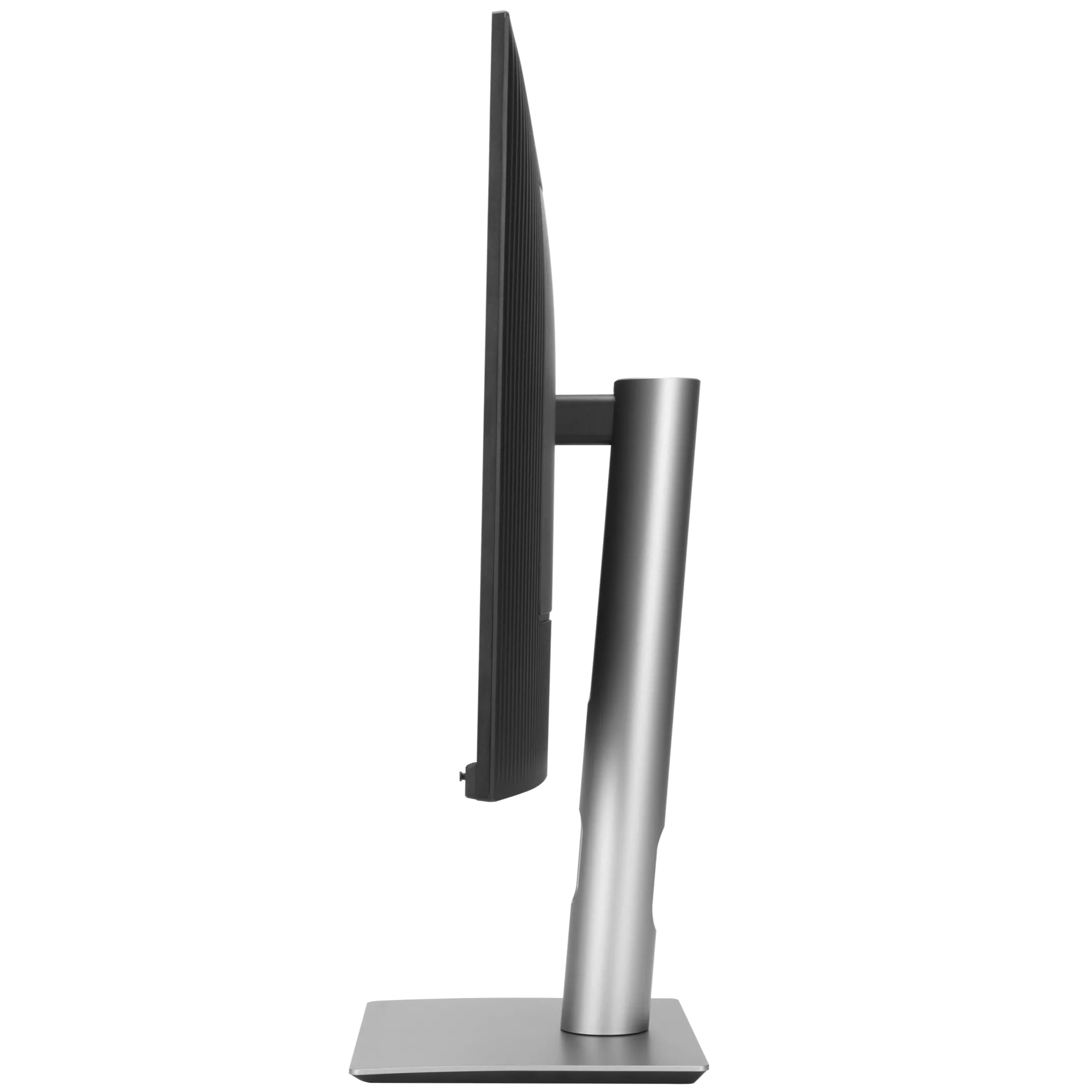
Compared to its predecessor, ProArt Display PA27JCV has a space-saving base that’s 33% smaller, as well as a 30% slimmer profile that measures just 8 mm at its thinnest point. Like its contemporaries in the ProArt Display family, PA27JCV feels right at home in a studio or in any living space, with an understated elegance that is a nod to exquisite craftsmanship and uncompromising attention to detail.
Seamless Multitasking Across Two Devices
Built-in Auto KVM allows for effortless switching and control between two connected laptops or PCs with a single keyboard and mouse, enabling easier multitasking.
The USB-C® That Does it All
The included USB-C® port enables superfast data transfers, DisplayPort connectivity, and 96-watt power delivery to charge laptops and other devices―all via a single cable. PA27JCV also serves as a USB hub: any device connected to the monitor’s USB ports gains access to other connected peripherals.
Expansive Connectivity
In addition to USB-C, ProArt display offers a myriad of connectivity options including HDMI®, DisplayPort™, USB Type-A, and additional USB-C downstream port for compatibility with a wide range of devices. PA27JCV also includes a passthrough port for headphones.
Connect to your devices easily
A built-in USB 3.2 hub along the bottom bezel of PA27JCV includes one USB Type-A port and USB-C®, allowing for easy connections to a variety of devices and peripherals, as well as charge compatible devices.*
*Please check your device power-consumption requirements to ensure they match the USB Power Deliver capabilities of the monitor
Ergonomic Stand
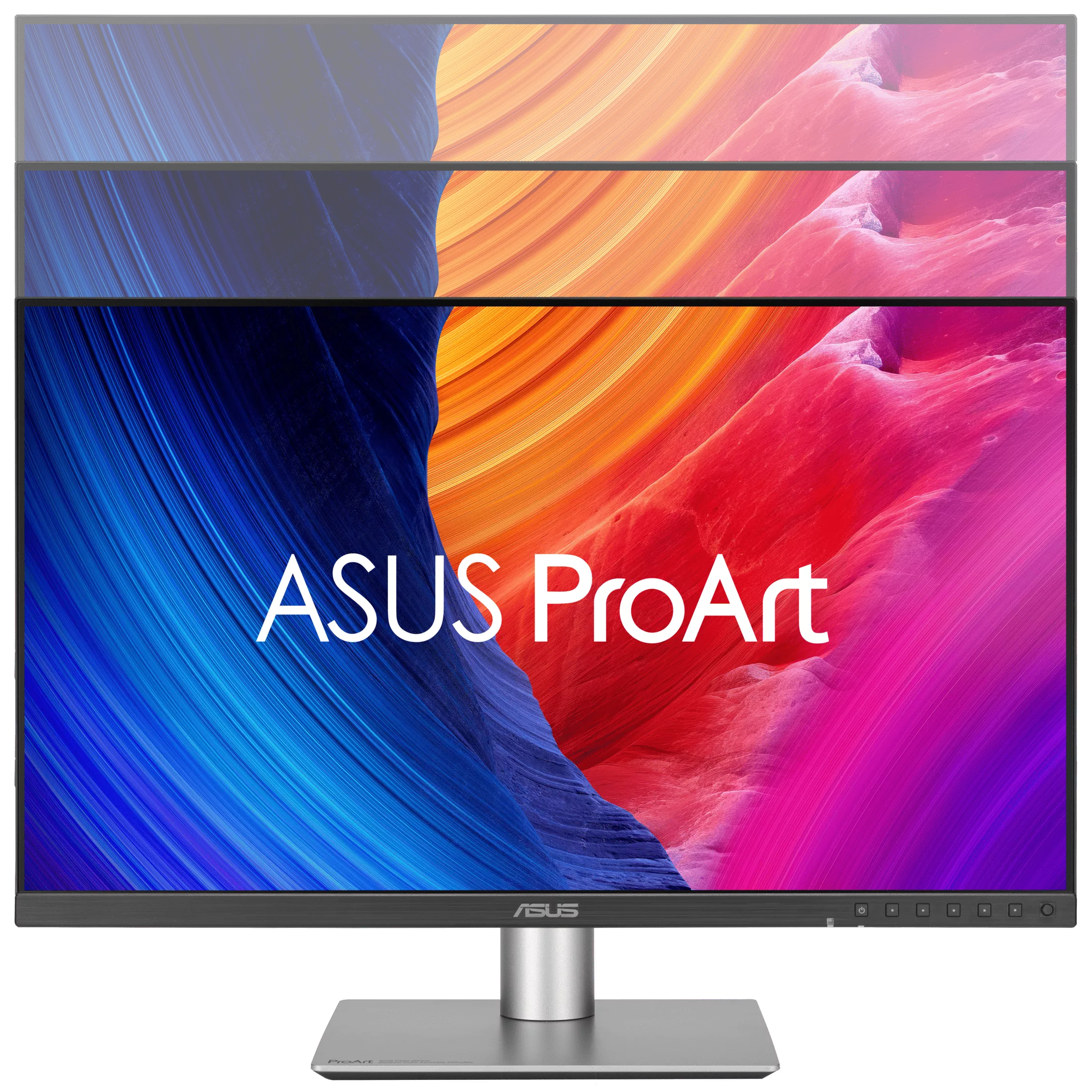
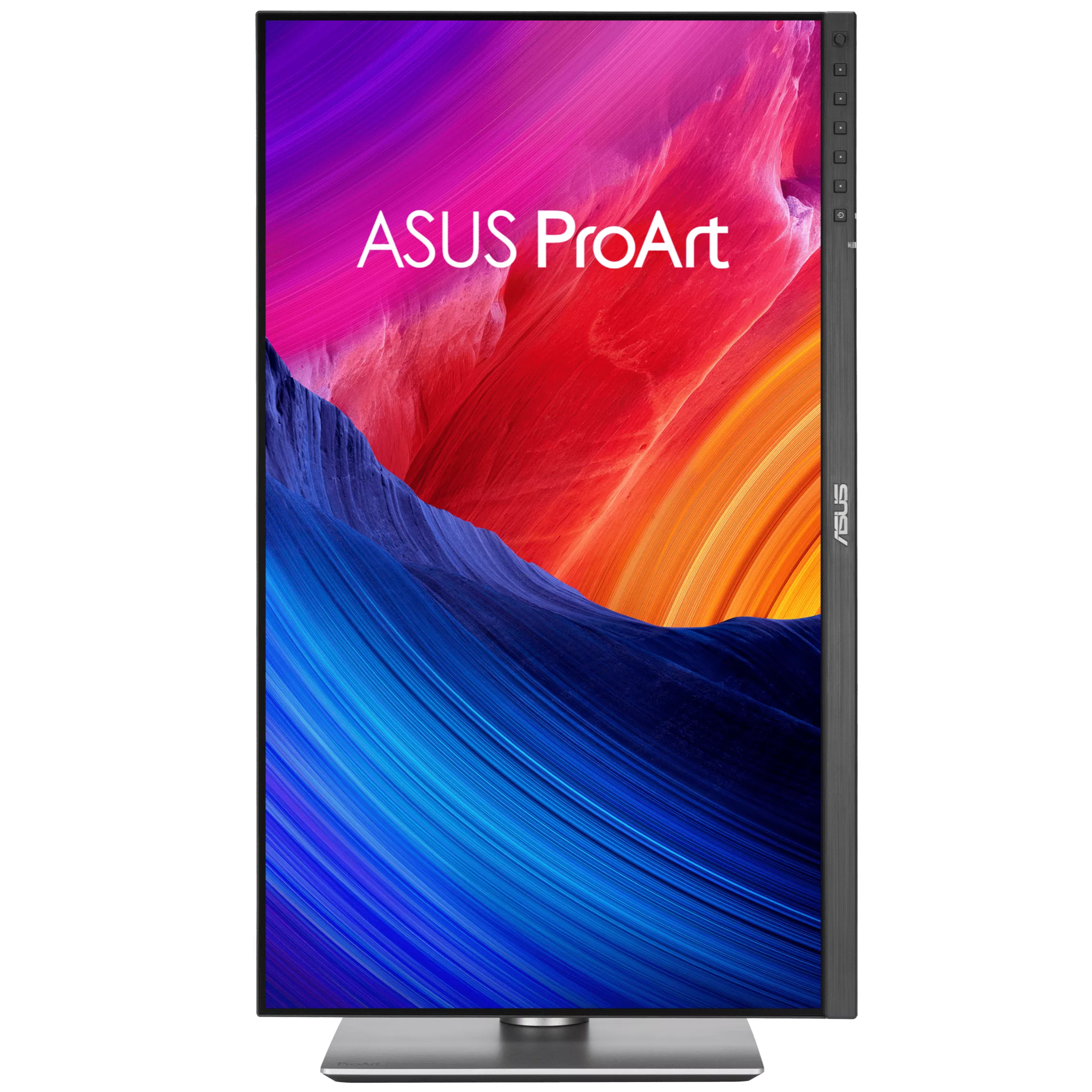
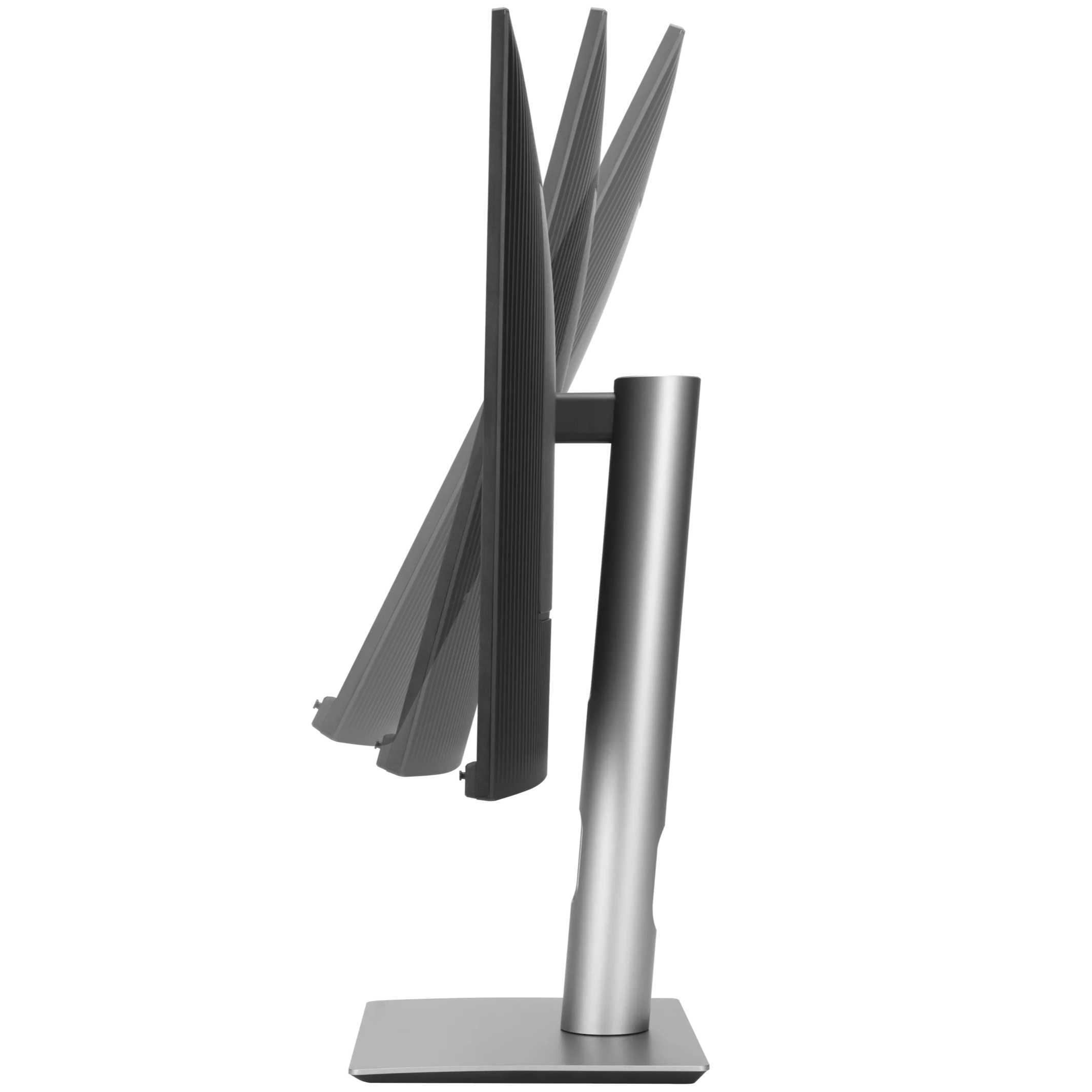
Each ProArt display features an ergonomic stand with tilt, swivel, pivot, and height adjustments for comfortable viewing. The ability to pivot the screen clockwise or counterclockwise 90° for use in Portrait mode comes in handy when working with long documents, coding or web browsing. Furthermore, the quick-release feature makes it easy to attach the display via the integrated VESA wall mount―screw-free, so it’s done in seconds!
ASUS Power Sync
Streamline and Declutter Your Desktop
ASUS Power Sync allows HDMI-connected devices to power on/off simultaneously with supported ASUS monitors, offering single-action control. Customizable via the MyASUS app with ASUS NUC*, this feature enhances device synergy for improved organization and productivity.
Tech Specs
Model
- ProArt Display PA27JCV
Display
- Panel Size (inch) : 27
- Pixels Per Inch (PPI) : 218
- Aspect Ratio : 16:9
- Display Viewing Area (H x V) : 596.74 x 335.66 mm
- Display Surface : AGLR (Anti-Glare, Low-Reflection)
- Backlight Type : LED
- Panel Type : IPS
- Viewing Angle (CR≧10, H/V) : 178°/ 178°
- Pixel Pitch : 0.116mm
- Resolution : 5120×2880
- Color Space (sRGB) : 100%
- Color Space (Adobe RGB) : 95%
- Color Space (DCI-P3) : 99%
- Brightness (HDR, Peak) : 500 cd/㎡
- Brightness (Typ.) : 400cd/㎡
- Contrast Ratio (Max) : 3000:1
- Contrast Ratio (Typ.) : 1500:1
- Display Colors : 1073.7M (10 bit)
- Response Time : 5ms(GTG)
- Refresh Rate (Max) : 60Hz
- HDR (High Dynamic Range) Support : HDR10
- Flicker-free : Yes
- LCD ZBD Warranty : Yes(3 yr)
Features
- Trace Free Technology : Yes
- ProArt Preset : User mode2
- User mode1
- HDR
- Rec.709
- DICOM
- Rec.2020
- DCI-P3
- Adobe RGB
- sRGB
- Native
- Color Temp. Selection : Yes (9300K, 6500K, 5500K, 5000K, DCI-P3, M Model)
- Color Adjustment : RGB Tuning (Gain / Offset)
- Gamma Adjustment : Yes (Support Gamma 1.8/2.0/2.2/2.4/2.6)
- Auto Rotation:Yes, supported by DisplayWidget Center
- Color Accuracy : △E< 2
- ProArt Palette : Yes
- QuickFit Plus : Yes
- PIP / PBP Technology : Yes
- HDCP : Yes, 2.2
- VRR Technology : Yes (Adaptive-Sync)
- ProArt Chroma Tune : Yes
- DisplayWidget : Yes, DisplayWidget Center
- Low Blue Light : Yes
- KVM Switch : Yes
- ASUS Power Sync : Yes
Audio
- Speaker : Yes(2Wx2)
I/O Ports
- USB-C x 1 (DP Alt Mode)
- DisplayPort 1.4 x 1
- HDMI(v2.1) x 1 (FRL)
- USB Hub : 1x USB 3.2 Gen 1 Type-C
- 3x USB 3.2 Gen 1 Type-A
- Earphone Jack : Yes
- Combo Audio Jack :No
- USB-C Power Delivery : 96W
Signal Frequency
- Digital Signal Frequency : 15~135 KHz (H) / 48~60 Hz (V)
Power Consumption
- Power Consumption : 31.04w
- Power Saving Mode : < 0.5W
- Power Off Mode : 0W (hard switch)
- Voltage : 100-240V, 50/60Hz
Mechanical Design
- Tilt : Yes (+23° ~ -5°)
- Swivel : Yes (+30° ~ -30°)
- Pivot : Yes (+90° ~ -90°)
- Height Adjustment : 0~130mm
- Ambient Light Sensor : Yes
- VESA Wall Mounting : 100x100mm
- Kensington Lock : Yes
Dimensions
- Phys. Dimension (W x H x D) : 61.22 x 53.81 x 21.50 cm (24.10″ x 21.19″ x 8.46″)
- Phys. Dimension without Stand (W x H x D) : 61.22 x 36.29 x 4.41 cm (24.10″ x 14.29″ x 1.74″)
- Box Dimension (W x H x D) : 69.10 x 42.70 x 13.80 cm (27.20″ x 16.81″ x 5.43″)
Weight
- Net Weight : 5.91 kg (13.03 lbs)
- Net Weight without Stand : 4.14 kg (9.13 lbs)
- Gross Weight : 8.73 kg (19.25 lbs)
Accessories
- Welcome Card
- Warranty Card
- USB-C cable
- Quick start guide
- Power cord
- Microfiber cloth
- HDMI Ultra High Speed Cable
- Color pre-calibration report
Certificate
- Mac Compliance
- FSC MIX
- Calman Verified
- VESA MediaSync Display
- VESA DisplayHDR 500
- TÜV Low Blue Light
- TÜV Flicker-free
- EPEAT Gold
- Energy Star
| Brand | ASUS |
|---|---|
| Color | Black |
| Warranty | Official Warranty |
Only logged in customers who have purchased this product may leave a review.
Related products





Redragon AMBER 27″ Curve Gaming Monitor – GM27H10C

Limited-time offer

Reviews
Clear filtersThere are no reviews yet.