
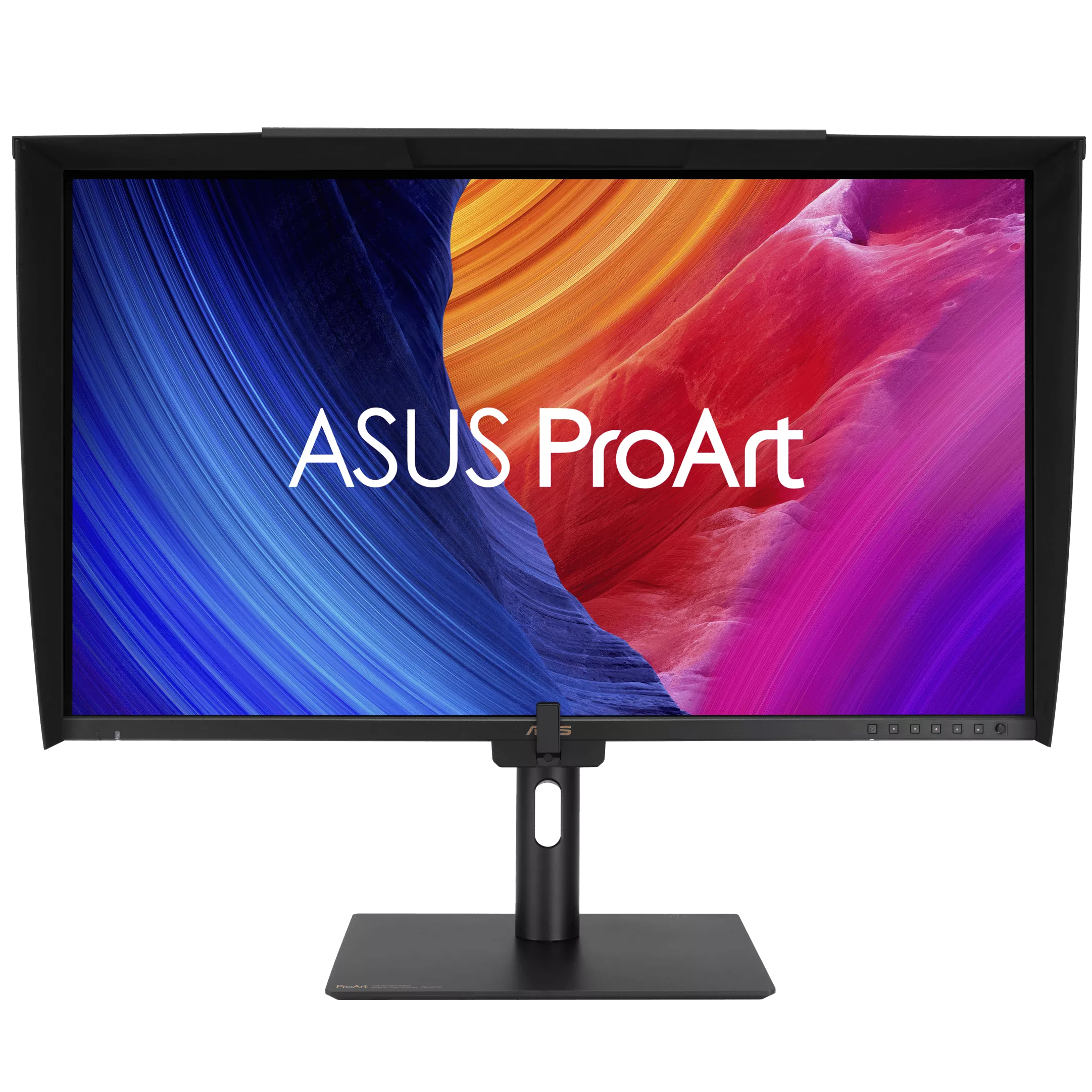
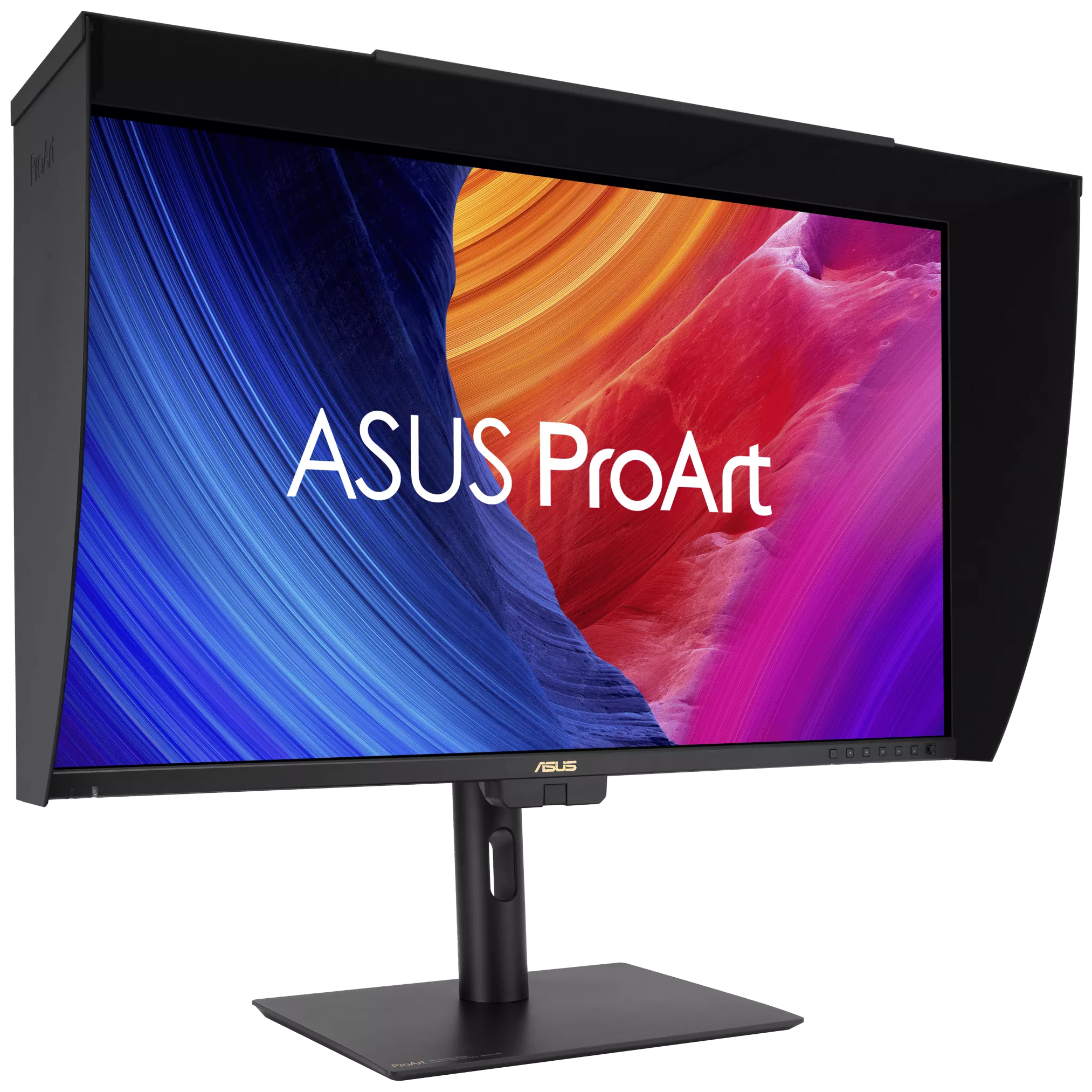
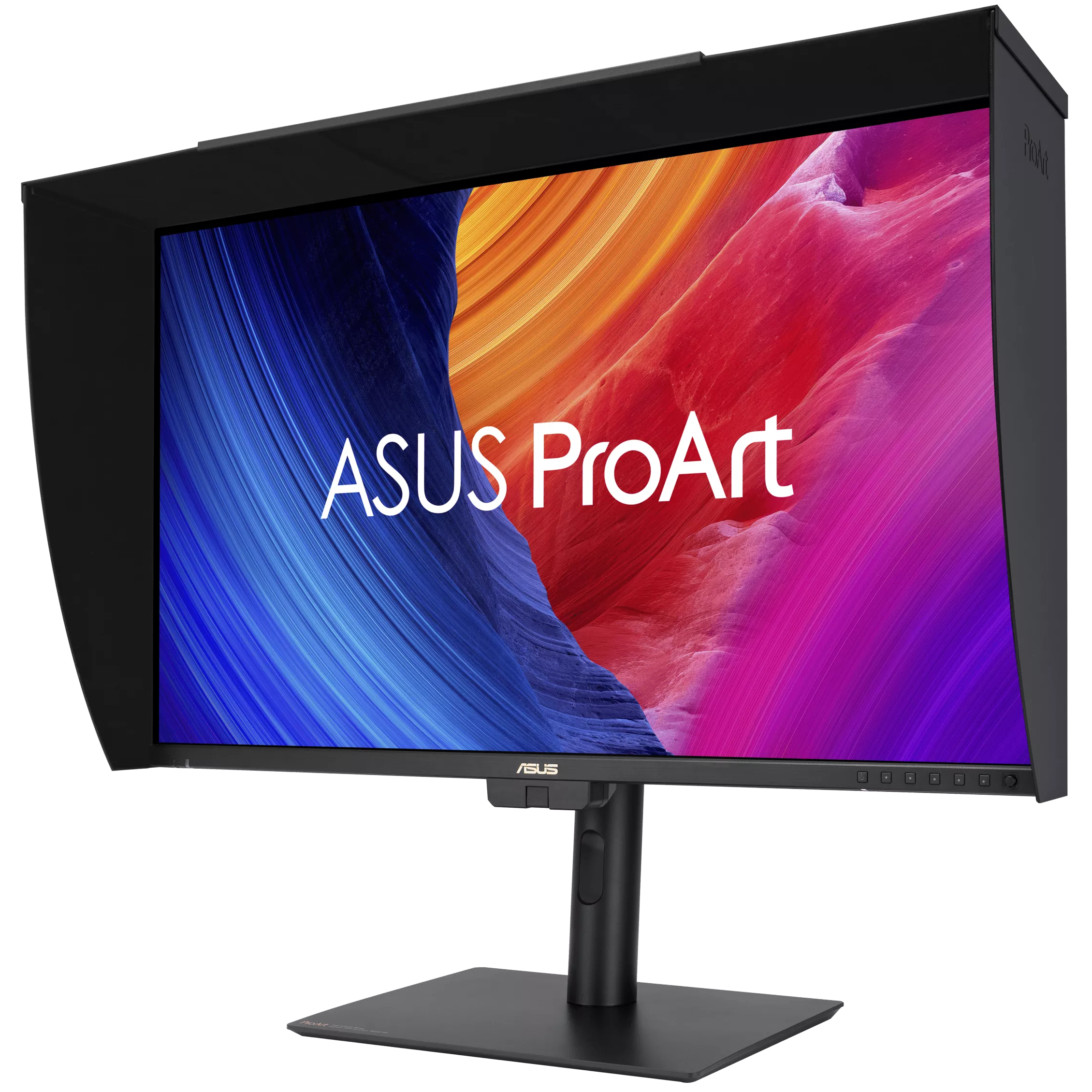
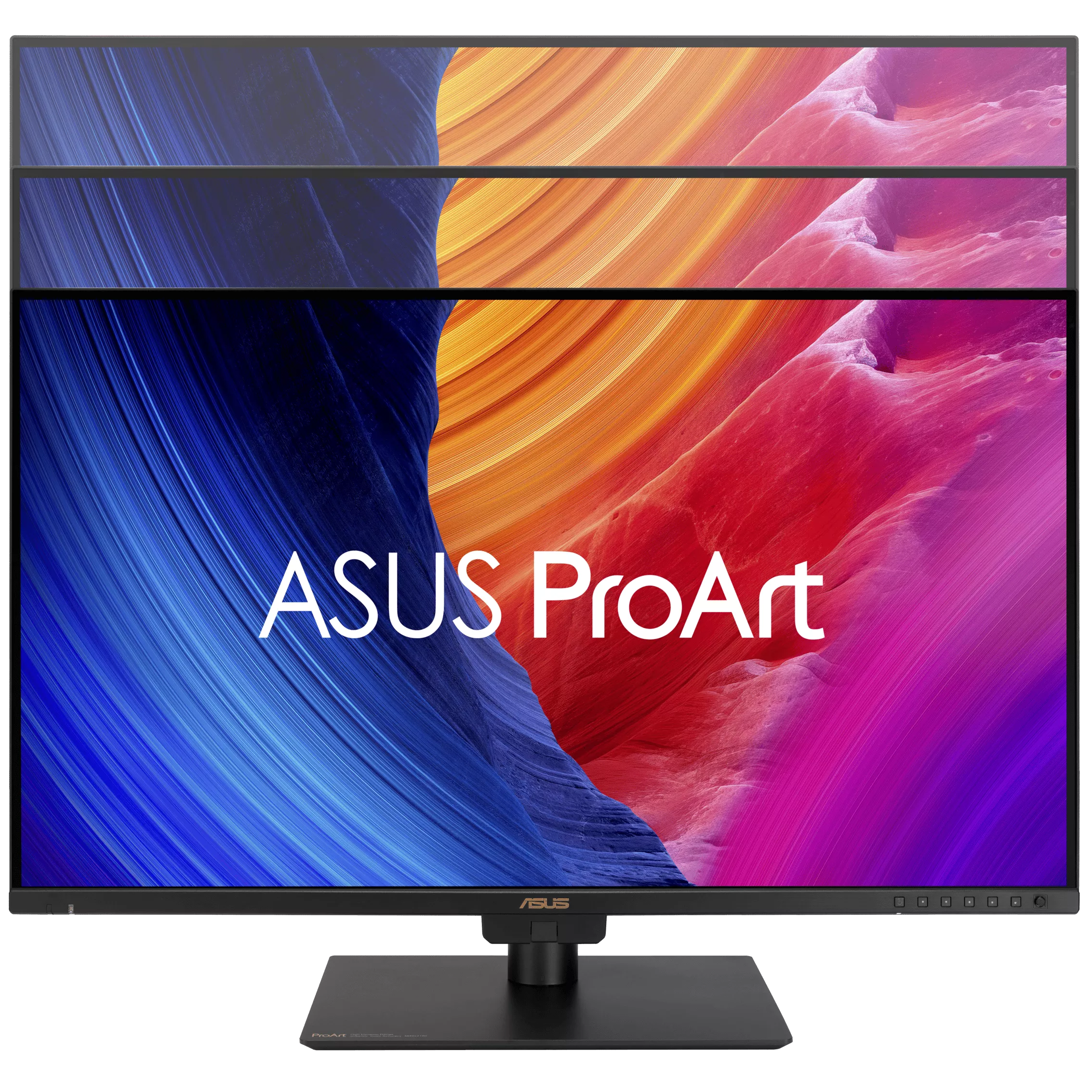
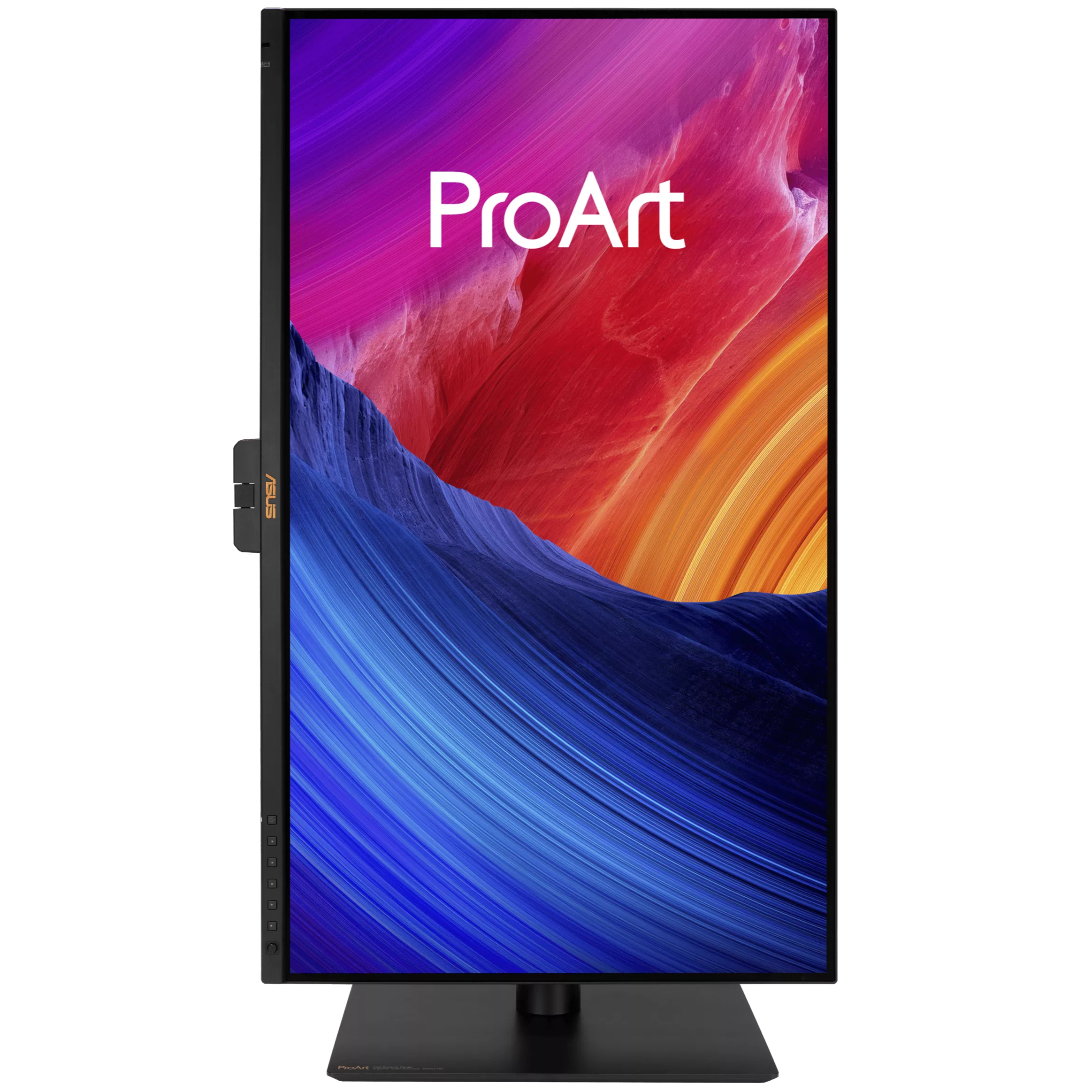
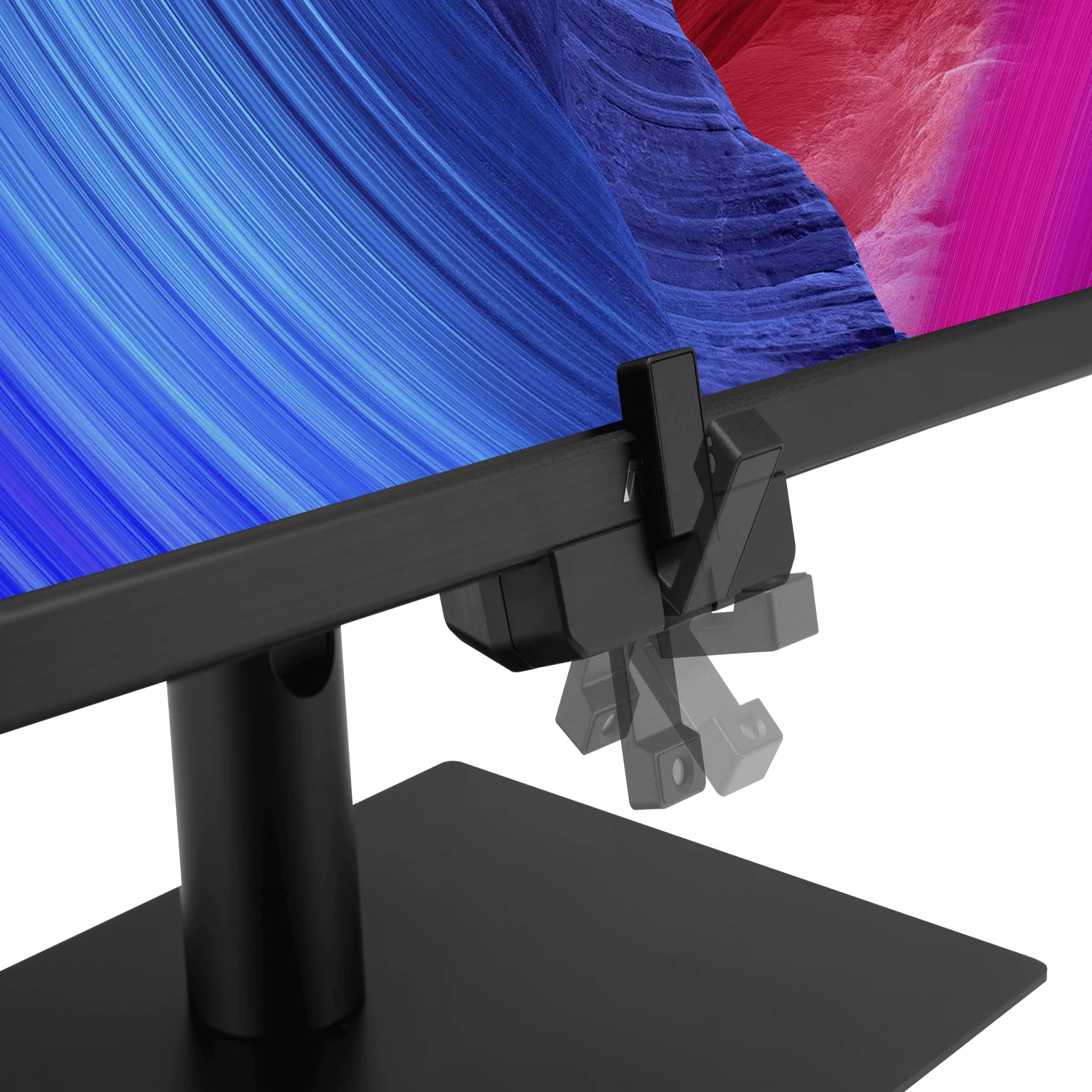
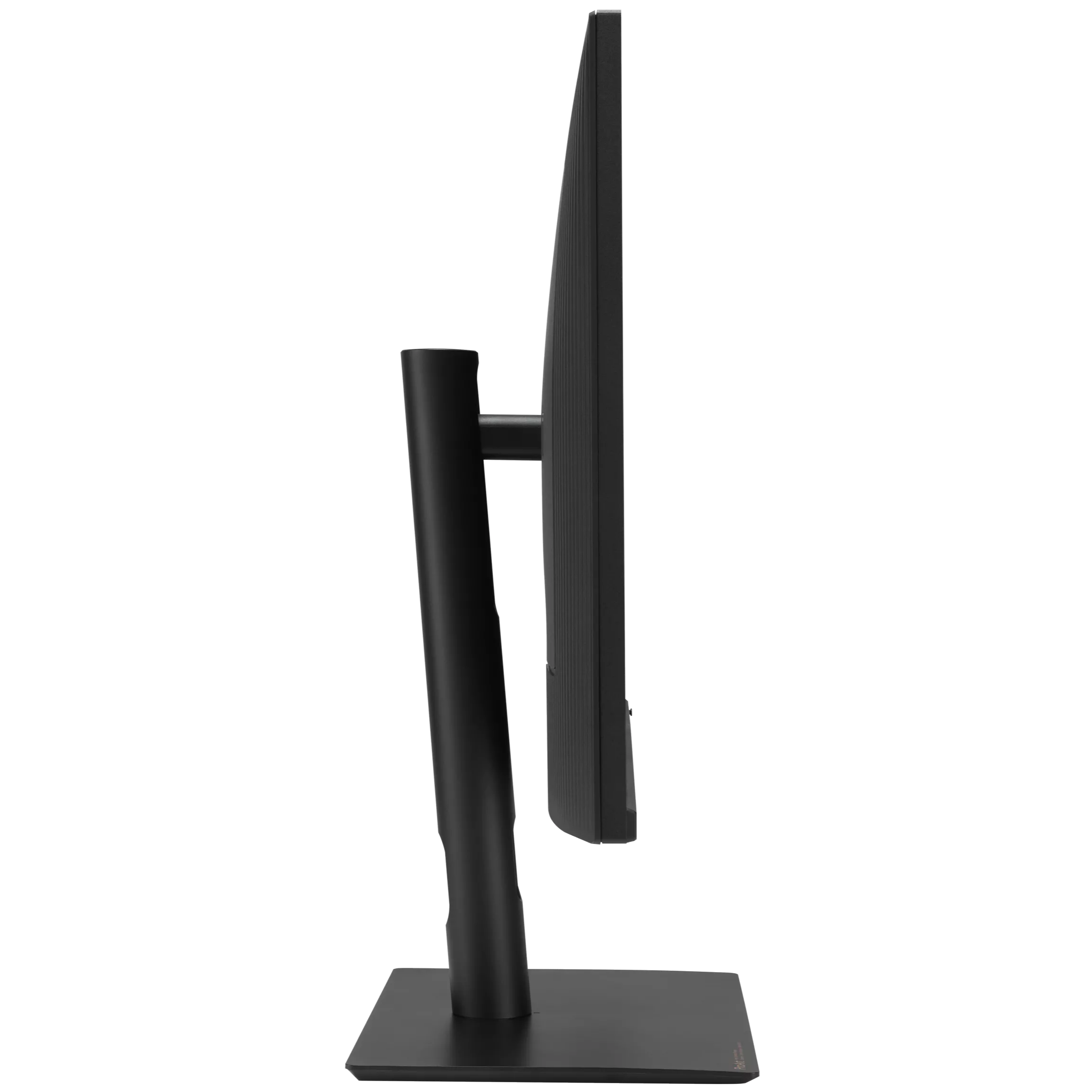
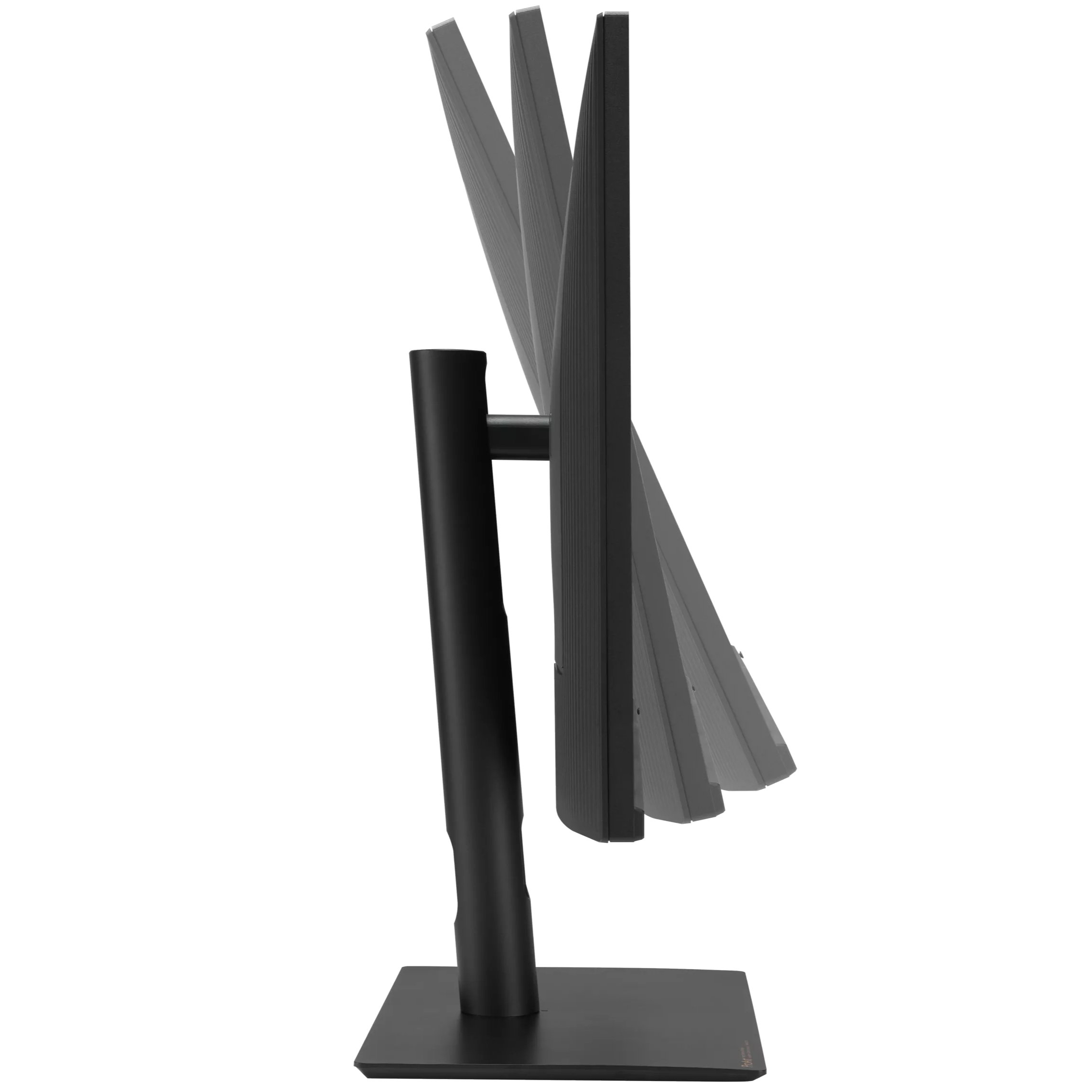
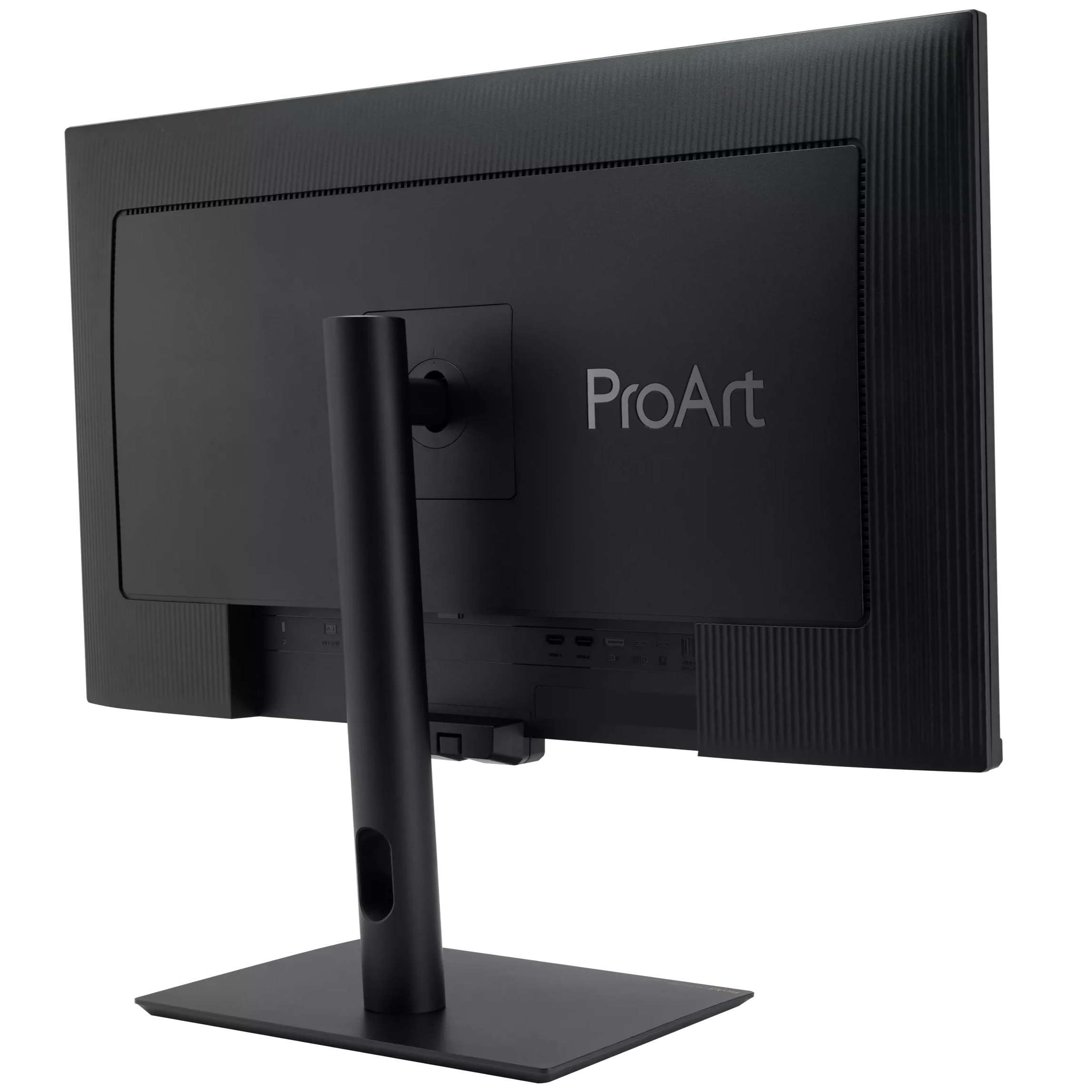
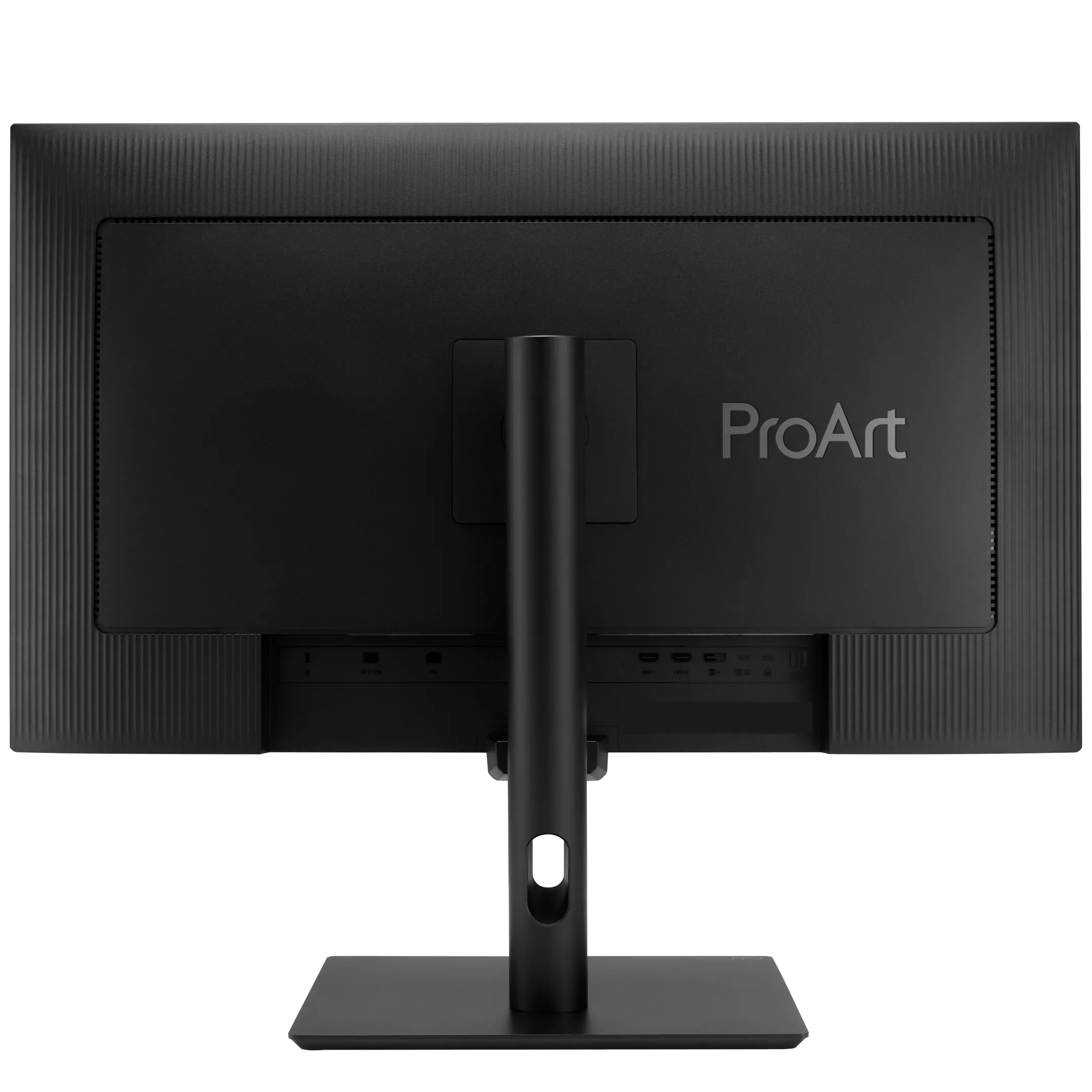
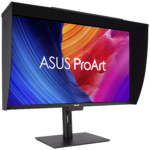
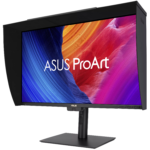
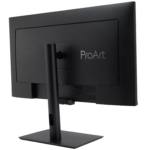
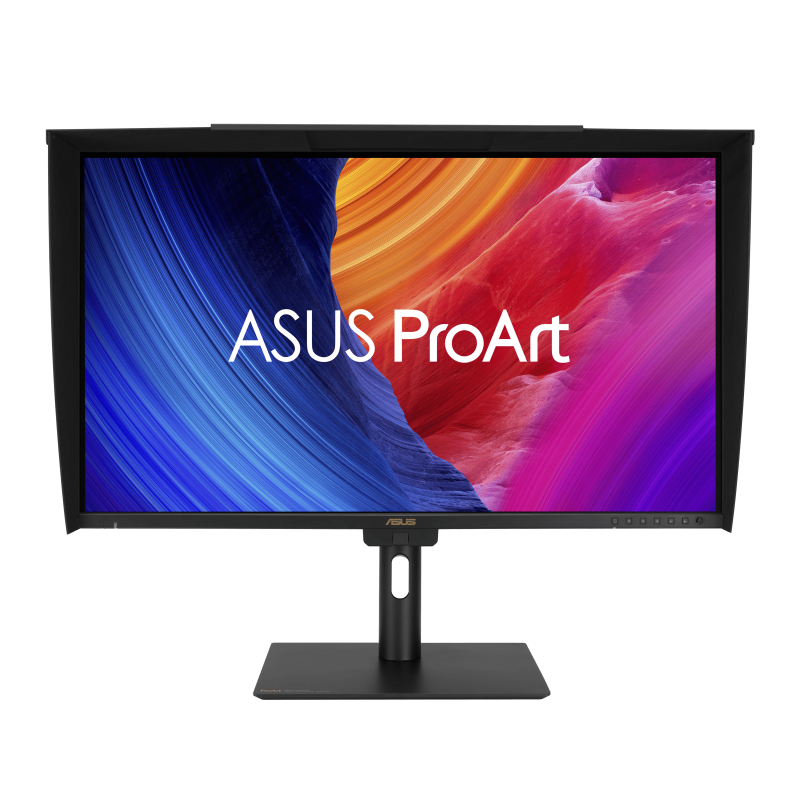
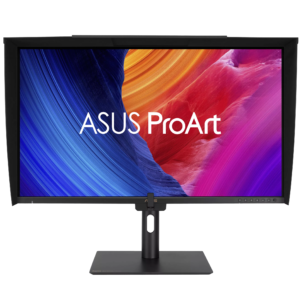
ASUS ProArt PA27UCGE 27″ 4K UHD 160Hz IPS Gaming & Professional Monitor
₨ 325,000
- 3840 × 2160 native resolution
- Up to 160Hz
- IPS panel
- USB-C power delivery: up to 96W
Creative resolution with a higher refresh ceiling
A 4K ProArt that makes room for 160Hz.
The PA27UCGE combines 27-inch 3840 × 2160 IPS with a 160Hz maximum. It suits a desk where image work and high-refresh games share the same display, rather than asking you to accept the 60Hz limit of many creator monitors.
- 4K
- 3840 × 2160
- 160Hz
- Maximum refresh ceiling
- IPS
- Display format
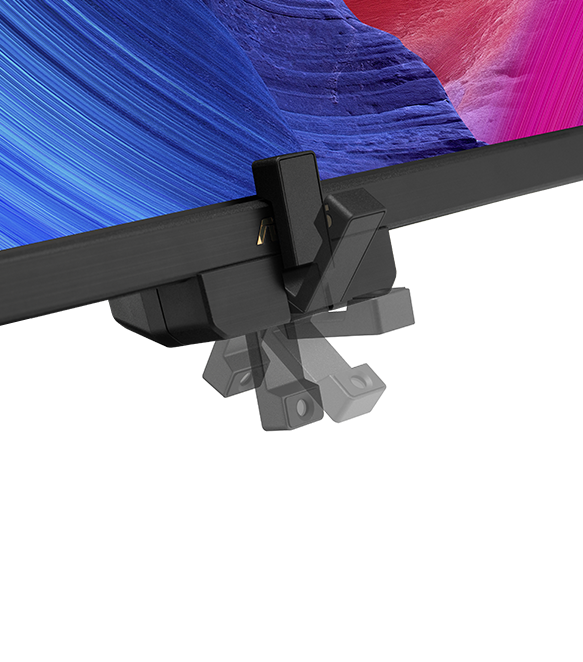
Built-in measurement for a managed colour workflow
ASUS lists an embedded colorimeter with self-calibration, ProArt hardware calibration and Calman Ready status. The stated colour accuracy is Delta E below 1, with 98% DCI-P3 coverage. Calibration targets, room conditions and application colour management remain part of the workflow.
KVM and up to 96W USB-C power delivery
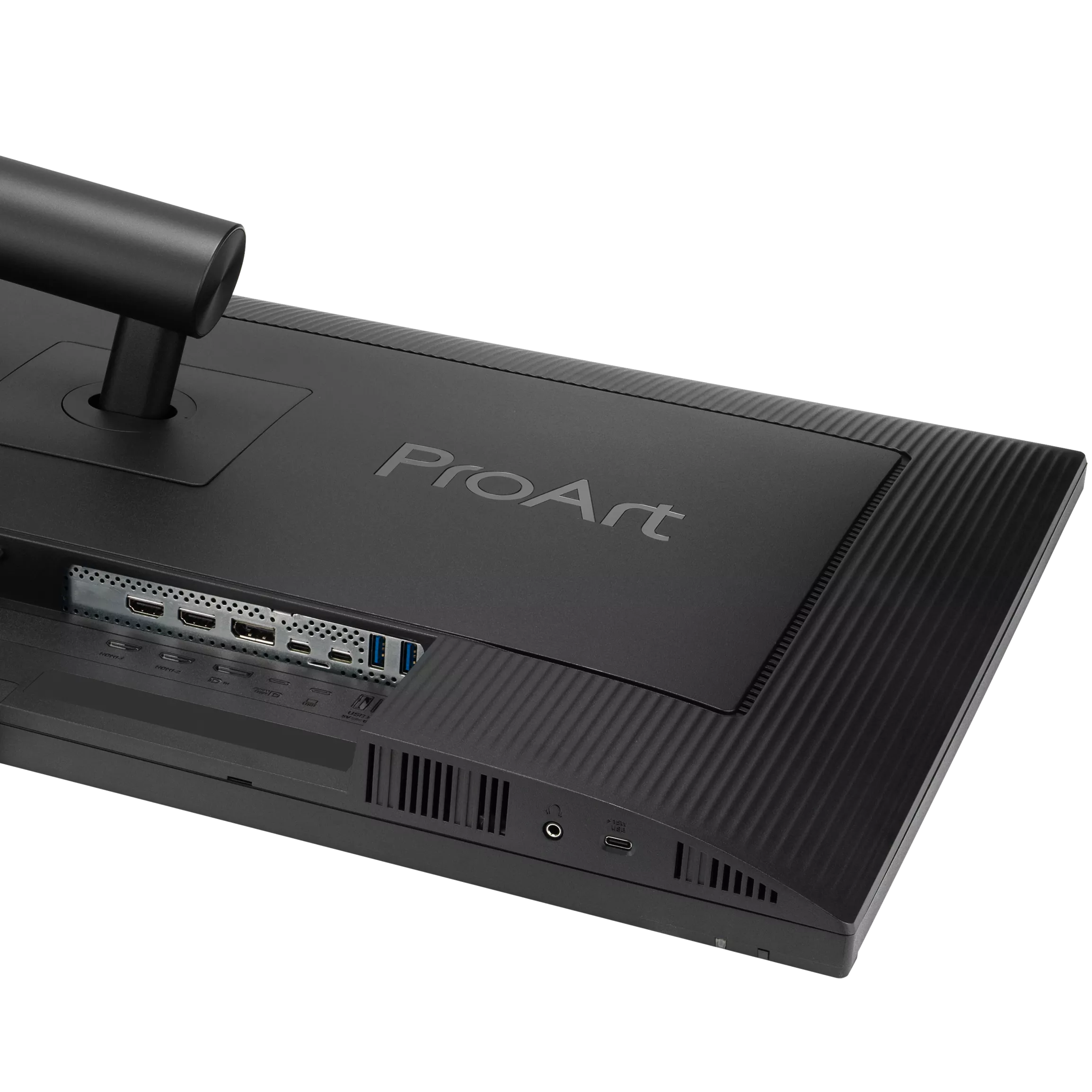
A compatible USB-C laptop can connect for video and charging, while KVM support lets properly connected computers share peripherals. DisplayPort 1.4 DSC and HDMI 2.1 FRL are also available. VESA DisplayHDR 600, HDR10 and HLG support are listed for compatible HDR workflows.
PA27UCGE specifications
- Viewable screen
- 27 inches
- Native resolution
- 3840 × 2160 (4K)
- Maximum refresh
- Up to 160Hz
- Panel
- IPS
- Connections
- USB-C x 1 (DP Alt Mode); DisplayPort 1.4 DSC x 1; HDMI(v2.1) x 2 (FRL)
- Response rating
- 1ms(GTG)
- Variable refresh
- Adaptive-Sync
- HDR specification
- VESA DisplayHDR 600
- USB-C power delivery
- 96W
- VESA pattern
- 100 × 100 mm
- Colour workflow
- Calman Ready
Calibration and connection questions
Is Calman Ready the same label as Calman Verified?
No. ASUS lists Calman Ready for this model, alongside hardware-calibration capabilities and an embedded colorimeter. It should not be rewritten as a different certification label.
Does KVM require more than a video connection?
Yes. Sharing keyboard and mouse requires the appropriate USB data path as well as video. Follow the model’s connection instructions for each computer.
Manufacturer information: ASUS model reference · ASUS model reference.
Specifications and box contents may vary by region or manufacturer revision. Please check the linked manufacturer information and confirm any essential feature or included accessory with GameOn.pk before ordering.
| Brand | ASUS |
|---|---|
| Color | Black |
| Warranty | Official Warranty |
Only logged in customers who have purchased this product may leave a review.
Related products






Redragon MIRROR 27″ IPS FHD 200Hz Gaming Monitor – GM27X5

Limited-time offer

Reviews
Clear filtersThere are no reviews yet.