
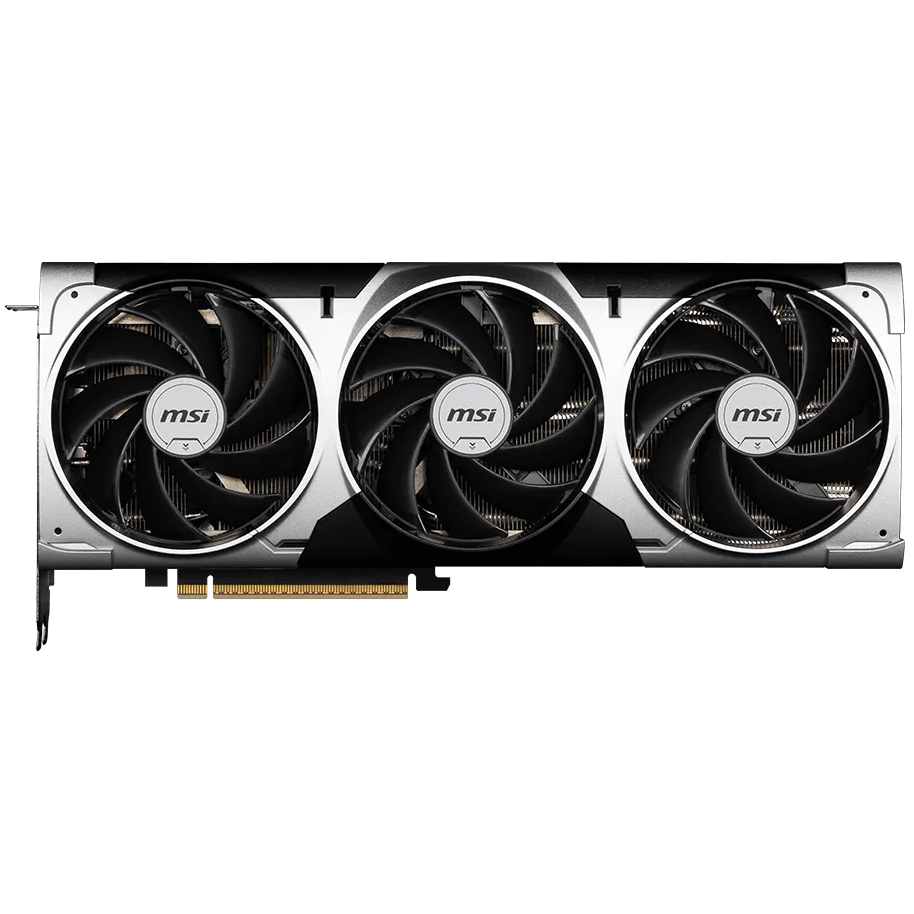

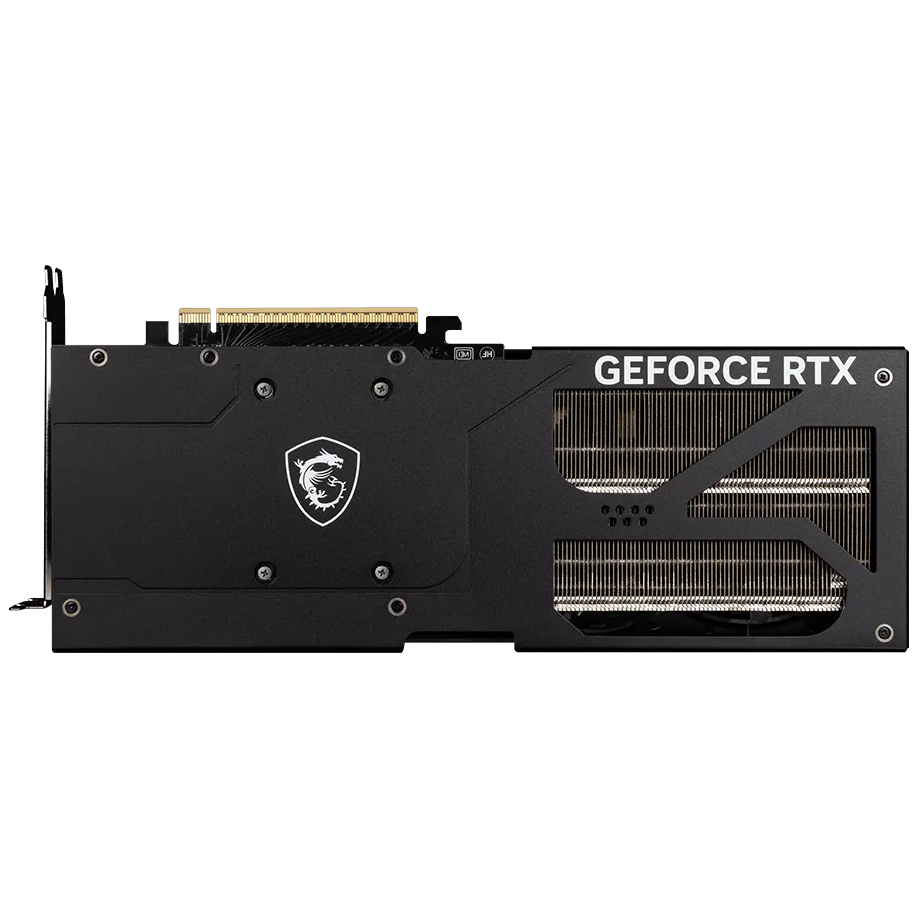
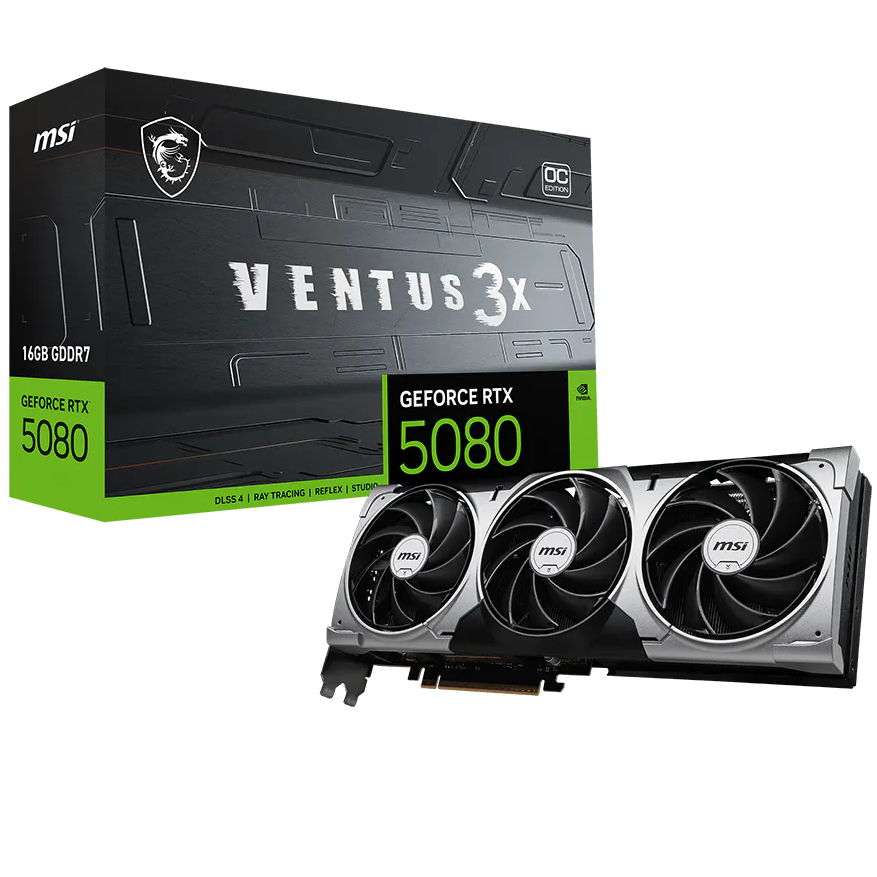


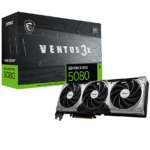

MSI GeForce RTX 5080 Ventus 3X 16G OC Graphic Card
₨ 560,000
- 16GB GDDR7 · GeForce RTX 5080
- 303 × 121 × 49mm
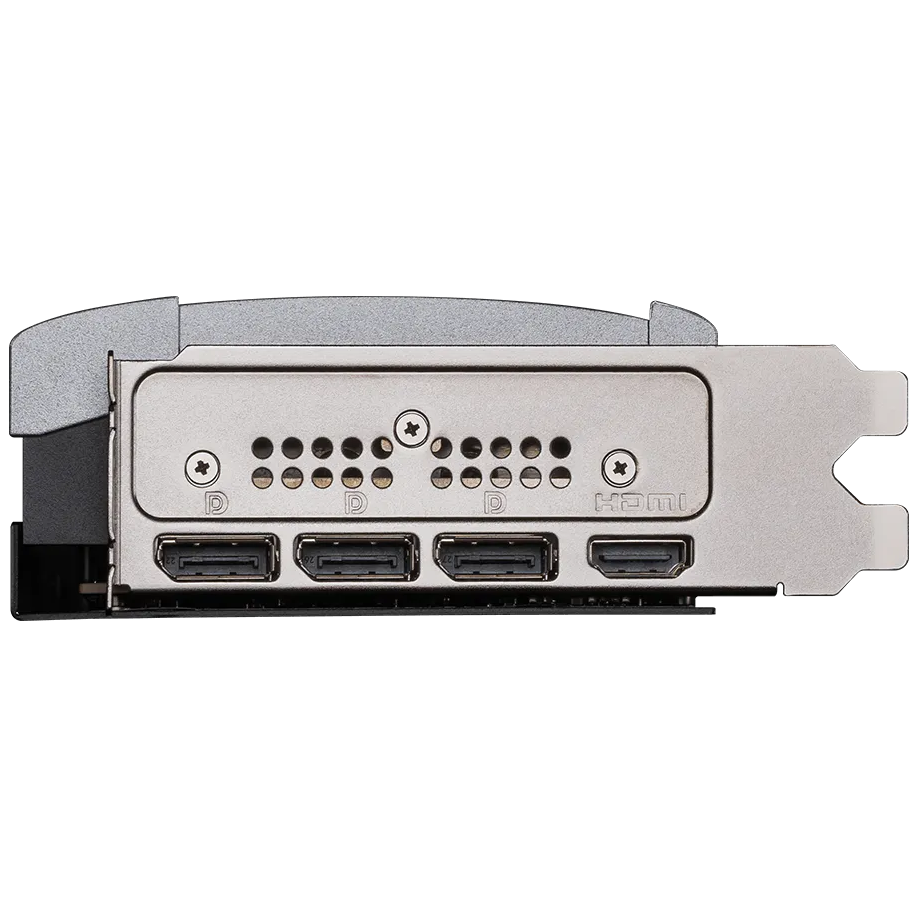
- 1 × HDMI 2.1b; 3 × DisplayPort 2.1b · up to 4 displays
- 850W recommended system PSU · 16-pin x 1 (ATX 3.1 PSU recommended)
MSI VENTUS · GeForce RTX 5080
RTX 5080.
VENTUS thermal engineering.
The MSI GeForce RTX 5080 Ventus 3X 16G OC Graphics Card combines 16GB GDDR7 with a three-fan cooling design. The exact manufacturer model is GeForce RTX 5080 16G VENTUS 3X OC.
The cooling layout, memory configuration and connection requirements below apply to this exact edition. Match them to the space, power supply and displays in your PC build.
- 16GB
- GDDR7
- 256-bit
- Memory interface
- 303mm
- Card length
Graphics platform
16GB GDDR7.
GeForce RTX 5080.
NVIDIA Blackwell is paired with 16GB GDDR7, 30 Gbps memory and a 256-bit interface. Capacity is useful when checking application and game requirements, but it does not independently establish frame rate or resolution performance.
Published clock modes
The published default boost is 2640MHz. MSI Center Extreme Performance is listed at 2655MHz. These are mode-specific values; sustained clocks depend on the workload and thermal conditions.
DLSS and ray-traced games
Supported games can use NVIDIA DLSS Super Resolution, Ray Reconstruction and Multi Frame Generation. These require game/software support and do not promise the same options or frame rate in every title.
Choose the exact edition
GeForce RTX 5080 16G VENTUS 3X OC identifies this board. The cooler, dimensions and power connection are board-specific details; do not substitute a reference-card specification.
Thermal and board design
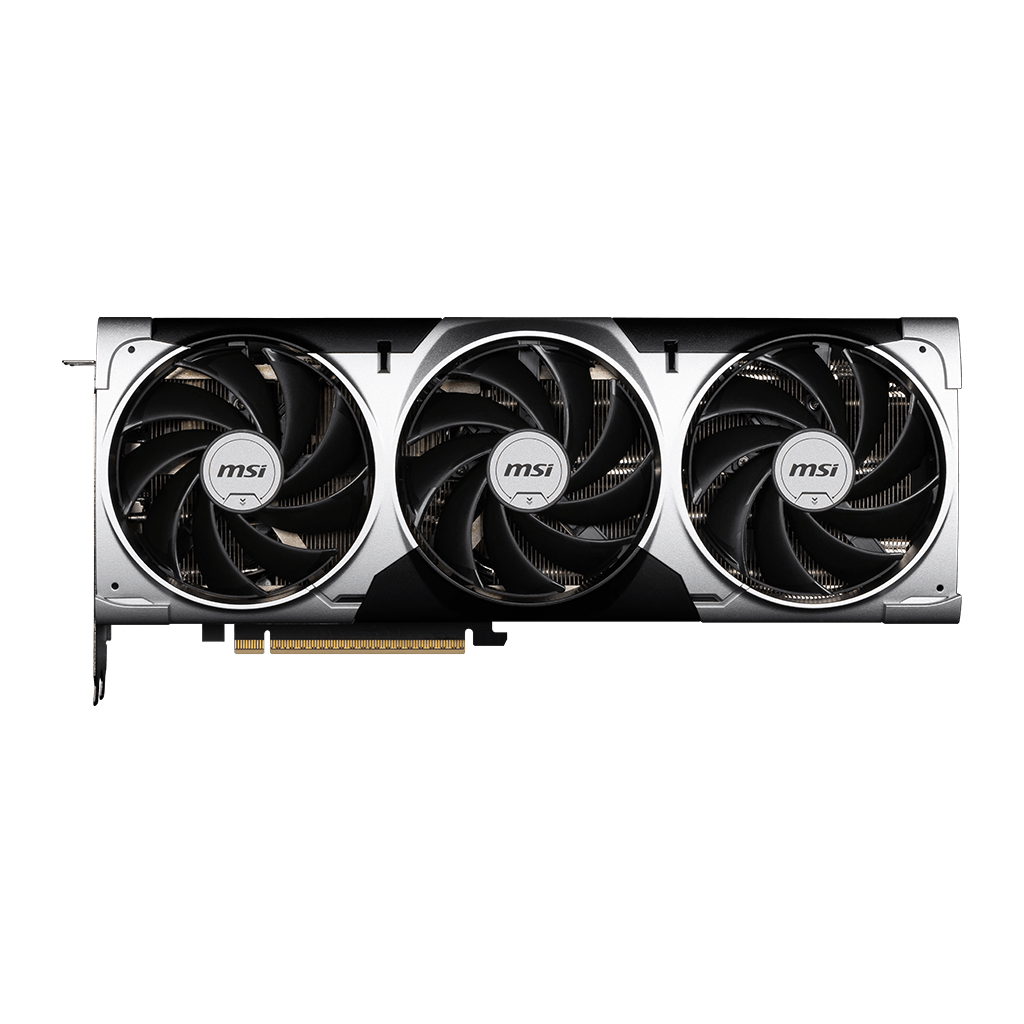
A three-fan assembly.
VENTUS cooling and construction.
The exact MSI GeForce RTX 5080 16G VENTUS 3X OC edition uses a three-fan cooler. The verified features below explain how its fan assembly, heatsink and board construction work together. Keep the surrounding airflow path clear in the finished PC.
TORX Fan 5.0 airflow
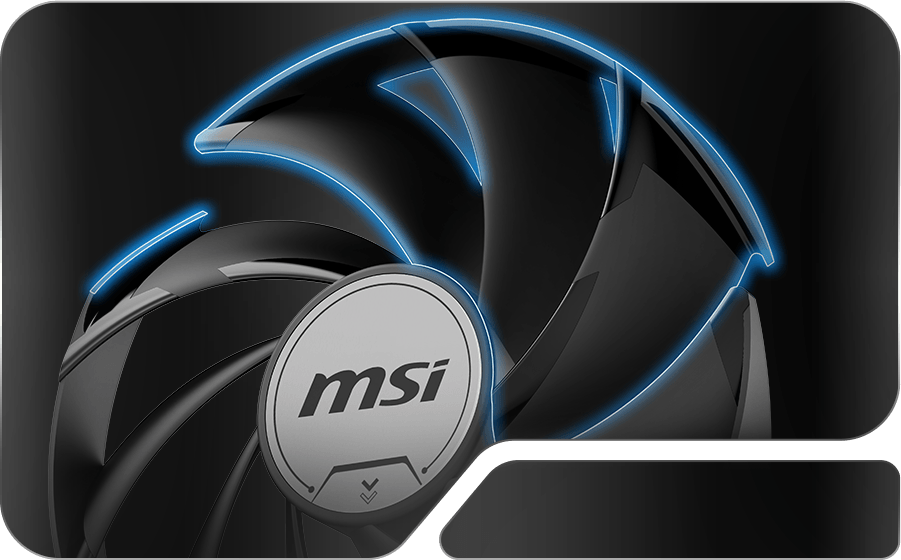
Linked fan-blade ring arcs and the fan cowl work together to manage airflow through the heatsink. This is the TORX Fan 5.0 design specified for this edition.
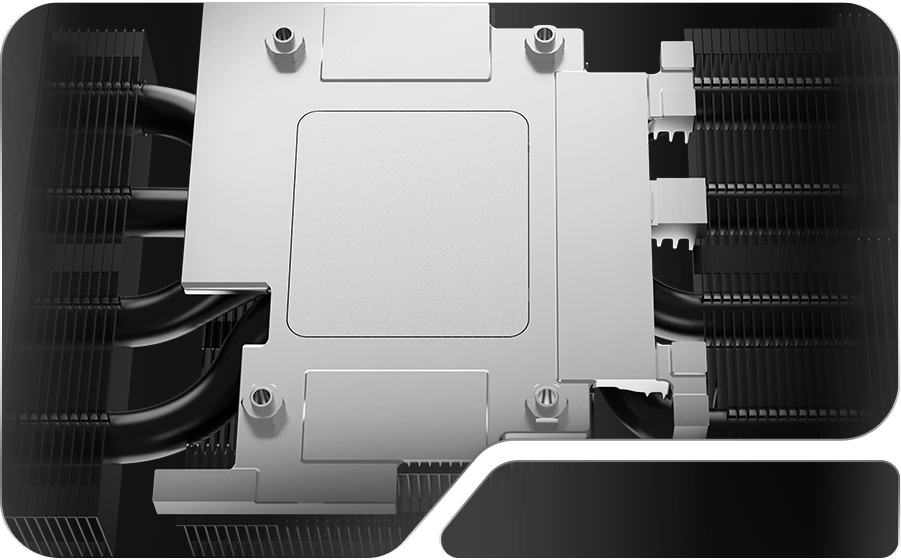
Heat collection from GPU and memory
The nickel-plated copper baseplate collects heat from the GPU and memory. It forms the first stage of the thermal path into the cooler.
Square-section Core Pipes
Core Pipes use a square design to increase contact with the GPU baseplate. They transfer thermal energy into the heatsink; cooling results still depend on the finished system.
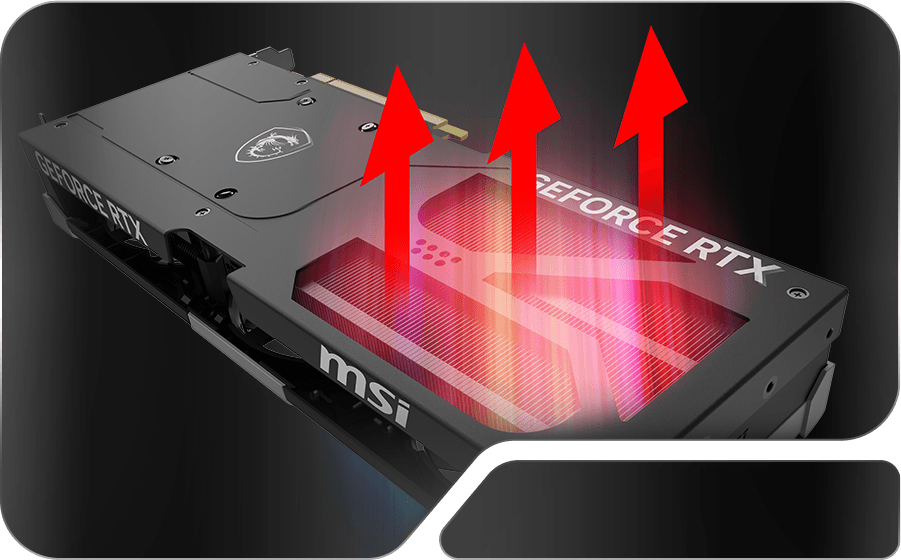
Metal reinforcement and ventilation
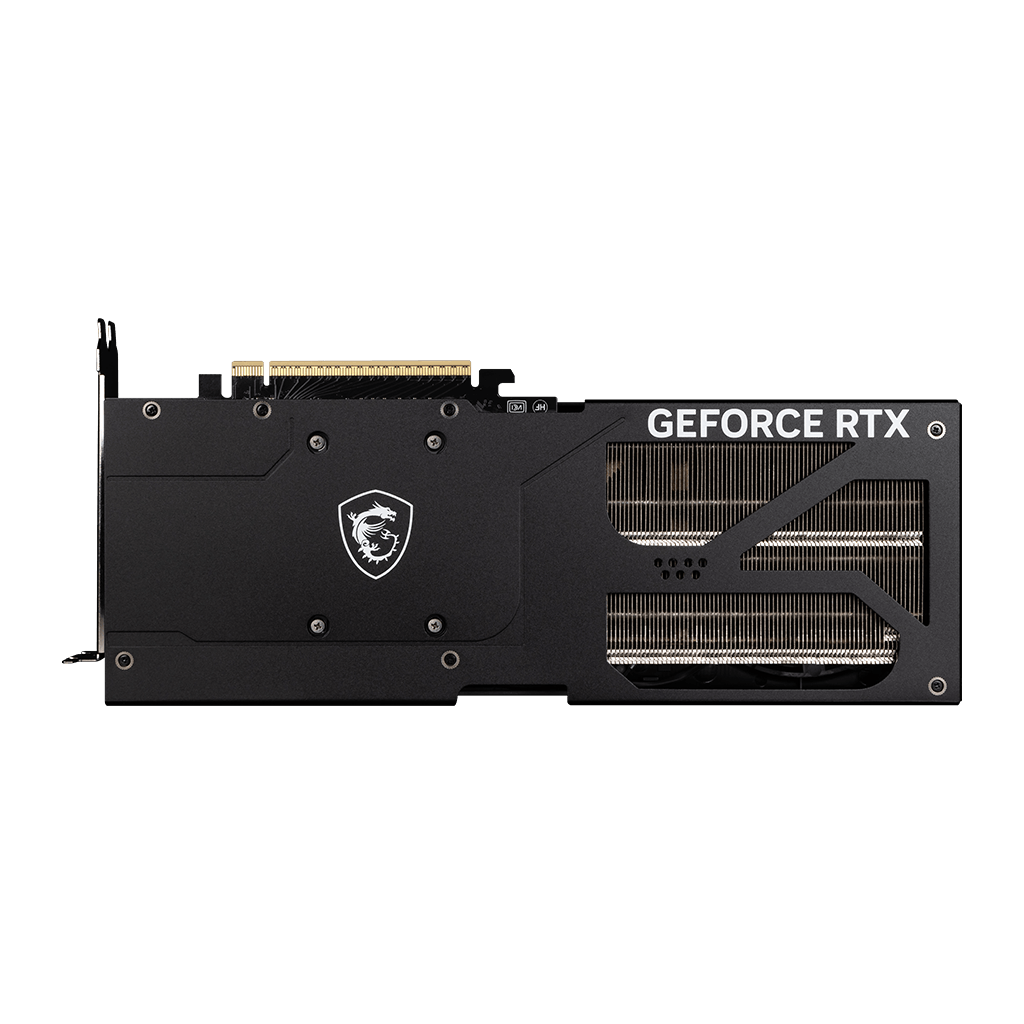
A metal backplate strengthens the card and incorporates airflow vents. This is a structural and thermal feature, rather than proof that the card will fit every motherboard or case.
Fans can pause at lower temperatures
MSI Zero Frozr can stop the fans when temperatures are relatively low and restart active cooling when needed. It is a temperature-dependent behavior, not a guarantee of silent gaming.
DrMOS power stages
DrMOS power stages form part of the board’s power-delivery design, with voltage control and reduced power loss as their design goals.
Additional PCB safeguards
The custom PCB includes additional fuses intended to provide safeguards against electrical damage. This does not replace correct PSU selection and installation.
A model-specific PCB
MSI describes hardened circuits and optimized trace routing in the custom PCB. Choose components and cabling for this exact board rather than an assumed reference design.
Build compatibility
Space. Power.
The right display connections.
The GeForce RTX 5080 16G VENTUS 3X OC board has its own dimensions and connection layout. Check these before ordering; an RTX or Radeon family name alone is not a compatibility check.
Measure usable clearance
Use the manufacturer’s 303 × 121 × 49mm dimensions. Confirm available length with front fans/radiators installed, card thickness around adjacent slots and power-cable space at the side panel.
Match PSU and cabling
MSI recommends a 850W system PSU. The card’s listed power consumption is 360 W, a separate figure from PSU capacity. The card power connection is 16-pin x 1 (ATX 3.1 PSU recommended). Confirm the PSU and cable arrangement for your full configuration.
Up to 4 displays
1 × HDMI 2.1b; 3 × DisplayPort 2.1b. Monitor, cable, display mode and any DSC requirement determine available resolution and refresh rates. Maximum digital resolution is not a gaming-FPS promise.
Monitoring and customization.
MSI Afterburner provides graphics-card monitoring and supported tuning controls. MSI Center is also identified for this exact model.
Exact-model specifications.
- Exact edition
- GeForce RTX 5080 16G VENTUS 3X OC
- GPU
- GeForce RTX 5080
- Video memory
- 16GB GDDR7
- Memory speed / interface
- 30 Gbps / 256-bit
- CUDA cores
- 10752 Units
- Default boost clock
- 2640MHz
- MSI Center Extreme Performance
- 2655MHz
- PCI Express interface
- PCI Express Gen 5
- Display outputs
- 1 × HDMI 2.1b; 3 × DisplayPort 2.1b
- Maximum simultaneous displays
- 4
- Dimensions
- 303 × 121 × 49mm
- Recommended system PSU
- 850W
- Card power connector
- 16-pin x 1 (ATX 3.1 PSU recommended)
- Manufacturer-listed card power
- 360 W
- Maximum digital resolution
- 7680 × 4320; display capability, not gaming FPS
- OpenGL support
- 4.6
- DirectX support
- 12 Ultimate
Questions about this edition.
What should I check before choosing this exact edition?
Start with the 303 × 121 × 49mm dimensions, 850W recommended system PSU and 4-display limit. The GPU name alone does not establish case fit, PSU cabling or output compatibility.
What clearance does this VENTUS card need?
The published dimensions are 303 × 121 × 49mm. Check usable space after front fans or radiators are installed, nearby expansion cards and cable routing. Card length alone is not a complete fit check.
What PSU connection should I prepare?
The official specification states 16-pin x 1 (ATX 3.1 PSU recommended). The recommended 850W figure is for the system PSU, not a claim that the GPU consumes that entire amount. Confirm PSU compatibility and the manufacturer’s cable-installation guidance.
Is Extreme Performance the default boost setting?
No. MSI lists 2640MHz boost and 2655MHz Extreme Performance through MSI Center. These are distinct settings, rather than a promise of a sustained clock in every workload.
How many displays does this edition support?
The exact specification lists a maximum of 4 displays. Its output mix is 1 × HDMI 2.1b; 3 × DisplayPort 2.1b. Resolution and refresh-rate choices depend on the monitor, cable and supported display mode.
Why might the fans stop during desktop use?
The manufacturer describes temperature-dependent fan-stop operation. Active cooling resumes when needed. This is expected behavior under suitable conditions, not a guarantee of silent operation during games.
Manufacturer resources: MSI model overview · Exact specifications · Official model datasheet.
Explore graphics cards at GameOn.pk.
Specifications and box contents may vary by region or manufacturer revision. Please check the linked manufacturer information and confirm any essential feature or included accessory with GameOn.pk before ordering.
| Brand | MSI |
|---|---|
| Color | Black & Grey |
| Warranty | Official Warranty |
Only logged in customers who have purchased this product may leave a review.




Reviews
Clear filtersThere are no reviews yet.